
Which AI directory is worth your time when many of them show the same shiny tools, similar categories, and very different levels of trust? That's the awkward gap behind most searches for an AI tools list. A directory can help you spot a useful product, but it may also reflect paid placement, launch activity, editorial preference, community votes, or little more than a submitted profile.
For founders, operators, and vendors in New Zealand and Australia, that difference matters. You may be looking for a tool that fits a small team, handles regional workflows, supports sensible privacy settings, or gives a new product a fair launch surface. This guide compares ten discovery resources as working tools, not as a catalogue. It looks at discovery signals, curation, launch visibility, listing depth, and practical fit for ANZ teams, including whether access is free, paid, or mixed.
The shortlist starts with breadth, then moves towards stronger editorial or community signals. It won't tell you that one directory suits every workflow. It will help you decide where to search first, where to submit a product, and where to validate what you find. For a related set of discovery options, you can also browse our AI engines list.
There's An AI For That, usually shortened to TAAFT, is built around a simple question: what are you trying to do? That task-first structure makes it useful for founders and operators who don't yet know the right software category. Someone looking for meeting notes, lead research, image editing, or customer support can begin with the job rather than a vendor name.
Its large catalogue supports broad discovery, while trending and new rankings reveal what's receiving attention now. Collections add another layer of curation, although the depth of that curation can vary. A new listing may give you a useful lead, but a listing alone isn't proof that the tool works well for your team.
TAAFT's strongest role is top-of-funnel discovery. It can surface alternatives quickly, especially when a team is still shaping a workflow and doesn't want to search the wider web one product at a time. That makes it a sensible starting point for a small-business researcher comparing general assistants, content tools, or automation products. NZ Apps' guide to AI tools for small business can add a regional business lens after that first pass.
Vendors can submit tools and pursue launch exposure, with possible newsletter visibility. Paid submission or launch options may apply, and pricing can change, so check the current terms before treating a placement as a campaign investment.
Practical rule: Use TAAFT to build a wide shortlist, then validate each serious candidate through its own documentation, privacy terms, and real workflow test.
The trade-off is volume. A broad directory saves search time, but it can also leave you with too many plausible options and too little evidence about implementation quality.
Futurepedia sits between a directory and an education hub. Its database covers a wide range of categories, with searchable pages that help users move from a broad idea, such as sales or writing, towards a narrower tool choice. The large category structure is helpful when a team wants to compare several approaches rather than follow one familiar brand.
The platform also uses Verified and featured listing options. That can improve a vendor's presentation and visibility, but it changes how you should read the page. Enhanced placement may make a product easier to notice. It doesn't independently confirm that the product is suitable for a New Zealand or Australian operation.

Futurepedia's education content gives it more context than a bare tool card. That matters for non-specialists who need to understand what a category does before they compare products. Its filters can also reduce the work of moving from “we need AI for marketing” to a smaller set of plausible applications.
For vendors, the paid verified and featured paths may suit a product that already has a clear audience and landing page. For an early product, though, presentation shouldn't distract from the harder question: can a buyer understand the use case, limitations, data handling, and setup effort without a sales call?
A small team may find the platform broad but slightly confusing because Futurepedia has more than one web property. Check that you're on the current directory or editorial page before saving a result. That sounds minor, yet small navigation frictions add up when an operator is researching between customer calls.
Futurepedia works best when you want category breadth plus explanatory material. It's less useful as a final decision tool unless you add your own checks for regional support, integrations, pricing currency, and contract terms.
TopAI.tools follows a practical path: task, likely tool, then execution. That sequence is more useful than a long alphabetical directory because it keeps the buyer's work in view. A founder searching for help with proposals, research, customer replies, or design can start with the outcome and then inspect ranked results.
Popularity and trending indicators help reveal what other users are noticing. They're useful signals, but they're still signals, not verdicts. A popular tool may fit a broad audience while failing a specific requirement, such as data residency, a particular integration, or a workflow that needs human approval.
The site's practical guides help with less obvious choices. Safety and verification notes are especially relevant when a tool will touch client information, internal documents, or customer communications. That context turns TopAI.tools into more than a list of logos, although individual listing depth varies by category.
For a regional team, the main task is translation. A tool may be popular globally but awkward for local tax workflows, Australian or New Zealand spelling, local support hours, or the systems a business already uses. Don't infer regional fit from a category label. Ask whether the product's documentation, billing, support, and data practices match your operating reality.
The resource is strongest during shortlisting. It helps an operator reduce a sprawling search into a few candidates, then move towards a test. Community feedback is still developing in some niches, so thin feedback should lower confidence rather than disappear from your notes.
A useful shortlist record needs only a few fields:
That small discipline prevents a ranking signal from masquerading as product validation.
Could a directory help you spot a useful product before competitors do? FutureTools is strongest at that early discovery stage. Content-creator tags and frequent update cycles make recent launches easy to scan, while compact tool cards let operators review several options without opening a full product page each time.
The resource is useful as an early-warning feed across creator, marketing, productivity, and media workflows. A founder can see which products are entering discussion, and a vendor can monitor adjacent categories before they become crowded. That visibility signals market attention, not customer demand or operational reliability.
FutureTools gives less structured comparison data than directories built around enterprise buying. A newly listed product may show a polished card, a clear use case, and an appealing demo. In practice, its output may depend on narrow integrations, manual review, or setup work that the listing does not show. That difference matters for founders assessing tools for AI tools for business.
Fresh listings should therefore support a shortlist, not settle it. Check whether the product fits the workflow, connects with the systems already in use, and handles the volume and approvals the team requires. A small company may value quick setup and a narrow, dependable task more than an extensive feature set. A vendor evaluating a tool for clients may need evidence that it can be repeated across accounts without adding hidden support work.
FutureTools is also useful for spotting themes. Several similar listings can indicate growing interest in a workflow, but repeated appearances do not prove that the products have paying users or stable service records. Record why each candidate reached the shortlist and what still needs testing.
Its best use is quick scanning, trend awareness, and idea generation. For final selection, treat the directory as a starting signal and validate the product in the operating conditions that matter.
Toolify combines category browsing, rankings, news panels, and vendor submission options. That mix makes it useful for two different audiences. Buyers can scan a category and look for recent activity, while vendors can explore submission and advertising routes for a launch or awareness campaign.
The news panel adds useful motion to what might otherwise be a static directory. Product pages and categories can change quickly, and recent updates may help an operator spot tools that are still being maintained. Still, a recent appearance isn't the same as a reliable service record.
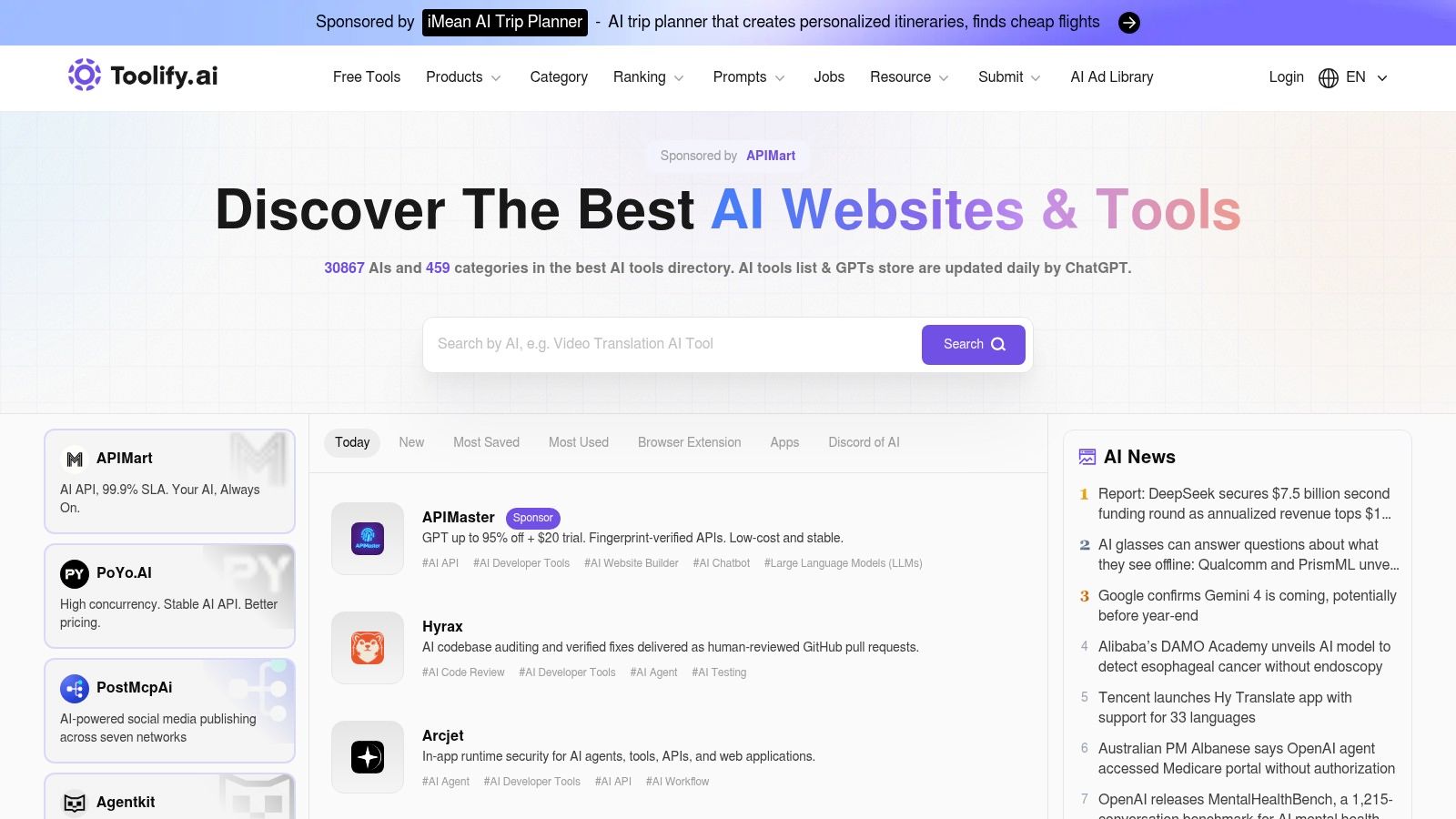
Toolify's breadth supports fast market scanning. A vendor launching an AI product may also find paid placement useful when it needs attention around a defined campaign. The catch is signal separation. Organic category presence, advertising, submission activity, and editorial updates may sit close together, so readers should identify what kind of exposure they're seeing.
Pricing for advertising or submission isn't always prominent. Vendors should ask what a placement includes, how long it remains visible, whether it is labelled, and what audience or distribution comes with it. A listing can support awareness, but it shouldn't carry the entire launch plan.
Buyers should also compare the underlying evidence. Is there a clear product site? Does the profile explain the actual task? Are current terms easy to find? Can you test the workflow without exposing sensitive business material? These questions matter more than a high position on a category page.
Toolify suits a first scan and a vendor's visibility research. It's less suited to a stand-alone purchasing decision because category signal and commercial visibility can overlap.
Could a directory help a founder choose faster without hiding the trade-offs? AI Tool Hunt puts practical comparison ahead of sheer catalogue size. Users can search by category and filter products by free, freemium, and paid access. The filter separates the entry cost clearly, but it does not appear to adjust for regional pricing, GST, or New Zealand and Australian billing conditions. Operators should confirm the final amount on the vendor's own site.
Its side-by-side comparison pages present pricing in a more direct format than directories that place cost details inside individual listings. That makes similar products easier to compare at the shortlist stage, although plan limits, usage caps, and currency differences still require a separate check. Plain-English guides add context, while the “Freshly listed” area helps vendors and researchers monitor new catalogue entries.
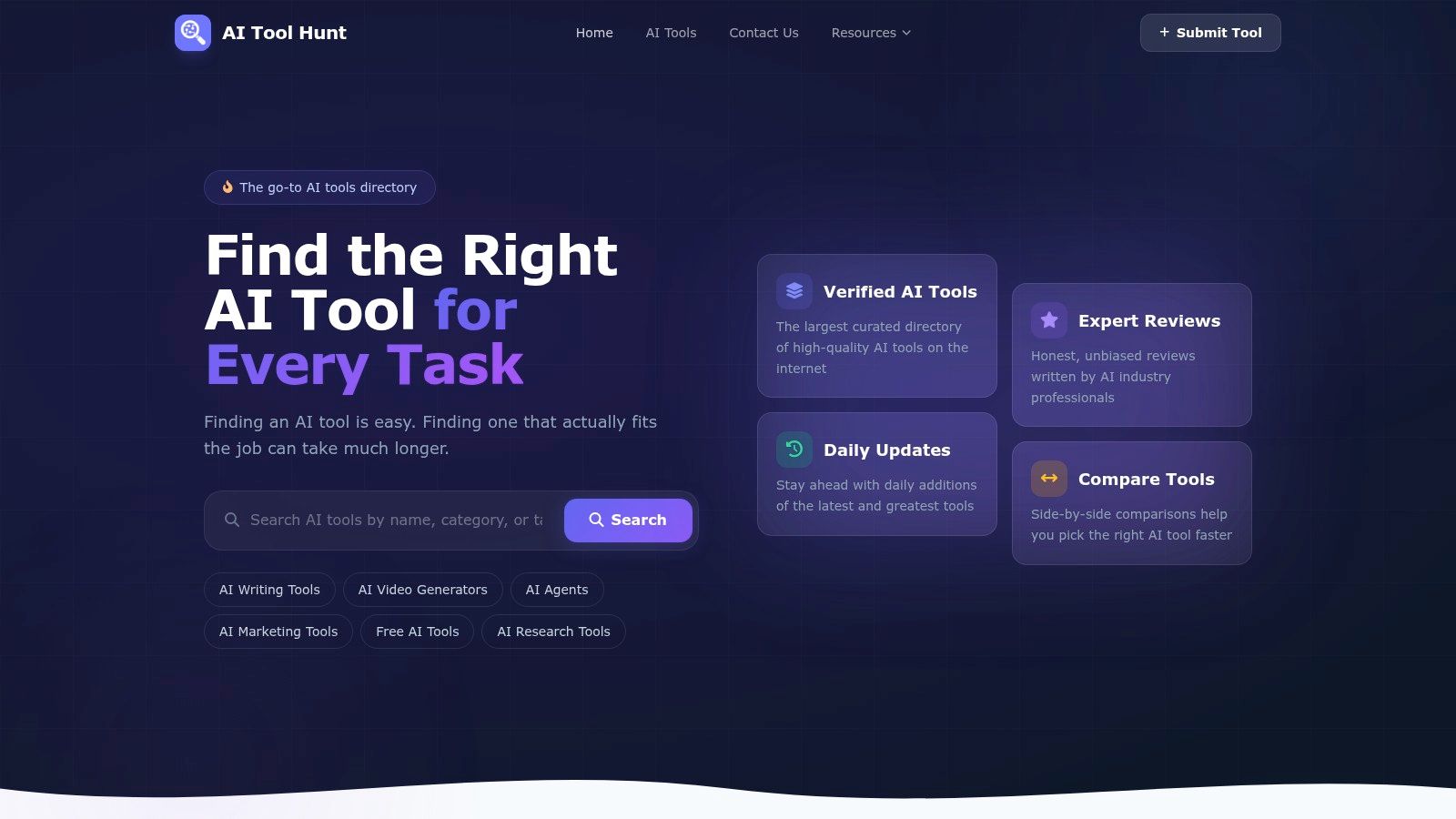
AI Tool Hunt suits an operator who wants a smaller, clearer research path. Its categories may have less depth than those of the largest directories, so a niche product could appear elsewhere first. The trade-off is useful: less browsing noise, with a greater need to check coverage.
For vendors, the submission and pricing areas make the route to a listing relatively clear. A comparison page can create discovery, while product quality still depends on evidence such as a working trial, current documentation, support terms, and data-handling practices. Buyers should check those points before uploading company information or placing the tool inside a core workflow.
That distinction matters for small firms. The New Zealand Herald on SME AI adoption reports 36% of SMEs use AI, compared with 64% among businesses with 20 or more employees and 30% among firms with 1 to 5 employees. The gap points to limited setup capacity, not merely a lack of products.
Record implementation effort, staff training, integration requirements, and support quality beside the price filter. A free listing may still require paid infrastructure or specialist time. For regional context, AI in business automation in New Zealand examines how local businesses approach automation.
The Rundown AI's Supertools directory takes a more selective route. Instead of trying to catalogue every possible product, it presents curated tool cards across familiar workflows. That narrower field can feel calmer for a buyer who's tired of scrolling through near-identical options.
Its media brand also matters. A tool that reaches the directory may have a path to exposure through The Rundown AI's newsletter and educational content. For a vendor, that can be more meaningful than a profile resting in a large database, provided the audience matches the product.
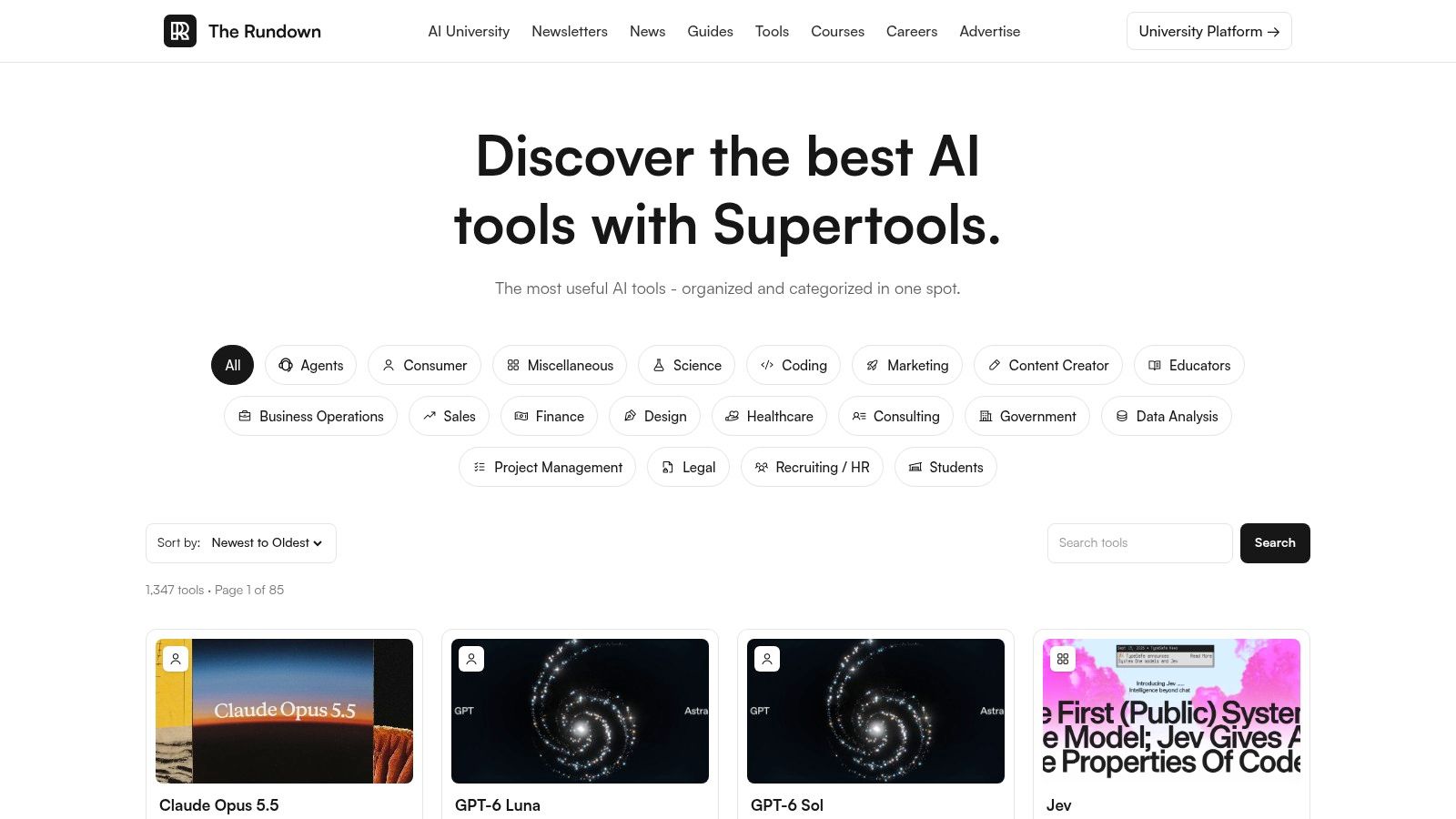
Editorial selection reduces some of the noise that appears in high-volume directories. It gives a buyer a stronger starting signal, particularly when the product is already discussed across mainstream AI workflows. The downside is just as clear: a curated set won't cover every regional or specialist need.
That focus can also skew towards products with strong public awareness. A useful NZ payroll, compliance, field-service, or local-language tool may not receive the same attention as a globally discussed assistant. Regional fit can disappear when editorial attention follows conversation volume.
For vendors, submission is worth considering when the product has a crisp use case and a clear demonstration. Don't submit a general promise such as “AI for business”. Show the job, the input, the output, and the boundary where human review remains necessary.
The Rundown AI is best for high-signal discovery and launch awareness. It's not a replacement for community feedback or a working trial. Treat its curation as a useful filter, not a procurement stamp.
Product Hunt is different from the dedicated directories because it is a launch community first. Its Artificial Intelligence topic brings together new products with voting, comments, maker profiles, and update activity. That creates a live record of how a product enters the market, rather than only a static description.
For a buyer, the comment thread can reveal questions that marketing copy avoids. Users may ask about integrations, pricing changes, limits, or missing features. Makers may respond publicly, which gives you a little more evidence about how the company communicates when the product is under attention.
Product Hunt is excellent for spotting new launches and tracking what's gaining interest week by week. It can also help a vendor understand how a launch message lands with a technical and startup audience. That feedback is valuable, especially when the product needs a sharper explanation.
But votes are popularity signals. They don't measure whether the product suits an NZ accountant, an Australian service business, or a small SaaS team with limited implementation time. Product Hunt also covers technology beyond AI, so the AI topic still needs filtering.
Use the launch page as a conversation archive. Read the comments, inspect the maker's updates, and follow the product site. Look for evidence that the tool has moved beyond launch-day enthusiasm. Does it explain support? Does it publish useful documentation? Can the team describe what happens when the model gets something wrong?
“A busy launch page tells you that people noticed the product. It doesn't tell you that your workflow needs it.”
For vendors, Product Hunt offers genuine launch-day feedback and social proof. For buyers, it's a discovery and diligence aid. Its value rises when you read beyond the vote count.
AITopTools provides a secondary discovery layer with category pages, review cues, free-tool filters, and maker submission options. It's useful when you want to cross-check a product found elsewhere. If a tool appears across several directories, that tells you it has distribution. It still doesn't tell you whether it deserves trust.
The category structure makes browsing straightforward, while visible reviews give users another signal to inspect. Review volume is still developing in some areas, so a quiet page should be treated as limited evidence, not negative evidence.
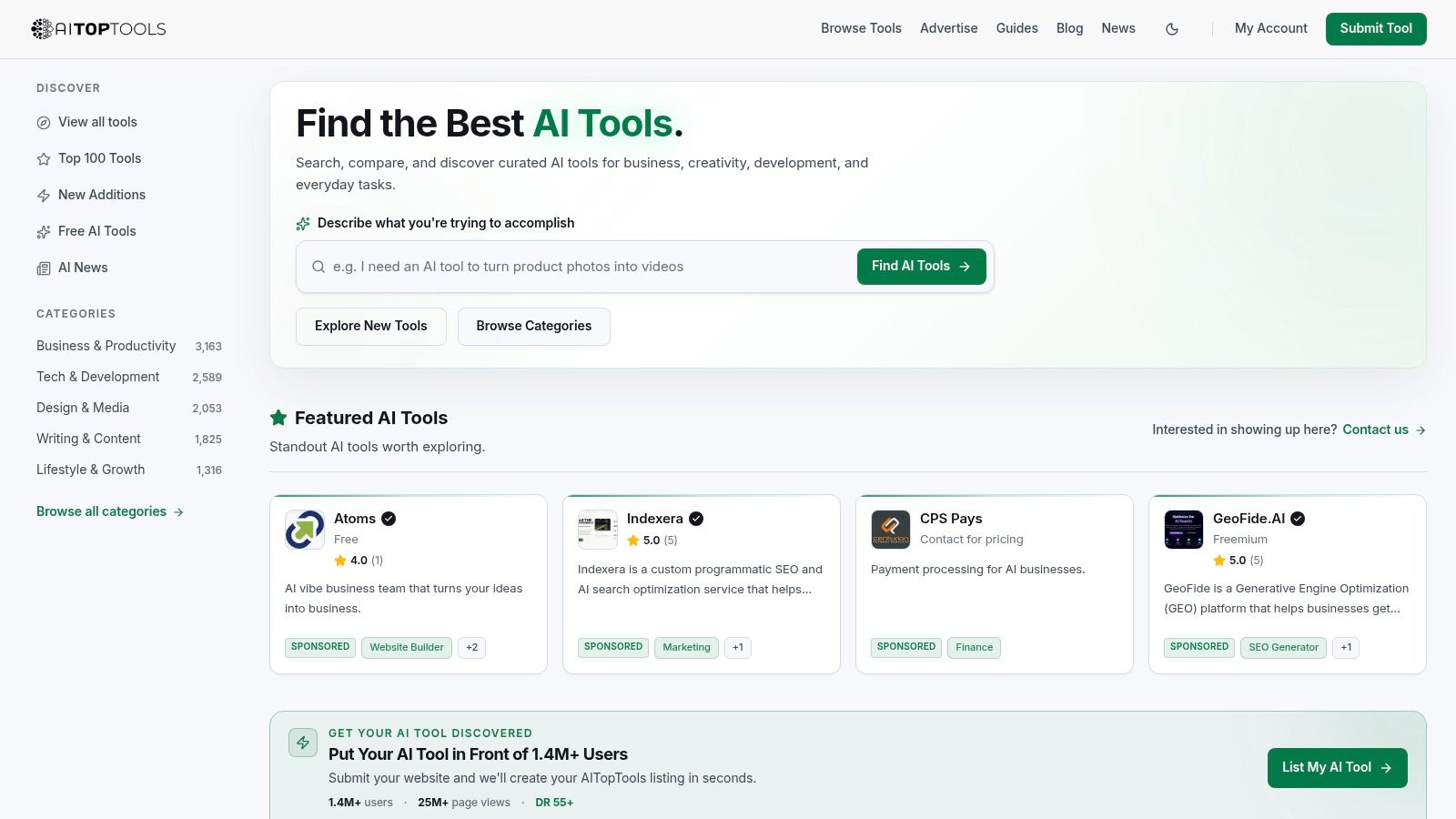
AITopTools is most valuable when you compare signals across sources. Start with the product's task and category, then inspect whether the profile explains pricing, features, and use cases clearly. A visible review cue can prompt a closer look, but it shouldn't replace a hands-on test or a review of the vendor's terms.
Its maker-friendly submission flow may appeal to early products that want another route into discovery. Smaller brand recognition can mean less immediate reach than a top-tier directory, yet that doesn't automatically make the listing worthless. A focused audience can still matter if it matches the product's buyer.
Regional teams should test the assumptions behind every profile. Does the tool support the platforms your team already uses? Are billing and cancellation terms clear? Can you export your work if the product changes direction? These questions carry more weight than the number of category badges.
Use AITopTools as a cross-reference resource. It can help confirm that a product is visible and give you another set of review signals. Keep validation separate.
AItools.fyi places pricing markers directly on tool cards, so users can compare basic access models without opening every listing. Category pages also support quick filtering, and regular additions help the directory remain current. For NZ and Australian operators, that makes it practical for an initial scan by function, particularly when free or freemium options matter.
Single-page category results improve operator-scanning speed, but detailed integration data is rarely available on the directory page. Search for a product type, filter the results, inspect several cards, and shortlist candidates quickly. The trade-off is limited context, so the directory supports discovery rather than a complete purchasing review.
Listing depth is the main constraint. AItools.fyi provides less community data and fewer comparison features than larger directories, so it seldom answers harder questions on its own. Visit the product site to confirm current terms, integrations, privacy handling, support, and export options.
That makes it a useful companion to richer sources. One directory may offer breadth, another editorial context, while a launch community can reveal how makers respond to users. Comparing those signals is more informative than treating one listing as proof of product quality.
For vendors, the value is category visibility. A profile can help searchers understand the product's function, but directory placement does not validate reliability or create buyer trust. The listing should identify the task, the input, and the handoff to the next system. “Automates business tasks” says little. Naming the workflow gives a potential buyer something concrete to assess.
AItools.fyi works well for a fast shortlist. Use it to identify candidates, then validate security, integrations, support, and operating fit before the tool handles customer or company information.
| Directory | Core features | UX / Quality | Value / Pricing | Target audience | Unique selling points |
|---|---|---|---|---|---|
| There's An AI For That (TAAFT) | Task/job taxonomy, trending & launch flow | ★★★★★ frequent updates, large audience | 💰 Paid submits; high traffic potential | 👥 founders, non-experts, tool makers | ✨ Task-first discovery, broad reach 🏆 |
| Futurepedia | 200+ categories, searchable DB, verified option | ★★★★ mature taxonomy, editorial resources | 💰 Free browse; paid "verified/featured" | 👥 vendors, founders, learners | ✨ Education arm + verified badges |
| TopAI.tools | Task→tool flow, ranked results, evaluation guides | ★★★★ smart task-driven search | 💰 Free browse; promo options | 👥 shortlisters, product evaluators | ✨ Practical guides for tool selection |
| FutureTools | Categories & tags, quick tool cards, frequent adds | ★★★★ fast scanning; timely launches | 💰 Free browsing; creator-driven | 👥 makers, early-stage founders | ✨ Creator-ecosystem signal |
| Toolify | Category browsing, rankings, news & ads panel | ★★★★ broad coverage; active updates | 💰 Free browse; paid placements | 👥 vendors, marketers, founders | ✨ News + visibility/ad buys |
| AI Tool Hunt | Use-case filters, side-by-side comparisons, pricing | ★★★★ helpful comparisons & guides | 💰 Free listings; paid spotlight | 👥 buyers, product teams, SMBs | ✨ Side-by-side price & feature comparisons 🏆 |
| The Rundown AI – Supertools | Curated tool cards, submission for newsletter, edu content | ★★★★ strong editorial curation | 💰 Free curated listings; newsletter promos | 👥 founders, subscribers seeking high-signal tools | ✨ High curation + newsletter exposure |
| Product Hunt – AI Topic | Daily launches, voting, comments, maker updates | ★★★★★ launch-day signal & social proof | 💰 Free; organic traction & visibility | 👥 makers, early adopters, investors | ✨ Real-time launches & community validation 🏆 |
| AITopTools | 90+ categories, reviews, free-tool filters | ★★★ growing review volume & coverage | 💰 Free listings; paid promos | 👥 cross-checkers, tool hunters, makers | ✨ Clear category pages with review cues |
| AItools.fyi | Category filters, pricing markers, regular refreshes | ★★★ simple, fast category scans | 💰 Free browse; lightweight data | 👥 quick scanners, SMBs, founders | ✨ Fast function-focused discovery |
The main lesson from this AI tools list is that directories answer different questions. TAAFT, TopAI.tools, FutureTools, Toolify, AI Tool Hunt, AITopTools, and AItools.fyi are useful for breadth and category discovery. Futurepedia adds education and enhanced listing paths. The Rundown AI applies a stronger editorial filter. Product Hunt shows launch energy, public discussion, and maker response.
None of those signals equals product validation. A directory profile can confirm that a tool exists and explain its stated use case. It may show that a vendor has submitted, paid for visibility, received editorial attention, or attracted community interest. It usually can't confirm how the product behaves inside your systems, how carefully it handles your data, or whether your team will keep using it after the first week.
A simple research method keeps the lines clear:
The wider New Zealand context makes this practical approach more urgent. Datacom's 2026 State of AI Index found that 91% of New Zealand organisations use some form of AI, up from 87% in 2025 and 66% in 2024. Yet 81% are exploring or implementing AI, 15% are scaling it across the organisation, and only 4% are using AI to change core operations. General-purpose tools, including ChatGPT, Gemini, and Claude, lead usage at 68%. The market is familiar with AI, but many teams still need help turning a prompt into a dependable process.
Public-sector activity points in the same direction. New Zealand's 2025 cross-agency AI survey recorded 272 use cases across 70 agencies, with 55 already deployed and in operational use, compared with 15 operational use cases in 2024. That is evidence of institutional adoption, but it still doesn't tell a private business which product belongs in its own workflow.
For regional research, NZ Apps is an independent NZ and AU app and technology directory that helps readers explore the local company ecosystem. It's useful alongside global AI directories when you want to identify regional vendors, compare local categories, or understand the businesses building for this market. For teams working on search visibility around software research, SEO automation with SemDash is another resource to review, with the same caution: inspect the workflow and evidence, not only the feature claims.
New Zealand released its first national AI strategy, “New Zealand's Strategy for Artificial Intelligence: Investing with confidence,” on 8 July 2025, and MBIE says the strategy is intended to accelerate private-sector AI adoption and innovation. The government also says its approach will follow OECD AI principles covering rule of law, human rights, fairness, privacy, security, and safety, alongside voluntary business guidance. Those policy signals make responsible handling a business issue, not a footnote.
The best directory is the one that helps you answer the next useful question. What task needs improvement? What evidence supports the choice? What risk remains? Start there, and an AI tools list becomes a research instrument rather than a wall of logos.
NZ Apps offers regional company discovery, technology roundups, and practical coverage for founders and operators evaluating software across New Zealand and Australia. Visit NZ Apps to explore local app and tech companies, and use the directory alongside this AI tools list when you're building a shortlist or planning regional visibility.
Add your NZ or Australian app or tech company to the NZ Apps directory and get discovered by founders and operators across the region.
Get ListedReach tech decision-makers across New Zealand and Australia. Sponsored and dofollow editorial links, permanent featured listings, and sponsored articles on a DA30+ .co.nz domain.
See Options