
A founder rarely needs the biggest integration platform on the market. Sometimes a quick Zapier workflow connecting Xero, Shopify and Slack will do the job. Other times, a self-hosted n8n deployment or an enterprise iPaaS makes more sense because of data residency, governance or older systems that don't play nicely with newer apps.
This guide compares 10 API integration platforms through the lens of real New Zealand and Australian tech teams, from early-stage founders to established businesses handling finance, ecommerce, customer data and internal operations. It's not only about which platform has the longest connector list. You'll also want to know where data runs, how errors are handled, who can maintain the workflow and whether the bill still makes sense as usage grows.
Pricing is a starting point, not a promise. Usage tiers, regional taxes, connector access and implementation work can all change the final cost. If you're new to the category, NZ Apps' guide to API integration explains how software systems use APIs to share data and coordinate work.
For a broader look at integration choices in digital products, see Kogifi's API integration recommendations.
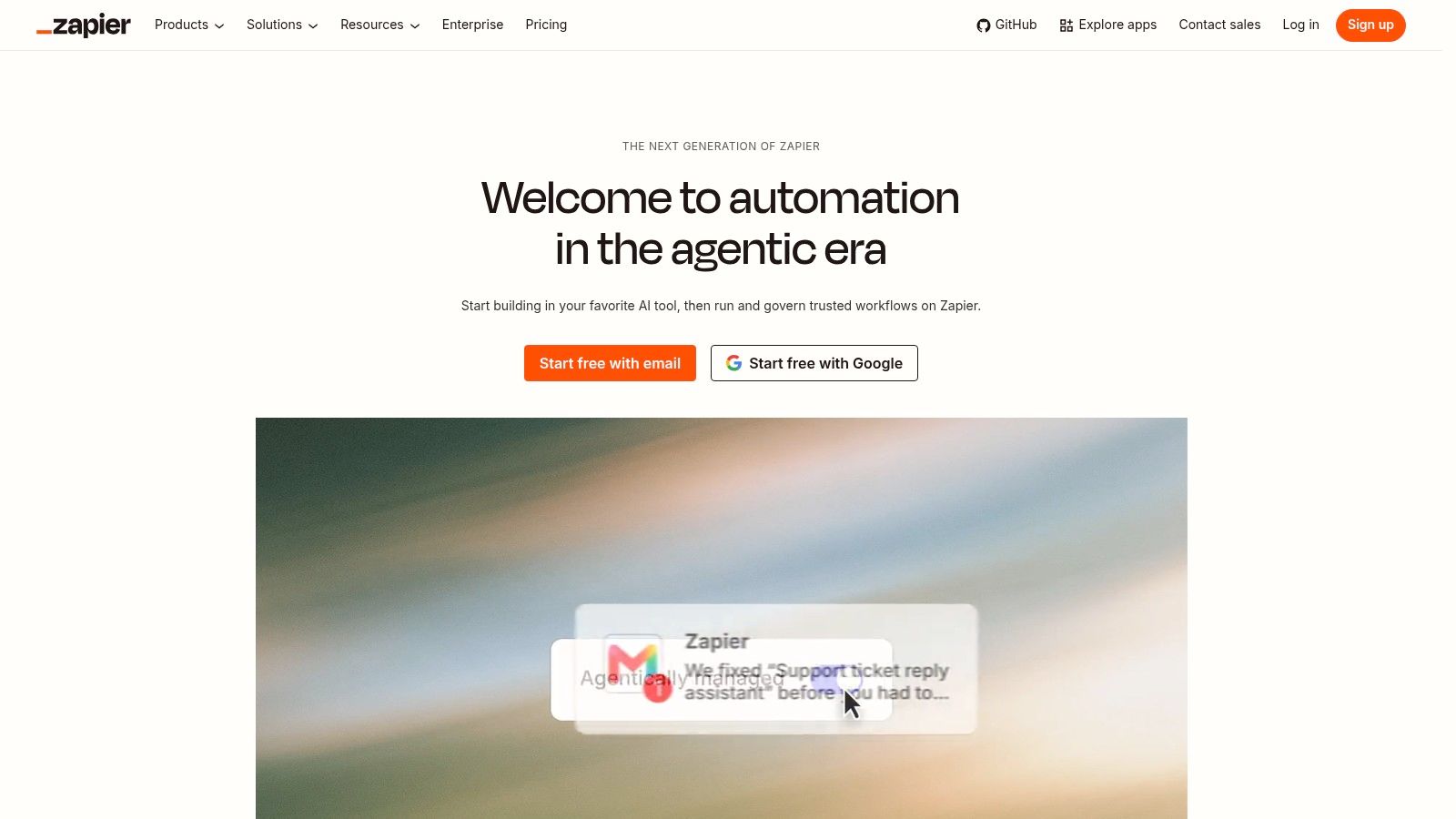
Zapier is often the quickest way to connect familiar business apps without asking a developer to build a custom service. A small ecommerce team could send a Shopify order to a spreadsheet, alert a Slack channel and create a task for the person handling fulfilment. That's useful when the workflow is clear and the cost of a missed hand-off is higher than the cost of an automation plan.
Its catalogue includes 7,000+ app integrations, including Xero, Shopify, Slack and Google Workspace. The visual builder supports branching, filters, versioning and error handling, while Tables and Forms can handle lightweight data storage and collection. AI by Zapier, Agents and Chatbots extend the platform beyond simple trigger-and-action flows.
Zapier's strength is the short path from idea to a working automation. A founder can usually test a straightforward workflow without spending days on API documentation or infrastructure. Team admin controls also help once more people start building and owning automations.
The trade-off is that per-task billing can climb when workflows run often or include AI-heavy steps. Zapier's paid plans are listed from $19.99 per month, but treat that as a starting point, not a forecast for your own usage. It's less suited to deep data engineering and complex transformations than developer-focused tools.
Practical rule: Use Zapier for clear business workflows. If a flow has become a core product feature, or carries high volumes of sensitive data, review the cost, permissions and recovery plan before adding more steps.
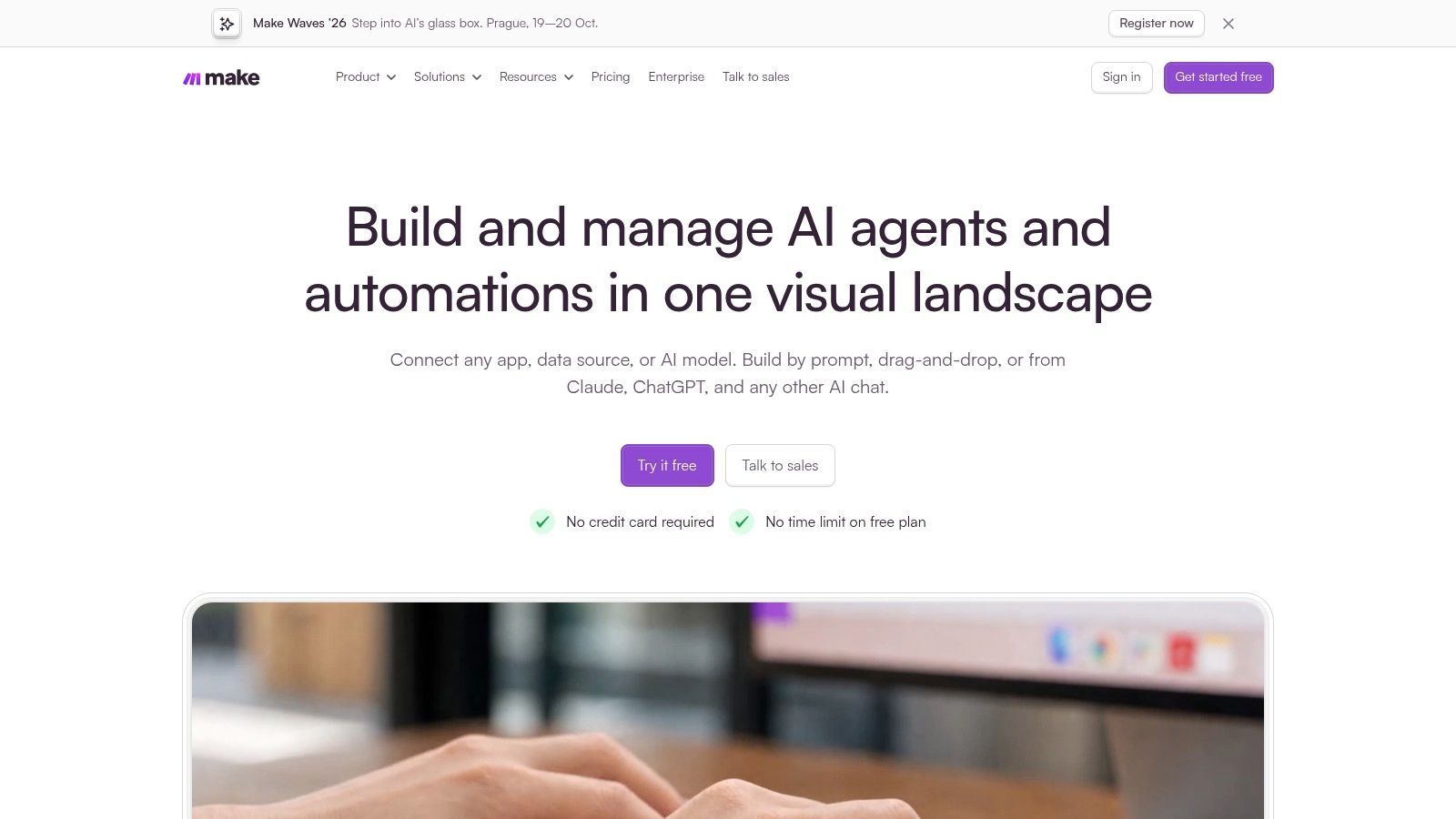
Make suits teams that want more control over logic and data handling, but don't want to move straight to a code-heavy platform. Its visual scenario builder can route records, repeat actions, handle errors and batch work. That extra control is handy when a process has more than a simple “when this happens, do that” shape.
A sales operations team might receive a web form, check whether the company already exists in its CRM, then route the lead based on region and account status. Make's data mapping tools help reshape information as it moves. It offers 1,000+ standard apps, and teams can add custom connections through HTTP or REST APIs.
Make charges using credits, with extra credits available for purchase. That model can work well for complex, multi-step scenarios, but a chatty workflow that runs often may use credits faster than expected. Execution logs and debugging tools help teams work out what happened when a scenario fails.
The visual control comes with a learning curve. A non-technical user may find Make less obvious than Zapier at first, especially when routes, iterators and error handlers appear together. Before building a long scenario, sketch the steps and decide which failures need a retry, an alert or a human check. That's basic business process automation, not busywork.
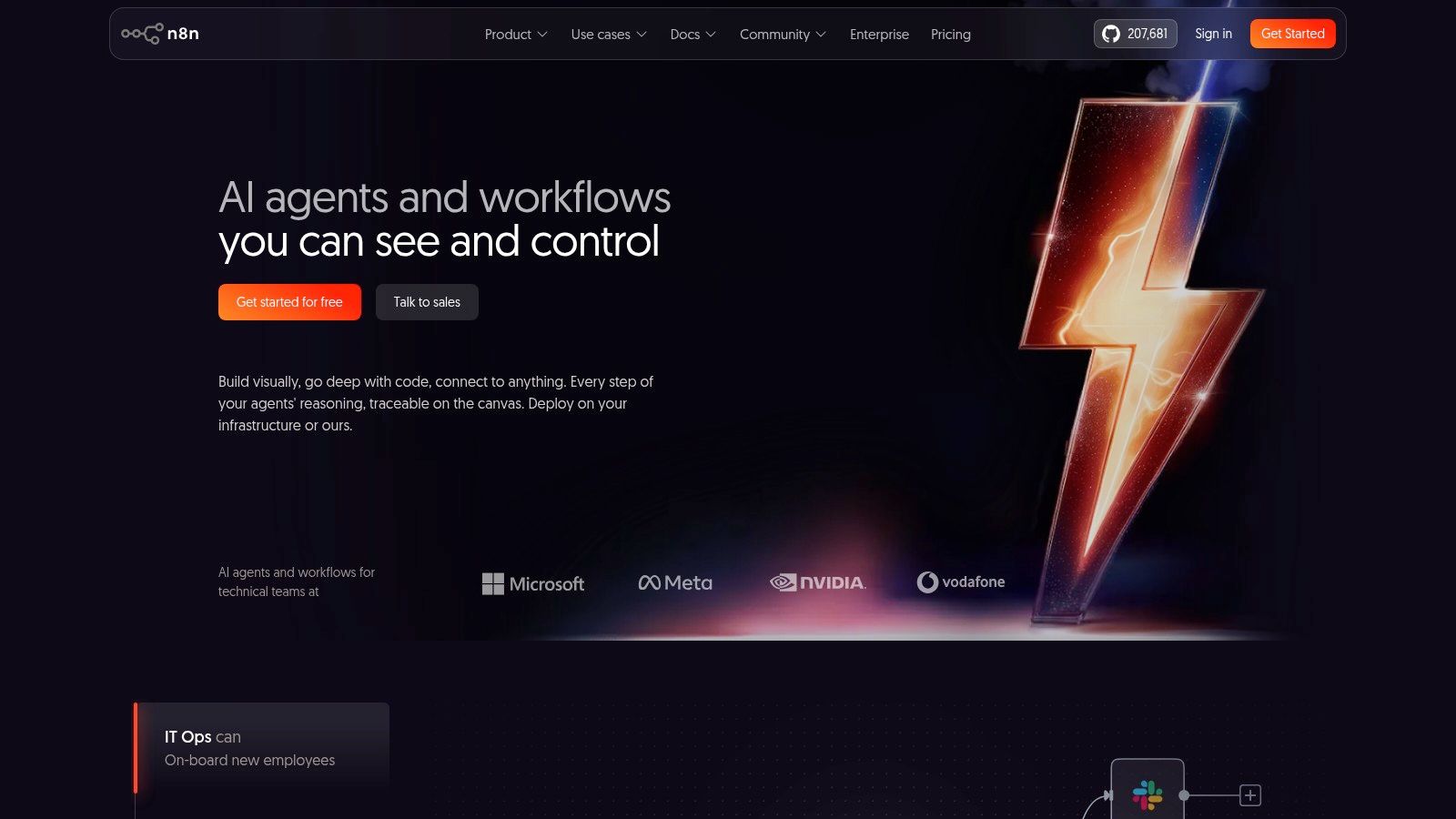
Choose n8n when deployment flexibility matters as much as the workflow itself. It's available as a hosted cloud service or as a self-hosted platform, and it combines visual workflows with code steps and API connections. A technical team can run a self-hosted instance in a cloud region it controls, such as AWS Sydney, then shape workflows around its own infrastructure and data needs.
n8n supports HTTP, GraphQL, code and webhook nodes, as well as AI nodes and MCP client/server capabilities. It also allows unlimited steps per execution. That can make a complex workflow easier to express than a chain of small automations that each have their own limits.
Self-hosting gives a team more say over where processing happens, but the team then owns deployment, updates, access controls, monitoring and recovery. That's a real trade-off, not a hidden bonus. A small team without someone comfortable running production services may prefer a managed platform.
n8n Cloud bases pricing on executions, while the self-hosted option shifts more of the work to your own infrastructure. Code extensibility is a plus for developers, though its one-click templates are less polished than those on Zapier or Workato. For a SaaS team building custom API flows, that flexibility can be worth the extra care. For a lean business trying to sync a couple of office apps, it may be more machinery than the job needs.
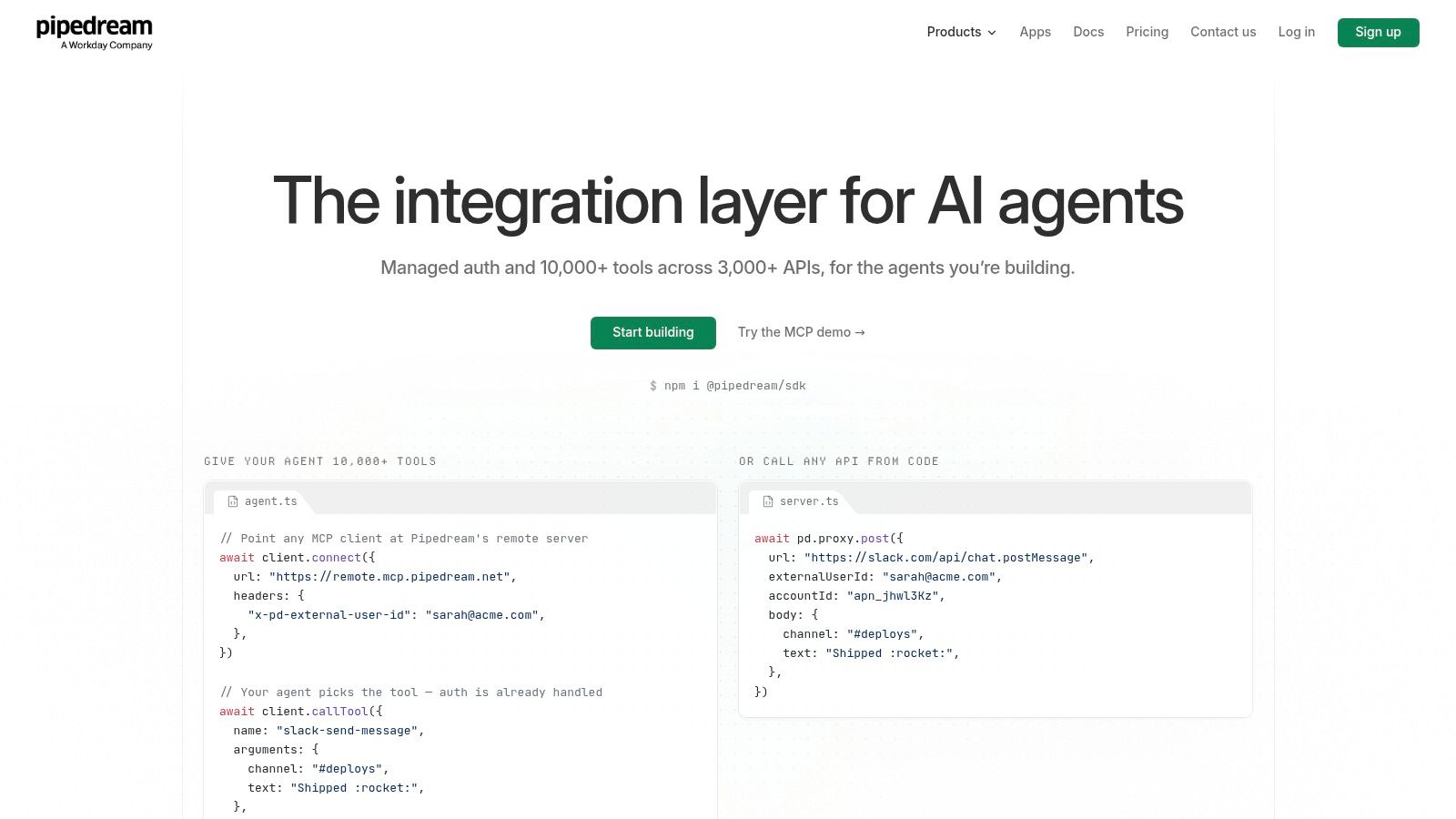
Pipedream is aimed at teams that think in APIs and code, but still want managed connectors and workflow infrastructure. A developer can combine a pre-built connector with TypeScript or Node code, then run the workflow in a serverless-style environment. That makes it a natural fit for API-first startups and teams adding third-party services to their own products.
Its catalogue lists 3,000+ managed authentication connectors and 10,000+ pre-built tools and triggers. Pipedream also offers MCP servers and proxy features, an SDK and support for embedded integrations. A free development tier gives engineers a place to test before setting up production access.
The platform lets engineers combine code and connectors without building every part of the integration infrastructure themselves. Unlimited team members can help keep collaboration simple, particularly when product and engineering both need to review a workflow. The listed Startup plan includes production access and usage credits.
Pipedream isn't as approachable as no-code tools for a non-technical operator. Advanced features such as SSO, SCIM and HIPAA are limited to Business plans, so check the plan details if those controls matter to your organisation. Teams exploring integrations for property data can also review this n8n real estate data connector as an example of a specific service connection.
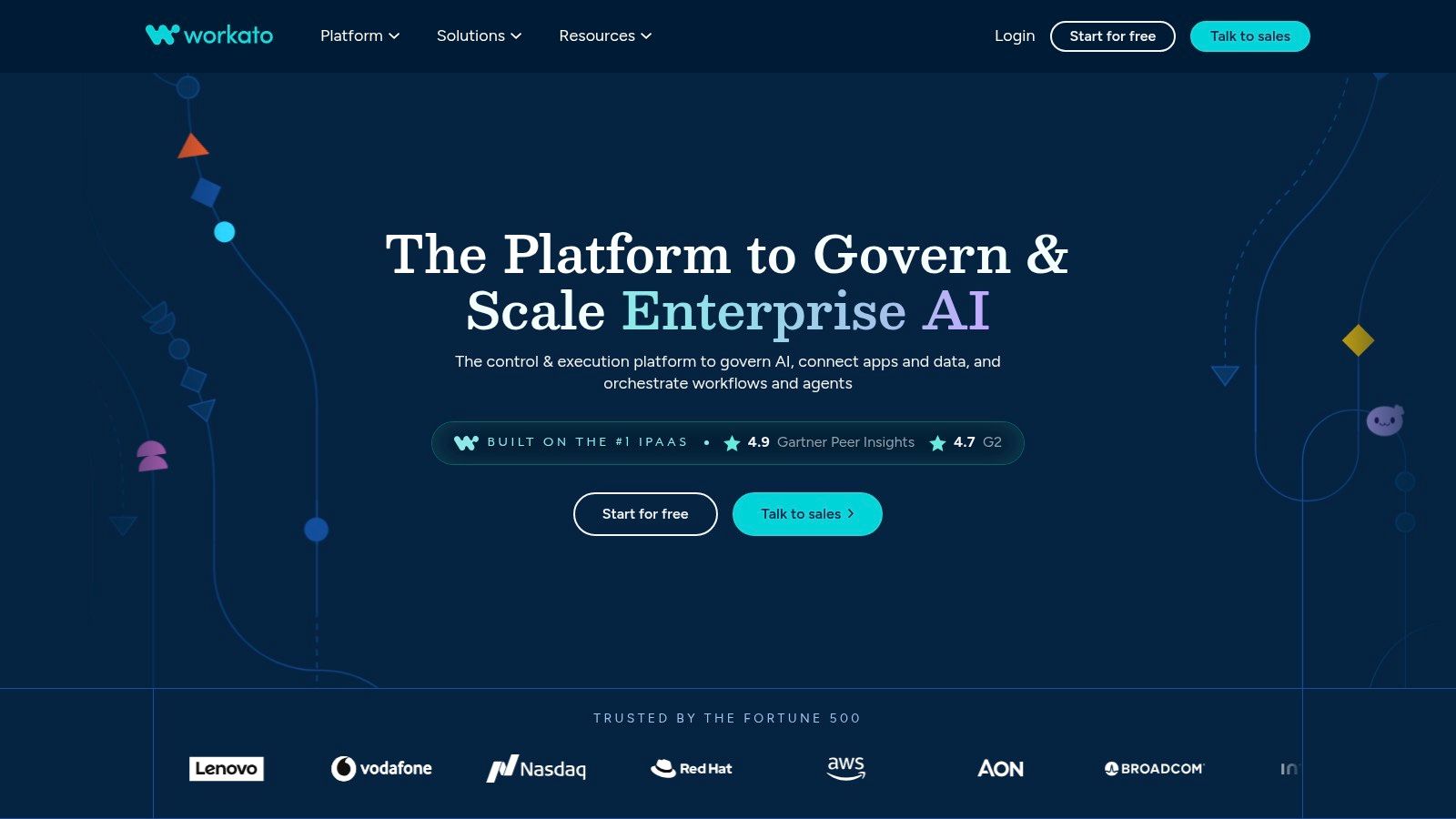
Workato is built for organisations that need integrations and automation across finance, HR, ERP and other business systems. Its connectors include Workday, SAP, NetSuite and Xero, and it supports on-premises agents for connecting with systems that aren't fully in the cloud. That hybrid option matters when a new SaaS tool has to work with an older business system that can't be replaced.
The platform combines iPaaS, API management, embedded integrations and data orchestration. Teams can use a marketplace of recipes and templates, role-based governance, AI tools, IDP and insights. For a finance team, that could mean linking an ERP with HR and approval systems while keeping ownership and access rules under control.
Workato's security and governance features are a draw for larger organisations. It can cover integrations, bots and embedded use cases, rather than asking a company to stitch together several tools. Self-service plans are available, while enterprise editions are quote-based.
That breadth can be overkill for a small team with a few simple workflows. Enterprise pricing is also a different conversation from the entry plans of SMB-focused tools, and implementation takes planning. If the team doesn't have clear owners for workflows, permissions and change management, a capable platform can still become a tangle.
A broad connector catalogue won't decide who owns a failed finance sync. Assign that person before the workflow goes live.
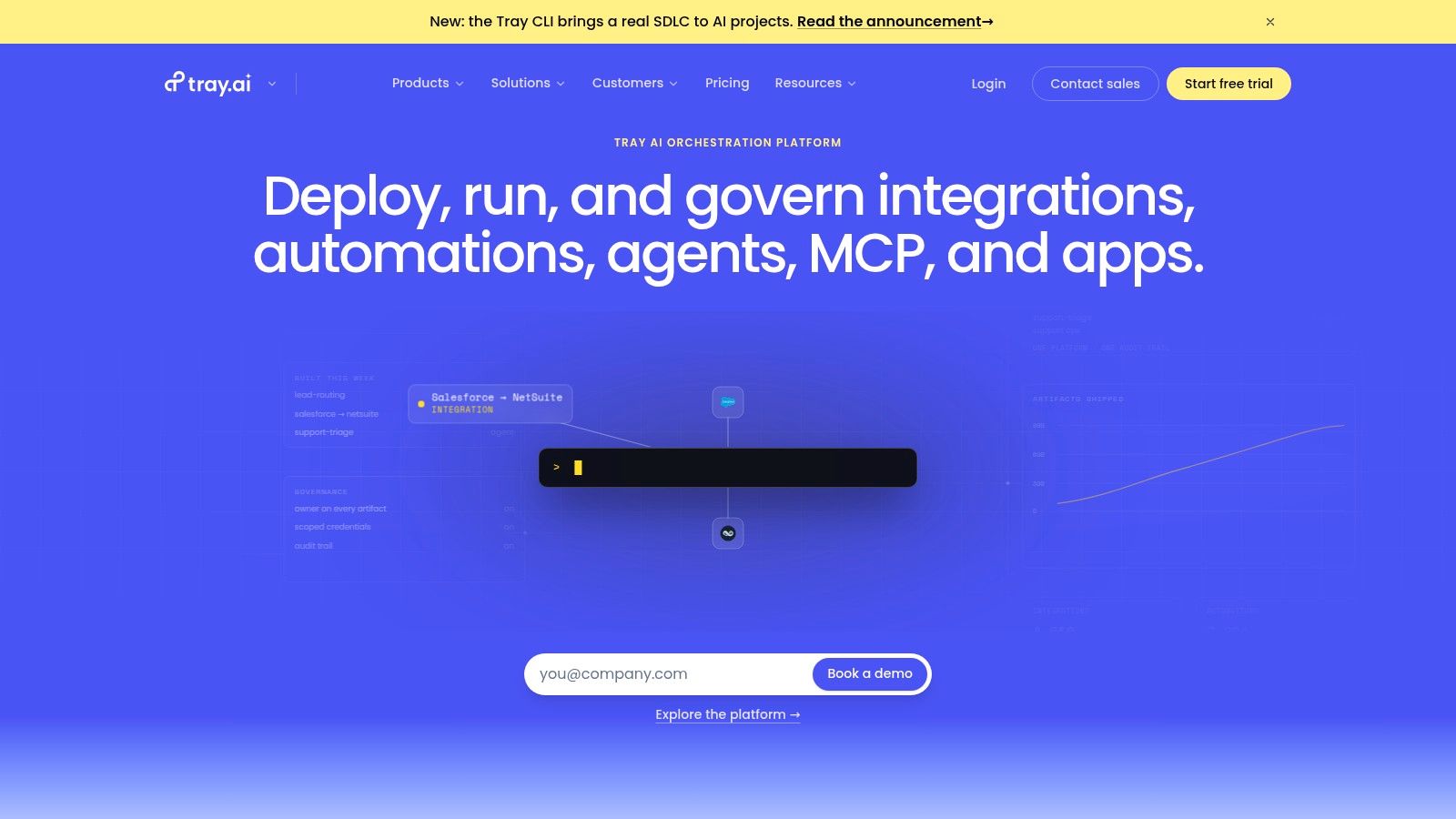
Tray.io balances a low-code visual builder with developer tools. It's designed for organisations building complex product operations, data operations or B2B integrations, where the workflow needs more structure than a basic automation but the team still wants a visual way to work through it.
The platform lists 500+ connectors, along with APIs and SDKs. Its workflow builder supports branching, loops and error handling, while secrets management, logging and monitoring help teams run production flows. Enterprise features include SSO, SCIM, audit controls and multiple environments, which can help separate testing from live work.
Tray.io can suit a team that needs collaboration and development lifecycle controls alongside workflow design. Developers can extend what the visual builder can do, while other team members can understand the flow without reading every line of code. That middle ground is useful when integrations sit between product, operations and engineering.
The trade-off is the learning curve. Pricing is quote-based, so public plan details won't give a small team a clear final cost. Ask the sales team how usage, environments, support and any required enterprise controls affect the quote. If you're still proving whether a workflow is useful, a simpler tool may be a better first step.
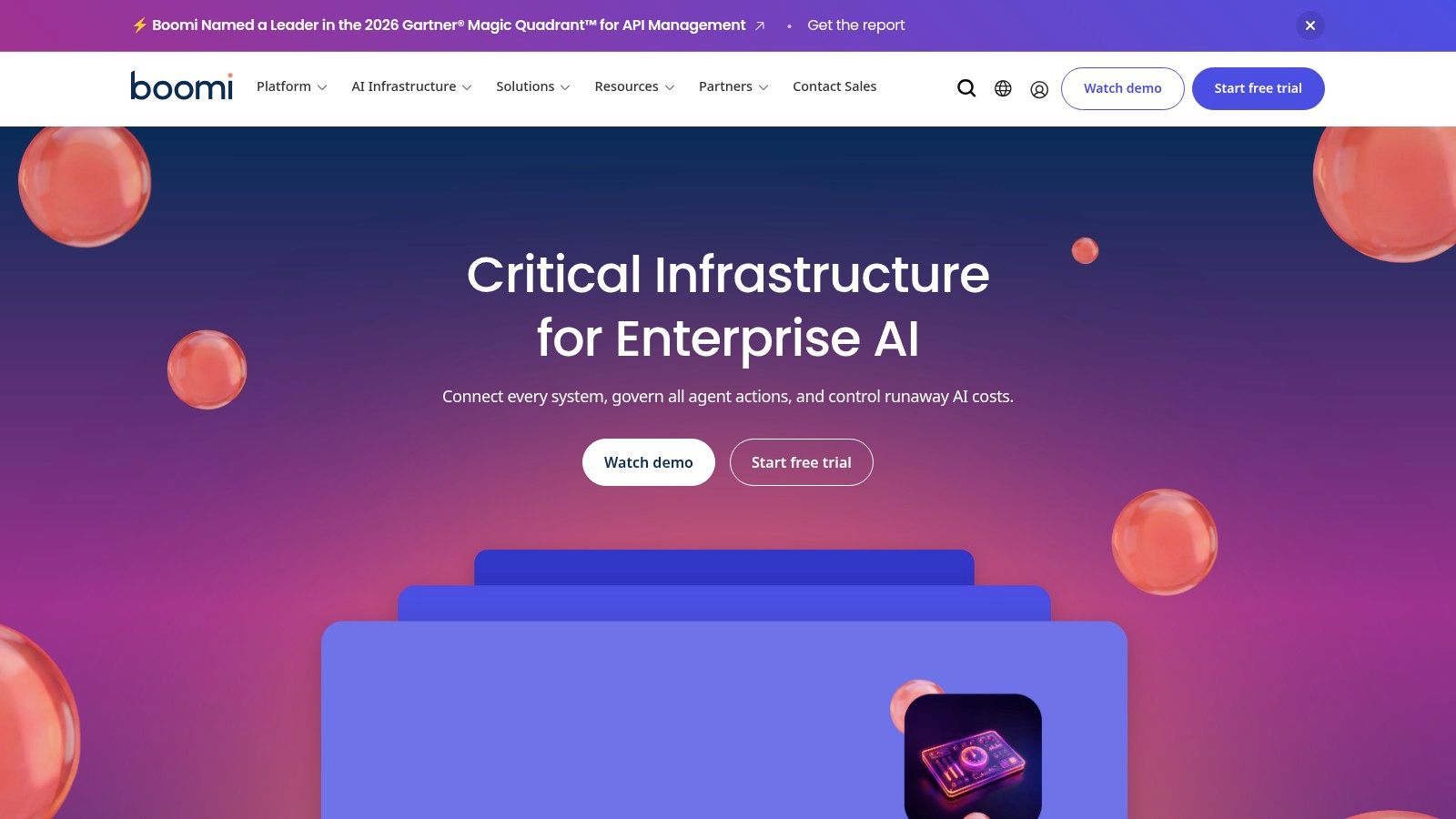
Boomi AtomSphere is a mature platform for organisations that need application integration, API management, EDI/B2B, master data management and workflow capabilities. Its on-premises runtimes, called Atoms, help connect cloud services with internal or legacy systems. That hybrid design can be useful for a business moving systems in stages rather than attempting a risky all-at-once change.
The platform's connector ecosystem includes Xero, and it supports a Connector SDK and OpenAPI. Its wider set of tools covers Integration, API management, Data Hub/MDM, EDI and Flow. A listed Pay-As-You-Go option starts from US$99 per month plus US$0.05 per message; confirm current terms with the vendor before budgeting, as actual use and plan details affect the bill.
Boomi can suit complex environments involving SAP, Oracle and older infrastructure. Its breadth offers room to bring application connections, data management and B2B processes under a wider platform. That can be an advantage when several teams need shared rules and a common operating model.
It can also be a lot to learn. More capability means more choices to govern, tune and maintain, and a small company may not need most of it. Start with the systems that must connect and the team that will own the flows. If a project only needs a modest cloud-to-cloud sync, a simpler tool could be easier to run.
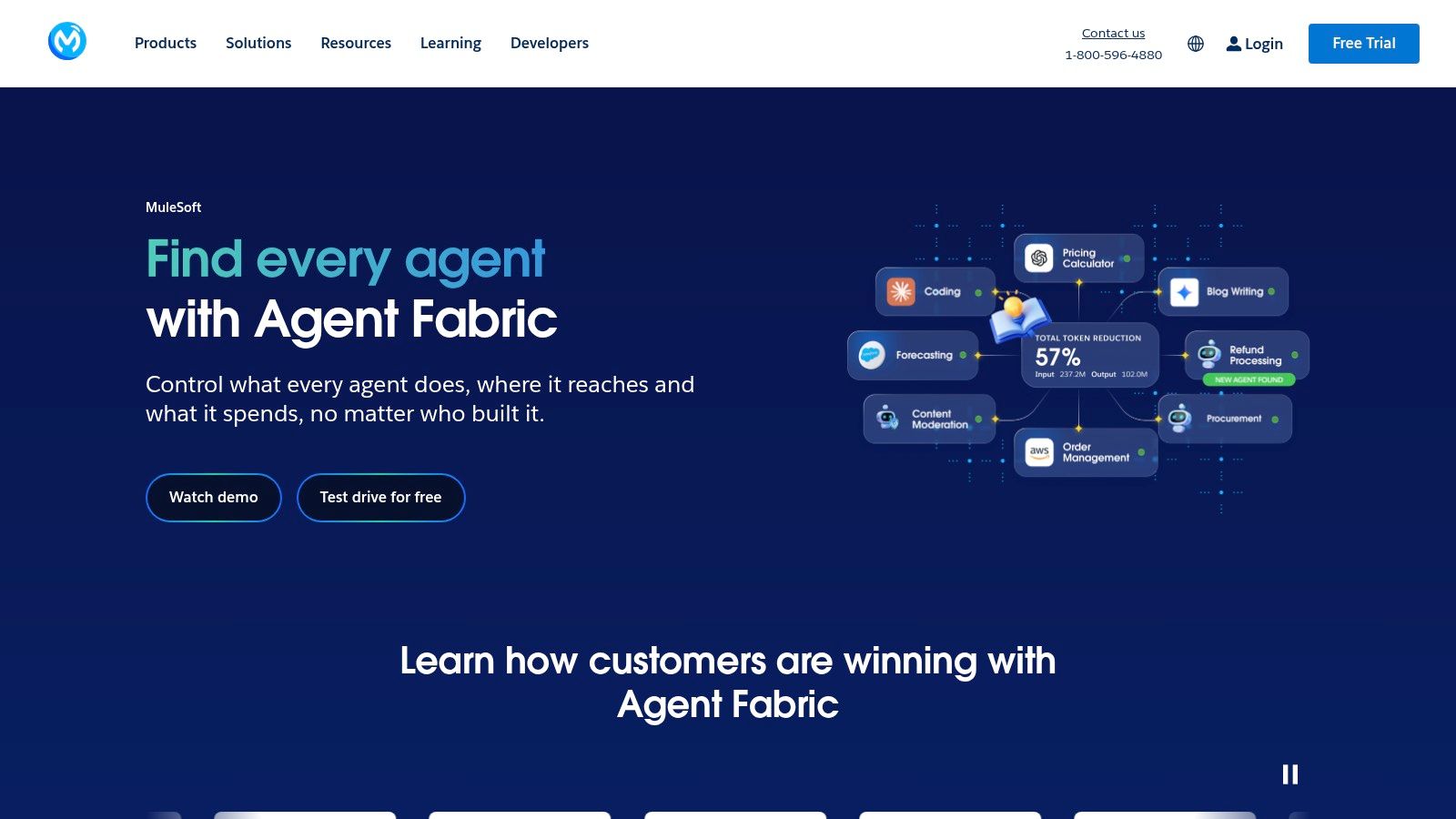
MuleSoft Anypoint Platform is for organisations that want to build governed, reusable connectivity across many systems. Its API-led approach treats APIs and integrations as services that teams can design, manage and reuse, rather than one-off pipes between apps. That approach can pay off when several products or business units need the same data or capability.
The platform includes full lifecycle API management, gateways and analytics, plus a runtime for Mule flows and messages. Private spaces and Partner Manager support B2B and EDI needs, while MuleSoft Automation adds RPA and Composer options. It's a strong fit for large or regulated organisations that need a deliberate integration architecture, particularly those already standardising on Salesforce.
MuleSoft's governance and reliability features suit mission-critical work, but this isn't usually a casual self-serve purchase. Pricing is enterprise and quote-based, with usage and capacity measures such as Mule Credits, flows and messages. Planning for specialist skills or a partner during implementation is advisable.
A smaller business may find the platform's cost and operational weight hard to justify. Before selecting it, decide which APIs should be reused, who owns their lifecycle and how changes will reach dependent systems. Those questions are part of system integration planning, not a task to leave until after the first release.
Visit MuleSoft Anypoint Platform.
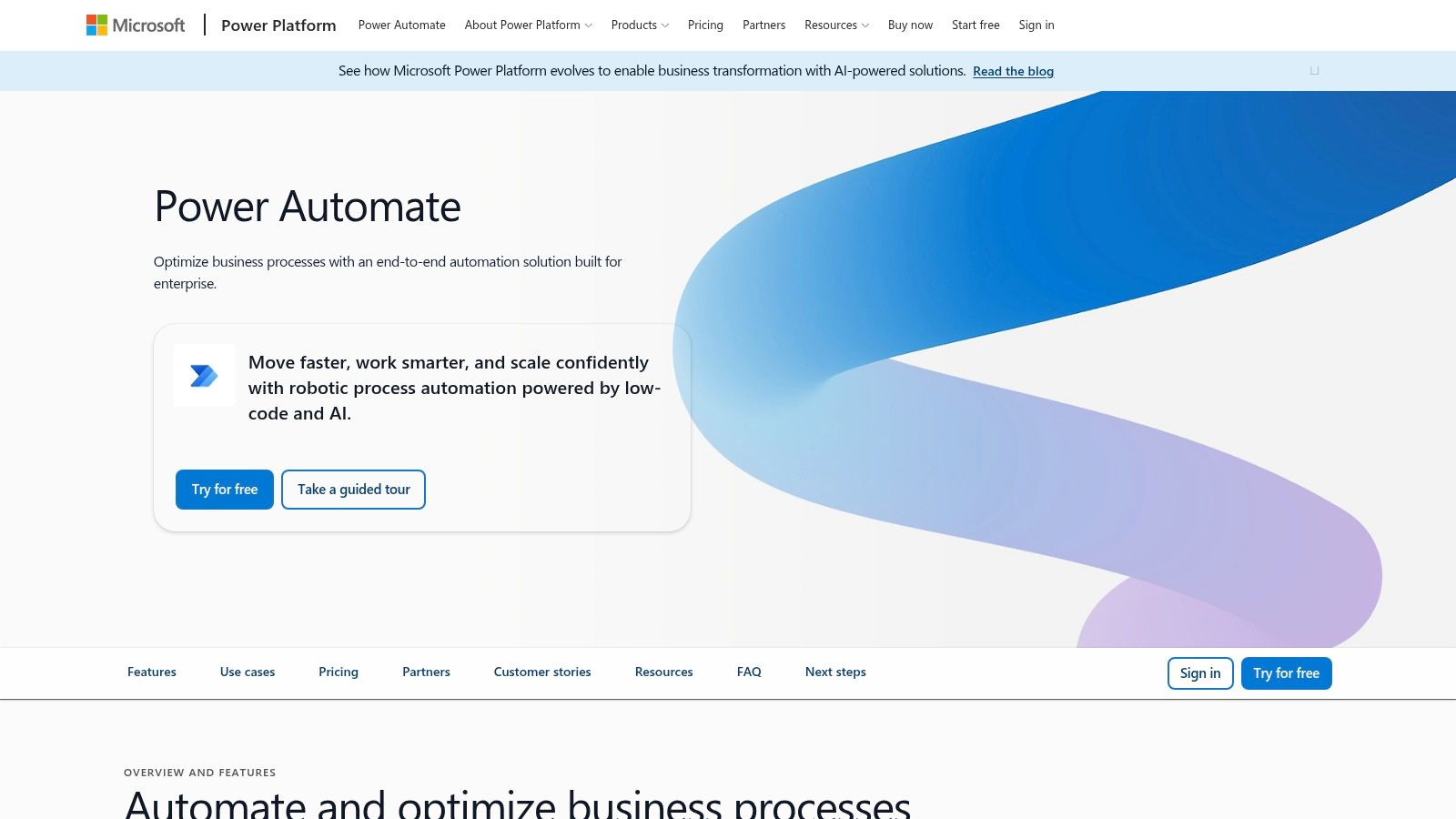
Power Automate makes the most sense when a business already runs on Microsoft 365 or Dynamics. It connects cloud workflows with desktop RPA and process mining, and it can use Microsoft identity and administration controls. A team already working in SharePoint and Teams may find it easier to manage than adding another automation system.
Its connector library includes Xero, SharePoint and Teams. Tenant-level governance, DLP policies and environment controls can help administrators manage how staff use workflows. Listed prices include US$15 per user per month for Premium, US$150 per bot per month for Process and US$215 per bot per month for Hosted Process; regional prices may vary, so check the current Microsoft plan details before purchasing.
Per-user or per-bot licensing can suit internal automation, depending on who runs each workflow and whether desktop automation is needed. A finance team might route approvals through Microsoft tools, while an operations team automates a repetitive desktop task. Keeping identity and administration within the existing Microsoft environment can simplify ownership.
Premium connectors and unattended RPA add cost and complexity. Power Automate is also less developer-oriented than Logic Apps for advanced CI/CD work. If a flow is turning into a product integration with custom API logic, ask whether it belongs in a development workflow rather than a general business automation tool.
Visit Microsoft Power Automate.
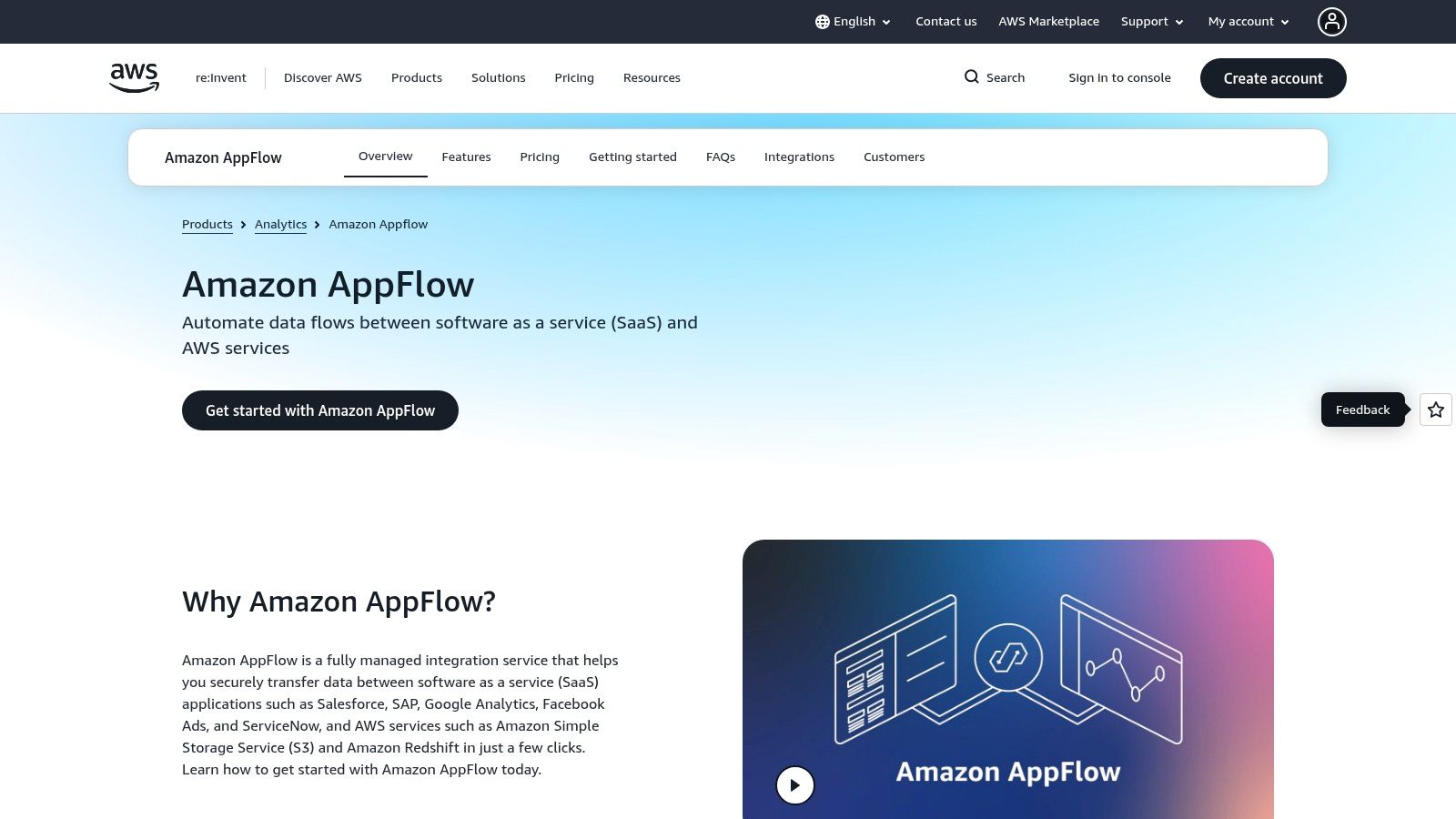
Amazon AppFlow is a focused choice for moving data between third-party SaaS applications and AWS services such as S3 and Redshift. It's built more for data movement and analytics pipelines than for general business automation. If the job is to land SaaS data in an AWS data environment, that focus can be a virtue.
Teams can set up flows through a point-and-click interface and build custom connectors through SDKs. AppFlow also works with AWS IAM, CloudWatch and KMS, and supports API, CLI and Terraform workflows. Its pay-for-use pricing is based on flow runs and data processing, so teams can connect costs to activity.
AWS-native security tools and availability in the Asia Pacific (Sydney) region can help ANZ teams plan for data locality. That doesn't mean every data handling question is automatically settled. Check where data is processed and stored, which SaaS connector is involved and what your own customer or regulatory commitments require.
AppFlow has a smaller connector selection than Zapier, Make or Workato, and it's not the best match for coordinating many everyday business processes. It's strongest when AWS is already the centre of the data stack. For a sales lead alert or staff onboarding flow, a workflow platform is likely a more natural fit.
| Platform | Best For / Audience | Core Strengths | Standout Feature | Value & Pricing | Key Trade-off |
|---|---|---|---|---|---|
| Zapier | 👥 Startups and business teams | ★ 7,000+ integrations; quick no-code setup | ✨ AI tools, Tables and Forms | 💰 Free tier; paid plans from $19.99/month | Per-task costs can rise with usage |
| Make | 👥 Teams needing more workflow control | ★ Visual scenarios, data mapping and debugging | ✨ Routers, iterators and custom API connections | 💰 Credit-based plans; extra credits available | Steeper learning curve; frequent runs use credits |
| n8n | 👥 Technical teams prioritising flexibility | ★ Visual workflows plus code and API nodes | ✨ Self-hosting and deployment control | 💰 Cloud plans billed by executions; self-hosting available | More technical to operate and maintain |
| Pipedream | 👥 Developers and API-first startups | ★ Code-native workflows with managed connectors | ✨ SDK and embedded integrations for products | 💰 Free development tier; Startup plan includes production usage credits | Less accessible to non-technical users |
| Workato | 👥 Enterprises integrating core business systems | ★ Governance, security and broad enterprise integration | ✨ Embedded iPaaS and on-premises agents | 💰 Self-service options; enterprise pricing by quote | May be excessive for small teams |
| Tray.io | 👥 Organisations building complex automations | ★ Low-code workflows with developer tooling | ✨ Enterprise lifecycle, collaboration and controls | 💰 Quote-based pricing | Steeper learning curve; limited price transparency |
| Boomi (AtomSphere) | 👥 Enterprises connecting cloud and legacy systems | ★ Integration, API management, EDI and MDM | ✨ Hybrid deployment with on-premises Atoms | 💰 Pay-As-You-Go from US$99/month plus US$0.05/message | Broad platform can add complexity |
| MuleSoft Anypoint Platform | 👥 Large or regulated enterprises | ★ Governed, reusable integrations and API management | ✨ API-led connectivity and full API lifecycle tools | 💰 Enterprise quote; usage metered | Specialist skills and implementation often required |
| Microsoft Power Automate | 👥 Organisations using Microsoft 365 or Dynamics | ★ Cloud flows, desktop RPA and governance | ✨ Native Microsoft identity and administration | 💰 Premium from US$15/user/month; regional prices may vary | Premium connectors and unattended RPA add cost |
| Amazon AppFlow | 👥 AWS teams building data and analytics pipelines | ★ Managed SaaS-to-AWS data transfers | ✨ AWS Sydney region and native security integrations | 💰 Pay per use, based on flow runs and data processed | Focused on data movement, not general automation |
The strongest API integration platform isn't automatically the most capable one. For a two-person team, a familiar no-code tool may beat an enterprise platform. For sensitive customer data, self-hosting or an Australian-region deployment may matter more than a long connector list. The right answer depends on the workflow, who owns it and what happens when it fails.
Start with one measurable process. Confirm that the required systems connect, then test what happens when credentials expire, an API changes or a sync fails halfway through. Check data residency and access controls before moving customer, financial or government-related data. Once you understand the workflow's volume, estimate the monthly cost, including any connector tiers or usage charges.
A working first flow is only the start. Add monitoring, permissions, documentation and a rollback plan before relying on it in daily operations. Keep an owner responsible for failed syncs, and make sure someone can explain how the workflow handles duplicate records and missing data. A tidy automation is useful; one the team can operate and recover is much better.
New Zealand businesses have a broader reason to take governance seriously. The API Standard covers design, security, deployment, documentation, versioning and lifecycle governance for government APIs. Even outside government, those ideas offer a sensible way to assess whether a platform can support ownership, change control and security rather than merely moving fields between apps.
For broader company research and regional vendor discovery, NZ Apps helps founders and operators map the New Zealand and Australian technology market. Use it alongside your own technical review, and don't let a smooth product demo stand in for a test of your hardest integration.
Explore NZ Apps to find regional app and technology companies, practical software coverage and a curated directory across New Zealand and Australia. If you're comparing integration tools, use that regional view to support your shortlist, then test the platform against a real workflow before you commit.
Add your NZ or Australian app or tech company to the NZ Apps directory and get discovered by founders and operators across the region.
Get ListedReach tech decision-makers across New Zealand and Australia. Sponsored and dofollow editorial links, permanent featured listings, and sponsored articles on a DA30+ .co.nz domain.
See Options