
Are you building a polished iPhone product, a fast MVP, a desktop companion, or a graphics-heavy AR experience? That question matters more than most framework comparisons admit. Too many app development frameworks get judged like they're all entering the same race, when they're really built for different tracks.
The right pick usually comes down to five things: platform reach, UI and runtime performance, maintenance effort, available skills in New Zealand and Australia, and the kind of product you're shipping. Not the pitch deck version. The version you live with, with offline sync, app store reviews, awkward plugin issues, and the occasional “can we also support desktop?” surprise.
That's especially true in this region. In New Zealand, frontend frameworks were reported on 12.2% of websites in 2025, with React holding 52% market share, Vue.js 23.7%, and Next.js 9.6%, according to WMTips data for New Zealand frontend frameworks. That doesn't decide your mobile stack for you, but it does hint at where local hiring gravity sits. JavaScript-heavy choices tend to be easier to staff. Dart, C++, Rust, and niche mobile stacks can be brilliant, but you may need to search harder.
One more regional note before we get to the list. If you're vetting partners, studios, or specialist teams, NZ founders can use NZ Apps' regional app company coverage as one practical place to research the local market. And if your startup is also trying to improve team speed while choosing a stack, this guide on improving developer experience at startups is worth a look.
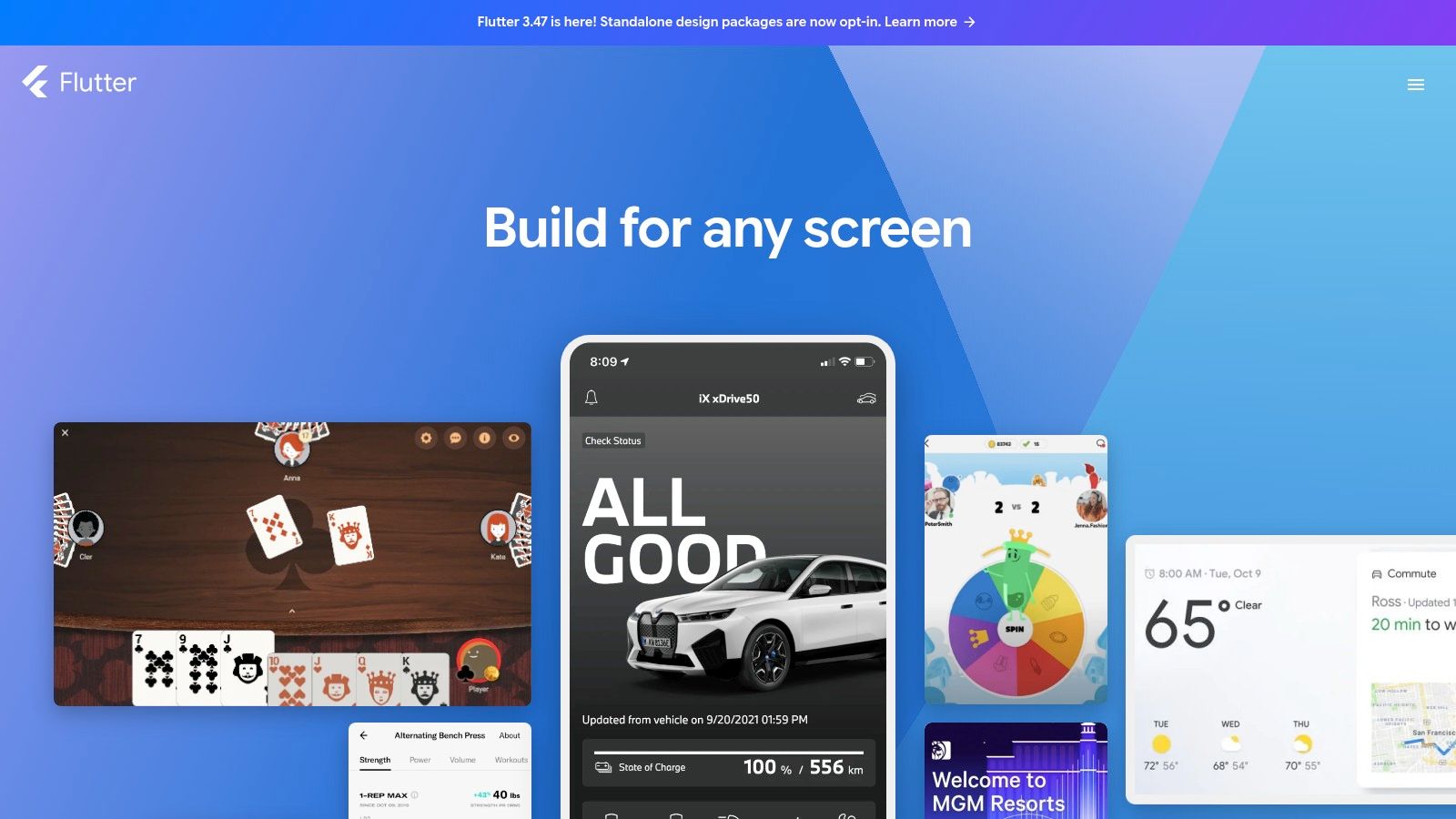
Need one team to cover mobile now, with desktop or embedded still on the table later? Flutter is usually one of the first frameworks worth testing, because it gives teams tight control over UI across very different targets.
Its core bet is simple. Flutter draws the interface itself instead of relying mainly on native UI components. That gives product teams a consistent visual layer across iOS, Android, web, desktop, and some embedded use cases. It also creates work when a product needs to feel native on each platform, especially on iOS where users notice the small interaction details fast.
For NZ and Australian teams, the question is not whether Flutter can ship polished apps. It can. The better question is whether your team can support Dart, plugin choices, and cross-platform testing over the next few years without making staffing harder than it needs to be.
Flutter earns its keep on products where the interface is part of the value. Customer apps, field tools, kiosk software, internal platforms with shared workflows, and startups that expect requirements to move around all benefit from the fast iteration cycle. Hot reload still helps in day-to-day work. It shortens the feedback loop for UI changes, which matters when product, design, and engineering are all adjusting screens at once.
It also has broader range than some teams expect. Mobile is the obvious use case, but desktop support is useful for line-of-business tools, and embedded support can matter for hardware-adjacent products. That said, Flutter is not a real-time framework in the industrial sense. If you are building for strict timing constraints, safety-sensitive systems, or low-level device control, Qt or platform-specific stacks usually fit that job better.
A few practical strengths stand out:
The trade-offs are not hard to find. App size can be heavier than native alternatives. Some third-party plugins are excellent, some are abandoned, and some work well until an OS update lands at the worst possible moment. Once you need uncommon hardware access or platform-specific integrations, native Swift, Kotlin, or platform channels come back into the picture.
That maintenance burden matters in this region. React and TypeScript talent is usually easier to hire across NZ and Australia than Dart specialists, so Flutter tends to work best when the product gains a clear benefit from UI control or platform reach. If the wider company already runs on web-heavy JavaScript workflows, Flutter can still be the right choice, but it needs a stronger reason than "one codebase."
My rule of thumb is straightforward. Choose Flutter when shared UI, design consistency, and multi-platform reach are central to the product. Skip it when native platform feel, niche device integration, or easy local staffing matter more.
Learn more at Flutter's official site.
Need to ship on iOS and Android without building two separate teams?
React Native often gets the first serious look from NZ and Australian companies for a simple reason. The hiring path is clearer. A business that already runs on React and TypeScript can usually retrain part of its web team for mobile faster than it can hire native iOS and Android specialists at the same time. In this region, that affects delivery speed, salary pressure, and long-term maintenance more than framework feature grids do.
I usually treat React Native as the practical middle ground. It gives mobile teams shared app logic and a familiar developer model, while still leaving room to drop into native code where the product needs it. That matters for brownfield work, too. Banks, utilities, retailers, and SaaS firms across Australia and New Zealand often already have existing mobile apps or backend systems, so gradual adoption is a real advantage, not a theory.
The good version of a React Native project is very good. Expo reduces setup friction. Standard product work such as authentication, forms, booking flows, dashboards, messaging, and content feeds fits well. Release velocity can stay healthy if the app mostly follows normal mobile patterns and the team keeps a close eye on package choices.
The messy version shows up later.
React Native can become expensive in maintenance if the app depends on several community modules, custom native bridges, or complex animation layers. OS updates arrive. One plugin lags. Another gets replaced. Someone on the team ends up debugging Gradle, Xcode, and JavaScript in the same afternoon. That is manageable, but it is not free.
For NZ and Australian teams, the main trade-off is not "cross-platform versus native." It is staffing ease versus technical drift over time. React Native is easier to staff than SwiftUI or Kotlin-first mobile builds. It is usually less suitable for desktop software, embedded devices, or hard real-time systems where predictable performance and direct hardware control matter more than code sharing. If the roadmap later expands into rugged field devices, kiosk hardware, or latency-sensitive interfaces, a mobile-first JavaScript stack can start to feel like borrowed time.
A quick fit check helps:
My rule of thumb is simple. React Native works best when commercial pressure says "ship mobile sooner" and the product does not rely on unusual performance or device access. It works less well when teams pick it hoping one shared codebase will remove platform complexity, because the complexity usually comes back later in another form.
Worth checking: NZ Apps' take on cross-platform app development frameworks in NZ.
See the platform at React Native's official site.
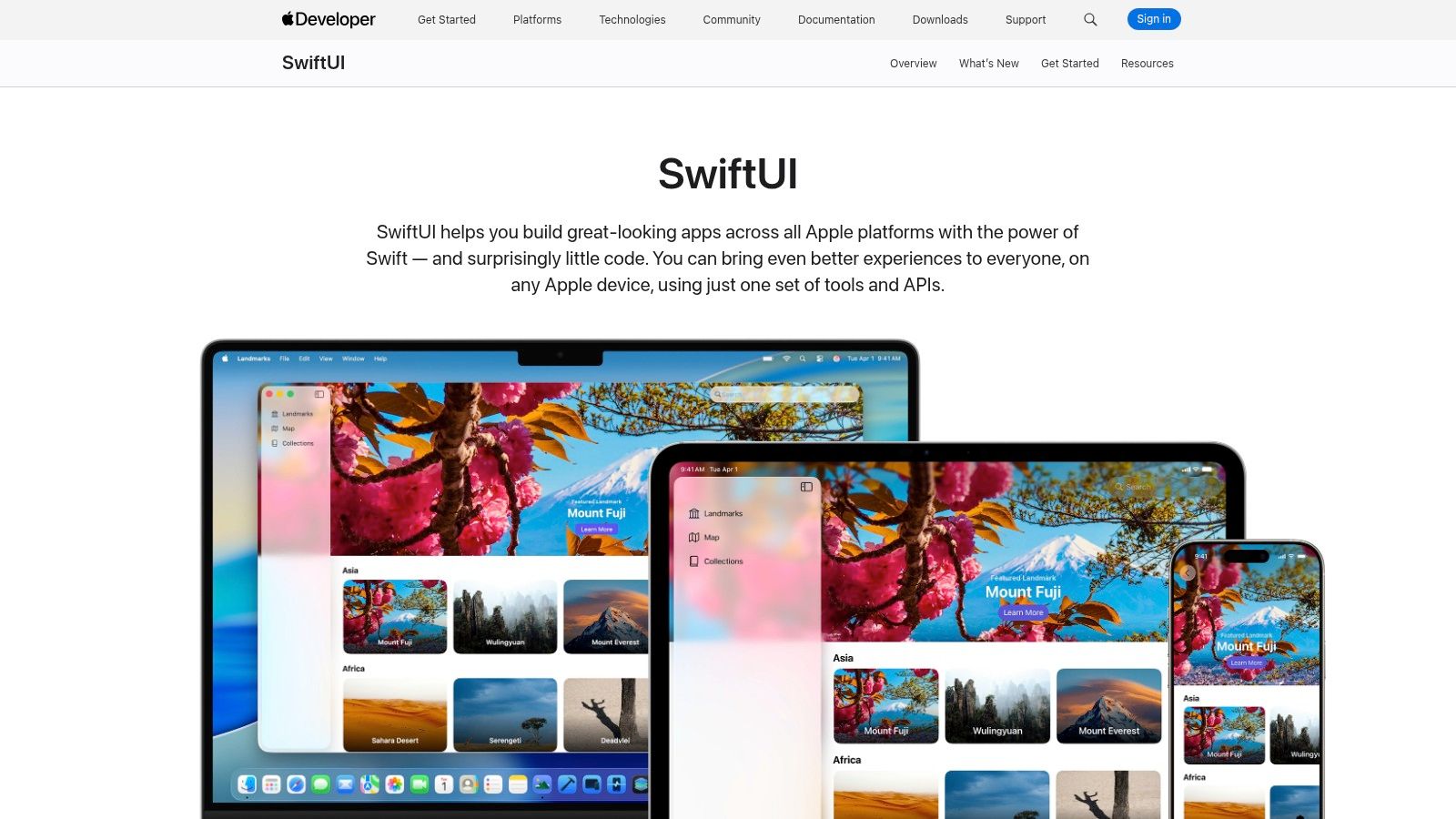
Need the app to feel unmistakably Apple from day one?
SwiftUI suits teams building for iPhone, iPad, Mac, Apple Watch, or Apple TV where product quality depends on native behaviour, tight hardware access, and keeping up with Apple's release cycle. In practice, that usually means consumer apps, device-linked software, internal tools for Apple-heavy organisations, or a Mac companion for an existing mobile product.
For NZ and Australian teams, the decision is rarely just about UI syntax. It is about hiring, roadmap shape, and who has to maintain the codebase two years from now. Good Swift and iOS engineers are available across Auckland, Wellington, Sydney, and Melbourne, but the pool is still smaller than the JavaScript market. That can be a fair trade if the product only needs Apple platforms. It becomes a more expensive choice if Android is also required early and the team cannot support two native streams.
SwiftUI also changes the maintenance picture in a useful way. Apple ships the APIs, the tooling, and the platform conventions together, so there is less adapter code and less framework drift than you get in some cross-platform stacks. The cost is dependency on Apple's way of doing things. Teams sometimes need UIKit or AppKit fallbacks for edge cases, OS version support, or advanced controls. That is normal. It just means SwiftUI is strongest in teams that are comfortable working close to the platform rather than pretending the platform does not matter.
A few patterns tend to hold up well:
It is a weaker match for broader platform ambitions. SwiftUI does not help much if the roadmap later stretches into Windows desktop, embedded devices, kiosk hardware, or real-time control systems. Australian and NZ product teams in logistics, field services, industrial, or transport often hit that point. Once the conversation moves from "best iPhone app" to "same product across mobile, desktop, and specialised hardware," SwiftUI stops being the centre of the strategy and becomes one platform-specific piece of it.
My rule of thumb is simple. Choose SwiftUI when Apple quality is part of the product value, not just a delivery target. If platform reach matters more than native fit, the trade-off usually turns against it.
Apple's framework lives at SwiftUI on Apple Developer.
What if the problem is not shared UI, but duplicated product logic spread across two mobile teams?
That is the case Kotlin Multiplatform makes. It is less about chasing one codebase for everything, and more about sharing the parts that age badly when they drift apart: networking, validation, state rules, offline sync, billing logic, and API models. Compose Multiplatform can extend that into UI, but it does not force the decision on day one.
For NZ and Australian teams, that distinction matters. A lot of local product shops can hire Android engineers with Kotlin experience more easily than they can build a full cross-platform team from scratch. KMP lets those teams share code without pretending iOS, desktop, or specialised hardware all want the same UI layer. That keeps the architecture honest.
The sweet spot is fairly specific:
The trade-off is operational, not theoretical. KMP asks for stronger engineering discipline than Flutter or React Native in many teams. Module boundaries have to stay clean. iOS packaging and interoperability need attention. CI setup usually gets more fiddly. If the team is small, junior, or under pressure to ship a quick v1, that overhead is real.
Compose Multiplatform also needs a sober view. It broadens Kotlin's reach into desktop and shared UI, which is interesting for internal tools and some desktop use cases, but it is not the obvious first choice for Windows-heavy enterprise estates, embedded devices, or real-time control systems where determinism and hardware constraints drive the decision. In other words, it fits best when mobile is the centre of gravity and desktop is supportive, not when one framework has to cover every screen in the company.
I usually recommend KMP to teams that already know native mobile work is part of the job and want to stop rewriting the same core behaviour twice. If the roadmap includes mobile first, selective desktop support later, and a strong Android bench in AU or NZ, it is one of the more sensible middle paths.
Before committing, build one shared domain module and run it through a real iOS release pipeline. That small test exposes the maintenance cost faster than any framework comparison page. JetBrains documents the current tooling at Kotlin Multiplatform.
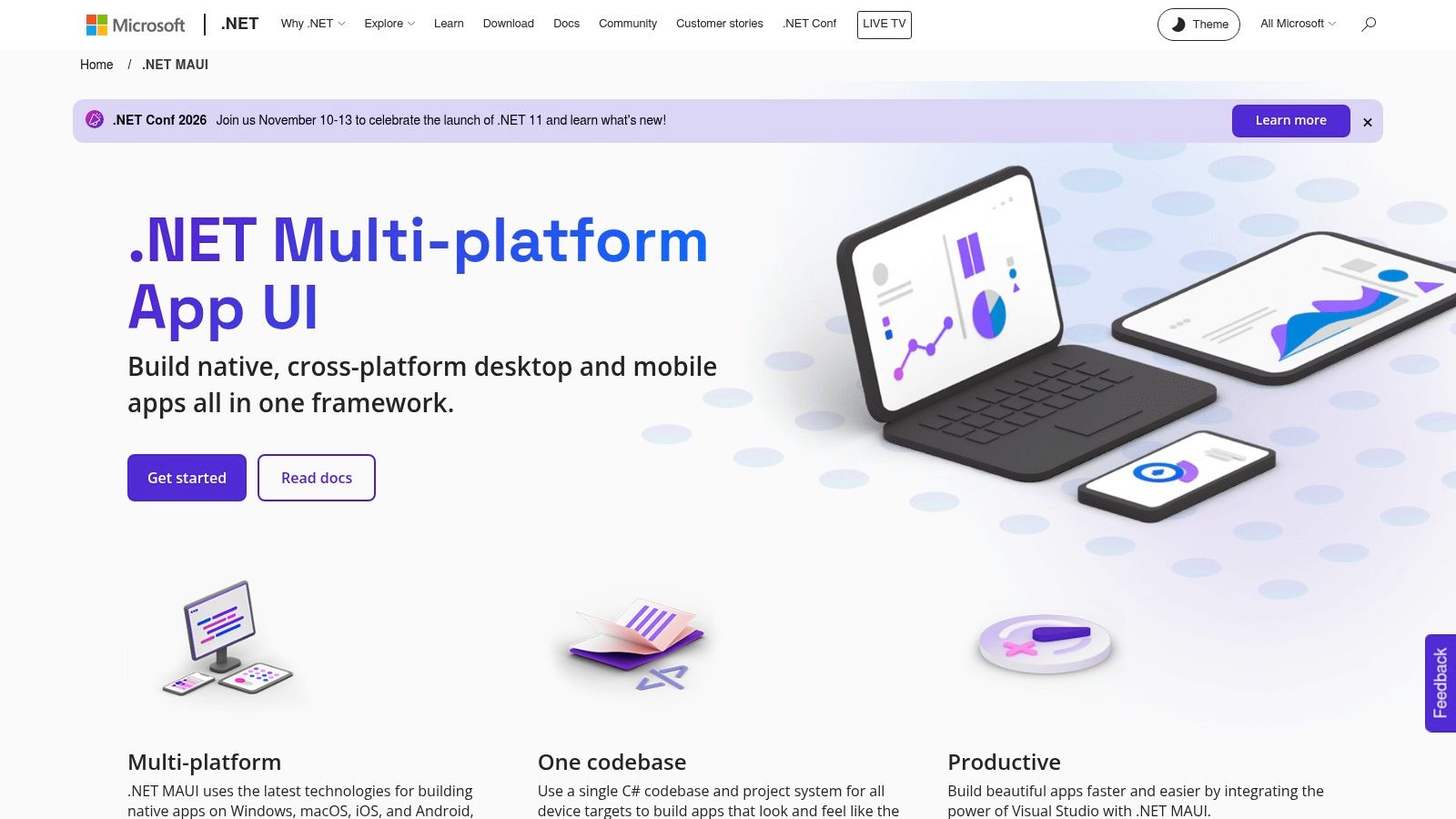
Need one framework that can cover a field app on Android, an internal iPad workflow, and a Windows desktop tool your ops team still relies on? .NET MAUI is one of the few options that fits that brief without forcing a full stack reset.
That matters in NZ and Australia because plenty of teams are not choosing from scratch. They already have C# developers, Azure services, Microsoft identity, SQL Server, and Windows support obligations. In that setup, MAUI is less about chasing the latest mobile trend and more about reducing the number of moving parts the team has to maintain.
The appeal is operational fit. A .NET shop can keep its language, much of its tooling, and a fair bit of its backend thinking while shipping to iOS, Android, macOS, and Windows. Blazor Hybrid can also make sense if the organisation already has web UI capability in Razor and wants to reuse it for internal apps.
I would put MAUI on the shortlist in three cases. First, Windows is still part of the product, not just a forgotten admin console. Second, the app is business software rather than animation-heavy consumer software. Third, hiring a mobile-only specialist team in Auckland, Wellington, Sydney, or Melbourne would be slower or pricier than building around existing .NET capability.
That hiring angle is easy to miss. Flutter and React Native often have broader mobile community noise around them, but many AU and NZ employers can find C# engineers faster than they can build a strong cross-platform mobile bench from scratch. If the product mainly serves staff, partners, inspectors, field crews, or service teams, that trade-off can be perfectly rational.
MAUI is less convincing once performance demands become strict.
For desktop line-of-business apps, companion mobile tools, and service-connected enterprise products, it usually fits well. For embedded interfaces, hardware-constrained devices, or real-time control systems where timing guarantees matter, it is the wrong tool. Qt or a lower-level stack usually belongs in that conversation instead. MAUI also would not be my first pick for graphics-heavy consumer apps where frame consistency and plugin depth can decide whether the product feels polished or frustrating.
The rough edges are practical. Mobile ecosystem support still feels thinner than Flutter or React Native in some corners. Third-party packages can vary in quality. iOS build and signing workflows still need Mac infrastructure, which catches Windows-led teams every year. If the app has to do unusual native work, the "single codebase" story also gets less tidy, because platform-specific code starts creeping back in.
For public sector or regulated work, the framework choice is only part of the decision. New Zealand government teams still have to line up with API, security, and architecture standards, and those requirements usually matter more than framework fashion, as noted by Digital.govt.nz standards and guidance.
Microsoft's official documentation for the framework is at .NET MAUI.
Need an app in market without hiring a full native mobile team?
That is the conversation where Ionic and Capacitor usually earn their place. For NZ and Australian teams with strong web capability, this pairing can be a practical way to ship customer portals, field forms, booking journeys, internal tools, and service apps using skills the team already has. The appeal is less about framework hype and more about staffing reality, maintenance overhead, and getting one product team to cover web and mobile sensibly.
Ionic handles the interface layer. Capacitor wraps the app for iOS and Android and provides access to native functions such as camera, files, geolocation, and push notifications. Teams already working in React, Angular, Vue, or plain JavaScript can adopt it without changing their whole delivery model.
That matters locally. In Auckland, Wellington, Sydney, and Melbourne, it is usually easier to hire solid web developers than experienced Swift and Kotlin specialists at the same time. For organisations building service-heavy software rather than performance-heavy products, that talent equation often matters more than raw technical purity.
The trade-off is straightforward. Ionic is a good fit when the app behaves like a polished web product inside a native shell. It gets less comfortable once the product depends on complex gestures, graphics-heavy interactions, tricky background processing, or deep custom native work. At that point, the cost savings from one codebase can start leaking away in plugin work, testing effort, and platform-specific fixes. Teams comparing options on budget usually run into the same tension discussed in this guide to app development costs in New Zealand.
I would also separate it clearly from the desktop, embedded, and real-time end of this list. For desktop apps, Ionic can work through web packaging routes, but Electron or Tauri usually make that story more direct. For embedded interfaces or real-time control systems, it is not the right tool. WebView-based architecture is fine for forms and dashboards. It is a poor match for tight hardware timing, constrained devices, or interfaces where frame behaviour and direct system control really matter.
A simple test helps here. If the product owner says, "it should work like our web platform, but better on phones," Ionic deserves a serious look. If they say, "it has to feel indistinguishable from a top-end native app and talk to unusual device features all day," I would move it down the shortlist.
The framework lives at Ionic Framework.
Need one codebase to run a medical device screen, a desktop control app, and a kiosk UI for years without turning maintenance into a weekly argument? Qt belongs on the shortlist.
Australian and New Zealand teams usually do not pick Qt because it is fashionable. They pick it because the product sits closer to hardware than to app-store trends. That changes the framework decision. Mobile frameworks on this list focus on customer apps first. Qt is more at home in desktop software, embedded interfaces, operator panels, in-vehicle screens, and specialist systems where predictable performance and long support windows matter more than quick iteration on marketing features.
The technical case is pretty clear. Qt combines C++ with QML and Qt Quick, which gives teams fast UI rendering, strong hardware access, and one stack that can cover desktop, embedded Linux, and, if needed, mobile. For products used in factories, clinics, transport, or field equipment, that breadth can remove a lot of glue code and awkward platform splits.
The people side is where the trade-off bites.
In NZ and Australia, it is usually easier to hire React Native, Flutter, or general web developers than experienced Qt engineers. Strong C++ developers exist, but they are spread across embedded, gaming, finance, and systems work, and they are rarely the cheapest hire. If your roadmap depends on niche hardware integration, offline reliability, and a product lifespan measured in years, that cost can be justified. If you are shipping a standard consumer app, it often is not.
Qt also asks for more discipline than mobile-first frameworks. You need a team that can handle memory, build tooling, device constraints, and the awkward edges of embedded deployments. Licensing needs proper review too, especially for commercial products. I have seen teams underestimate that overhead, then discover the framework was fine but the delivery model around it was not.
A simple way to judge fit is to look at failure modes. If the main risk is UI polish on iOS and Android, choose a mobile framework. If the main risk is keeping a hardware-linked product stable across desktop and embedded targets for the next five to ten years, Qt starts to look very sensible.
That is value here. Qt is less about shipping the fastest MVP and more about reducing rewrites on serious products with long service lives.
You can review the platform at Qt Framework from The Qt Company.
Need an app framework, or need a real-time engine that happens to ship to phones, desktops, headsets, and kiosks? Unity sits in the second bucket.
That distinction matters for NZ and Australian teams. Unity is rarely the right answer for a standard customer app, staff portal, booking flow, or line-of-business tool. It starts to make sense when the product itself depends on 3D scenes, animation, simulation, sensor input, or frame-rate-sensitive interaction. AR training for field crews, interactive museum installs, mining or manufacturing visualisation, education products with simulated environments, and digital twin interfaces are the kinds of jobs where Unity earns its keep.
The delivery model changes with it.
A Unity project usually pulls in different people from a Flutter, React Native, or SwiftUI build. You may need technical artists, 3D modellers, shader or graphics knowledge, and someone who can profile memory and rendering behaviour on weaker devices. In Australia, that talent often comes from games, defence, architecture visualisation, and industrial simulation. In New Zealand, the pool is smaller, and teams sometimes end up mixing app developers with contractors from adjacent creative or simulation work. That can work well, but it changes cost, planning, and maintenance.
The maintenance burden is easy to underestimate. You are not only maintaining app code. You are maintaining scenes, assets, package compatibility, platform builds, input handling, and performance across very different hardware classes. Mobile is one target. Desktop kiosks, VR headsets, and embedded-style touch displays are another. If your product has a real-time core, that complexity is justified. If the 3D layer is decorative, it becomes expensive theatre.
One practical test helps here: remove the time graphics. If the product still works as a normal mobile or desktop app, Unity is probably the wrong framework. If removing graphics breaks the product's usefulness, Unity is in the conversation.
There is also a public-sector angle in New Zealand worth keeping in view. The country's Government App Programme is planned to launch in phases by the end of 2025, will run on both iOS and Android, and use will be voluntary. It is being built as a secure citizen app with encrypted notifications and messaging, a digital wallet for official credentials, and optional payment functions, according to OpenGov Asia's report on New Zealand's Government App Programme. That kind of service app is better served by conventional mobile frameworks. The adjacent work around training, onboarding, wayfinding, and interactive public experiences is where Unity is more likely to fit.
Use Unity when performance, immersion, and spatial interaction are product requirements. Avoid it when they are just nice-to-have ideas from a workshop whiteboard.
Unity's official site is Unity.
Need a desktop app soon, and already have a capable web team in Auckland, Wellington, Sydney, or Melbourne? Electron is usually the shortest path.
It wraps a web app with Chromium and Node.js, so the same team building the browser product can often ship the desktop version without rebuilding its skills around C++, Swift, or .NET desktop tooling. For ANZ companies, that talent angle matters. Strong JavaScript and TypeScript hiring is usually easier than finding experienced cross-platform desktop specialists, especially for product teams outside the biggest cities.
That hiring advantage is the reason Electron stays relevant. The technical trade-off is plain enough. You are shipping a browser with the app, so install size and memory use go up. On a support desk tool, internal admin app, field operations console, or offline data entry client, that overhead is often acceptable. On older laptops, low-spec kiosk hardware, embedded touch systems, or anything expected to sit open all day with tight resource limits, it becomes a maintenance issue rather than a theoretical complaint.
I usually put Electron in the "desktop companion" bucket. It fits products that already live on the web and need local file access, background sync, device integration, printing, or a more controlled offline mode. It can also work for POS and back-office tools used across New Zealand and Australia, where Windows is still common and Linux sometimes appears in operational environments. One codebase across Windows, macOS, and Linux is a practical selling point when support teams are small.
The part teams underestimate is upkeep.
Electron apps inherit desktop security concerns and Chromium release churn, so patching cannot slip far down the backlog. IPC boundaries, preload scripts, code signing, auto-updates, and dependency hygiene need real attention. If the team treats it like "just a web app in a window", the bill arrives later in support load and security review friction.
Electron is a poor fit for embedded and real-time work. If the product needs deterministic timing, low-level hardware control, or very lean binaries, look elsewhere. If it needs a familiar desktop UX delivered quickly by a web-heavy team, Electron still earns its place.
Electron's official site is Electron.
Need a desktop app that does not feel overweight before the user has even logged in?
That is Tauri's pitch. It uses the OS webview instead of bundling Chromium, with Rust handling the native side. The practical result is usually a lighter install, lower memory use, and a security model that asks teams to be more deliberate about what crosses the frontend to backend boundary.
For NZ and Australian teams, the trade-off is less about features and more about who will maintain it. Frontend-heavy teams can get productive in Tauri, but the moment the app needs custom native capabilities, signing work, updater behaviour, or tighter system integration, Rust knowledge stops being optional. That can be fine in Wellington, Auckland, Melbourne, or Sydney if the team already has systems engineers or backend developers who are comfortable close to the metal. It is harder for smaller product teams hiring mainly React developers and expecting desktop to stay a side project.
I tend to place Tauri in a narrow but useful category: desktop products where Electron feels too heavy, but full native desktop stacks feel like overkill. Internal business tools, secure client apps, local utilities, field software, and companion apps are the usual candidates.
It is less convincing outside that lane. Mobile support exists, but desktop is still the main reason to choose it. For embedded and real-time work, Tauri is still the wrong tool. If deterministic timing, direct hardware control, or long-lived low-spec deployments are central requirements, frameworks built for those constraints make more sense.
The maintenance profile is also different from what web teams expect. You are dealing with web UI code, Rust commands, IPC design, platform packaging, and OS-specific behaviour in the same product. The upside is a leaner desktop app. The cost is a smaller plugin ecosystem than Electron and a higher skill floor once the product grows beyond a simple shell around a web interface.
That makes Tauri a good fit for teams making an explicit decision about footprint, security boundaries, and desktop efficiency. It is a weaker fit for teams choosing a framework mainly because it feels familiar on day one.
The official project site is Tauri.
| Framework | Core strengths ✨ | Performance & UX ★ | Value & Cost 💰 | Best for 👥 | Standout 🏆 |
|---|---|---|---|---|---|
| Flutter (Google) | ✨ Single codebase (mobile/web/desktop), hot reload, rich widgets | ★★★★★ Smooth 60fps UIs, high fidelity | 💰 Free OSS; larger binary sizes | 👥 Startups & cross‑platform product teams | 🏆 Unified rendering + mature tooling |
| React Native (Meta) | ✨ JS/TS + native modules, Expo support | ★★★★ Good native feel; bridging can add complexity | 💰 Free OSS; large hiring pool | 👥 JS teams, rapid MVPs, brownfield apps | 🏆 Massive ecosystem & Expo OTA |
| SwiftUI (Apple) | ✨ Declarative Apple UI, Xcode live previews | ★★★★★ Native performance & platform parity | 💰 Free SDK; macOS/Xcode required | 👥 iOS/macOS‑first products & teams | 🏆 Best access to new Apple features |
| Kotlin Multiplatform (JetBrains) | ✨ Share business logic; Compose MP for optional UI | ★★★★ Native UX with high code reuse | 💰 Free OSS; added iOS build/integration steps | 👥 Android teams expanding to iOS; native‑centric projects | 🏆 High code reuse without sacrificing native UI |
| .NET MAUI (Microsoft) | ✨ C# single‑project multi‑target, Blazor hybrid | ★★★ Solid native controls; smaller mobile community | 💰 Free/.NET; strong enterprise & Windows fit | 👥 .NET shops, enterprise & Windows desktop fleets | 🏆 Enterprise tooling & Windows alignment |
| Ionic + Capacitor | ✨ Web‑first UI components, Capacitor plugins, PWA support | ★★★ Great for content/forms; web‑bound performance | 💰 Free OSS; low dev cost using web talent | 👥 Web teams, fast MVPs, PWAs | 🏆 Reuse web apps for stores & web |
| Qt (The Qt Company) | ✨ C++/QML native UI, extensive modules & LTS | ★★★★ High native performance; long lifecycles | 💰 Commercial licensing common; LTS options | 👥 Embedded, industrial, medical, long‑life products | 🏆 Proven for mission‑critical systems |
| Unity (Unity Technologies) | ✨ Real‑time 2D/3D engine, AR/VR & asset ecosystem | ★★★★ Best‑in‑class for real‑time graphics; larger builds | 💰 Free tier; commercial subscriptions/services | 👥 AR/VR, simulations, interactive visualisation teams | 🏆 Leading real‑time graphics & tooling |
| Electron | ✨ Web tech (Chromium + Node) for desktop apps | ★★★ Fast dev velocity; higher memory & size | 💰 Free OSS; larger runtime footprint | 👥 SaaS teams building desktop companions/editors | 🏆 Leverages web stacks for rapid desktop delivery |
| Tauri | ✨ Rust backend + OS webview, tiny secure binaries | ★★★★ Lightweight, fast & security‑focused | 💰 Free OSS; very small distribution size | 👥 Privacy/security apps, Rust developers | 🏆 Very small, secure binaries |
The shortest useful summary is this. Stop looking for a winner and start looking for fit.
Flutter and React Native are still the practical starting point for many cross-platform mobile products. Flutter is great when UI consistency, custom design, and broad platform reach matter. React Native is often easier to staff and easier to justify when your team already lives in React and TypeScript. Both can work well. Both can also become awkward if your app grows deep native roots.
SwiftUI is the clean choice for Apple-first apps where the iPhone or broader Apple experience is central to the product. Kotlin Multiplatform is a smart middle road when you want shared logic but still care about native control and native feel. That's often a mature team's answer, not a hurried MVP answer, and that's fine.
.NET MAUI makes sense for established C# shops, especially where mobile, Windows desktop, and Microsoft integrations all sit in the same business process. Ionic plus Capacitor suits web-led MVPs, internal workflow apps, customer portals, and other products where speed and web skill reuse matter more than absolute rendering grunt. Qt belongs in the conversation when software needs to live for years on desktop or embedded hardware. Unity earns its place when your app is really a real-time visual product. Electron and Tauri cover a different problem again, which is desktop delivery for web-shaped teams.
The common mistake is treating framework choice like a procurement exercise. Feature list on one side, tick boxes on the other, done by Friday. Real projects don't behave that neatly. Maintenance burden matters. Plugin health matters. Local hiring depth matters. The first native integration matters. The weird testing issue on one Samsung handset matters. It all matters.
So before committing, build a small vertical slice. Not a toy screen. Build one meaningful path with auth, data fetching, one native integration, error handling, and your expected UI complexity. That will tell you far more than ten polished landing pages ever will.
For NZ and Australian teams, also check who you can hire or contract six months from now. A framework that looks efficient on paper can become expensive if every future change needs a rare specialist. Budget for upgrades, native modules, testing, app store compliance, and support. Budget for the second year, not only the launch month.
If you're comparing local partners while making that call, NZ Apps can be one useful regional reference point for researching app companies and related framework coverage in the NZ and AU market.
If you're weighing app development frameworks and want a regional view, NZ Apps publishes framework roundups, app company coverage, and practical guides aimed at NZ and Australian founders and operators. It's a useful place to compare local options, research technical partners, and get a clearer feel for how these stack choices play out in this market.
Add your NZ or Australian app or tech company to the NZ Apps directory and get discovered by founders and operators across the region.
Get ListedReach tech decision-makers across New Zealand and Australia. Sponsored and dofollow editorial links, permanent featured listings, and sponsored articles on a DA30+ .co.nz domain.
See Options