
Which AI tool will save your team time without creating another system to maintain? That's a better question than asking which product is the overall winner. There is no single best AI tool for business across every New Zealand or Australian company. The right choice depends on your existing stack, data controls, workflow maturity and budget.
This shortlist follows real work: suite productivity, general AI, automation, marketing, knowledge, finance, product delivery and team communication. Each entry covers what the tool does, where it fits, what may become costly, and a sensible first use case. Founders and operators can use that detail to test one workflow safely, rather than buying a bundle of shiny subscriptions and hoping the value appears.
NZ Apps is a regional technology directory and editorial resource for teams assessing software across the local market. The wider conversation also matters. If a workflow needs human escalation, review AI escalation before handing customer or commercial decisions to an automated system.
Microsoft Copilot for Microsoft 365 makes the most sense when your business already runs on Word, Excel, PowerPoint, Outlook and Teams. It drafts inside documents, summarises long email threads, turns meeting discussions into notes and action items, and helps people ask Excel questions in plain language. That native position removes a lot of friction. Staff don't have to move customer information into a separate chatbot just to get a first draft.
The strongest use cases are ordinary office jobs. Ask Excel to explain a trend or suggest a formula. Use Teams recap to catch up after a meeting. Let Outlook pull out tasks from a busy thread. Administrators also get tenant-level controls around identity, compliance and data governance, which matters when a business handles employee, customer or commercial information.
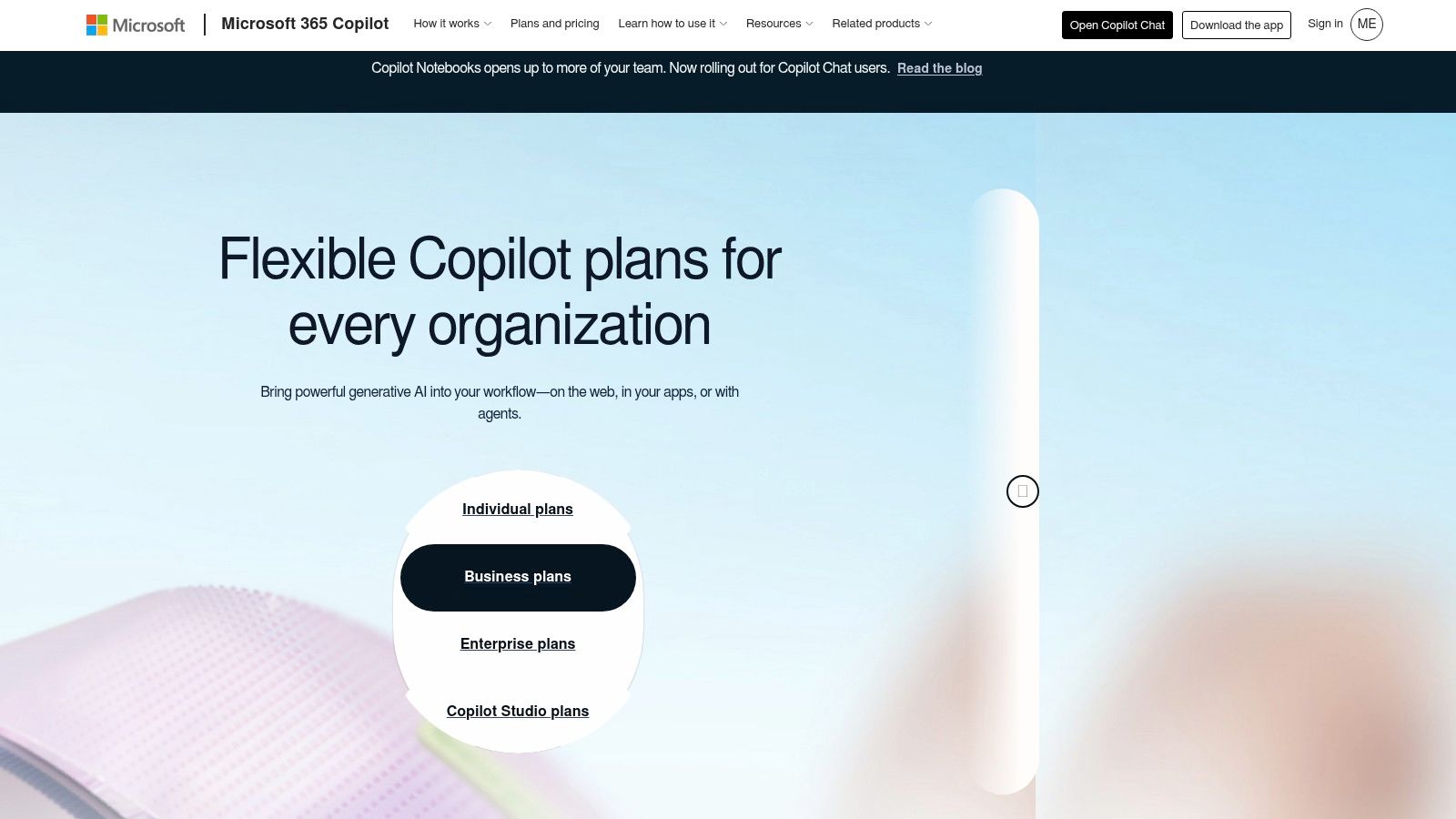
Copilot needs an eligible Microsoft 365 base licence, so the cost isn't only the AI add-on. Its value also drops if your team lives in Google Workspace, Slack or another productivity suite. Check current Microsoft 365 Copilot pricing for New Zealand, licence eligibility and promotional terms before approval.
Practical rule: Start with meeting recaps and email task extraction. They're easy to review, easy to measure and less risky than letting AI make decisions in financial or customer workflows.
For a wider view of the surrounding tools, compare it with team collaboration software. Microsoft Copilot is the low-friction pick for an M365-first organisation, not a universal answer for every team.
Google Workspace with Gemini is the natural counterpart for businesses built around Gmail, Docs, Sheets, Slides, Meet and Chat. Gemini can help draft and summarise text, translate material, analyse spreadsheets and prepare meeting content without forcing users to leave the documents they already share. That collaborative context is the appeal. A marketing team can work in one shared file while Gemini helps shape the rough material.
The Gemini app and Notebook support research and drafting, while Google's Agent Platform is aimed at building, governing and monitoring AI assistants. Enterprise administration and data protection add a more formal layer for larger organisations. This matters for Australian and New Zealand teams that want experimentation to sit inside a managed Workspace environment, rather than in a collection of personal accounts.
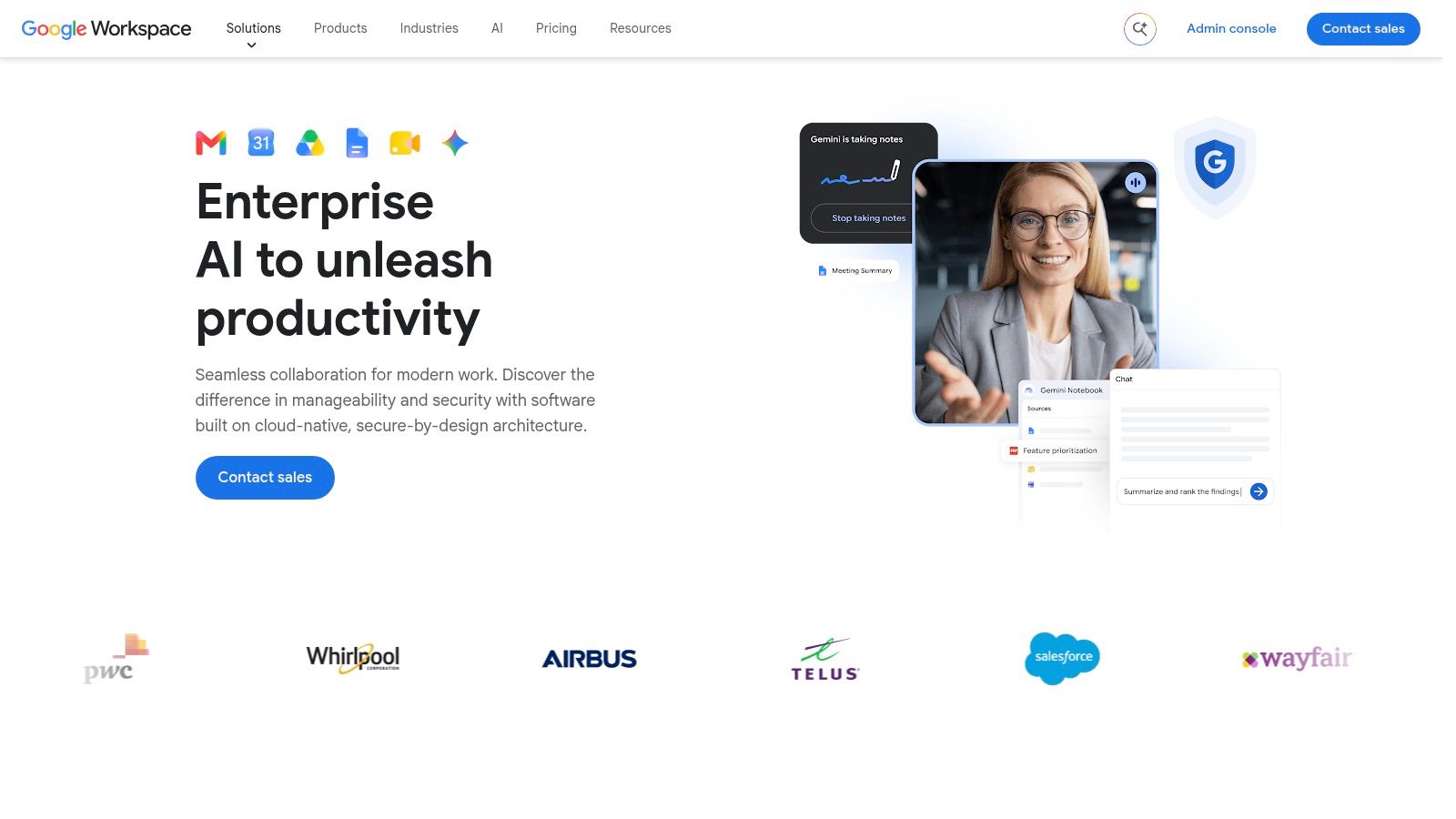
Google's packaging has changed, and advanced functions may depend on Enterprise SKUs. Check the current Google Workspace Enterprise offer, New Zealand terms, included Gemini features and any pay-as-you-go arrangements with Google or a local partner. A low headline price can become less attractive once the required edition and administration needs are included.
Use Gemini first for shared document preparation, meeting follow-up or spreadsheet analysis. It works best when the source information is already organised in Workspace. If files sit across disconnected drives, local servers and personal inboxes, the model isn't the main problem. Your information architecture is.
ChatGPT is the broad general-purpose option on this list. Teams use it for research, coding, document analysis, content drafts, data work and custom assistants. Business and Enterprise plans add collaboration, administration and single sign-on features, while the API lets product teams place AI inside an application, support process or internal system.
Advanced Data Analysis can work with files, charts and tabular data. Custom GPTs, connectors and retrieval features can help ground answers in company material rather than asking staff to repeat the same context every morning. That range is useful for a growing company where one department needs coding help and another needs sales research or finance commentary.
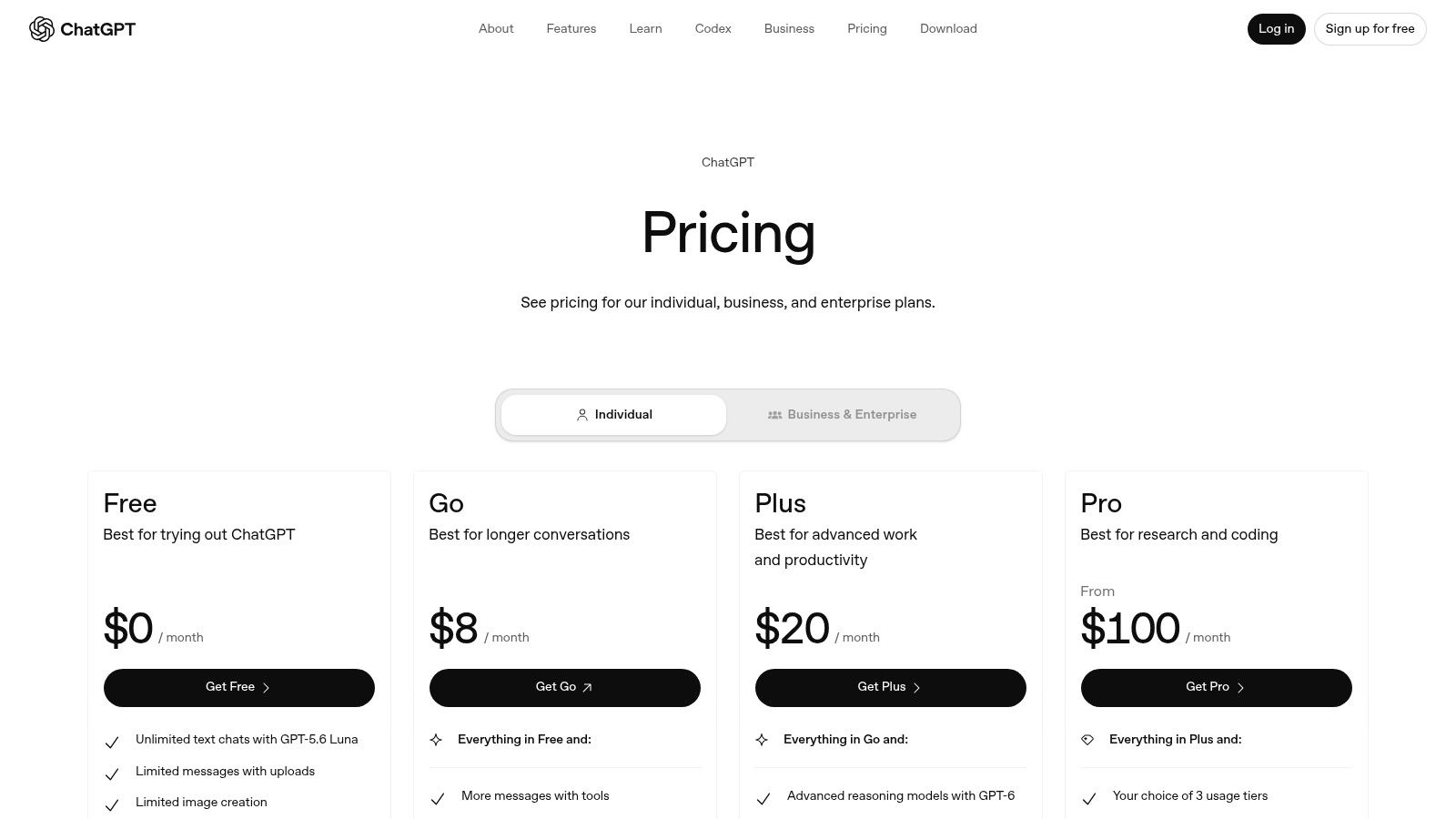
Per-seat fees and API usage can grow as staff create many assistants or automate repeated calls. Set usage limits, nominate an owner and review which workflows actually need a premium model. Some organisations may also need region-specific data residency that isn't available in the way their policy requires, so check the terms before sensitive material enters the system.
The ChatGPT alternatives and related AI tools directory can help teams compare the category. For a first test, give one operations or product group a defined task, such as turning support exports into a reviewed issue summary. Measure time saved and output quality, not the number of prompts people send.
Claude suits teams that work with long documents, detailed specifications, policies, contracts and code repositories. Its large context handling lets users keep more source material in one conversation, which can reduce the awkward task of splitting a policy into many small prompts. Technical founders and engineering teams may also find Claude Code useful for repository questions, code generation and development workflows.
Team and Enterprise seats provide collaboration and administration tools, while the API keeps application work separate from seat-based usage. Enterprise deployment options include SOC 2, SSO and SCIM support. Those controls can help a technical organisation connect AI use to its existing identity and access processes, although the business still needs its own rules for review and approved data.
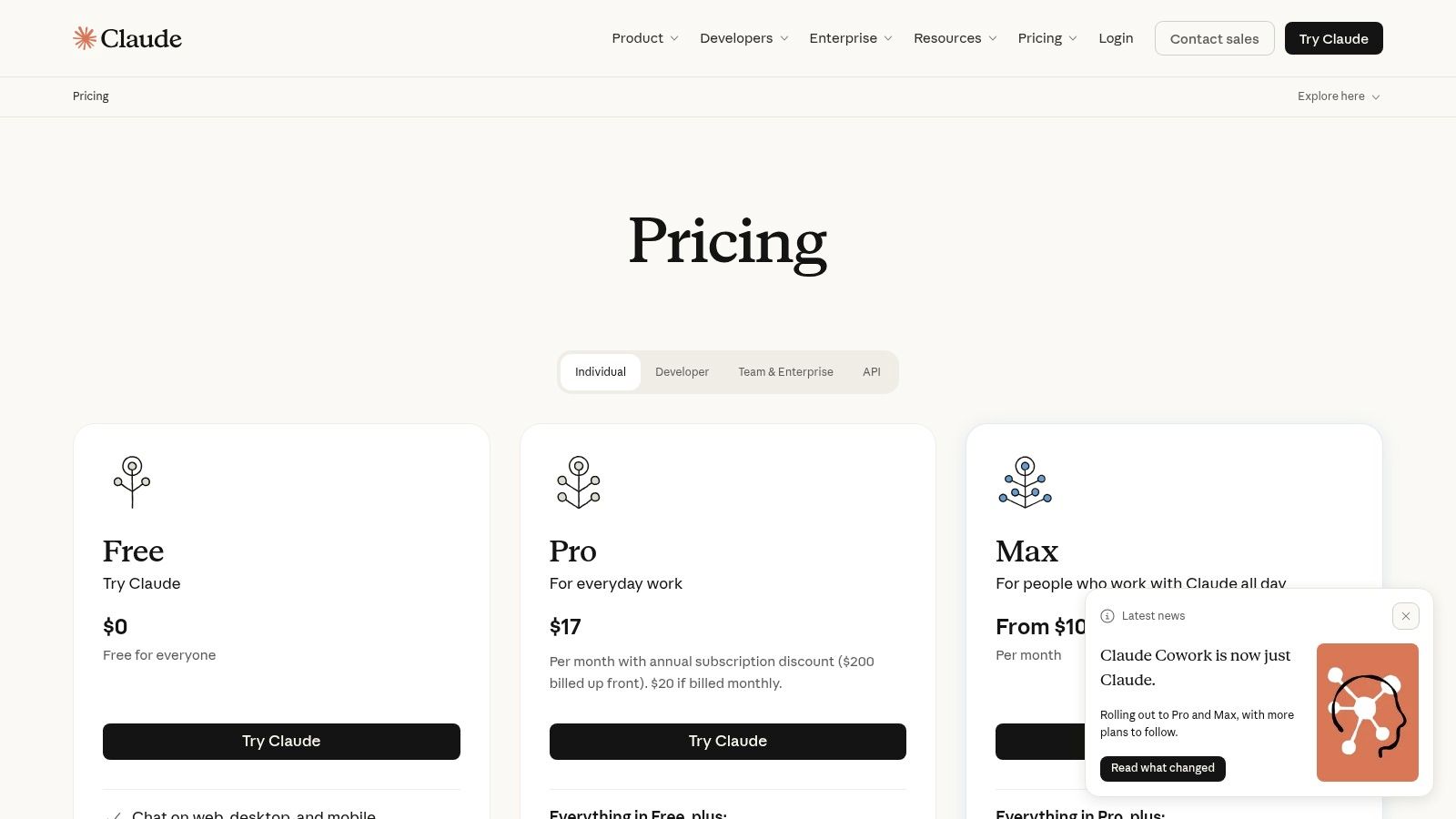
Claude can produce a polished explanation from a large document, but polished doesn't mean correct. Keep a subject-matter reviewer in the loop for legal, employment, financial and safety material. Also verify current tiers, quotas and allowances on Claude pricing, because the structure and allotments changed in 2026.
A sensible starting use case is internal specification review. Ask Claude to identify missing assumptions, conflicting requirements and open questions, then let the product owner make the final call. This is more useful than giving it a vague instruction to “improve the product”. The former creates a reviewable output. The latter creates theatre.
Zapier is for the awkward middle layer between applications. It connects AI actions to the systems your team already uses, so a model can classify an enquiry, add a record to a CRM, create a task, send a draft for approval or update a shared table. The appeal isn't a clever chat window. It's turning a useful answer into a real business action.
Zapier supports AI actions across a broad app ecosystem, Agents for multi-step tasks, natural-language workflow building, Tables, Forms and Zaps. Administrators can set usage limits and control how much activity runs through task-based billing. That makes it practical for a small team that doesn't have the time or budget to build every integration from scratch.
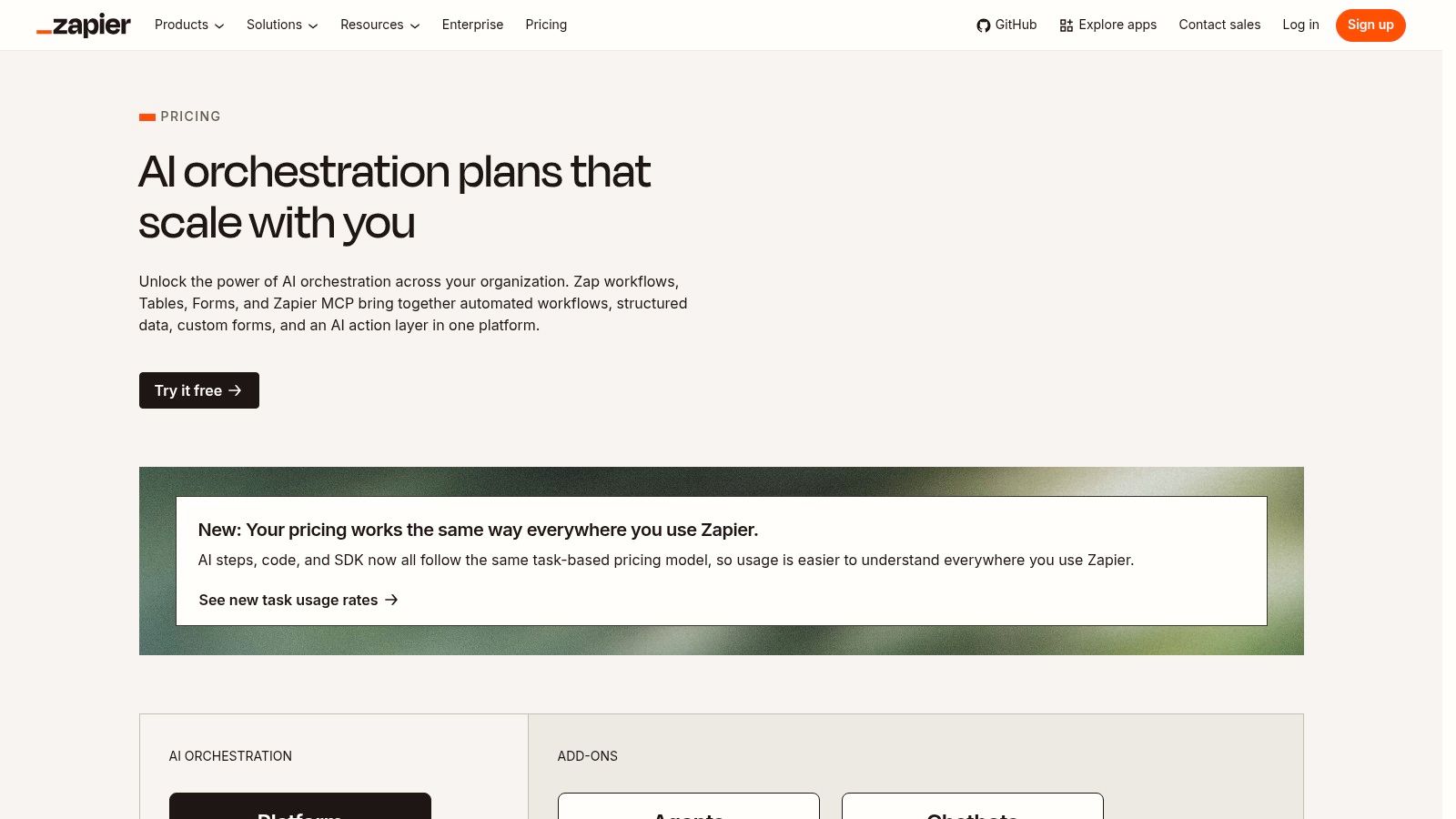
Usage rises with activity and tool calls. A workflow that looks cheap in a quiet test may run often once forms, emails and customer events start flowing. Review logs, add limits and test failure paths. Complex automations also need careful design, especially where a wrong action can create a customer promise or alter a finance record.
Teams unfamiliar with API integration should start with a one-way workflow, such as routing web enquiries into a labelled CRM queue. For more advanced collection work, a Scrape API may sit upstream, but the legal basis and quality of collected data still need human review. Automation is a conveyor belt. It doesn't inspect every box unless you tell it to.
Canva is often the quickest route from a rough idea to a usable marketing asset. Magic Write helps with copy, Magic Design creates layouts, and Magic Edit, Erase, Grab and Morph support image changes. The platform also covers presentations, charts, social posts, video and product demonstrations, which gives a small ANZ marketing team one familiar place to produce campaign material.
Canva's Australian roots give it particular regional relevance, and many New Zealand agencies and startups already understand its editor. Brand Kits, approval flows and content scheduling help keep fast production from becoming visual chaos. That matters when a founder, sales lead and marketer all create assets in the same week.
The Canva pricing page should be checked for current AI credits, usage limits, team features and commercial terms. Those allowances vary by plan. A design that looks good in a social feed may still need manual work for a precise product diagram, regulated claim or carefully balanced brand layout.
Start with repeatable campaign tasks: resize a launch asset, turn a product brief into social variations or prepare a first presentation draft. Give a person final approval, particularly for pricing, customer promises and images that could misrepresent a product. Canva gets the team moving. It doesn't replace taste or accountability.
Notion combines documents, wikis, project spaces and lightweight databases, then places AI over the knowledge inside them. It can draft and summarise pages, answer questions about workspace content, prepare meeting notes and connect information from other tools. For an early-stage team, that combination can be more useful than adding a separate chatbot to an already scattered knowledge base.
Custom Agents extend the idea into automated internal tasks, with credit-based usage. Higher tiers include features such as SSO and SCIM, which become relevant once a company needs stronger access management. Notion is flexible enough for onboarding, product notes, client scopes, operating procedures and a small CRM, although flexibility can become a swamp if nobody agrees where information belongs.
Check Notion pricing for the current AI package, Custom Agent credits, member charges and security features. Packaging has changed, so an old comparison may give the wrong answer. Heavy data work or complex processes may still need an external model and a more deliberate integration.
A good first use case is an internal question-and-answer space built from approved operating documents. Name the source owner, mark stale pages and require staff to open the underlying page before acting on a response. Notion AI is strongest when the workspace contains clear knowledge. It can't tidy years of contradictory notes by magic.
Xero is the most locally grounded choice for many New Zealand and Australian small businesses. The New Zealand-founded accounting platform uses JAX, or Just Ask Xero, as a finance assistant for conversational help, document capture and bookkeeping workflows. Smart capture can ingest invoice and expense information, extract fields and reduce manual entry before reconciliation.
That embedded position matters. Finance teams and advisers already work in Xero, so staff don't need to copy data into a general AI tool and then copy the answer back. JAX can support task execution inside Xero, while partner-oriented features for accountants and bookkeepers are being developed in beta. Bank connections and clean source data still matter, though. AI can't reconcile information that never arrived.
Some JAX capabilities remain in beta and are rolling out across Australia and New Zealand. Check availability, connected bank support and the current Xero platform terms before promising a fully automated month-end process. A finance manager should review unusual transactions, tax treatment and supplier changes.
Start with invoice capture and duplicate checking, then compare the time spent before and after the pilot. Guidance on invoice data capture can help shape the process. Keep human approval for payments and material journal changes. A fast reconciliation is useful. An unexplained one is not.
Product and engineering teams already living in Jira and Confluence have a clear reason to consider Atlassian's AI features. Atlassian Intelligence can summarise issues and pages, answer questions across Jira and Confluence, and help draft documentation. Rovo adds cross-tool enterprise search and assistants, which can reduce the hunt through tickets, decisions and technical notes.
The platform also uses usage-based pricing for AI agent resolutions, with dashboards and limits for consumption. That is a sensible answer to a common worry: an AI feature can look free until a team uses it heavily. Product leaders still need to decide which actions may run automatically and which require an approval step.
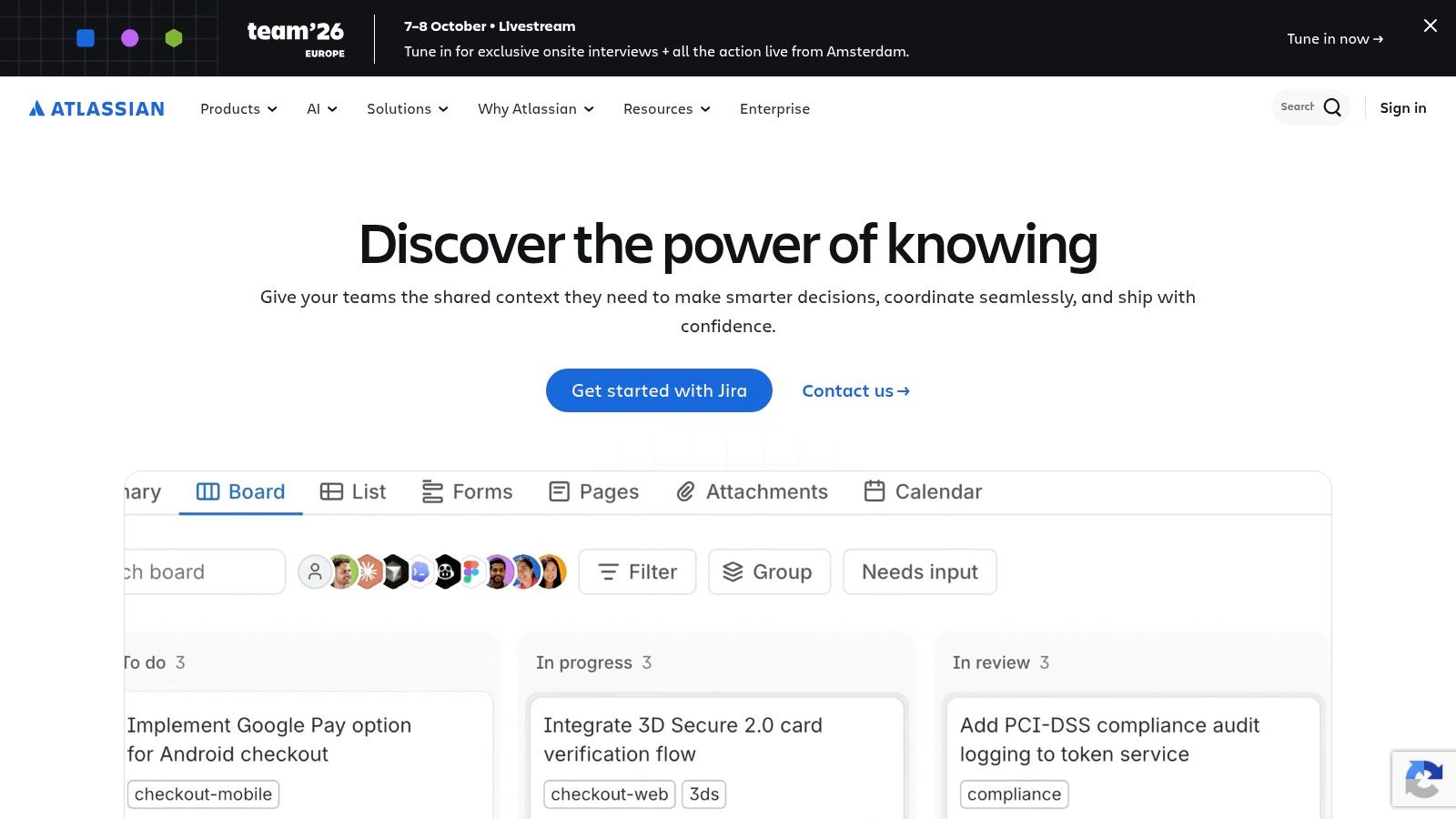
The Atlassian platform is a strong fit for an organisation standardised on Atlassian Cloud. It is less compelling if product decisions sit in scattered documents and engineering work runs elsewhere. Review the current AI agent pricing model, credits, limits and administrator dashboards before setting a department-wide policy.
Begin with issue summaries and release-note drafts. Those outputs are visible, easy to check and useful during a busy release cycle. Don't let an agent close, reprioritise or rewrite important tickets until the team understands how it handles missing context. Product delivery has enough surprises already.
Slack's built-in AI helps teams catch up without leaving the conversation space. It can summarise channels and files, improve search, prepare daily recaps and support workflow generation. A personal Slackbot agent adds another route for small assists, while app integrations connect Slack to the rest of the operating stack.
The immediate value is habit-friendly. Staff don't need to learn a new workspace to find a decision buried in a busy channel. A sales lead can catch up on a project thread, and a manager can review the shape of a conversation before joining it. That convenience is especially useful for distributed NZ and Australian teams working across offices, regions and time zones.
Advanced AI features are tied to higher Slack plans, so check Slack pricing in New Zealand and confirm which controls apply to your current workspace. Slack also overlaps with Microsoft and Google AI features. If your team primarily uses one of those suites, adding another assistant may create duplicate cost and competing summaries.
Start with channel recaps and search for a team that already uses Slack well. Set retention rules, decide which channels may contain sensitive material and tell staff when summaries need checking. Slack AI can reduce the noise. It can't fix a culture where every decision lives in an unlabelled thread.
| Product | Core features ✨ | UX / Quality ★ | Value / Pricing 💰 | Target audience 👥 | Key differentiator 🏆 |
|---|---|---|---|---|---|
| Microsoft Copilot for Microsoft 365 | Inline writing, meeting/email summarisation, Excel prompts ✨ | ★★★★ | 💰 Region pricing; requires eligible M365 licenses | 👥 M365-centric teams, enterprises | 🏆 Native M365 integration + tenant-level compliance |
| Google Workspace with Gemini (Enterprise) | Gemini in Gmail/Docs/Sheets/Meet + Agent Platform ✨ | ★★★★ | 💰 Enterprise SKUs; confirm NZ terms | 👥 Google Workspace organisations, collaborative teams | 🏆 Agent governance + strong collaborative AI |
| OpenAI ChatGPT for Business/Enterprise + API | Chat UI, Advanced Data Analysis, Custom GPTs & API ✨ | ★★★★★ | 💰 Seat + usage; API billing (scales with use) | 👥 Product teams, ops, devs, research & support | 🏆 Broadest ecosystem, rapid model iteration & extensibility |
| Anthropic Claude (Team/Enterprise) + API | Long-context models, Claude Code, enterprise tooling ✨ | ★★★★ | 💰 Seat & API tiers; verify 2026 quotas | 👥 Engineering-heavy teams, long-doc workflows | 🏆 Exceptional long-context reasoning & code workflows |
| Zapier AI + Agents | AI actions across 9,000+ apps, multi-step agents ✨ | ★★★★ | 💰 Task-based billing; costs scale with activity | 👥 Ops, automation engineers, growth teams | 🏆 Turns LLM outputs into actions across any stack |
| Canva (Magic Studio / “AI 2.0”) | Magic Write/Design, AI video, brand kit & scheduling ✨ | ★★★★ | 💰 Affordable SME plans; AI credits vary by plan | 👥 Marketers, agencies, SMEs in ANZ | 🏆 Fast on-brand creative output + huge templates library |
| Notion with Notion AI (incl. Custom Agents) | AI writing/summarisation, meeting notes, Custom Agents ✨ | ★★★★ | 💰 Plan-based; Custom Agents use credits | 👥 Early-stage teams, ops, knowledge managers | 🏆 Centralised workspace with embedded automation |
| Xero with JAX & AI doc capture | Smart document capture, conversational bookkeeping ✨ | ★★★★ | 💰 Subscription; some JAX features in AU/NZ beta | 👥 NZ/AU SMEs, accountants & bookkeepers | 🏆 Local relevance + embedded AI for bookkeeping workflows |
| Atlassian Intelligence, Rovo & Agent Resolutions | Issue/page summarisation, Rovo search, usage-based agents ✨ | ★★★★ | 💰 Usage/credits for agent resolutions; cloud plans | 👥 Dev & product teams using Atlassian Cloud | 🏆 Native AI for engineering workflows + org governance |
| Slack with built-in AI | Conversation/file summaries, semantic search, Slackbot ✨ | ★★★★ | 💰 Advanced AI tied to higher plans | 👥 Teams that live in Slack; fast-paced collaboration | 🏆 Real-time chat-centric AI for catch-up & productivity |
The strongest choice isn't the tool with the longest feature list. It's the one that removes a real piece of friction, fits the systems your team already uses and gives someone enough control to check the result. New Zealand's business AI market has moved quickly from trials towards regular use. Datacom's 2025 State of AI Index, based on a July 2025 survey of 200 senior leaders at organisations with at least 100 employees, found that 87% reported using some form of AI, compared with 66% in 2024 and 48% in 2023 according to Datacom's 2025 State of AI Index. The increase is real, but usage alone doesn't prove that a tool works.
The same research found that 33% had implemented AI at departmental level, while 12% had scaled it across the whole organisation in Datacom's report. That gap explains why a small pilot matters. A tool may help one team while failing to fit shared data, approval paths or staff habits.
SMEs face a different hurdle. An MBIE study published in July 2025 surveyed 500 New Zealand small and medium-sized businesses and found that 94% were aware of at least one AI tool in MBIE's AI adoption study. Awareness isn't the same as confidence. Privacy, accuracy, security and trust can still stop a business from moving beyond experimentation.
Pick one painful workflow. It might be meeting follow-up, invoice capture, support triage, campaign resizing, document search or issue summarisation. Write down the current process before you change it:
Then choose the tool that matches the current stack. Microsoft Copilot and Gemini are sensible where the productivity suite already anchors daily work. ChatGPT and Claude offer wider knowledge and development uses, but they need stronger usage rules. Zapier is useful when the gap sits between applications. Canva serves marketing production, Notion supports internal knowledge, Xero belongs close to finance, and Atlassian or Slack make most sense where those platforms already hold the work.
Don't skip the commercial details. Confirm New Zealand or Australian pricing, tax treatment, renewal terms, AI credits, API charges and any minimum licence requirements. Ask where prompts and files are stored, whether they're used to train models, who can access outputs and how administrators can remove access. MBIE's responsible AI guidance points businesses towards existing privacy, consumer protection and human rights obligations, along with cybersecurity, privacy and intellectual property risks in its guidance on barriers to AI uptake.
A useful pilot should leave you with evidence, not excitement. Did staff save time? Did quality hold up? Did customers receive a better response? Did the monthly bill remain clear? If the answer is yes, expand the workflow carefully and train the next group. If the answer is no, stop. The money already spent is less important than avoiding a larger commitment to a poor fit.
There's also a good chance your first AI purchase is already included in software you pay for. Embedded features often create less integration work than another standalone platform, especially for small teams with limited technical support. Ten subscriptions won't make a business more capable if nobody owns the data, the review process or the bill.
NZ Apps provides regional software coverage and directory resources for founders, operators and technical decision-makers comparing tools across New Zealand and Australia. Use this shortlist as a starting point, then make one governed, measurable choice that earns its place in the workflow.
NZ Apps covers the app and technology sector across New Zealand and Australia, including AI, SaaS, fintech, automation and collaboration software. Visit NZ Apps to compare regional tools, find practical software coverage and assess options for your next business workflow.
Add your NZ or Australian app or tech company to the NZ Apps directory and get discovered by founders and operators across the region.
Get ListedReach tech decision-makers across New Zealand and Australia. Sponsored and dofollow editorial links, permanent featured listings, and sponsored articles on a DA30+ .co.nz domain.
See Options