
A deadline is closing in, and nobody can find the final contract. One copy sits in an old file server, another is buried in Outlook, and a third may be in a shared drive with a filename like final_v7_revised. The team loses time checking versions instead of doing the work.
That's why choosing the best document management software is a business decision, not a filing exercise. The right platform depends on your existing technology stack, governance needs, document volume, industry, and appetite for change. A small consultancy may need tidy email and client files. A public-sector team may need retention, disposal, audit trails, and culturally sensitive records handling.
This guide compares 10 document management platforms for New Zealand and Australian organisations, including global systems and NZ-focused options. The shortlist looks at search, permissions, version control, retention, workflow, integrations, data residency, pricing clarity, and implementation effort. For a wider look at the category, compare these document management software reviews, then test the tools against your own files and approval paths.
SharePoint is the obvious starting point for a team already living in Microsoft 365. Documents sit close to Word, Excel, Outlook, Teams, and OneDrive, so users don't need to learn an entirely separate workplace. That familiarity matters. Adoption often fails when a DMS asks people to change every small habit at once.
The platform supports versioning, metadata, team sites, external sharing controls, audit features, and Microsoft Purview for retention and records management. It also connects with eDiscovery and Copilot features across the Microsoft environment. Country and regional data-residency commitments can support Australian and New Zealand scenarios, but buyers should confirm the exact service, tenant configuration, and contract terms.
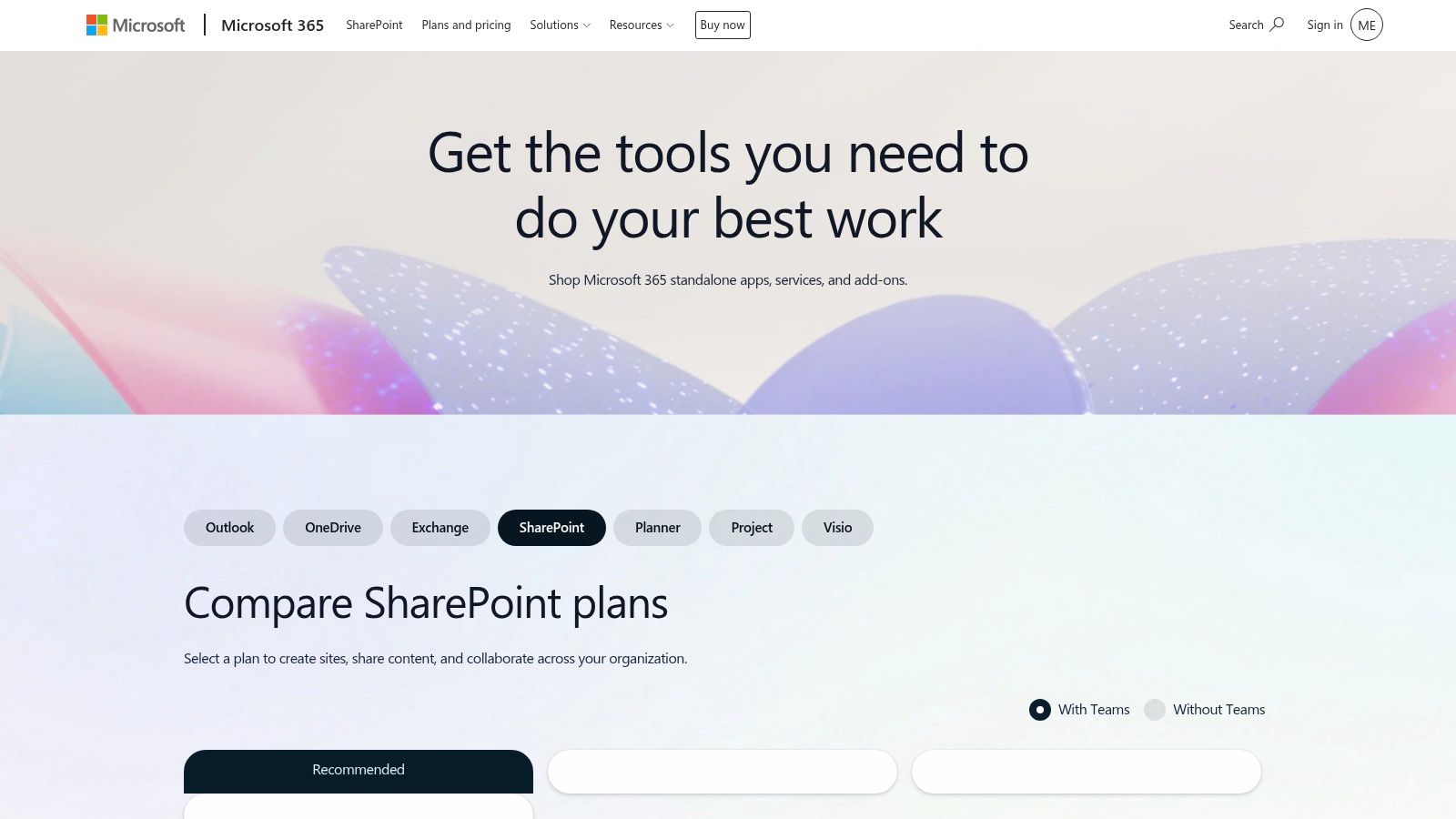
SharePoint works well when an internal owner defines sites, libraries, metadata, permissions, and naming rules before migration. It works poorly when every department creates its own structure. Sprawl sets in gradually, then search becomes a scavenger hunt.
Practical rule: Treat SharePoint as an information architecture project, not a shared folder with a new logo.
Teams that need help with Microsoft environments may also review cloud IT services from NZ Apps. The main trade-off is clear: SharePoint offers deep governance and broad integration, but administrators must tune synchronisation, large-file workflows, permissions, and retention. It's a powerful choice for Microsoft-native organisations, provided someone owns the design.
Microsoft SharePoint plans and pricing
Google Workspace suits teams that prefer browser-based work and real-time co-authoring. Shared Drives give teams a central space rather than leaving important files inside one person's My Drive. Drive labels, sharing controls, audit logs, and Google Vault add structure for organisations that need retention and eDiscovery on eligible editions.
The user experience is the attraction. People can edit a Google Doc together, comment in context, and search across files without learning a heavyweight records system. Distributed teams often value that simplicity, especially when contractors, advisers, or clients need controlled access.
Google Workspace becomes less comfortable when a business needs formal file plans, complex retention schedules, or tightly managed Microsoft Office workflows. Add-ons can close some gaps, but each extra connection brings another setting, contract, and failure point.
Organisations comparing storage options can also review cloud storage options in New Zealand. The sensible question isn't whether Drive is easy to use. It is whether that ease still holds when the team must classify, retain, restrict, and dispose of records consistently.
Google Workspace for New Zealand
Box sits between simple cloud storage and enterprise content management. It gives regulated organisations a controlled content layer for internal work, external collaboration, signing, and governance. Box Sign handles electronic signatures, while Box Shield adds threat detection and security controls in supported plans.
Its governance features cover content lifecycle rules, retention, classifications, and administrative oversight. Box also has a broad integration ecosystem, with connections to productivity, CRM, security, and workflow tools. Box Zones can support data-residency requirements, including Australian configurations where available.
Box is a strong fit for organisations that share sensitive files with customers, advisers, suppliers, or legal teams. External collaboration feels more deliberate than emailing attachments, and administrators can apply controls without blocking every useful interaction.
The catch is cost and change management. Advanced governance and security features may sit outside the base tier, so a low headline licence can become a more involved commercial package. Migration from a file server also needs careful planning. Moving folders is easy. Moving ownership, access rules, retention meaning, and old duplicates is the hard part.
Box works best when security policy and collaboration policy are designed together. Locking everything down can make the platform safe but unusable.
Dropbox remains appealing because people understand it quickly. Team folders, desktop syncing, Smart Sync, large-file transfers, and strong previews make it a practical choice for creative teams, agencies, construction documentation, and businesses that move heavy media files.
Dropbox Sign adds electronic signatures, while PDF editing, admin controls, audit logs, and legal holds appear on selected plans. Eligible teams can also have team data stored in regional locations, including Australia. Confirm the available configuration before treating regional hosting as settled.
Dropbox is excellent for sharing and file access. Its desktop client feels natural, and previews reduce the need to download every file. That matters when colleagues are working from home, a project site, or a client office.
The governance layer is less extensive than a dedicated ECM platform. Retention, records classification, and formal workflow needs may push a buyer toward Box, SharePoint, or DocuWare. Plan names and storage limits can also be confusing, especially when signing and advanced administration are added.
Teams comparing collaboration platforms can see team collaboration software from NZ Apps. Dropbox is a good answer when the problem is scattered files and awkward sharing. It's not automatically the right answer when the problem is a regulated record lifecycle.
Egnyte is built for organisations that need stronger control over content without abandoning practical file services. It suits mid-market and enterprise teams with complex permissions, project spaces, distributed offices, or a mix of cloud and existing storage.
Administrators can set role-based access, link policies, sharing restrictions, classification rules, and audit controls. Egnyte also supports detection of sensitive information and ransomware-related risks in supported configurations. Its hybrid approach can connect cloud workspaces with on-premises or network-attached storage, which helps organisations that can't move every repository at once.
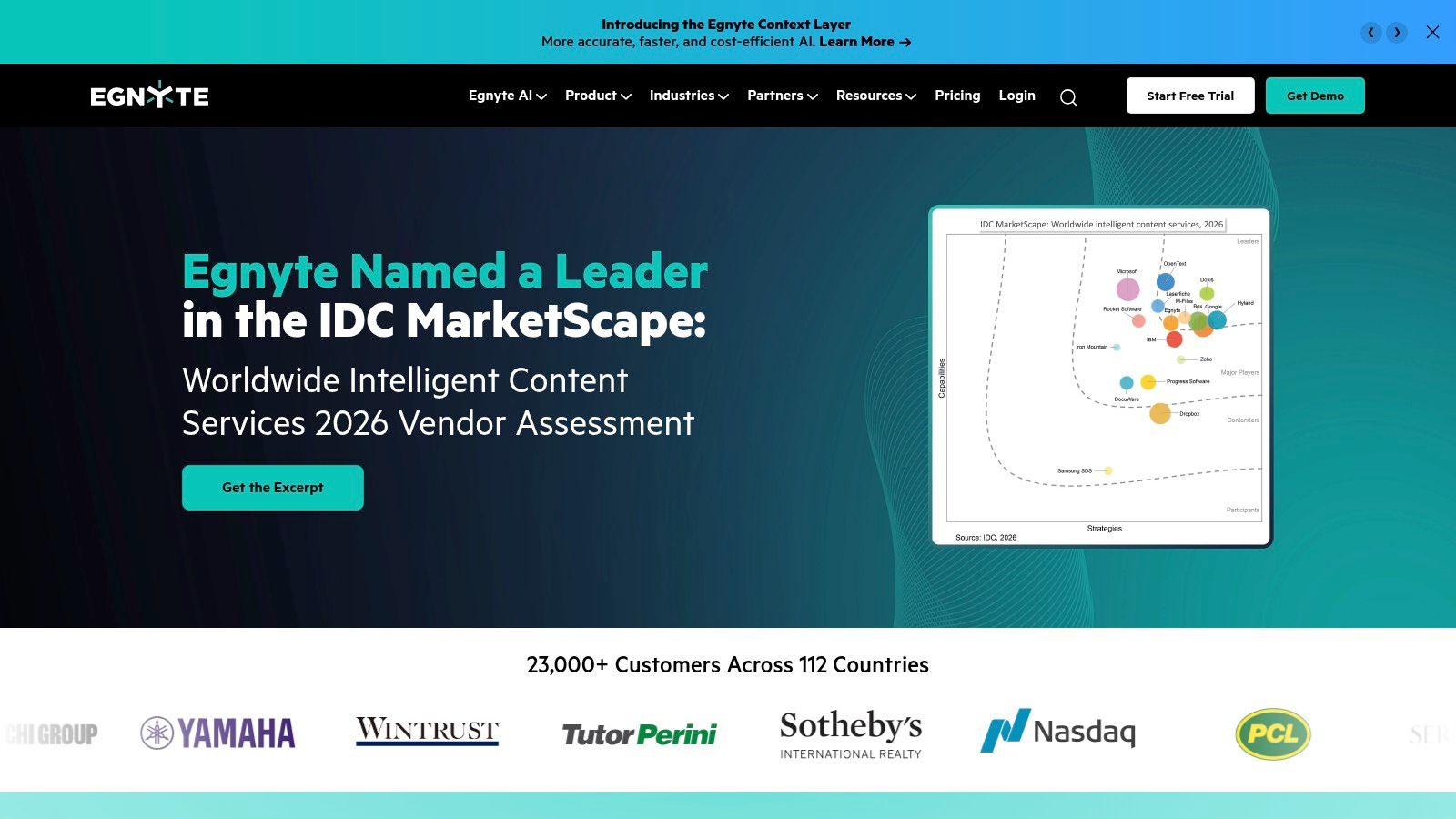
Egnyte is especially useful when a business has outgrown basic sync tools but isn't ready for a highly specialised ECM rollout. It can bring governance to project files, client material, and sensitive content while leaving some legacy storage in place.
That flexibility comes with administrative weight. Role design, folder permissions, sharing policies, classification, and storage choices need a clear owner. Pricing also varies by features and storage, so a vendor conversation should separate the base service from security, governance, migration, and support.
A good pilot should include a live project folder, an external collaborator, a sensitive document, and a large file. If all four paths work cleanly, Egnyte is worth serious consideration.
Egnyte content governance platform
M-Files takes a different route. Instead of asking users to remember where a file lives, it organises content by metadata, meaning information such as client, project, document type, status, or owner. The same document can appear in several useful views without being copied into several folders.
That model is powerful for organisations with tangled drives and repeated business processes. M-Files supports versioning, approvals, compliance controls, desktop and mobile access, and Microsoft 365 and Teams connections. It can run in cloud, on-premises, or hybrid arrangements, with regional hosting options through its Azure-based service.
The strength is also the risk. A metadata model doesn't appear by magic. Someone must decide which fields matter, who supplies them, which values are allowed, and what happens when a document is incomplete. Poor design creates a digital form-filling exercise instead of a better filing system.
Design before migration: Start with a small set of document types and business questions. “Find all current supplier agreements for this client” is more useful than an abstract folder diagram.
M-Files is a strong choice for complex environments where search, workflow, and information control matter more than a familiar folder tree. It may frustrate a small team that only needs tidy sharing. Pricing is usually package-based and may not be published in full, so implementation and configuration costs belong in the first conversation.
DocuWare is a mature DMS and ECM platform with particular strength in document capture, indexing, workflow, and records retention. It's a natural candidate for accounts payable, finance, HR, and other teams that receive forms, invoices, applications, and supporting documents in repeatable patterns.
Intelligent Indexing helps classify incoming material, while electronic forms and workflow rules route documents for review or approval. Role-based access, audit trails, retention policies, and business-system integrations support more formal control than a basic shared drive.
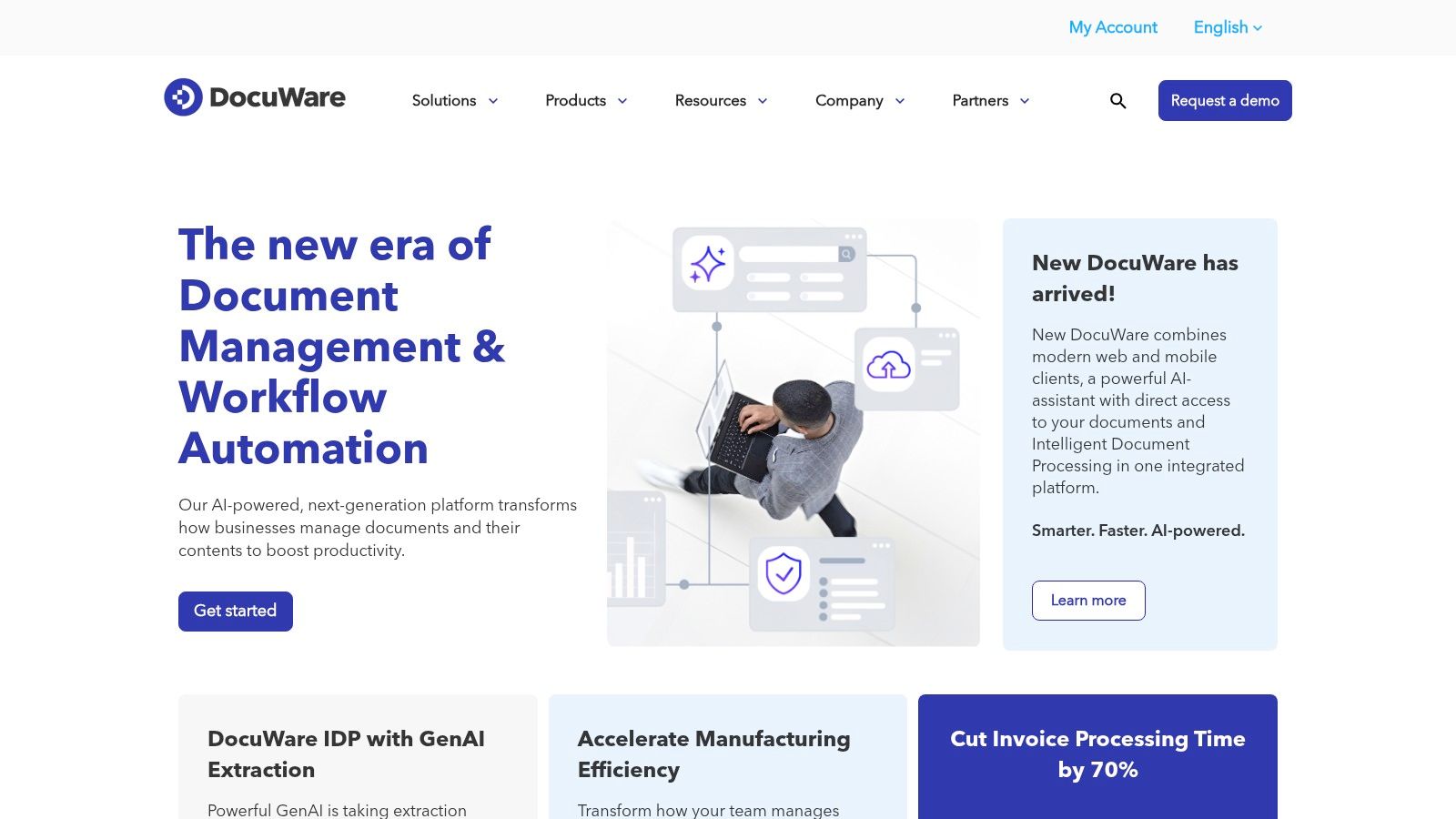
DocuWare works best when the organisation can describe a process clearly. For example, an invoice arrives, data is captured, a responsible person checks it, an approval route begins, and the final record is retained. That sequence gives the platform something concrete to automate.
The cloud, on-premises, and hybrid choices are useful for teams with different infrastructure needs. The downside is that pricing is less transparent and often comes through partners. A partner can add valuable implementation knowledge, but buyers should ask for separate licence, configuration, migration, training, and ongoing support costs.
One NZ-facing Capterra listing gives DocuWare 4.6 out of 5 from 120 reviews, a useful sign of market familiarity, though star ratings shouldn't replace testing search, OCR, workflows, and support responsiveness. The rating appears in DocuWare's New Zealand Capterra listing.
Laserfiche is aimed at organisations that need document management tied closely to process automation. Its platform combines cloud content management, forms, workflow, analytics, records lifecycle controls, identity features, portals, and Microsoft 365 collaboration.
That breadth makes it useful for government, education, finance, and other organisations with formal processes. A form can start a workflow, route information for review, store the resulting record, and support later reporting. AI-assisted classification and extraction can help with document-heavy work, but those features still need human review and sound data rules.
Laserfiche publishes cloud pricing tiers with feature detail, which helps buyers compare packages before speaking with sales. However, Business+ tiers begin with large seat minimums, so the structure may not suit a small organisation or a single department. Complex implementations often need professional services.
Laserfiche is also relevant to NZ public-sector buyers because records control cannot stop at storage. Archives New Zealand's material points to a move toward digital information management and AI-era recordkeeping, while also showing that digital disposal and transfers remain uneven across organisations. A platform can provide controls, but staff still need retention rules, accountable owners, and a process for lawful disposal.
Laserfiche pricing and products
SuiteFiles is a NZ-founded platform built around Microsoft 365 and SharePoint, with a strong focus on professional services. Accounting firms, advisers, and similar teams often need more than a file repository. They need email filing, client workspaces, document templates, portals, signing, and a clean way to keep recurring work moving.
SuiteFiles brings file and email management into Microsoft 365 and Outlook. SuiteFiles Connect provides a client portal, while digital signing, document tasks, templates, and permission profiles support repeatable client work. The familiar Microsoft setting can reduce the shock of introducing a separate DMS.
The main advantage is operating-model fit. A firm that already uses Microsoft tools may get a more focused experience without building every workflow from raw SharePoint components. NZ terms, local support context, and ANZ professional-services experience can also matter when implementation questions arise.
The platform is best suited to small and mid-sized teams. A large organisation with many business units, unusual records classes, or highly complex permissions may outgrow its simpler structure. Plan combinations and seat bands can be nuanced, so confirm which portal, signing, storage, support, and administration features are included.
SuiteFiles makes sense when email is part of the client record. If the business only needs general file storage, a broader platform may offer more room for other departments.
SuiteFiles document management
NetDocuments is designed around legal work. Its matter and workspace model gives legal teams a structured home for correspondence, pleadings, contracts, research, discovery material, and other matter records. Outlook integration through ndMail helps lawyers file messages without leaving the application they already use.
The platform also supports full-text search, ethical walls, retention, information governance, and legal technology integrations. That combination matters because legal document management is not just about finding a file. It's about controlling access, preserving context, and avoiding accidental disclosure between matters or clients.
NetDocuments has ANZ operations and Australian hosting options, which may help firms with regional requirements. Confirm where each service stores content, how backups are handled, and which support teams can access tenant data.
The trade-off is implementation effort. Pricing is quote-based and sales usually involve direct teams or partners. Migration from a practice management system or file server needs careful matter mapping, permissions testing, email policy design, and user training. Legal teams should pilot a real matter, not a clean demonstration folder.
NetDocuments is likely too specialised for a general business. For law firms and in-house legal departments, that specialisation is the point.
NetDocuments legal document management
| Product | Core features ✨ | Target audience 👥 | UX / Quality ★ | Value / Pricing 💰 | Unique selling point 🏆 |
|---|---|---|---|---|---|
| Microsoft 365 SharePoint (with OneDrive) | Versioning, metadata, Purview retention, Teams/Office + Copilot | Organisations on Microsoft 365; governance-focused NZ/AU teams | ★★★★☆ | 💰 Included in M365 suites; regional data‑residency options | Deep Office/Teams integration + enterprise governance |
| Google Workspace (Drive + Vault) | Shared Drives, Vault retention/eDiscovery, labels, real‑time co‑authoring | Distributed teams preferring Google Docs/Sheets | ★★★★☆ | 💰 Competitive cloud tiers; straightforward collaboration value | Reliable search and real‑time co‑authoring |
| Box | Box Sign, Box Shield, governance, 1,500+ integrations, Box Zones | Regulated industries, global teams needing compliance | ★★★★☆ | 💰 Enterprise pricing; add‑ons for advanced security | Strong security/compliance portfolio and data‑residency Zones |
| Dropbox for Teams | Team folders, Smart Sync, large‑file transfers, Dropbox Sign | Creative teams, SMBs needing easy sharing & large files | ★★★★☆ | 💰 SMB‑friendly plans; some feature/plan limits | Exceptional ease‑of‑use and large‑file performance |
| Egnyte | Hybrid/cloud storage, PII detection, ransomware detection, link policies | Mid‑market & enterprise with hybrid NAS/project sites | ★★★★☆ | 💰 Flexible pricing by feature/storage; watch limits | Hybrid‑first governance and NAS connectors |
| M‑Files | Metadata‑first classification, workflows/approvals, MS365 add‑ins | Organisations needing complex information architecture | ★★★★☆ | 💰 Package/edition pricing (quote) | Metadata‑driven ECM for content by context |
| DocuWare | Intelligent indexing, workflow automation, forms, retention | Finance, HR, AP automation teams | ★★★★☆ | 💰 Partner/quote pricing; modular deployments | Strong AP/HR templates and capture workflows |
| Laserfiche | Automation, electronic forms, records lifecycle, AI extraction | Process‑heavy orgs, public sector, medium+ enterprises | ★★★★☆ | 💰 Transparent cloud tiers; business tiers have seat minimums | Deep workflow/forms capabilities with clear tiers |
| SuiteFiles | SharePoint/Outlook integration, client portals, digital signing | ANZ professional services & accounting firms | ★★★★☆ | 💰 NZ vendor pricing; Microsoft‑native value | Local ANZ focus with minimal Microsoft change management |
| NetDocuments | Matter/workspace model, ndMail, ethical walls, legal integrations | Law firms and in‑house legal teams | ★★★★☆ | 💰 Quote via partners; enterprise legal pricing | Matter‑centric DMS with ANZ hosting and legal focus |
The shortlist becomes easier once the decision is framed around work rather than brand names. Microsoft-native teams should start with SharePoint and OneDrive, then compare the effort of configuring Purview, metadata, retention, and permissions with the convenience of staying inside Microsoft 365. Google-led teams will usually find Google Workspace the smoother collaboration choice, particularly when browser-based editing matters more than formal ECM depth.
Regulated enterprises may prefer Box, Egnyte, Laserfiche, or M-Files. The right answer depends on whether the priority is controlled external sharing, hybrid storage, process automation, or metadata-driven governance. Finance and HR operations should look closely at DocuWare, especially where capture, indexing, forms, and approval routes replace manual handling.
Professional-services firms need to compare SuiteFiles with broader Microsoft options. Email filing, client portals, templates, and signing may matter more than enterprise content features. Legal teams should put NetDocuments on the shortlist because matter workspaces, ethical walls, Outlook integration, and legal retention needs are difficult to bolt onto a general file-sharing tool.
NZ buyers have a broader governance context than a typical generic software list suggests. Archives New Zealand's 2021/22 survey covered 226 public-sector organisations and achieved a 94% response rate. It found that 61% had formal information-management governance groups, 60% had built information-management requirements into business systems, and 57% reported authorised destruction of physical or digital information. The same survey found 39% had identified records with te ao Māori value. Those figures show why classification, retention, disposal, and culturally sensitive records handling deserve a place beside collaboration features. Read the Archives New Zealand publications for the wider recordkeeping context.
Licence price is only the first line. Ask vendors to separate:
This matters for NZ SMEs because research from MYOB estimates that businesses spend about NZ$501 million each year on digital solutions, while 50% report that disconnected tools create operational drag. The same research says 34% have seen costs blow out because of silos, 50% have abandoned some digital tools due to inefficiency, and businesses waste the equivalent of 7 hours per week on tasks caused by poor integration. Review the MYOB research on document management before treating integration as a technical footnote.
Start by inventorying repositories, file types, owners, duplicates, inactive records, and sensitive content. Then assign business ownership. IT can configure a platform, but legal, finance, HR, operations, and records staff must decide what a document means and how long the organisation needs to keep it.
Define retention rules, metadata, permissions, naming patterns, approval paths, and external-sharing conditions before importing everything. Don't reproduce every old folder just because it exists. A migration should remove clutter, not give clutter a shinier home.
Run a pilot with real documents and real users. Test search, version recovery, permissions, mobile access, large files, email filing, approval routes, retention, exports, backups, and failure handling. Train people on the few actions that protect the record, then set a cutover date, keep a controlled backup, and review usage after launch.
NZ guidance makes the technology point plainly: records still need to be managed under the Public Records Act regardless of the technology used to create or handle them, including AI tools. Archives New Zealand's earlier reporting also showed uneven information-asset registers and incomplete visibility of digital systems, so a migration should improve the organisation's map of its information, not merely move files between clouds. The Archives 2057 strategy is useful background for teams planning beyond a basic folder move.
Before signing, confirm NZ or Australian hosting, support access, subcontractors, data handling, export rights, retention behaviour, and breach processes directly with each vendor. If your work includes contracts and mark-ups, compare the DMS with a redline document review solution rather than assuming one tool will handle every document task well.
NZ Apps is a regional technology directory and editorial resource for teams researching software across New Zealand and Australia. It can help founders, operators, and technical decision-makers compare local companies, SaaS tools, and technology categories while they build a practical shortlist.
Use NZ Apps to research NZ and Australian technology companies, software categories, and regional providers before choosing a document management platform. Compare the shortlist with your current stack, governance needs, and migration workload, then contact the vendors that fit your operating model.
Add your NZ or Australian app or tech company to the NZ Apps directory and get discovered by founders and operators across the region.
Get ListedReach tech decision-makers across New Zealand and Australia. Sponsored and dofollow editorial links, permanent featured listings, and sponsored articles on a DA30+ .co.nz domain.
See Options