
Friday afternoon. Your bank balance looks fine, but three supplier invoices land on Monday and a stock order is due by Wednesday. That gap between what you have and what you'll need is exactly what forecasting software is meant to close.
The trouble is that a cash-flow tool, an inventory planner and a full financial planning suite all get called “forecasting software”. They don't do the same work. This list sorts ten tools by the job they do, flags the limits you may hit and shows how they fit with systems NZ and AU businesses already run, including Xero, MYOB and Cin7.
The right choice depends on your data and your team, not the flashiest demo. In a New Zealand SME digital maturity report, 40% of SMEs reportedly use only basic cloud services, while 13% use advanced capabilities such as machine learning for supply-chain forecasting. That's a good reason to check setup effort and data requirements before buying software.
A forecast isn't a promise. It's a working view of what could happen, shaped by your assumptions and the quality of your records. For a useful primer on how to judge the output, see AmbitionCFO's guide to forecasting accuracy.
If you sell physical products, a cash forecast won't tell you which items to reorder or when. StockTrim is built for inventory forecasting, with demand estimates based on sales and stock data, plus order-planning tools for wholesalers, distributors, manufacturers and ecommerce businesses.
The practical appeal for NZ and AU operators is that it can sit alongside the systems you already use. It offers multi-location planning, variable lead times and product-group forecasting. It can also estimate demand for new products without a sales history, which is useful when you're launching a range and don't have much more than a sensible starting assumption.
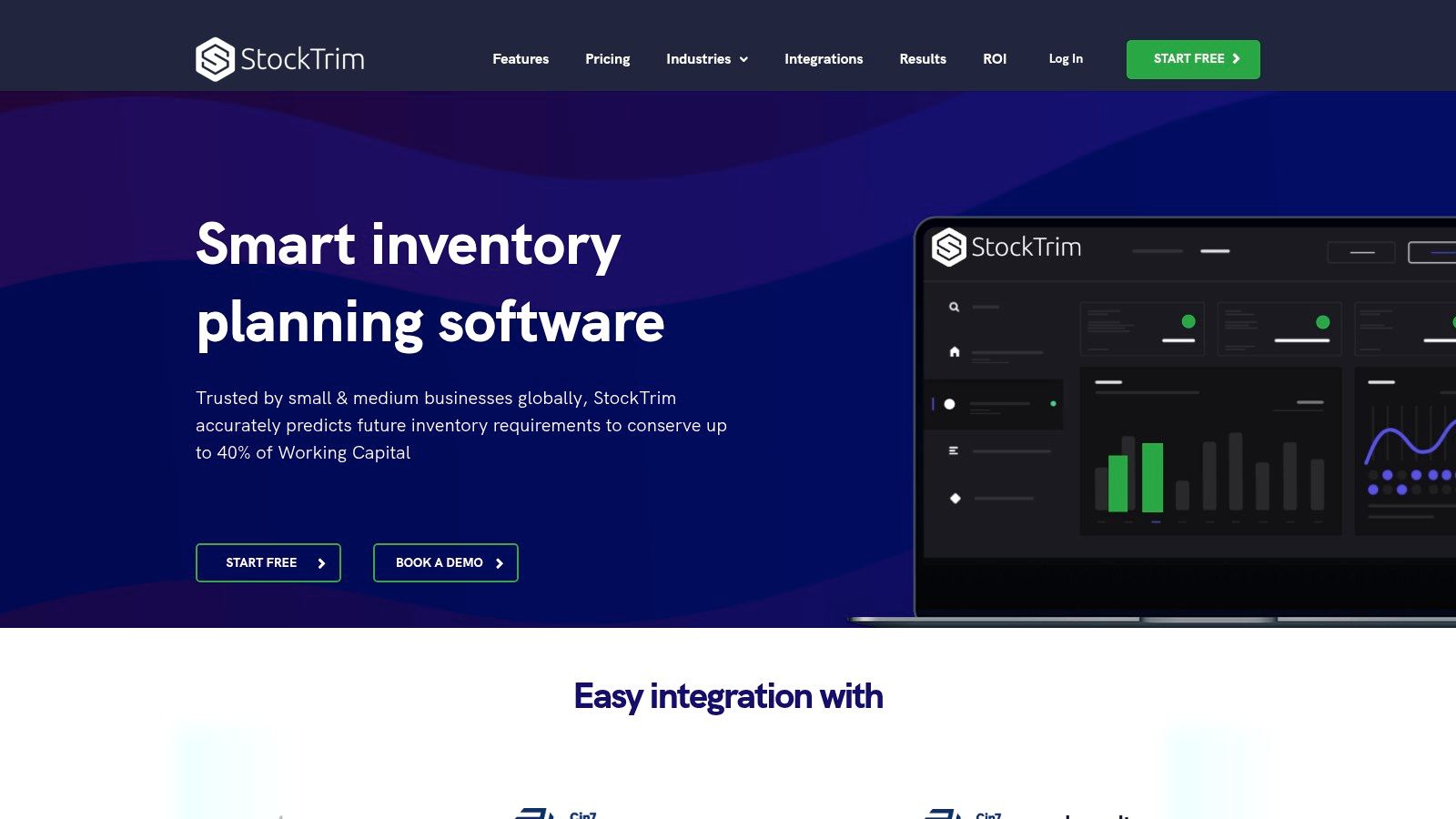
StockTrim is a New Zealand-founded vendor and is worth considering if you want forecasts and replenishment guidance without changing your whole inventory stack. Integrations and API options help connect it to existing systems, and the vendor offers published pricing that scales by business revenue. There's also a 14-day free trial with no credit card required.
The trade-off is scope. This is a forecasting and planning tool, not a replacement for full inventory or production management. Raw-material forecasts and multi-level bill-of-materials planning cost extra, so confirm those needs before you build a process around the base product.
Practical rule: Check whether the tool's product, location and lead-time structure matches how you actually buy stock. A neat forecast for the wrong replenishment unit is still the wrong forecast.
For a wider look at stock-control options, compare StockTrim with inventory tracking software for NZ businesses. Start with a small group of products and see whether the suggested orders make sense to the person who places them.
Fathom makes sense when you want more than a quick look at cash in and cash out. It brings financial forecasting together with management reporting, KPI analysis and budgets, so a founder or adviser can look at the forecast alongside the results and explain what's changing.
It supports Xero, MYOB, QuickBooks and Excel imports, which gives it a practical foothold in businesses using common accounting tools across New Zealand and Australia. Its three-way cash-flow forecasting and scenario features help connect decisions to the wider financial picture, while custom KPIs, targets and management reports can make the output more useful for board or leadership discussions.
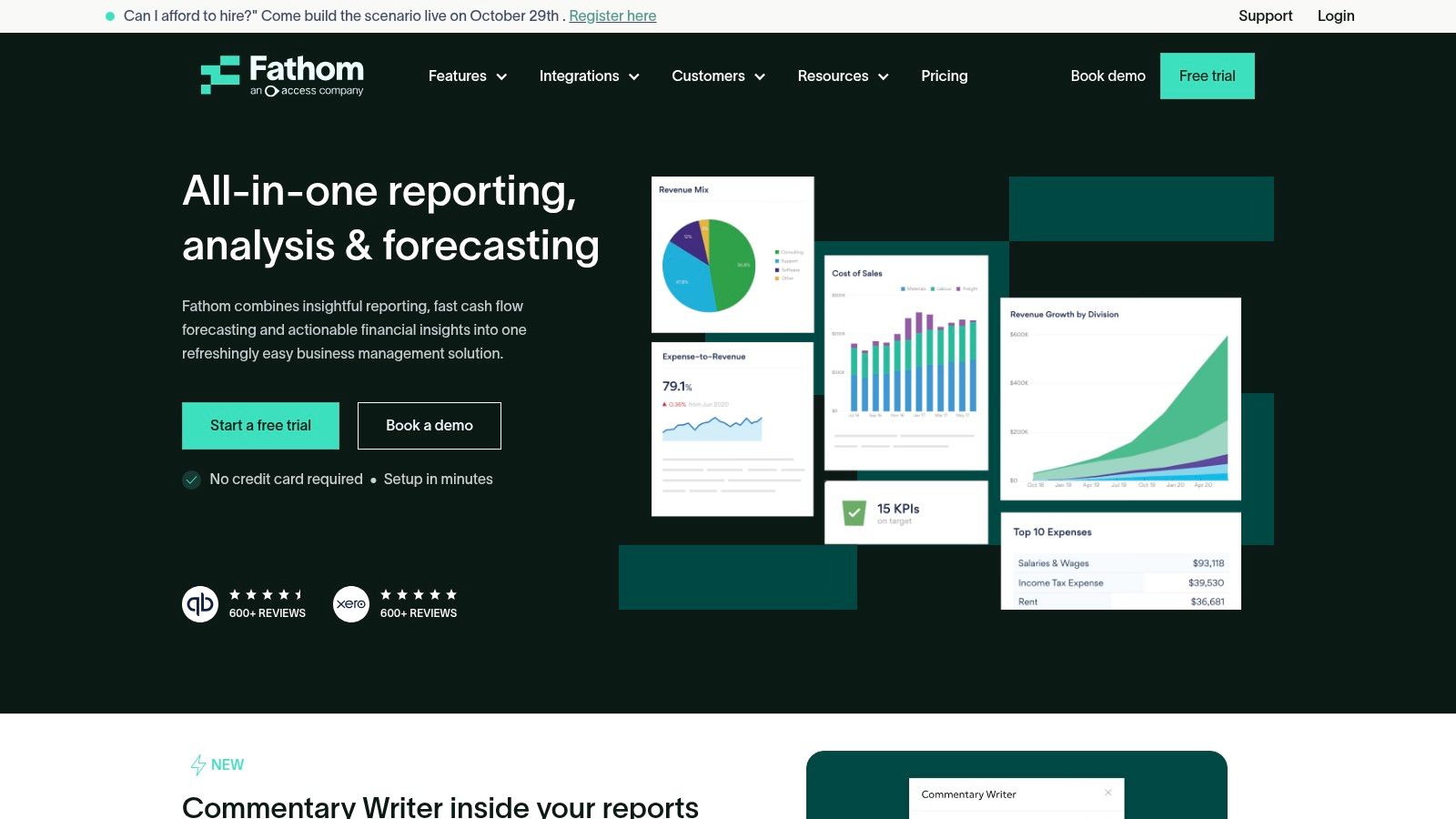
Fathom can consolidate reports across entities and currencies, which helps when one company file no longer tells the whole story. Its Pro subscription structure includes unlimited users, and a 14-day free trial gives you a way to test the reporting workflow before committing. Check the current Fathom plans and features against your accounting setup.
Costs rise with the number of connected company files. And if all you need is a weekly cash view to check payroll and supplier payments, Fathom may bring more reporting machinery than the job requires. It's stronger when management reporting matters alongside forecasting, not when you only need to answer, “Will we have enough cash next month?”
Try a scenario that reflects a real decision, such as a delayed customer payment or a planned hire. If the forecast and the report tell a clear, consistent story, the extra breadth may be worthwhile.
Spotlight Reporting is a New Zealand-founded reporting and forecasting suite for businesses and professional advisers. Its appeal is the connection between the forecast and the wider reporting workflow. You can create budgets, build driver-based forecasts, model scenarios and present the results in dashboards rather than treating the plan as a spreadsheet that only one person understands.
That driver-based approach is useful when revenue depends on something you can name and change. A SaaS founder might link new sales to expected customer growth; a services firm might connect fees to team capacity. Changing an assumption then gives you a clearer way to explore the likely result, rather than extending last month's line and hoping the future behaves.
On applicable business plans, Spotlight Reporting supports consolidation for up to 50 entities. That's a meaningful feature for groups that need a combined view, and less important for a small operator with one entity and straightforward cash needs. The provider publishes pricing and offers a free trial, so you can test whether the wider suite earns its keep.
Before choosing a plan, check the accounting integrations, entity limits and reporting needs against your own setup. Broader scope can be a strength, but it can also mean more configuration than a basic forecast needs.
Review the Spotlight Reporting product range and make a sample scenario with a real business driver. If the forecast is easy to explain to someone outside finance, that's a better sign than a dashboard full of polished charts.
Float keeps its focus on cash-flow forecasting. It connects with Xero or QuickBooks Online and gives you a forward view of cash for short-term management and longer-range planning. If you're checking whether incoming cash will cover payroll, tax and supplier bills, that focus is the point.
The tool supports rolling 13-week cash-flow forecasts, plus monthly views that extend to 12 or 36 months depending on the plan. Higher tiers add scenario modelling and multi-entity consolidation. Those options let you test a change, such as a delayed launch or new hire, without turning Float into a full budgeting or accounting system.
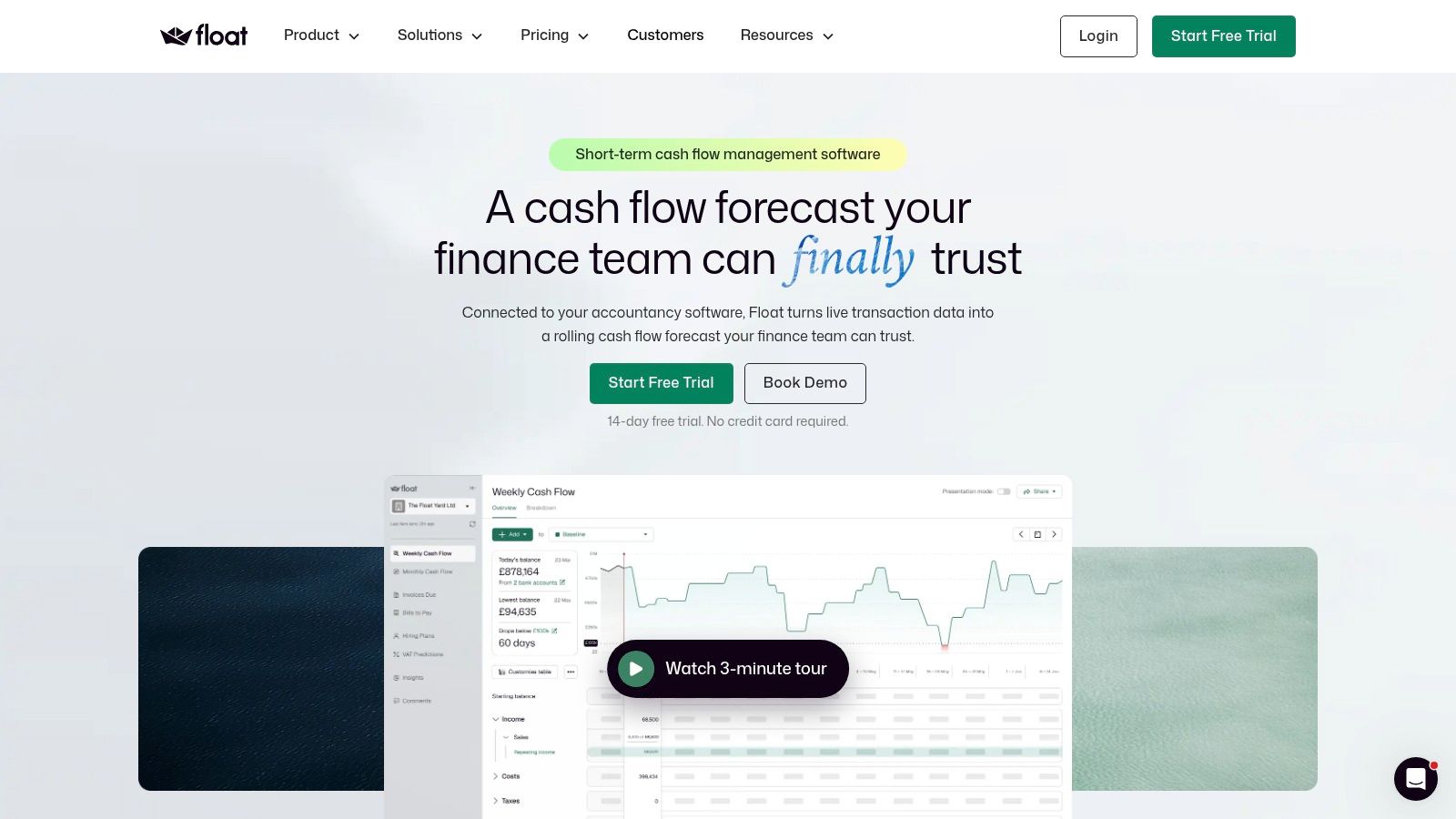
Float lists its pricing in Australian dollars, which makes it easier for ANZ buyers to compare costs. Its listed plans include unlimited users, and it offers a 14-day free trial with no credit card required. Check the current Float plans and integrations to confirm that your accounting platform and chosen features are covered.
The limitation is just as clear: Float doesn't replace full FP&A or inventory forecasting. Its integration range is narrower than broader financial-planning platforms, so don't buy it expecting one system to cover every planning job.
A dedicated cash tool works best when someone reviews it often and updates timing assumptions. A forecast can look tidy while missing a late customer payment or a supplier who wants cash earlier than expected. Put those dates in the model, not just the invoice totals.
Already using Xero? Its cash-flow features may be enough to give a small business a first view of expected cash movements without adding another vendor. The main advantage is proximity: the forecast sits near the bookkeeping data you already rely on, so you're not creating another reporting workflow before you know what you need.
Xero describes the feature as a visual view of expected future cash position, linked to accounting information. That can be a practical first step if your aim is to spot a possible cash pinch and you don't need detailed scenario modelling or planning across several entities.
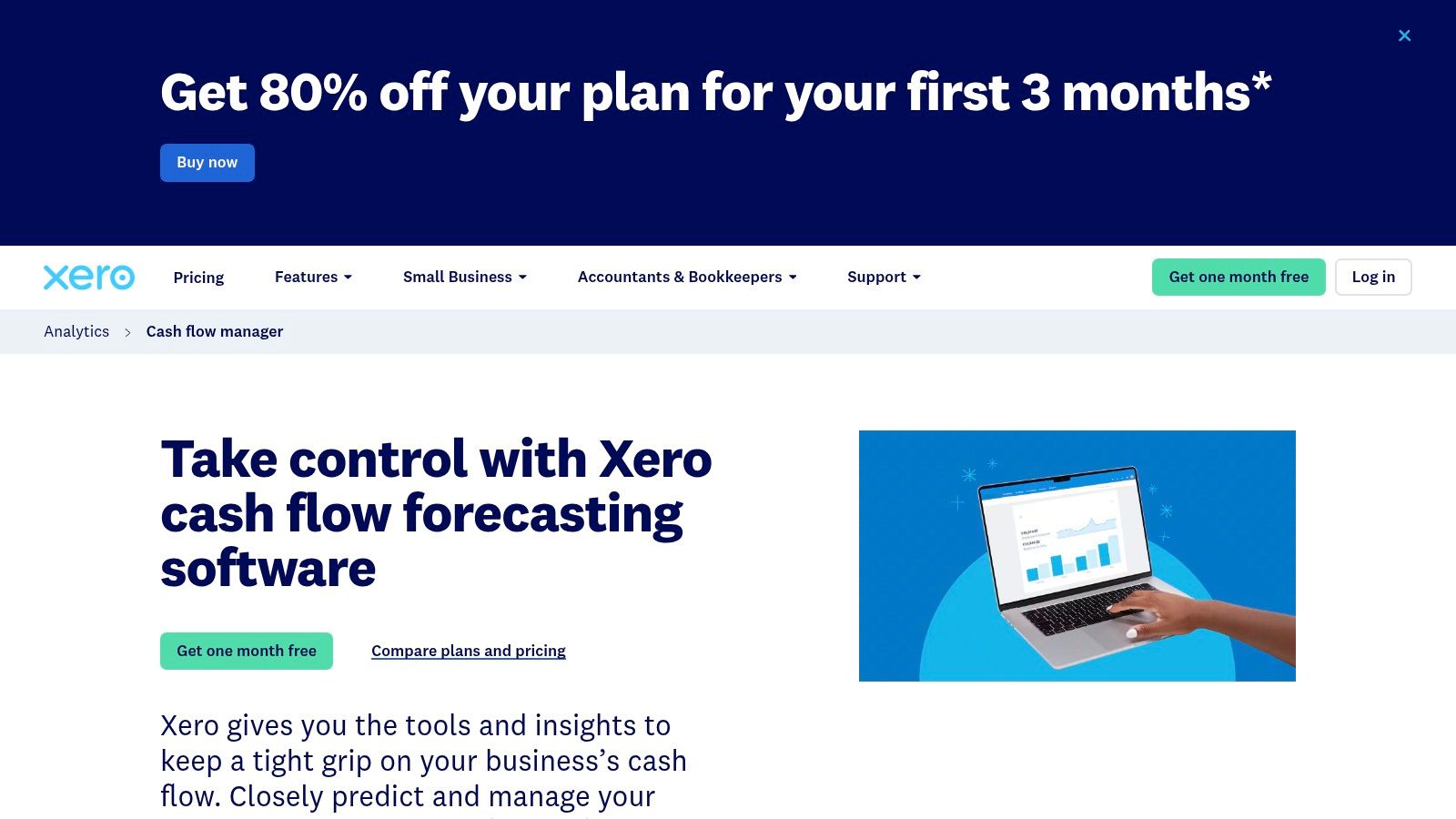
There's a real benefit to keeping basic forecasting within the accounting workflow: fewer systems to maintain and less data to move around. But a bookkeeping platform's cash view may not be enough when you need to model several outcomes, capture granular payment timing or coordinate a group of entities. And Xero isn't an inventory-demand planning tool.
Confirm current plan and feature availability before relying on a particular forecasting capability. Features can depend on your subscription and setup, so review Xero's cash-flow tools in your own account.
Think of this as a starting point, not a verdict on what your business will need forever. If the basic view gives you enough warning to change a payment date or defer a purchase, keep it simple. If you find yourself rebuilding scenarios elsewhere, that's a sign the job has outgrown the tool.
Cin7 ForesightAI is an inventory-demand forecasting add-on for businesses already using Cin7 Core or Cin7 Omni. It uses historical and real-time data to estimate future demand, then connects that view to stock management and replenishment across locations. That link between the forecast and the purchasing workflow is its main draw.
Cin7 says forecasts can extend up to 24 months. It also offers automated replenishment and reorder recommendations, with multi-location inventory planning. For a product business with stock spread across sites, this can reduce the need to move data by hand between a forecast and the inventory system.
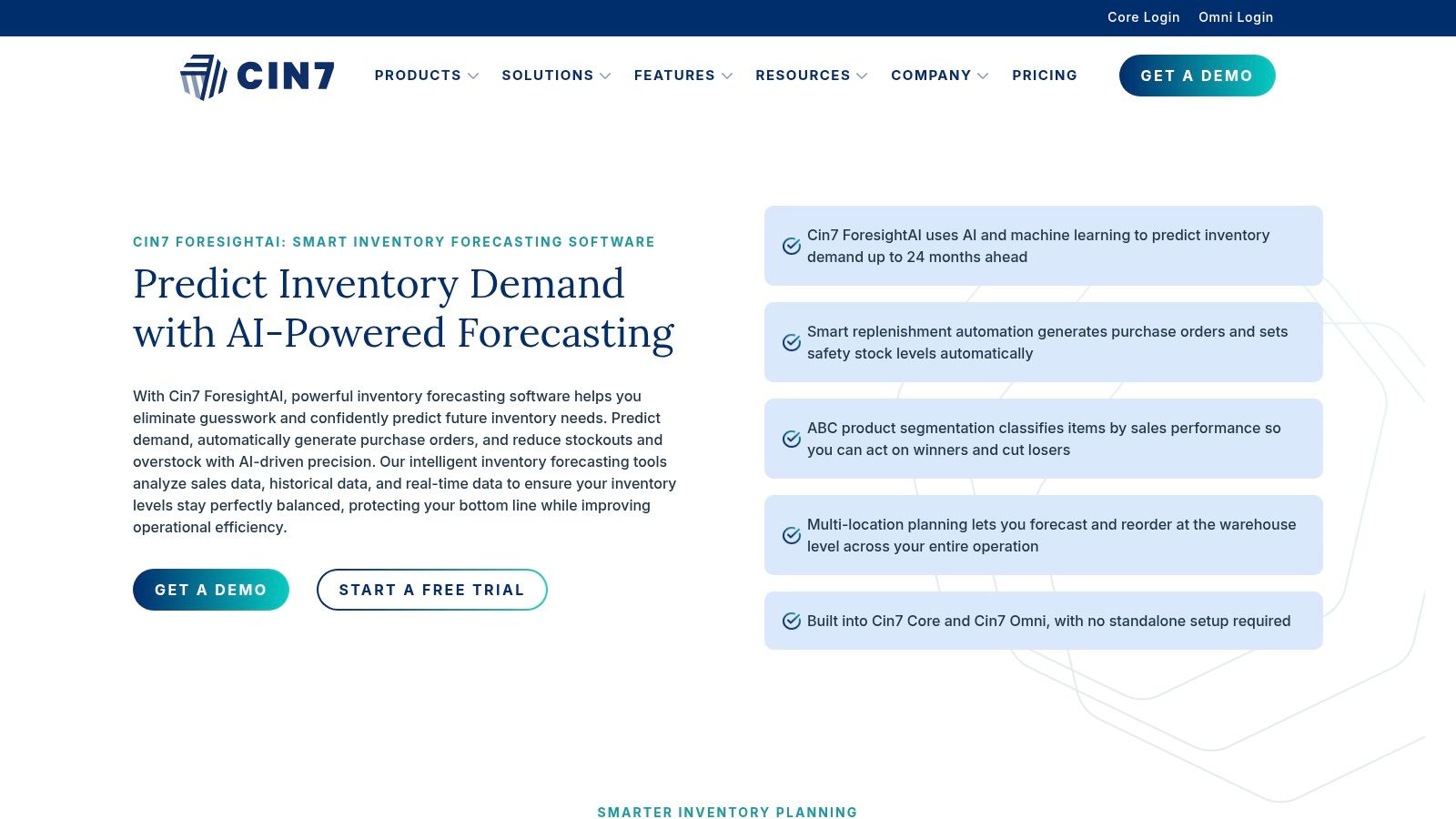
Cin7 recommends having at least six months of sales history for optimal forecasting. That matters if you're a new business, have recently changed your product mix or have sales records that don't reflect current demand. The forecast can't conjure a reliable pattern from thin air.
ForesightAI is not sold as a standalone forecasting product. Pricing is based on GMV, and the feature page doesn't list a fixed amount, so ask for the cost that applies to your business before treating it as a small add-on.
Review Cin7 ForesightAI and check how its recommendations move into your purchasing process. For a plain-language introduction to the models behind these tools, see predictive analytics models. The useful question isn't just what demand the system predicts; it's whether your team can act on that prediction without creating a second stock workflow.
When your catalogue, locations or purchasing process get more involved, a lightweight ecommerce app may not be enough. Netstock specialises in supply and demand planning, with forecasts that can be viewed across products, customers, regions and locations. It's designed to inform stock, purchasing and production decisions, not to give a quick cash snapshot.
The platform includes forecast and inventory risk analysis, scenario planning and manual forecast adjustments. That last part matters. A buyer may know about a supplier delay, a promotion or a large one-off order before that information has made it into the data. The model should give people a way to apply that knowledge, not force them to pretend the data is complete.
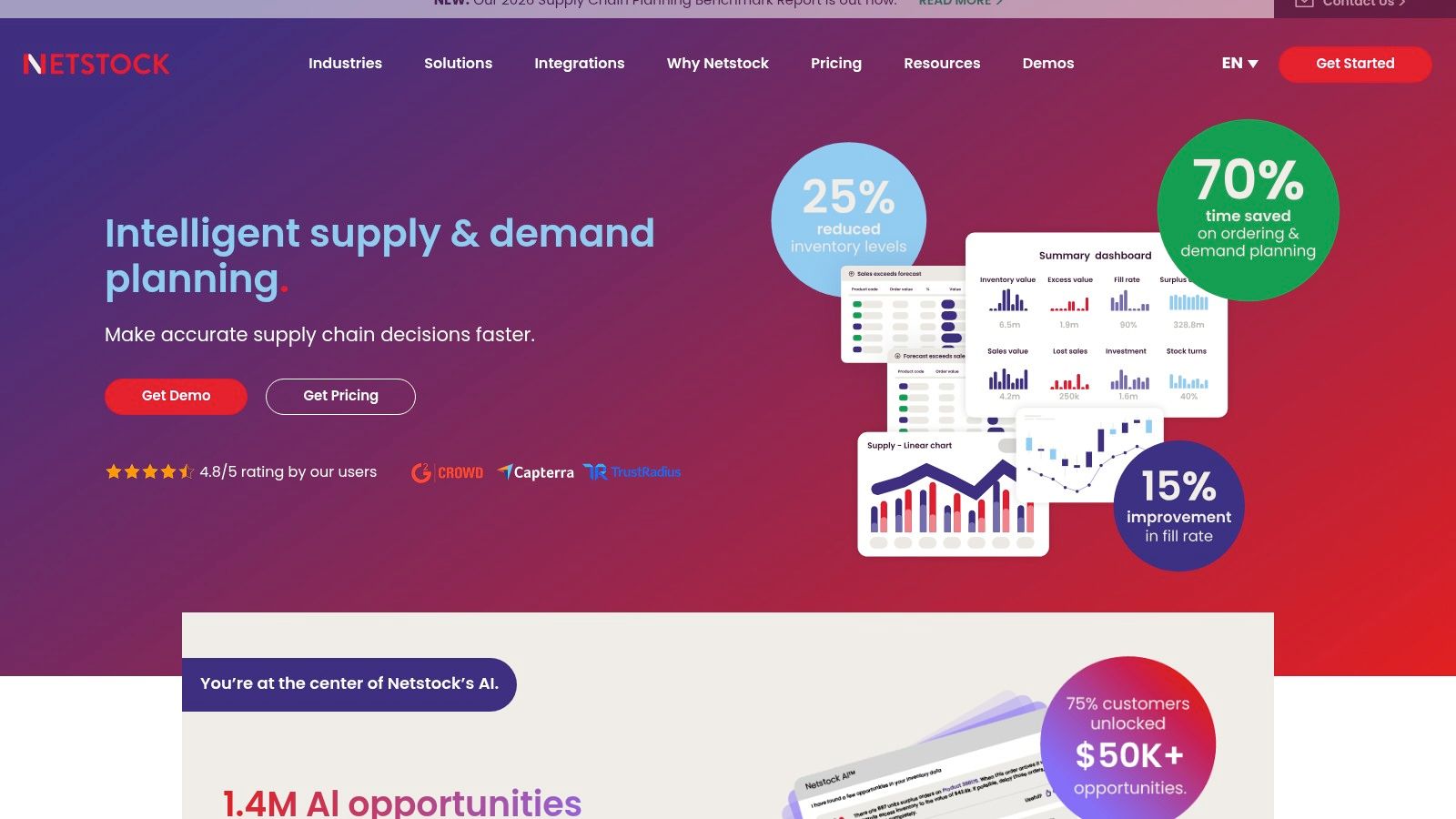
Netstock connects with ERP systems and has a presence in the broader NZ market. That makes it a stronger candidate for businesses with established ERP operations and substantial stock-planning needs than for a small company making basic sales projections.
Expect a more involved evaluation. Pricing isn't published as a straightforward self-serve subscription, and the ERP integration and implementation may need more planning than a small-business app. If you have a small catalogue and only need a rough view of next month's sales, this could be too much tool for the job.
Start by walking through a live purchasing decision with the Netstock team. Ask how the system handles a forecast adjustment, who approves it and how the change flows into replenishment. If those answers are vague, the implementation may be harder than the sales conversation suggests.
A revenue estimate by itself doesn't tell you whether you can afford a hire, how it affects costs or what happens to cash. Jirav is an FP&A platform that connects accounting data with operational inputs, such as staffing and business drivers, to support broader financial planning.
It brings together profit-and-loss, balance-sheet and cash-flow planning. Depending on the plan, you can also build driver-based models, include workforce forecasts, compare scenarios and create multi-year views. That makes Jirav a better fit for growing companies that have moved past a simple cash projection and want to see how operating choices affect the financial model.
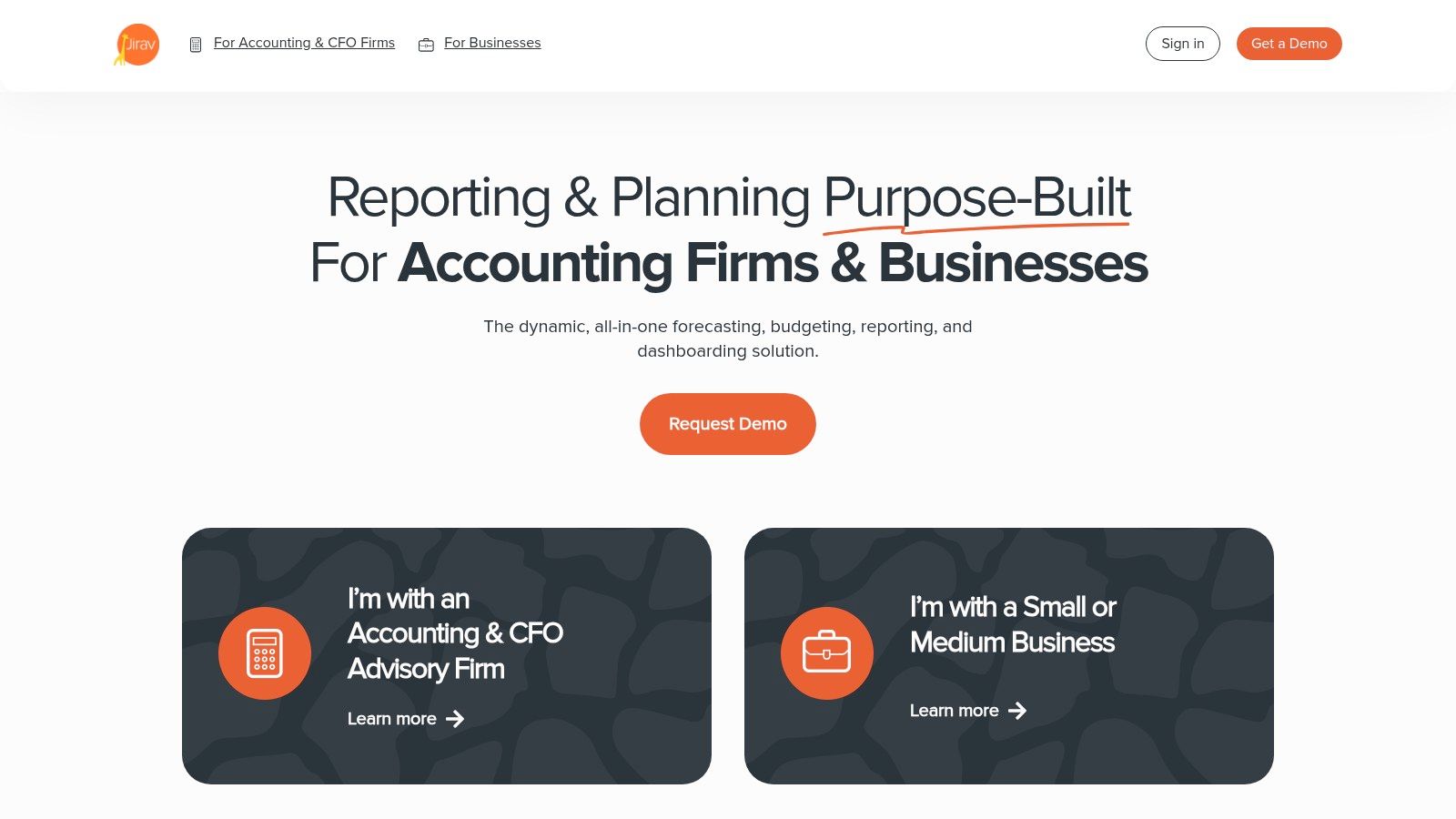
Jirav publishes starting prices, but the pricing shown on its page is for accounting-firm plans. Companies should confirm which commercial plan applies rather than assuming the displayed figure is their likely cost. Planning also takes setup and modelling work; software won't decide which drivers belong in your forecast.
The product offers simpler and more advanced planning tiers, but higher-end features may exceed what a smaller or less complex business needs. Review Jirav's plans and ask how it handles the assumptions that drive your biggest decisions.
For a startup, those might be new customer growth, hiring pace and cloud spend. A spreadsheet can model those drivers, but repeatable structure and budget-versus-actual reporting can help a finance team spend less time repairing files. A financial forecasting template can help you map the model before you decide whether to move it into a platform.
Syft Analytics combines financial analytics, management reporting and forecasting. Its four-way forecasts connect the profit and loss, balance sheet, cash flow and financial ratios, so a change in one part of the plan can flow through the wider model. That's more useful than a revenue-only projection when you're checking whether growth changes working capital or cash needs.
Forecast periods can be monthly, weekly or annual, subject to plan limits. The platform also supports budgets, reporting and data connections, with PDF forecast exports available. For businesses and advisers working in the Xero ecosystem, that mix may suit a workflow where the forecast needs to become a management report, not just a finance team's private workbook.
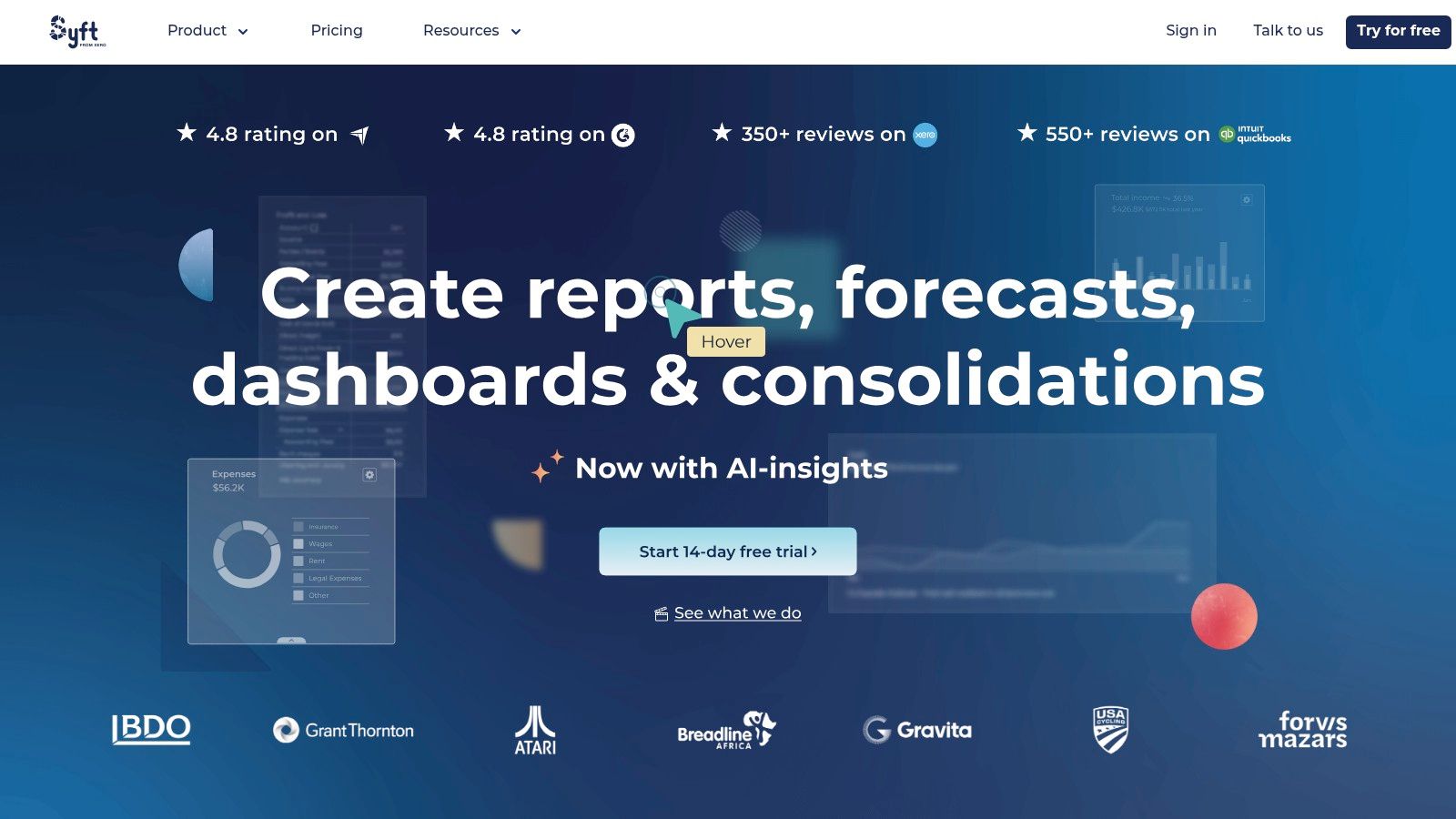
Syft's capabilities vary by subscription tier. Weekly forecasts and scenario features aren't included on every plan, so confirm those details directly rather than assuming every feature is available from the start. Current pricing should also be checked with the provider, since third-party listings may be out of date.
The platform can support long-term planning, but a longer horizon needs clearer assumptions, not just more rows in a model. New products, changing costs and customer churn can make an old pattern less useful. Keep the forecast's drivers visible so the team can explain what changed.
Review Syft Analytics' products and plans and test a model that connects a real operating change to cash and the balance sheet. If your team mainly needs a short-term cash view, a more focused tool may be easier to manage. If you need reporting and linked financial statements as well, Syft is worth a closer look.
Planful is the broadest kind of tool on this list: an enterprise financial performance management platform for budgeting, forecasting, reporting, consolidation and operational planning. It's built for organisations where several departments contribute to a governed plan, and finance needs to compare scenarios across the business.
The feature set includes rolling forecasts, driver-based cash-flow planning, workforce and operational planning, and AI-assisted baseline projections and analysis. Scenario modelling can help teams test a change in hiring, costs or revenue and see how it affects the wider plan. That's useful when a forecast has to connect finance with the choices made across the business.
Planful covers a lot of planning work in one platform, but that breadth comes with a more substantial implementation and change-management effort than a small-business forecasting app. Pricing is quote-led, rather than listed as a self-serve subscription. Get a clear view of implementation, ongoing administration and who needs to maintain the model before you commit.
If one finance lead is trying to keep a small team's cash view current, Planful is likely more platform than the job needs. If multiple departments feed forecasts into shared planning and reporting, the structure may make that process easier to govern.
Use a real planning cycle to assess Planful, including who enters assumptions, who approves changes and how teams compare scenarios. A powerful system can still fail if the people who supply the inputs don't use it.
| Item | Core focus | Pricing model | Free trial | Best for |
|---|---|---|---|---|
| StockTrim | Inventory demand forecasting and replenishment | Published pricing scales by business revenue | 14 days; no credit card required | Product businesses needing inventory planning with existing systems |
| Fathom | Financial forecasting, reporting, and KPI analysis | Based on connected company files | 14 days | Businesses and advisers needing forecasts alongside management reporting |
| Spotlight Reporting | Forecasting, reporting, and dashboards | Published pricing | Available | Businesses and advisers wanting forecasting within a broader reporting workflow |
| Float | Cash-flow forecasting | Published AUD subscription pricing | 14 days; no credit card required | Businesses needing rolling cash forecasts with Xero or QuickBooks |
| Xero | Accounting-linked cash-flow projections | Part of Xero accounting plans; check current plan details | Not specified | Xero users seeking simple cash-flow visibility |
| Cin7 ForesightAI | Inventory demand forecasting and replenishment | Add-on priced based on GMV | Not specified | Cin7 users planning stock across multiple locations |
| Netstock | Supply, demand, and inventory planning | Quote-led pricing | Not specified | Stock-based businesses with many SKUs or established ERP systems |
| Jirav | Financial planning, budgeting, and reporting | Tiered pricing; published starting prices, with plan details to confirm | Not specified | Growing companies needing driver-based and multi-year financial plans |
| Syft Analytics | Financial forecasting, analytics, and reporting | Subscription tiers; current pricing should be checked | Not specified | Businesses and advisers needing integrated forecasts and financial reporting |
| Planful | Enterprise financial performance and operational planning | Quote-led pricing | Not specified | Larger organisations coordinating complex, cross-department plans |
Before you book a demo, ask three blunt questions. What's the forecast for: cash, stock or the whole P&L? Which accounting or inventory system already runs your business, and does the tool connect to it? How many entities, locations and people will touch the numbers?
Those answers should narrow the list quickly. If you're trying to avoid a cash crunch, start with Float, Xero or a financial reporting tool such as Fathom. If a stockout or excess inventory is the problem, look at StockTrim, Cin7 ForesightAI or Netstock. If you need budgets, linked statements, reporting and scenarios, compare the FP&A options against the way your team plans today.
For an NZ or AU business, system fit matters as much as the forecast method. A tool that connects neatly to Xero, MYOB, Cin7 or your ERP can save manual work, but an integration label doesn't tell you how much setup it takes or whether it brings in the detail you need. Ask which data fields sync, how often the data refreshes and what happens when a product, account or entity is missing.
Good forecasts also need room for judgment. New promotions, supplier issues, a lost customer or a change in hiring plans can make the past a poor guide. New Zealand Treasury's economic forecasting process combines several methods and links drivers within a macroeconomic model, a useful reminder that a line drawn from last year's results is only one input to a forecast. The Treasury's explanation of its economic update cycle shows why linked assumptions and scenario testing matter.
Start with a free trial where one exists. Load a few months of real data, include one awkward event and check whether the forecast would have helped you act sooner. Don't only inspect the dashboard; follow the path from source data to assumption to decision. If you need an operator to explain every number, the tool may be hiding too much.
For a sense-check on external conditions, Stats NZ's business data tools include retail trade and business financial statistics. A regional average won't tell you what your own customers will do, but it can prompt a useful question: is your business moving with its sector, or drifting away from it?
You don't need the most advanced software on the list. You need a forecast that fits the decision in front of you, uses data you trust and makes the assumptions easy to change. If it would have caught last quarter's surprise, you've probably found your match.
NZ Apps offers directory listings, editorial coverage and practical resources for businesses evaluating software and building in the NZ and AU tech markets. Visit NZ Apps to explore regional tech companies and forecasting resources for your next software decision.
Add your NZ or Australian app or tech company to the NZ Apps directory and get discovered by founders and operators across the region.
Get ListedReach tech decision-makers across New Zealand and Australia. Sponsored and dofollow editorial links, permanent featured listings, and sponsored articles on a DA30+ .co.nz domain.
See Options