
Which BI tool deserves your startup's first dashboard, and will it answer a business question or just make your data look tidy?
A startup rarely needs an enterprise reporting suite. It needs clear answers about acquisition, activation, retention, cash and customer behaviour, without turning reporting into a major engineering project. The best BI tools for startups fit the team you have, the data you can access and the budget you can defend.
Start with technical capacity and integration fit. Then check the details that can bite later: seat charges, connector limits, hosting region, contract length and data-residency terms. A free dashboard isn't much of a saving if your developer spends their week fixing its data feeds.
The local need is real. MBIE's digital-capability research reports that 51% of businesses believe they'd benefit from greater use of digital tools or operating more online.
For a broader view of architecture and reporting needs, this BI platform comparison for data teams provides useful context. For a lean NZ or Australian startup, though, the practical choice starts with what your team can run and trust.
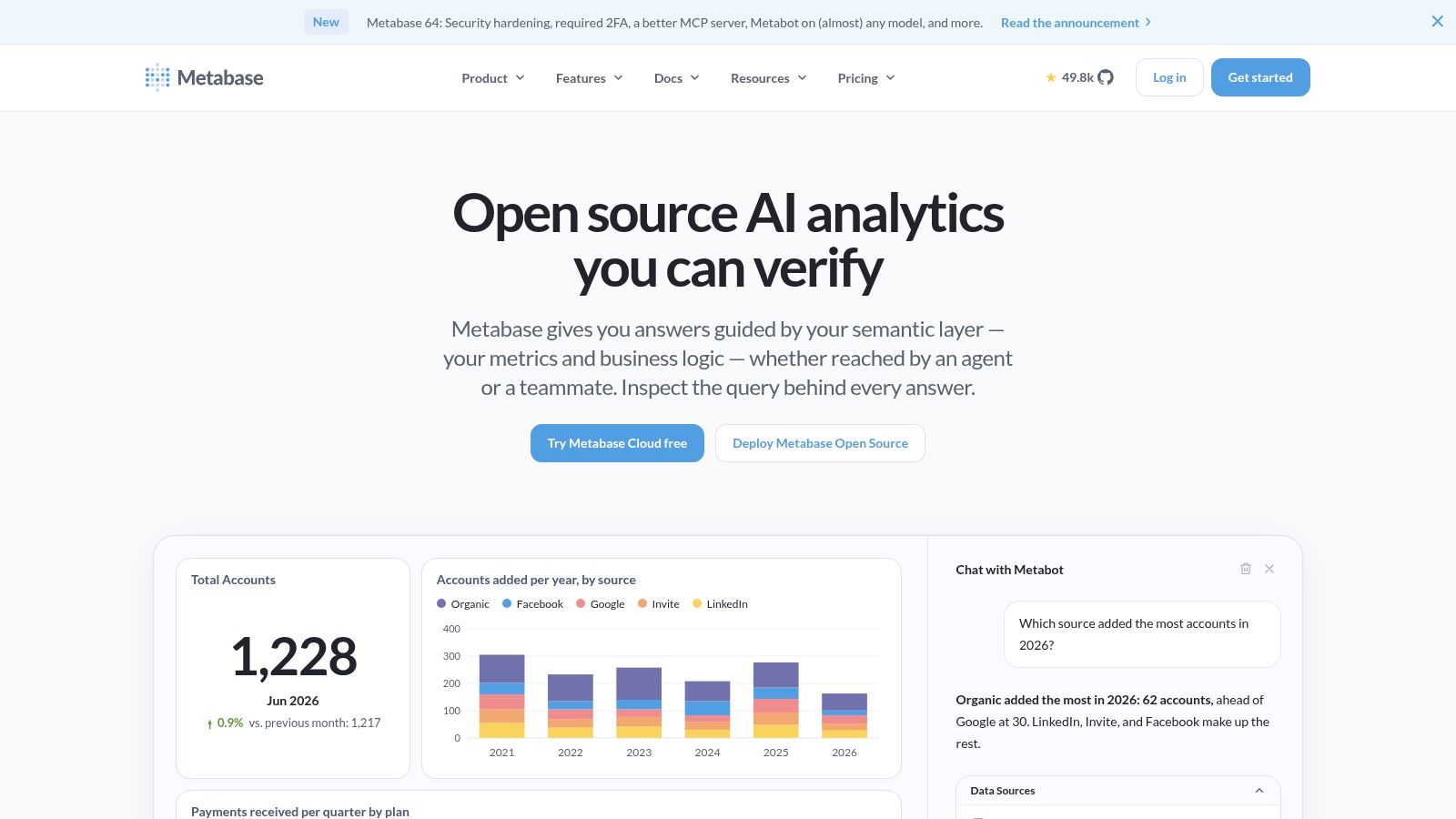
Best for a startup with usable database data and someone who knows SQL. Metabase combines a no-code question builder, SQL querying, charts and shared dashboards, with open-source and managed deployment choices.
That balance matters. A founder can explore a prepared dataset without asking an analyst for every chart, while technical staff can write SQL when a question needs more care. Its connector range covers more than 20 data sources, but check your exact database and connection requirements rather than treating connector count as proof of fit.
The open-source edition suits cash-conscious teams willing to handle infrastructure, security updates and backups. Managed hosting reduces that operating burden, but you'll need to compare seat costs and the permissions available on each paid tier.
Metabase also offers AI-assisted questions, but test the answers against known results. A fluent answer isn't proof that the underlying metric is right.
For NZ and AU teams, self-hosting gives you more say over deployment location. It also makes your team responsible for keeping that deployment secure and recoverable.
Your marketing lead has Google Analytics open. Finance keeps a working forecast in Google Sheets. Nobody wants another system to maintain.
Looker Studio is a sensible starting point for that setup. Its no-cost version, Google-product connections and shareable reports suit straightforward reporting, while Pro adds organisation-owned content and collaboration features.
The appeal is a low-commitment start. Build a useful acquisition report, share it with colleagues and see whether anyone uses it to change a decision.
Treat Looker Studio as a reporting surface, not a substitute for agreed business definitions.
The awkward part comes when you combine sources with different customer IDs, date rules or revenue definitions. A polished report won't resolve those differences, and adding another data source can mean more preparation work.
Test any required third-party connector during the trial process. Ask who supplies it, what it costs, which fields it exposes and whether its refresh behaviour suits your reporting needs.
Looker Studio is not the same product as Looker. Don't assume advice about the enterprise platform's modelling or contracts applies to this lighter reporting tool.
For local teams, also check account ownership and where connected services process data. A report shared through a familiar interface still needs a proper access review.
Already running on Excel, Microsoft 365 and Azure? Microsoft Power BI deserves an early test. It offers free desktop authoring, interactive reports and substantial modelling capabilities, with paid licensing for common sharing and collaboration needs.
Its strength is the work beneath the chart. A startup can build a model that connects customers, invoices, sales activity and costs, then reuse that logic across reports.
That depth is also the catch. Someone must understand how the model works, check calculations and keep it current when the business changes.
A good desktop report isn't a complete team rollout. Licensing and sharing rules deserve the same attention as the charts.
Ask the person who'll maintain the model to build a report from real data. Then ask a non-technical colleague to use it without guidance.
Power BI suits teams willing to invest in modelling, especially where Microsoft tools are already familiar. It's less attractive if the main need is a small dashboard and nobody has time to learn another modelling workflow.
For NZ and Australian deployments, confirm the relevant service region, tenant settings and contractual data terms before connecting sensitive records.
Not every startup needs a warehouse-led analytics project. Zoho Analytics offers a small-business route into connected reports and dashboards, with a free tier, published paid plans, cloud and on-premises choices, and a 15-day free trial.
Its pricing structure gives founders something concrete to evaluate. Plans vary by users and data volume, so compare the package against the dataset you expect to keep, not just the sample you upload.
A small test can look comfortable while leaving out historical records, detailed transactions and the extra colleagues who'll want access later.
Connector fit should come before enthusiasm for the dashboard builder. Check the systems you use, particularly those outside the Zoho ecosystem, and confirm which objects and fields each connection exposes.
If forecasting is on the wish list, get the basic reporting right first. This guide to predictive analytics models can help frame the next step without confusing a forecast with a reliable operating view.
For NZ and AU teams, compare cloud-region terms with the work required to run an on-premises deployment. Neither choice removes the need for clear ownership.
Some questions need more than a saved chart. You may need to inspect a cohort, test an assumption in Python, then explain the result to the product team.
Hex brings SQL, Python, visual analysis and shareable apps into a collaborative workspace. Its free Community plan and 14-day Team trial offer a way to test that notebook-led approach before committing.
For an analyst or technical founder, the appeal is continuity. The exploration and the presentation can stay close together, rather than becoming a notebook nobody else opens and a separate slide deck that soon goes stale.
Hex supports scheduled runs, alerts, shared components and integrations with dbt, Airflow and Dagster. Those features suit teams that already think about analytics as an ongoing workflow, not a collection of screenshots.
The trade-off is technical capacity. If nobody can maintain the SQL or Python, a flexible workspace may become a dependency on the person who built it.
Practical rule: Test whether a colleague can use the published result without understanding the notebook behind it.
Paid plans charge per editor, and higher compute profiles can add cost. Include both in your estimate, along with the work needed to prepare data.
For regional buyers, request written answers about hosting, backups and support access. Don't assume that connecting to an Australian database keeps every part of the workflow in Australia.
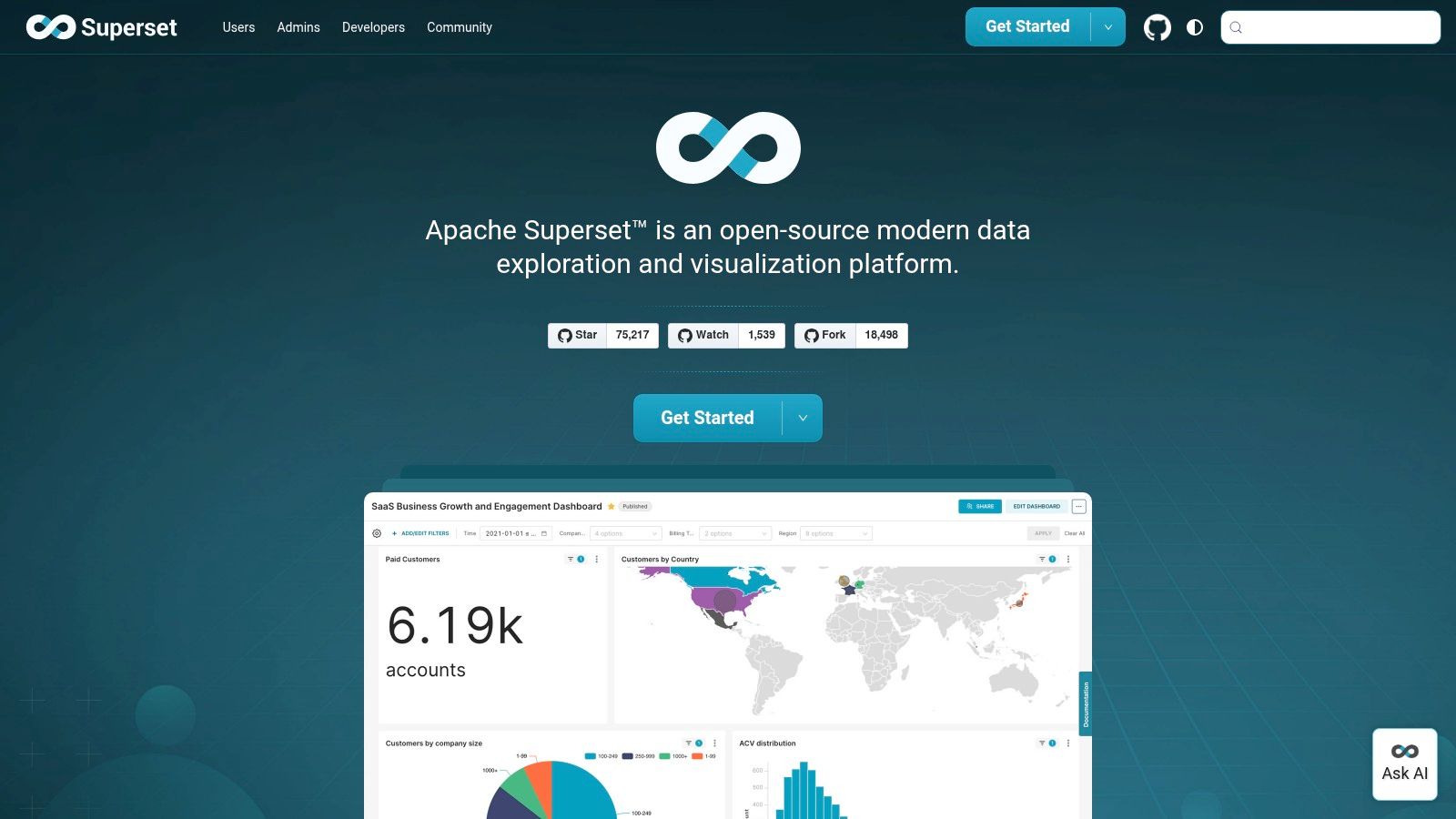
No software licence fee is appealing. No operating responsibility would be better. Apache Superset gives engineering-led startups an open-source platform for SQL-based exploration, charts and dashboards, but your team must run it.
It includes a no-code chart builder and browser-based SQL editor, with connections to SQL-speaking databases and data engines. That suits teams that want deployment flexibility and don't want software costs tied to every viewer.
The decision is whether your engineers should own another production service. Hosting, security, upgrades and recovery work all need a named person.
Superset's quickstart setup isn't recommended for production. Treat it as a way to explore the product, then plan a proper deployment if the trial succeeds.
Superset makes more sense when deployment control is a genuine requirement. It makes less sense when a founder mainly wants a weekly revenue chart and the engineering backlog is already painful.
For NZ and AU startups, self-hosting can support a chosen regional deployment. Still, review logs, backups and external services too. The server location alone doesn't describe the full path your data takes.
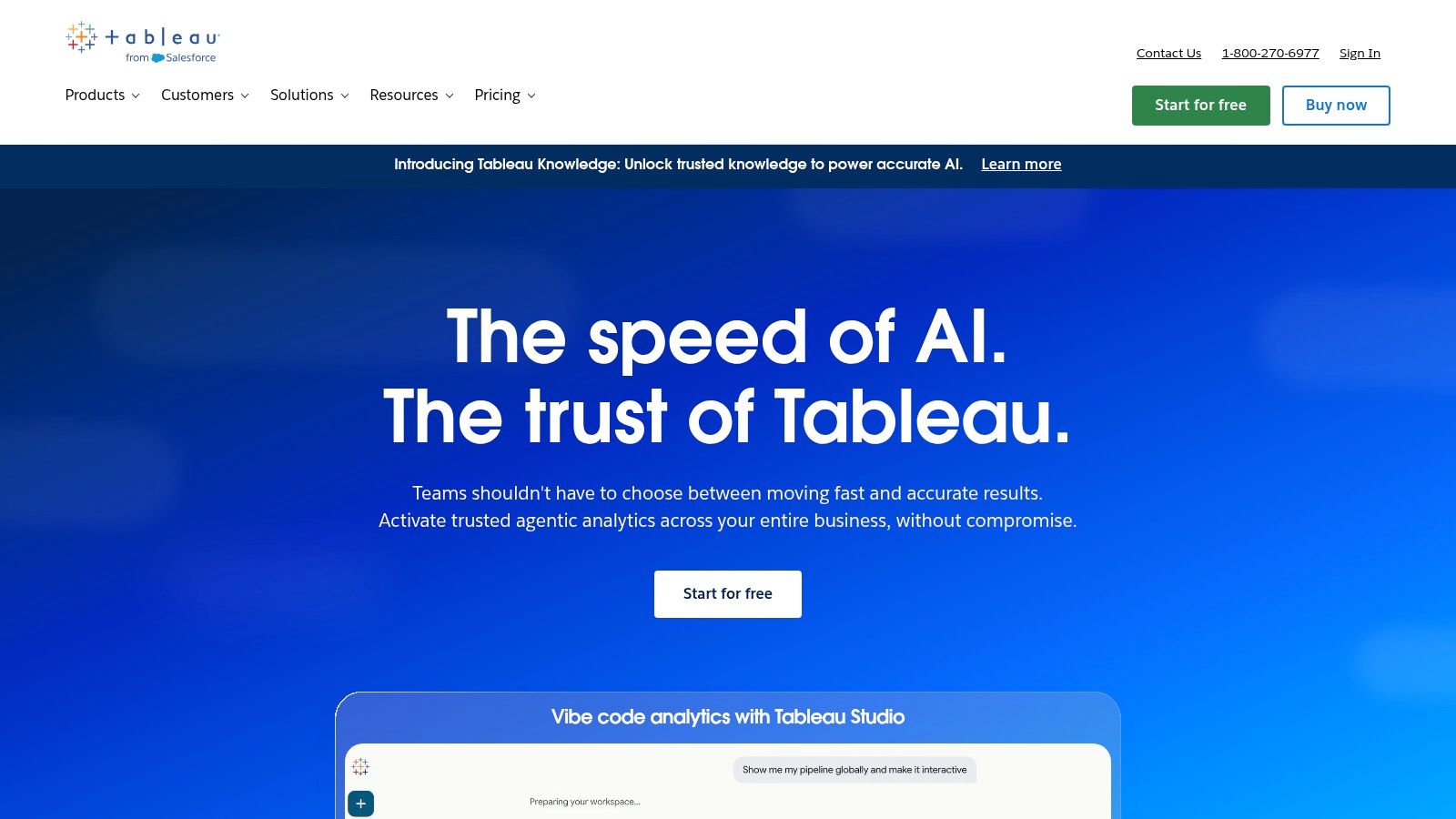
Choose Tableau when visual exploration and stakeholder reporting justify a more substantial platform. Its interactive dashboards, desktop and browser authoring choices, and cloud or self-managed deployment can suit complex reporting needs.
That doesn't make it the natural choice for an early startup. A team still debating its revenue definition may gain little from richer presentation.
Tableau uses Creator, Explorer and Viewer roles, and each deployment requires at least one Creator licence. Annual billing and role-based licensing make it important to map who builds, explores and reads reports before requesting a quote.
A useful trial should include the people who'll consume the report. Can a sales lead find the right customer segment? Can finance explain why the totals differ from an accounting export?
Tableau Pulse adds analytics and insight features, while higher editions include advanced management and data management capabilities. Check which edition contains the features you need rather than comparing product names alone.
For acquisition reporting, start with clear measures of website performance. Better visual tools won't fix a funnel with unclear conversion rules.
The trade-off is commitment. Tableau can be a strong presentation and exploration tool, but cost and setup may exceed a small team's needs. Compare Tableau Cloud and Tableau Server against your hosting requirements and your capacity to operate the latter.
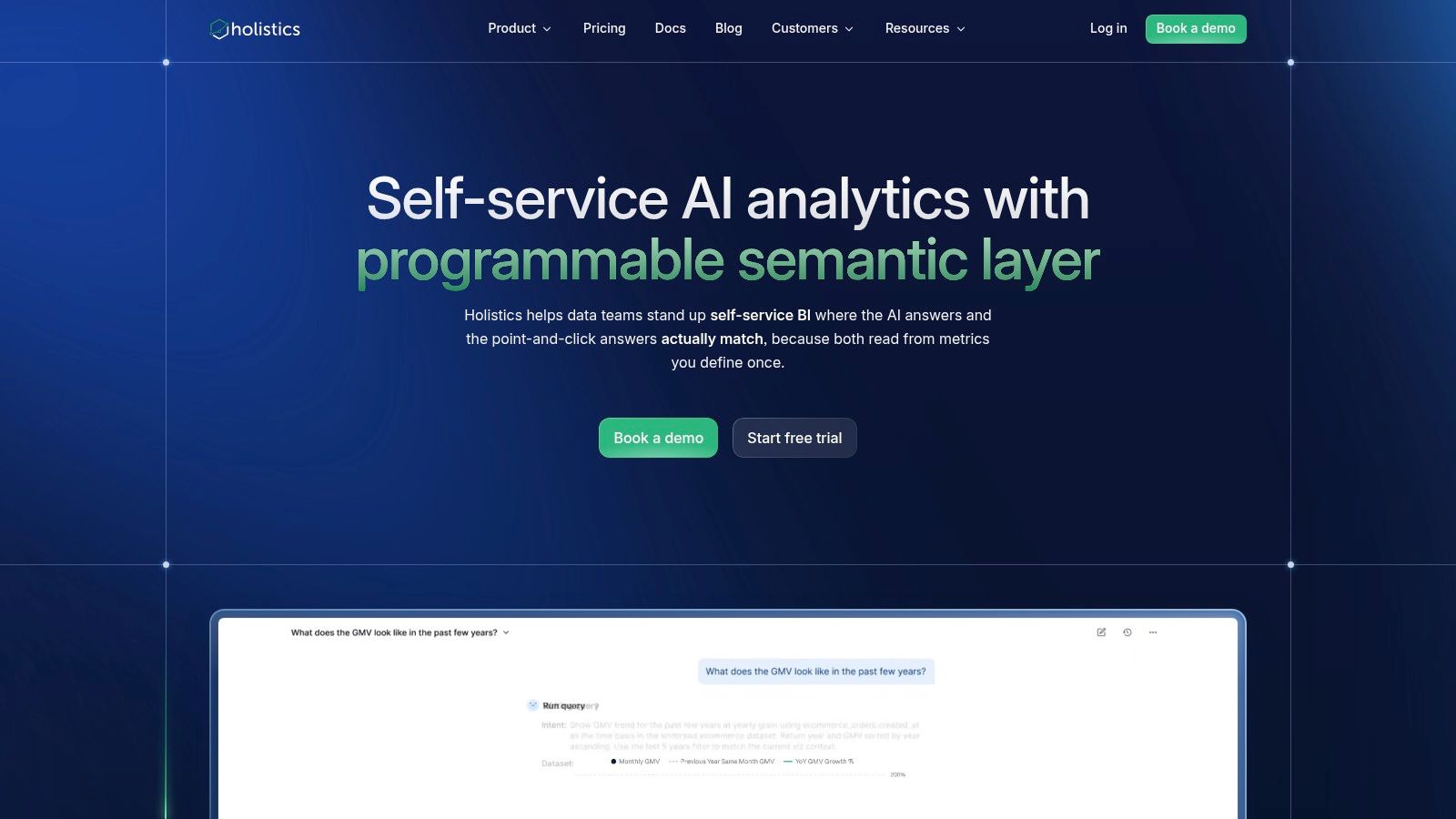
When sales and finance disagree about recurring revenue, another dashboard isn't the first fix. You need an agreed definition and a place to maintain it.
Holistics centres its approach on a governed semantic layer, where data teams define models and metrics for others to explore. It also supports analytics-as-code, Git version control, dbt integration and embedded analytics.
That approach suits a growing SaaS business with an analytics owner. Instead of rebuilding a calculation in each report, the team can maintain shared logic and make changes through a controlled workflow.
The benefit depends on someone doing the modelling work. Without that owner, a semantic layer can become another unfinished technical project.
Holistics lists an APAC data centre option, which is relevant to NZ and Australian buyers. APAC is a broad region, though, not a promise of storage in either country.
Ask for the exact hosting location, backup locations and contractual terms. Also confirm whether the required region is available on the plan you're considering.
The practical attraction is consistency. Choose it because your team needs reusable definitions, not because a semantic layer sounds like something a growing startup should have.
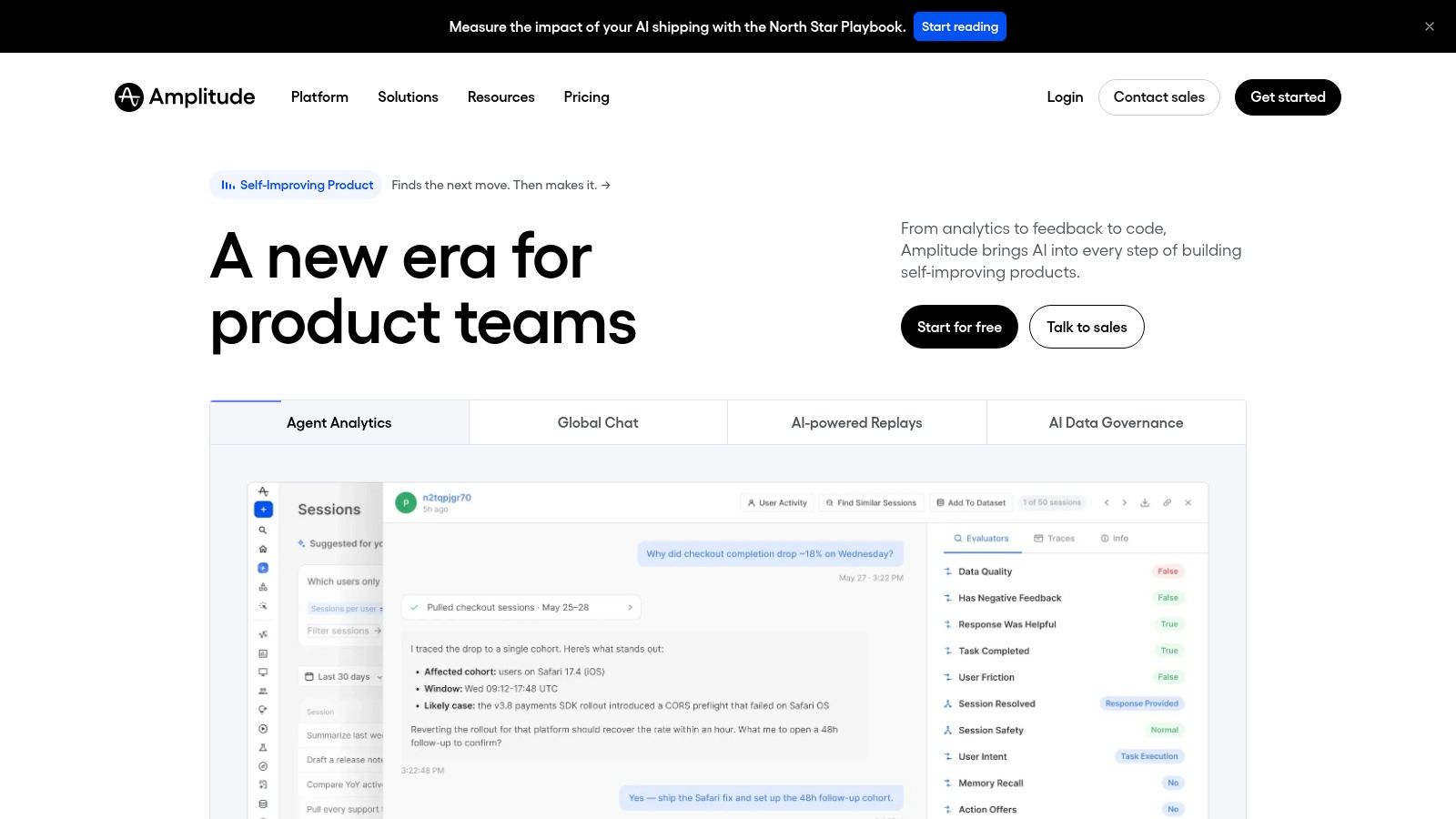
Where do people stop before reaching value? That's a product question, and Amplitude is built around user behaviour, event journeys, funnels and retention.
For an app or SaaS startup, this can be more useful than starting with a company-wide dashboard. Product and growth teams can investigate activation, engagement and conversion without building each analysis from scratch.
It's not a replacement for financial or operational BI. Pair it with broader reporting when you need to connect product use with invoices, costs and cash.
Amplitude's value depends on the events you send. Define what an action means, when it fires and how you identify the user before treating a funnel as evidence.
A trial might follow account creation through a meaningful product action. Check that the events represent completed behaviour, not merely a button click or a page opening.
A funnel can be technically correct and still describe the wrong customer journey.
Review event, user and plan limits against expected activity. Also ask how you'll manage tracking changes when the product changes, because event quality needs ongoing attention.
For NZ and AU teams, keep unnecessary personal information out of event properties and check hosting and processing terms. The useful product question is usually about behaviour, not every detail you could collect about the person behind it.
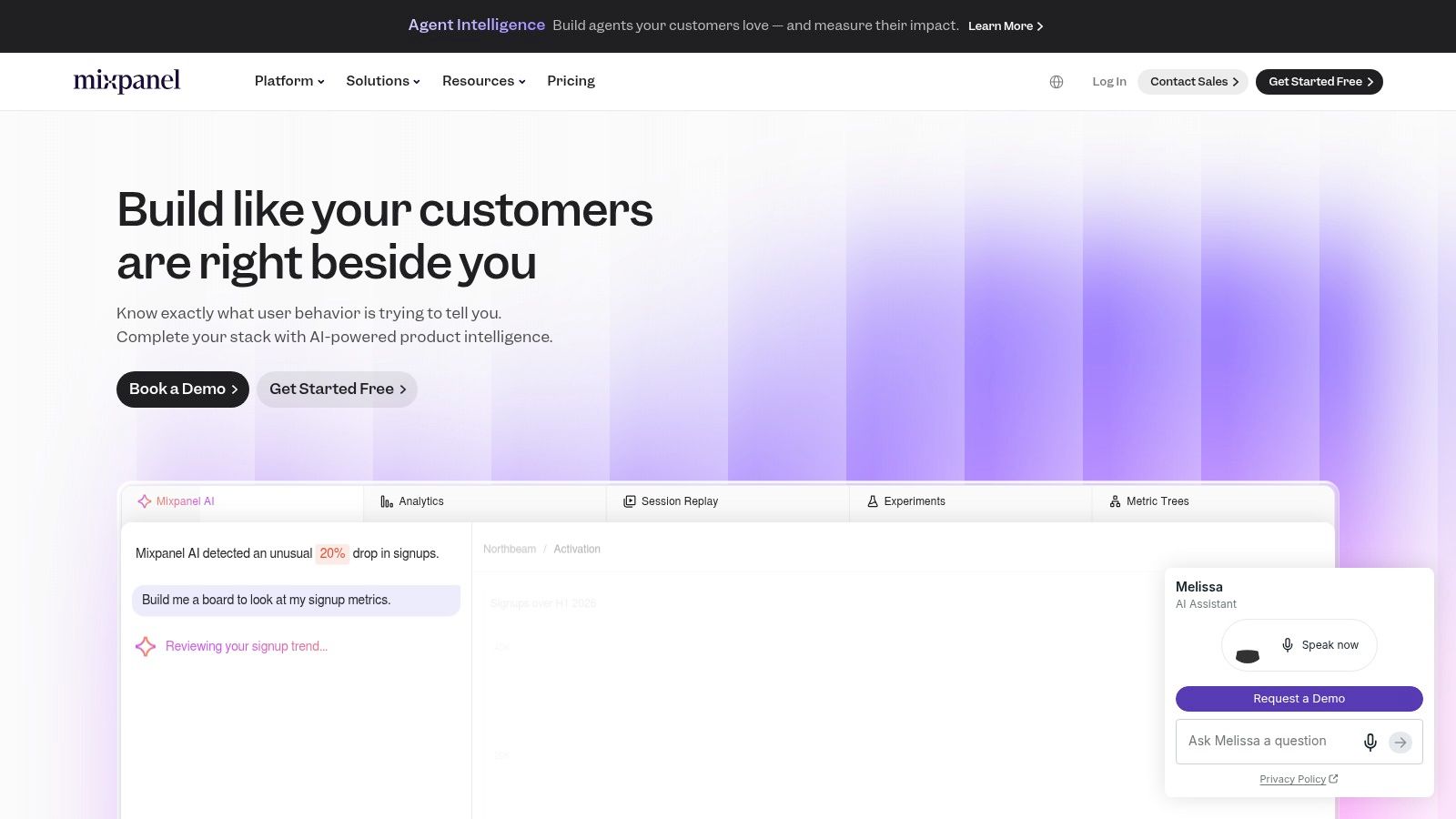
A release ships. Sign-ups look healthy. But are users coming back to do the thing your product promises?
Mixpanel focuses on event-based product analytics, including funnels, user journeys, retention, engagement and product dashboards. It's relevant when product and growth staff need to examine actions inside an app or website.
The overlap with Amplitude is deliberate. Compare them using your own events and the questions your team asks, rather than selecting from a feature list that looks impressive in both demos.
Ask the same practical question in each product. For example, compare the journeys of users who reach a key action with those who stop beforehand.
Mixpanel can complement a BI tool, but it shouldn't become the unofficial source for every company number. A product event and a paid invoice describe different things.
For regional teams, include data location, deletion, support access and contract terms in the evaluation. Keep the tracking plan close to the product roadmap, too. Otherwise, staff may trust an event that no longer means what its name suggests.
| Tool | Best For 👥 | Core Capabilities | Standout ✨ | Price & Value 💰 | Key Consideration |
|---|---|---|---|---|---|
| Metabase | Startups wanting accessible, general-purpose BI | SQL and no-code queries, dashboards, 20+ data sources | 🏆 Open-source option; can grow into embedded analytics | Free self-hosted option; paid plans add controls and embedding | Self-hosting needs technical upkeep; costs can rise with users |
| Looker Studio | Bootstrapped teams using Google tools | Reports and dashboards with shareable links | ✨ Convenient Google Analytics and Sheets reporting | 💰 Free version; Pro adds collaboration and ownership features | Better for reporting than end-to-end analytics workflows |
| Microsoft Power BI | Startups using Microsoft 365, Excel, Azure, or Fabric | Data modelling, reports, interactive dashboards | ★ Strong modelling and Microsoft ecosystem integration | 💰 Free desktop authoring; paid plans for sharing and collaboration | Licensing can be confusing; learning curve may be steep |
| Zoho Analytics | Small businesses needing affordable cross-system reporting | Connected-data reports and dashboards; cloud or on-premises | ✨ Free tier, trial, and published pricing | 💰 Free tier; paid plans scale by users and data volume | Check connector coverage and growth limits |
| Hex | Technical founders and data analysts | Collaborative SQL, Python, notebooks, and visual analysis | ✨ Publish analyses as apps; supports dbt and orchestration tools | 💰 Free Community plan; paid editor and compute costs | Best suited to teams with technical analytics skills |
| Apache Superset | Engineering-led teams wanting deployment control | SQL exploration, chart builder, and dashboards | 🏆 Open-source and extensible, with no licence fee | 💰 Free software; hosting and engineering add costs | Production hosting, security, and maintenance are your responsibility |
| Tableau | Teams with complex reporting and stakeholder needs | Interactive data exploration and dashboards | ✨ Cloud or self-managed deployment; role-based access | 💰 Annual, role-based licensing; can be costly for small teams | Requires at least one Creator licence per deployment |
| Holistics | Growing SaaS teams standardising business metrics | Governed models, self-service exploration, dashboards | ✨ Analytics-as-code, Git, dbt, and APAC hosting option | 💰 Higher-cost option than lightweight tools | Benefits most from a dedicated analyst or engineer |
| Amplitude | App and SaaS product teams | Event-based behaviour, funnel, and retention analysis | 🏆 Tailored to product journeys and engagement questions | 💰 Check current plan limits and event pricing | Complements general BI; depends on reliable event tracking |
| Mixpanel | Product and growth teams measuring user behaviour | Event analytics, funnels, journeys, and retention | ✨ Helps assess engagement and product changes | 💰 Check current pricing thresholds and data limits | Requires disciplined tracking; not a replacement for company-wide BI |
Start with the reporting decision that matters most, not the longest feature list. A pre-product team can test Looker Studio, Metabase or Zoho Analytics with a narrow dataset; an analyst-led startup may gain more from Hex or Superset. A product business can pair Amplitude or Mixpanel with general-purpose BI rather than forcing either category to do every job.
Cash reporting deserves a place beside growth reporting. NZGCP recorded 75 funded deals worth NZ$362 million in the first half of 2025, but funding activity isn't a reason to buy ahead of your needs. Keep burn, runway and revenue visible alongside the product metrics you're trying to improve.
Export a representative dataset and test the required connectors. Include awkward records, refunds, missing fields and dates around reporting boundaries, rather than selecting only clean examples.
Ask each vendor hard questions about support, hosting, backups and data residency in New Zealand and Australia. Request details about primary storage, recovery copies, logs, subprocessors and support access, and get important answers in writing.
Build a cost estimate that includes seats, connectors, compute, data storage and maintenance time. Confirm billing currency, tax treatment, minimum contract term and what happens when usage exceeds the plan.
The same caution applies to AI features. MBIE's 2025 study of 500 SMEs found that 94% knew of at least one AI tool, while identifying accuracy, privacy, security, trust and capability as barriers. Awareness isn't the same as readiness.
Buying test: Choose the tool your team can maintain, question and explain, not merely the one that produces the best demo.
Give the reporting workflow a named owner and document the meaning of each important metric. Record where its data comes from, how often it updates and what staff should do when the result looks wrong.
You don't need to build the company's final analytics stack today. You need a dependable way to make the next decision, with enough room to grow and a clear route out if the tool stops fitting.
NZ Apps is an independent digital media platform and directory covering app and tech companies across New Zealand and Australia, with practical resources and software roundups for founders and operators. Visit NZ Apps to compare tools and explore the regional tech scene as you plan your startup's analytics stack.
Add your NZ or Australian app or tech company to the NZ Apps directory and get discovered by founders and operators across the region.
Get ListedReach tech decision-makers across New Zealand and Australia. Sponsored and dofollow editorial links, permanent featured listings, and sponsored articles on a DA30+ .co.nz domain.
See Options