
It's 9pm in Hamilton, and you're staring at a shelf audit spreadsheet. The stock count doesn't match the sales system. Someone has to check the shelves again, and you're wondering whether a camera could spare everyone the bother.
That's where your camera starts earning its keep. Not by making a flashy demo, but by answering a plain business question: what's missing, what's wrong, or what needs attention?
Computer vision turns images into labels, counts, measurements, and alerts. It's already used in cars, clinics, paddocks, and warehouses across New Zealand and Australia. Yet the gap between recognising an object and running a useful service is bigger than most pitch decks suggest.
A shelf photo might hide products behind other products. A factory camera might mistake glare for a scratch. A safety alert might arrive after the supervisor has left the site.
A useful vision system doesn't stop at spotting something. It gives the right person enough information to act.
For NZ and AU founders, the sensible starting point is often narrow and slightly dull. Count visible stock. Flag a missing label. Help someone review an image rather than hand a model control of a vehicle or a clinical decision.
Even adjacent tools, such as Exayard AI-powered takeoff and estimating, are worth considering when your problem involves reading plans rather than watching live footage. Choose the workflow first; then choose the camera, model, and local rules that fit it.
Start with NZ Transport Agency Waka Kotahi, or the relevant Australian state or territory road authority. Vehicle standards, road access, and trial conditions belong in the project plan before public-road testing.
Cameras help vehicles detect lanes, traffic lights, pedestrians, cyclists, and other cars. Software then tracks those objects and passes their position to a driving system. Waymo combines cameras with lidar and radar; Tesla has pursued a camera-led approach, while Mobileye supplies camera-based driver-assist technology.
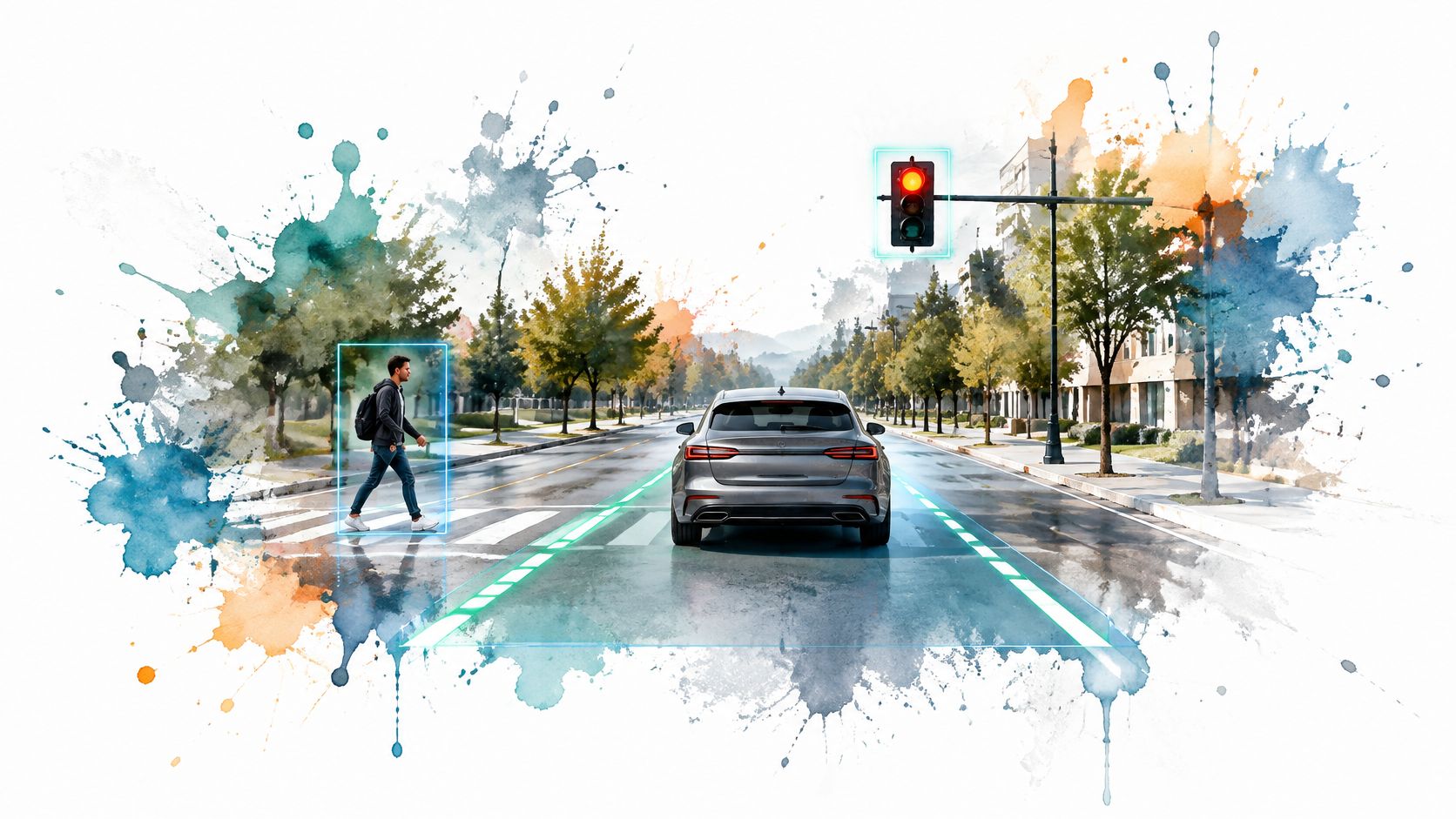
A small team shouldn't begin by building a robotaxi. A more workable pilot might review fleet footage for blocked loading bays or help a transport operator count turning vehicles.
There's local evidence for that less glamorous route. A GoodVision case study of NZ Transport Agency's Brougham Street project reports an estimated 50–60% reduction in data-processing and management costs from automated traffic-video analysis compared with the prior workflow.
For anything that influences driving, test wet roads, low sun, roadworks, and worn lane markings. A model that works on crisp daytime footage hasn't proved much about a rainy commute.
Keep lane keeping and automatic emergency braking framed as assistance, not permission to stop paying attention. Your product messaging is part of the safety design, not a marketing detail to settle later.
Medsafe in New Zealand and the Therapeutic Goods Administration in Australia are the regulators to speak with early. Intended use matters: software that organises scans raises different questions from software that claims to diagnose disease.
Computer vision can analyse X-rays, CT scans, MRIs, retinal photos, and pathology slides. Products such as Aidoc support triage, while LumineticsCore, formerly IDx-DR, illustrates autonomous diabetic retinopathy screening.
The useful distinction isn't whether AI can find a pattern. It's what happens when it misses one.
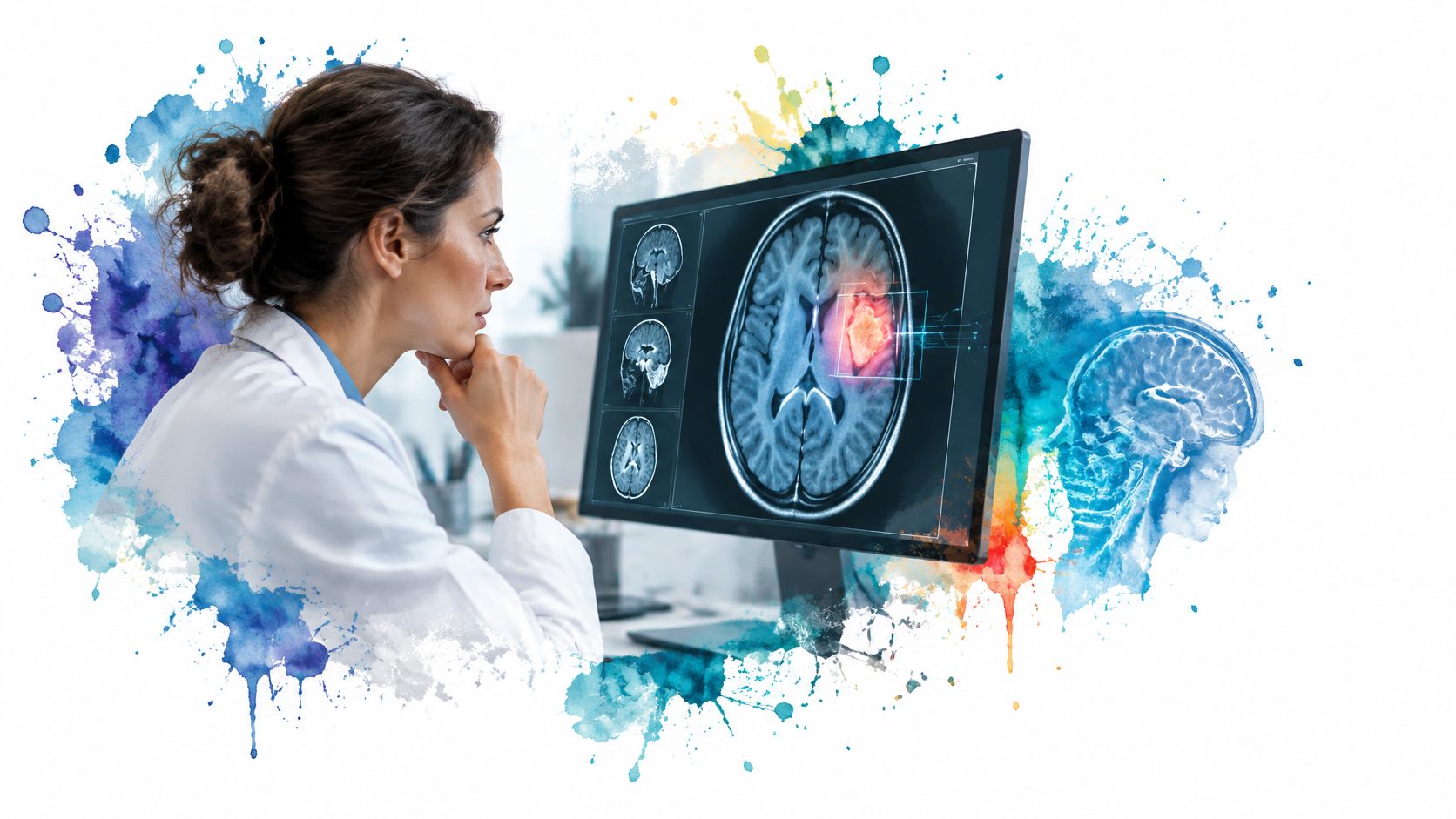
Canterbury's Computer Vision Lab describes camera-based gait analysis for movement disorders, physiotherapy monitoring, and automated brain-lesion measurement. These are useful examples of vision adding a measurement layer rather than replacing medical judgement.
Say a regional clinic wants help with retinal images. A sensible early pilot could flag poorly captured images for retaking, with clinical oversight, before attempting disease classification.
Health information also needs careful access controls and retention rules. A polished dashboard won't rescue a weak clinical workflow.
Put the NZ Office of the Privacy Commissioner or Australia's Office of the Australian Information Commissioner into your planning early. Camera placement, identifiable shoppers, and image retention can turn a stock project into a privacy project.
Amazon Go and Just Walk Out show the appeal of checkout without a queue. Simbe's Tally robots and Trax show another route: inspect shelves, find gaps, and tell staff what needs fixing.
For a small retailer, shelf monitoring is the better starting point. Full checkout automation must connect product recognition, shopper tracking, payment, and disputes. That's a lot of moving parts before anyone gets their sandwich.
Say a convenience store wants to catch empty drink facings. Staff could take shelf photos during an existing walk-through, then receive a short list of gaps to check.
The model should distinguish an empty facing from a product placed behind the shelf edge. It should also admit when it can't see enough.
A shelf image can show visible stock; it can't reveal every item behind the front row. Pair it with sales and inventory records rather than pretending the camera knows the whole shop.
Start with New Zealand's Environmental Protection Authority and relevant council rules, or Australia's APVMA and state chemical-use regulator. If drones are involved, add the Civil Aviation Authority or CASA to the conversation.
Targeted spraying uses cameras to distinguish weeds from crops, then directs treatment to the chosen spot. John Deere's See & Spray is a commercial example; Carbon Robotics takes a different route with laser weeding.
The attraction is clear. Why treat bare ground or healthy crop when the problem sits elsewhere?
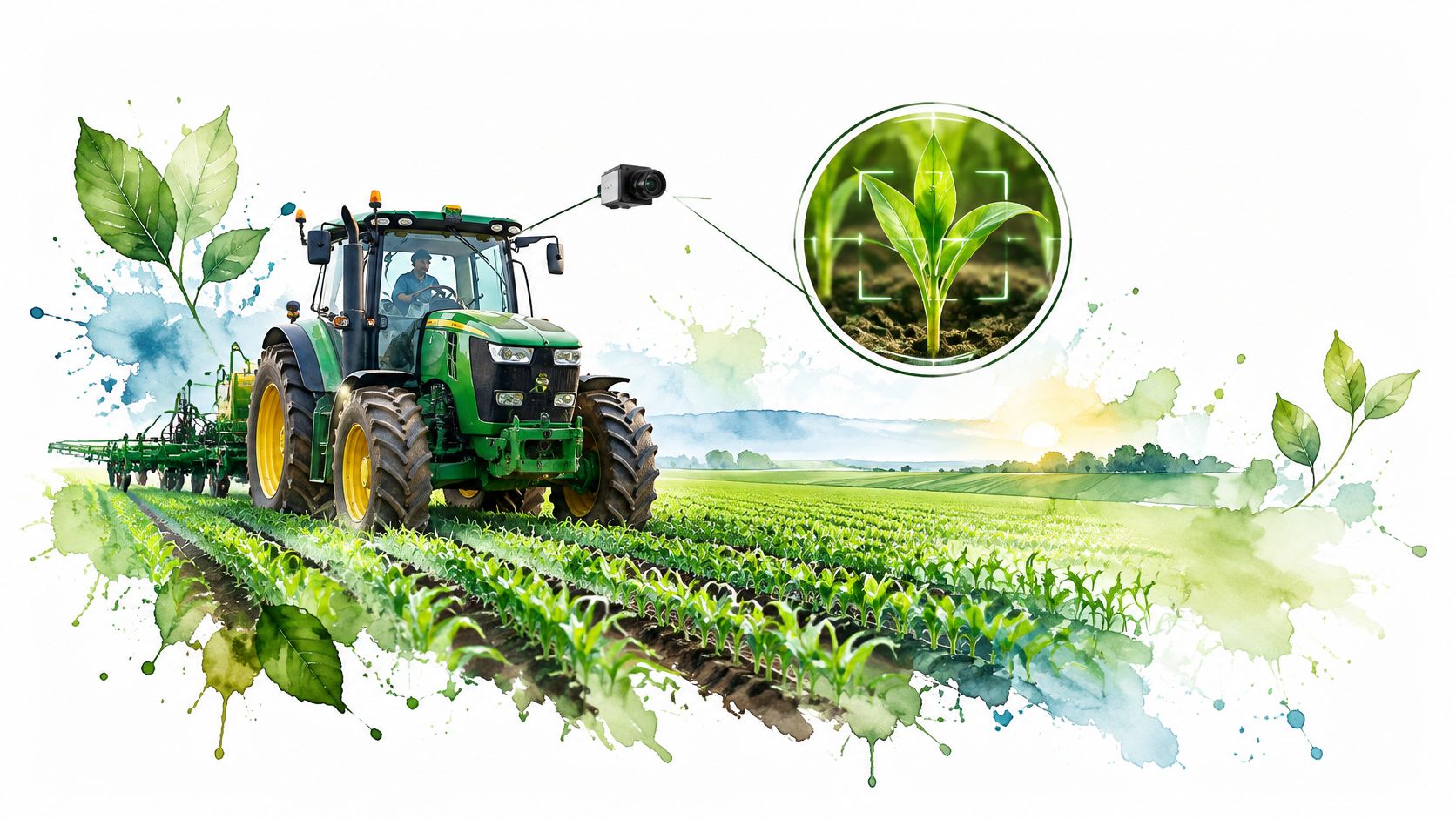
I'd start a small team with scouting, not automated chemical release. Photograph a crop block, flag likely weeds or disease symptoms, and have an agronomist review the findings.
The wider measurement opportunity is real. University of Canterbury horticulture researchers reported fruit-count estimates within approximately 2% to 3% of the correct figure during testing.
Still, fruit counting and weed control aren't interchangeable tasks. Your model needs local crops, local weeds, and images from the season in which it will work.
Compare a pilot block with the existing method, including missed weeds and crop damage. Dust, leaf overlap, travel speed, and changing light all matter. Pair the output with agronomy advice: a camera can flag a symptom without knowing its cause.
WorkSafe New Zealand or the relevant Australian workplace safety regulator belongs in the conversation when cameras connect to machinery. Food, medicine, and other regulated products may bring separate quality obligations.
Machine vision checks for scratches, missing parts, skewed labels, poor seals, and surface flaws. Cognex and Keyence sell smart cameras and vision systems designed for these jobs, including assembly and packaging inspection.
The first purchase, though, may need to be a light rather than a model.
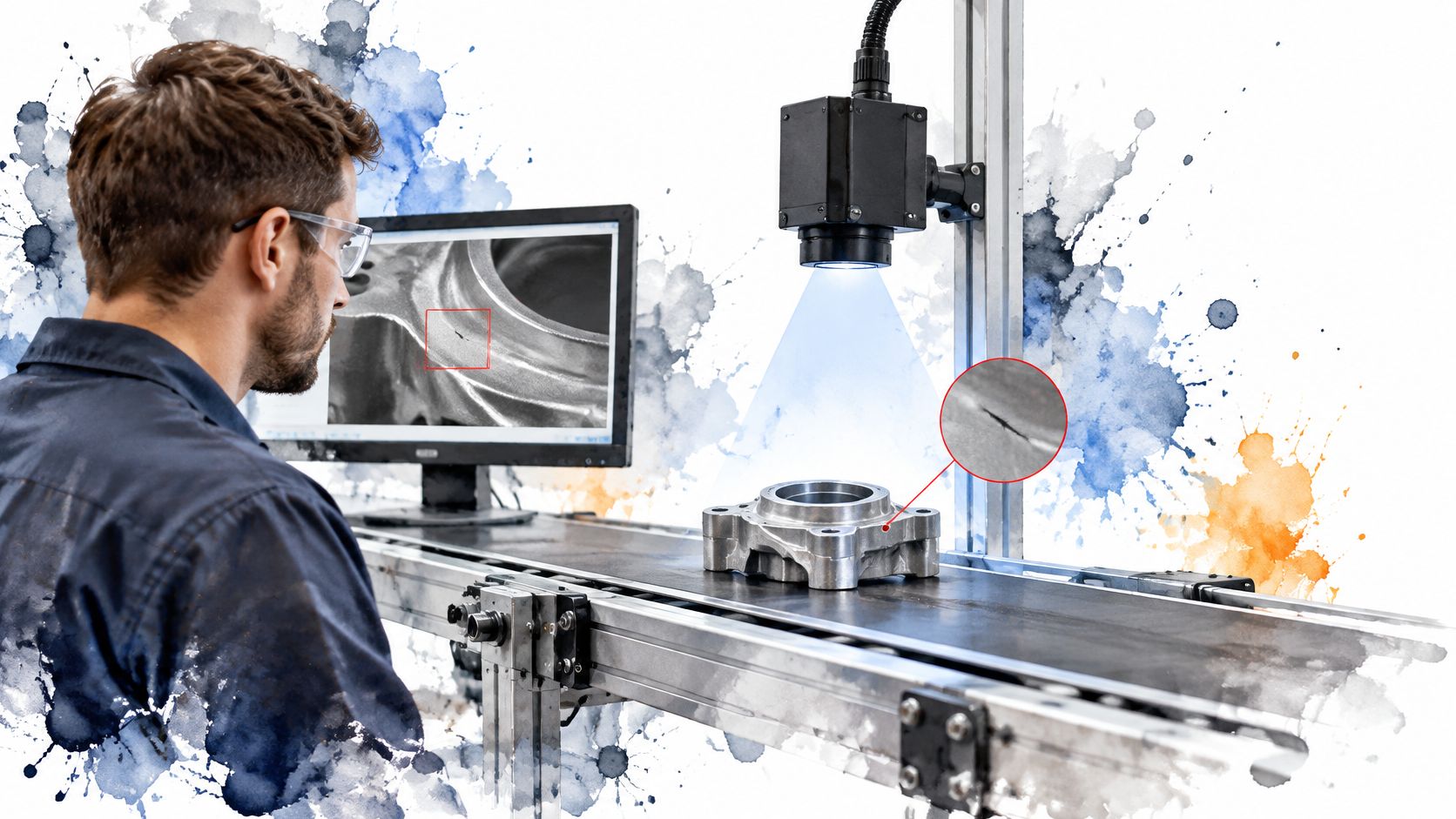
Practical rule: Fix the lighting and part position before asking software to solve an unstable image.
Say a food packer needs to catch missing date codes. Start with a fixed camera, controlled light, and optical character recognition. You may not need a custom deep-learning model at all.
Buy an established inspection system when the task is standard. Build custom software when your defect, workflow, or integration creates a clear difference.
Keep samples of both faulty and acceptable products, including borderline cases. Otherwise, the model may reject harmless variation while missing the fault that matters.
Run the pilot in shadow mode, where staff still make the release decision. Track false rejects alongside missed defects, then test the reject mechanism itself. Detecting a bad pack is only useful if the correct pack leaves the line.
NZ Customs and the Australian Border Force own the border process; privacy authorities shape the handling of personal information. This isn't a sector where a startup can treat public access as an ordinary product trial.
NZ Customs eGates and Australia's SmartGate compare a live face with passport identity information. The key task is verification: does this person match the identity they've presented?
That differs from searching a crowd to identify someone. The distinction matters for system design, error handling, and privacy.
A successful match looks simple. A failed match is where the service earns trust, or loses it.
Say a traveller can't be matched because of glare, a changed appearance, or difficulty positioning their head. Staff need a clear alternative route, not a screen that keeps asking the person to try again.
For founders, a more realistic entry point is supporting an authorised supplier with capture-quality checks, accessibility testing, or operational review tools. Biometric boarding projects face similar questions about identity, permissions, and alternatives.
Convenience is useful. It isn't a substitute for a defensible purpose.
Start with the NZ Privacy Commissioner or Australia's privacy regulator if your app handles biometric information. Then ask a more useful engineering question: can the device handle authentication without your business collecting a face?
Apple Face ID, Android face authentication, and Windows Hello provide familiar examples. Their hardware and security properties differ, so don't assume every face-login feature offers the same protection.
Depth sensing, face matching, and anti-spoofing help distinguish an enrolled user from an impostor. A photo-matching demo alone doesn't prove secure authentication.
For most app teams, the right build is no face model at all. Use Apple's LocalAuthentication framework or Android's BiometricPrompt, with appropriate security settings.
Say you run an invoicing app. A customer could use device biometrics to approve access to a protected signing key, while your server verifies the signed request. Your app doesn't need a copy of their face.
Buy the security boundary, not a face-matching demo.
Start with native authentication for returning users. Remote identity checks, where someone uploads a face and identity document, are a separate product with different risks. Don't turn one into the other without telling anyone.
Start with the competition's governing body and venue rules, plus the relevant privacy authority for player footage. Governing bodies decide whether a system can inform official decisions; a convincing graphic doesn't grant that authority.
Hawk-Eye is the familiar example in cricket's Decision Review System, tennis line calling, and football goal-line technology. Multiple cameras help recover a ball's path through space.
There's an important distinction here. Measuring where a ball travelled isn't the same as projecting where it would have gone after an obstruction.
A grassroots cricket club might want to review bowling lines and lengths. That's a more forgiving starting point than overturning an umpire's decision.
Use fixed cameras, calibrate the pitch geometry, and let a coach review clips where the ball disappears behind a player. Don't fill missing footage with a confident-looking trajectory unless the limits are clear.
The useful product may be a searchable set of practice clips rather than live officiating. Coaches need context: the delivery, the batter's response, and what changed between sessions.
Measure location error as well as whether the model found the ball. Wind, shadows, motion blur, and a camera knocked during training can spoil the geometry.
For junior sport, agree on filming, access, and sharing arrangements before capture. A training tool shouldn't become an accidental public archive of children's footage.
Put the NZ Privacy Commissioner or Australia's privacy regulator on the list if shoppers upload personal photos. Your terms should explain image handling, while your product claims still need to meet local consumer-law expectations.
Google Lens and Pinterest Lens show the basic experience: supply an image and find things that look similar. Retail systems often use visual embeddings, which turn images into numerical representations that can be compared.
For fashion, furniture, and home décor, this helps when customers know the look but not the name.
Say a shopper uploads a café photo with a lamp in the background. Your system can crop the lamp, retrieve similar catalogue items, then filter by stock, price, material, and dimensions.
Similarity isn't suitability. A matching silhouette won't tell the shopper whether the lamp fits their table or uses the right fitting.
Start with a hosted image-search service or an established embedding model. Clean catalogue photos and accurate product attributes often matter more than custom model training.
Keep search distinct from virtual fitting, too. This comparison of photo-based sizing versus visual previews helps clarify the difference between finding a similar garment and judging how it might fit.
Start with WorkSafe New Zealand or the relevant Australian state or territory WHS regulator. Safe Work Australia develops national policy and guidance, but it isn't the workplace inspector for every Australian site.
Vision systems can flag missing hard hats, hi-vis vests, people entering exclusion zones, or pedestrians approaching forklift paths. These are detection tasks, not proof that a workplace is safe.
A visible harness, for example, doesn't prove that it's attached correctly.
Say a warehouse wants to review pedestrian entry into a loading zone. Begin with recorded footage, agreed camera areas, and supervisor review before sending live alerts.
Check whether the model can distinguish a person walking behind a barrier from someone inside the danger zone. Camera perspective can make those situations look much the same.
Before rollout: Agree who receives an alert, how they respond, and what happens when the system misses an event.
Involve workers early and explain what won't be monitored. Safety footage shouldn't slowly become a tool for ranking staff performance.
Tune false alarms before expanding, and retain enough context for a reviewer to understand the event. Frequent nuisance alerts teach people to ignore the system.
Safety Space, NZ Apps' sister product in the same media group, covers the wider workplace safety software market. For a small vision team, the best starting point is a narrow review aid that supports existing controls, not a claim to replace barriers, training, or supervision.
| Item | Main Data Need | Regulatory Weight | Pilot Difficulty |
|---|---|---|---|
| Autonomous Driving and Driver-Assist Vision | Road scenes, lanes, signs, pedestrians, and sensor data | High; vehicle safety rules and liability | Very high; edge cases and real-world testing |
| Medical Imaging and Diagnostic Support | Medical scans and clinically validated labels | Very high; medical-device clearance and validation | High; clinical data, integration, and validation |
| Automated Checkout and Shelf Monitoring in Retail | Product images, shelf conditions, and shopper tracking | Moderate; privacy and camera-use requirements | Moderate; store setup and SKU-level accuracy |
| Precision Agriculture and Targeted Spraying | Crop and weed images across local field conditions | Low to moderate; environmental and chemical-use rules | Moderate; equipment, connectivity, and field variability |
| Industrial Quality Inspection on Production Lines | Product images, defect samples, and inspection criteria | Moderate; depends on product and industry standards | Moderate; lighting and production-line integration |
| Facial Recognition at Border Control | Live face images matched to passport records | High; biometric privacy and border governance | High; security, fairness, and system integration |
| Face Authentication on Phones and Devices | Enrolled face templates and live depth or infrared images | Moderate; biometric privacy and data protection | Low to moderate; platform tools simplify implementation |
| Sports Officiating with Ball Tracking | Multi-camera ball footage and venue calibration data | Low; primarily sport-specific rules | Moderate; camera installation and venue calibration |
| Visual Search in E-commerce | Product catalogue images and shopper photos | Low; general privacy and data-protection obligations | Low to moderate; catalogue quality and indexing |
| Workplace Safety and PPE Monitoring | Site footage, PPE examples, and restricted-zone layouts | High; workplace safety and worker privacy obligations | Moderate; camera coverage and false-alert tuning |
Back in Hamilton, the shelf audit spreadsheet is still open. The useful next move isn't to order cameras for every shop. Pick a shelf, define what counts as a gap, and agree on who checks the result.
That's the pattern behind useful computer vision applications. Choose a task that fits the images you can collect, the rules you must follow, and the staff who'll use the output. Then test it where the work really happens.
A good pilot statement sounds plain: staff will review flagged shelf gaps before the next replenishment run. A weak one promises an AI-powered retail platform without saying who does what.
The same discipline sits behind understanding MVPs in startups. Reduce scope until you can test the core business assumption, without cutting privacy, safety, or review processes to make the demo easier.
Your pilot should answer a small set of practical questions:
Accuracy needs context. A missed shelf gap and a missed pedestrian are not the same kind of error, even if the model reports them using the same metric.
A pilot can succeed by showing that vision isn't the right tool. Barcode scanning, a better stock process, or a fixed photo station may solve the problem with less fuss, and that's sensible product work rather than a retreat from AI.
Keep a separate set of images for evaluation, and don't train on every example you collect. When the model makes a mistake, save the case and work out whether the cause was capture, labelling, software, or the process around it.
Expand only when the whole workflow works, including the boring bits. Someone still needs to clean the lens, update product records, review uncertainty, and answer a customer who challenges a result.
For NZ and AU founders, the practical starting point is the use case with the lowest data and compliance burden that still saves staff time. Local company profiles and spotlights on NZ Apps can help you find relevant companies and ask sharper questions before you commit.
NZ Apps is an independent digital media platform and directory covering app and tech companies across New Zealand and Australia. Visit NZ Apps to explore regional companies and practical founder resources as you assess a computer vision pilot or look for local technology partners.
Add your NZ or Australian app or tech company to the NZ Apps directory and get discovered by founders and operators across the region.
Get ListedReach tech decision-makers across New Zealand and Australia. Sponsored and dofollow editorial links, permanent featured listings, and sponsored articles on a DA30+ .co.nz domain.
See Options