
How much of your week disappears into leave balances, onboarding forms and payroll queries nobody bills for? Now the harder question. How much of that time is caused by software built for a different country?
That's the trap HR software NZ buyers keep walking into. A global platform demos beautifully, then you find it doesn't understand KiwiSaver, treats public holidays as an American calendar quirk, and bills in USD while the exchange rate eats the budget you got signed off.
The pattern is predictable. The polished international tool wins the first meeting. The locally grounded one wins the second, when someone asks who handles payday filing and the room goes quiet.
So this is an honest run at ten tools, judged on what decides whether they work here. Does it connect to NZ payroll, or at least play nicely with the provider you already use? Does it handle local rules on leave, holidays and record keeping? Is pricing published, or hidden behind a quote? Can a small team run it without a consultant on retainer? Those four tests separate a good product from a good fit.
For a wider view of how these platforms sit together, HR software options for scaling employers is worth reading alongside this.
Employment Hero sells consolidation. Employee records, leave, documents, onboarding and offboarding sit in one place, with recruitment, expenses, performance and learning on higher tiers and payroll plus time and attendance sold alongside.
The groundwork for that pitch already exists. MBIE's study of business digital capability found 65% of New Zealand businesses used accounting software in 2019, up from 44% in 2016, and 49% used cloud accounting software. Half the market already trusts a remote system with invoices and tax. Leave balances are a smaller leap than they feel.
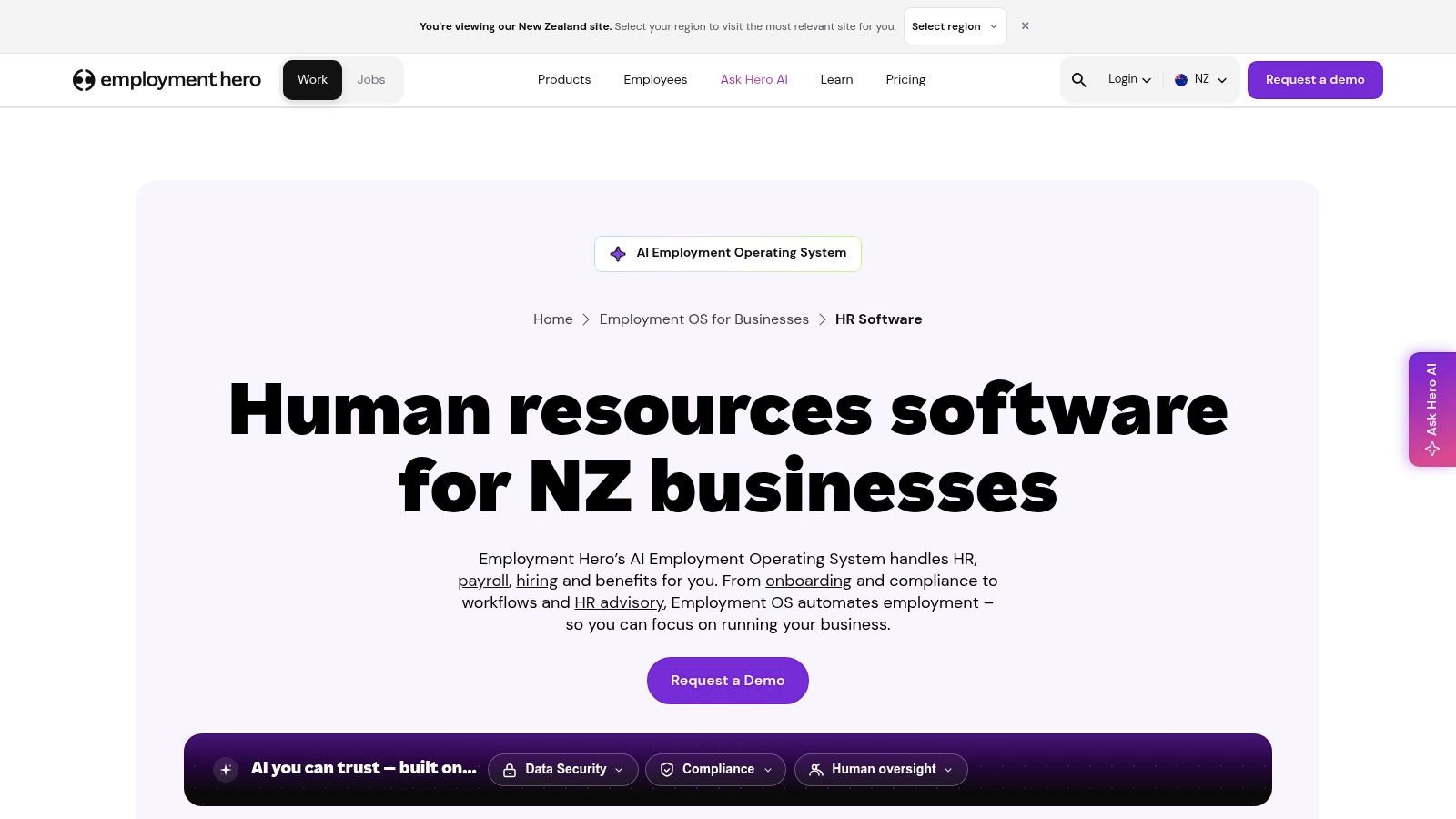
Minimum seats. The listed plans carry user minimums, so a small team pays for capacity it can't use yet. Plan-dependent payroll. Payroll depth shifts with the tier. Read the plan grid, not the demo script. Add-on creep. Time and attendance, benefits and learning all sit outside the entry price.
Ask this in the demo: which payroll tier handles payday filing on day one, before you sign. If you want the filing mechanics first, our guide to payroll software in NZ covers them.
Website: Employment Hero HR software
Some employers don't want software alone. They want software plus a person who knows what a fair process looks like on paper. MyHR pairs a cloud platform (records, digital policy acceptance, hiring, onboarding, performance reviews, leave, payroll integrations) with HR advisers who work in New Zealand employment matters.
That pairing suits a fragmented local market. The HRNZ State of HR Technology research found only PayGlobal (8%) and Datacom HRIS (6%) were identified by at least 5% of participating organisations, while 57% used a standalone payroll system and 37% ran payroll inside their core HRIS. Among those who knew their setup, on-premises sat at 36% and SaaS at 34%.
Most Kiwi teams juggle specialists. A platform that accepts that reality beats one that insists you rip everything out.
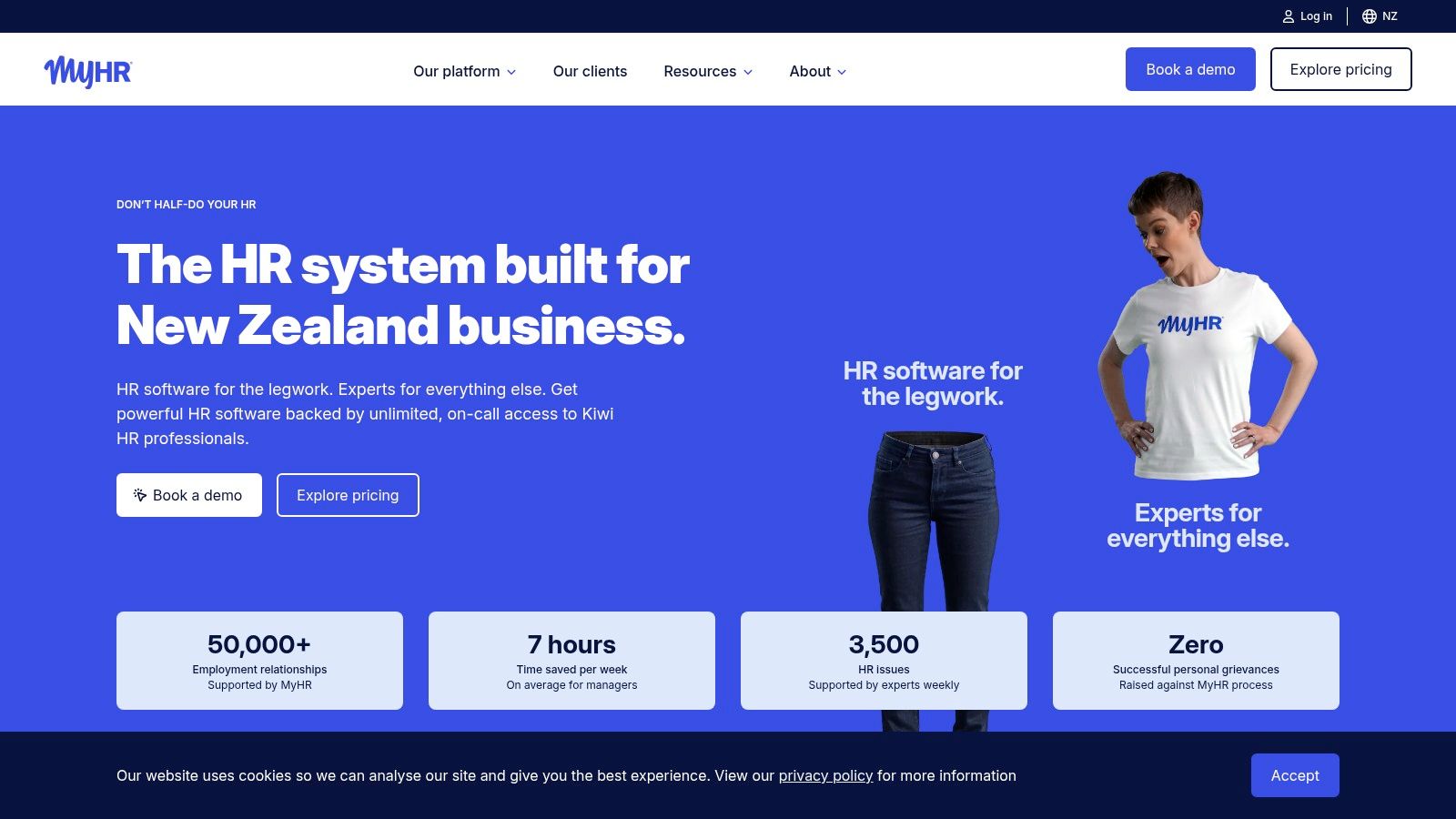
Small employers with no HR hire. You get guidance on process, not just blank fields and a shrug. Businesses with messy documentation. Digital policy acceptance and version control beat a signed sheet in a drawer.
The adviser layer is what you're paying for, so be honest about whether your team will use it in practice. MyHR doesn't publish a simple per-user price, so ask for a written quote that itemises setup costs, minimum terms and exit conditions before you sign.
Website: MyHR
If Smartly is already your payroll engine, this is the shortest path to proper HR records you'll find. People Management is an add-on rather than a standalone system: employee records, document storage, policies, digital hiring and onboarding tasks, licence and compliance reminders, reporting, and employee access through the Smartly app.
The catch sits in that first sentence. It only works when Smartly runs payroll, which rules out anyone mid-contract elsewhere.
The wider gap is worth seeing in numbers. MBIE's 2024 Business Digital Capability Monitor reported that 36% of employers used computerised payroll systems, while 88% of all businesses used a desktop, laptop or other computer. Access isn't the bottleneck. Software choice is.
Works: one employee record feeding payroll and HR, so a pay rise doesn't get keyed in twice. Works: published add-on pricing, which means you can budget before the sales call. Doesn't: deep talent management. This is administration, not succession planning.
Plain truth: if you're locked into another payroll provider for the next year, this one isn't worth the fight.
Website: Smartly People Management
HR Today is the quiet one in the lineup. It's a cloud platform delivered through EQ Consultants, built around centralised employee documents and company policies, with the provider describing its documents as aligned with current NZ employment law. Records, cloud access, policy organisation. That's the core.
Buy it when document discipline is the actual problem. Don't buy it expecting a recruitment engine or deep analytics.
Here's the number that should shape the decision. The HR in Aotearoa 2025 research found 94% of organisations used more than one system to support HR, some as many as nine, yet only 23% believed their current stack fully supported strategic objectives, and 49% planned significant technology changes within the following year. Adding a tenth tool isn't the answer. Replacing the four that duplicate each other is.
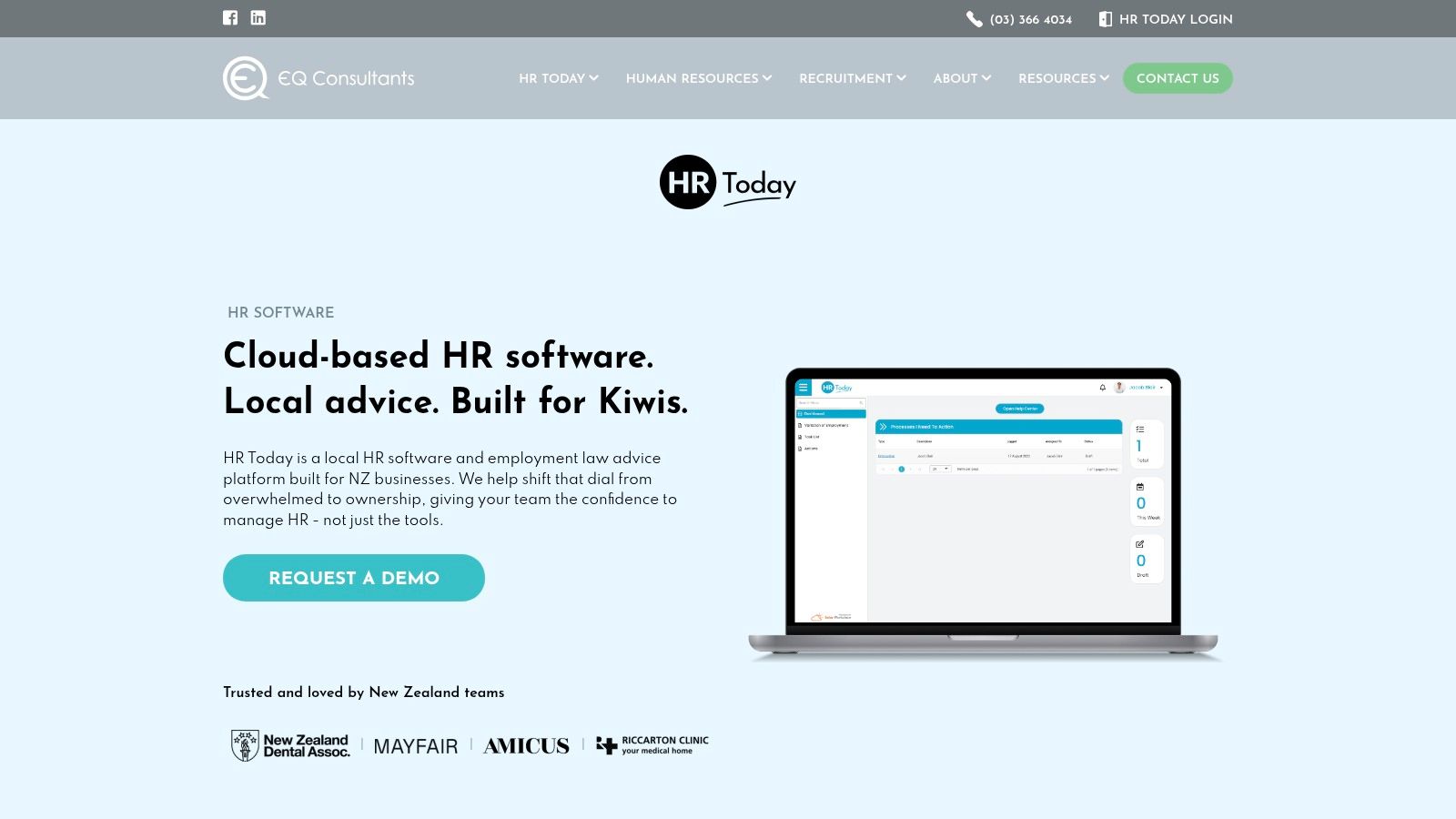
Pricing and tiers. Public detail is thin, so ask for a written quote covering setup and support. Integrations. Find out what connects to your payroll, and whether employee self-service exists. Scope. Ask what this does that a shared drive plus a policy register can't.
Website: HR Today
BrightHR comes at HR from the shop floor up. Leave, absence and shift or roster management, clock-in and time-tracking apps, document storage and templates, with employment relations advice and health and safety support available as extras. For a business running shifts, a tool that knows who's on at 6am beats a beautiful org chart.
Leave is where local software earns its fee. Under NZ rules, employees get four weeks of annual holidays after 12 months of continuous employment, 10 days of sick leave a year after six months with unused days accumulating up to 20, and the same six-month threshold covers bereavement and family violence leave, per the Employment New Zealand leave and holidays guide. Separate clocks, separate balances. One generic paid-time-off bucket will get this wrong.
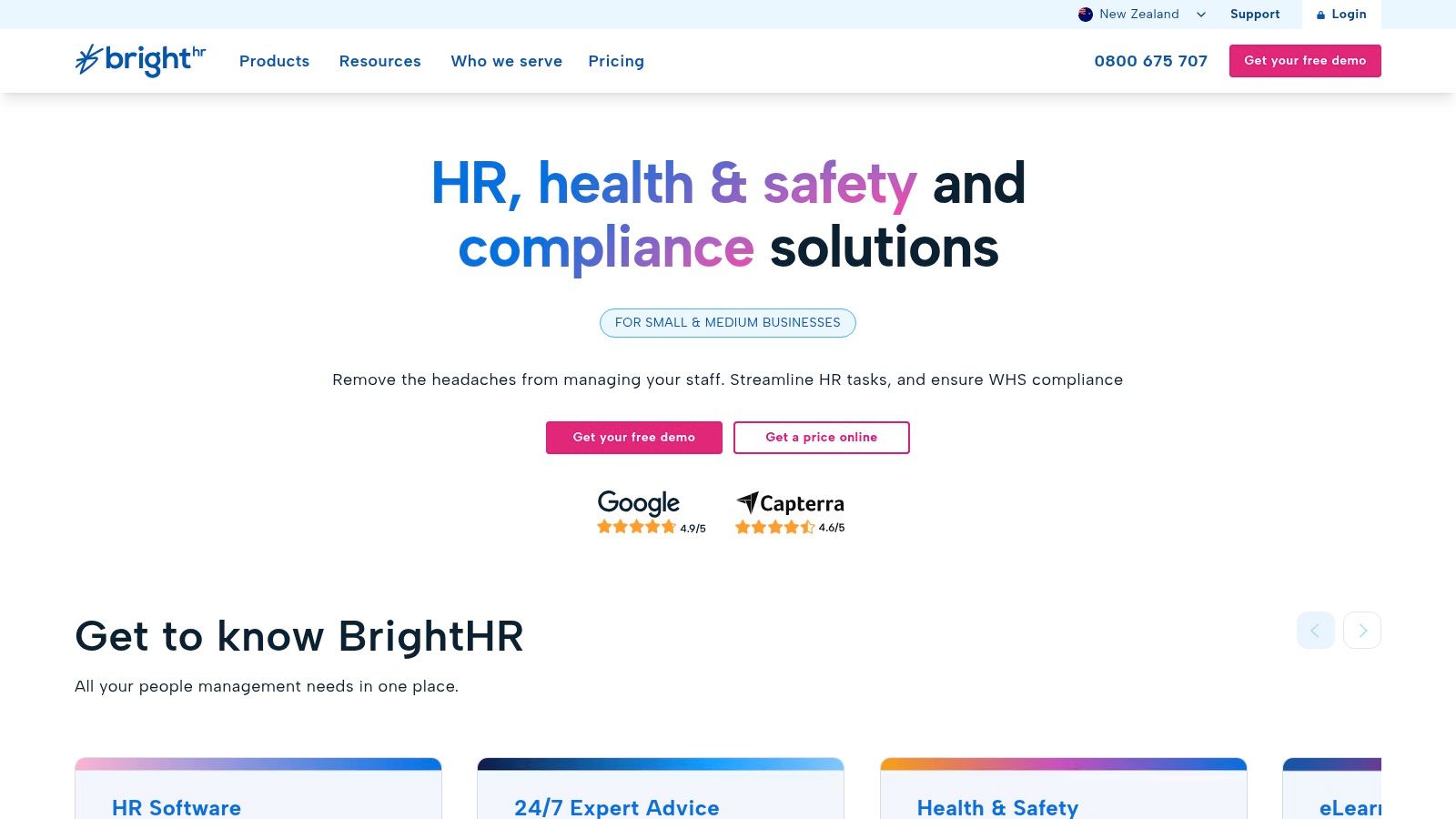
Frontline bias. Office-based teams may pay for rostering they'll never touch. Quote-based pricing. It moves with package and headcount, so ask for a two-year view. Contract terms. Check the notice period before signing. Our NZ employment law guide covers the basics your system should mirror.
Website: BrightHR NZ
Humanforce is built for the messy end of the workforce: hourly staff, multiple sites, qualifications that expire, rosters that change on Thursday night. Core records, contracts and documents, structured onboarding and offboarding, compliance tracking, and links across HR, rostering, time and attendance, and payroll.
Scale here is real. Stats NZ labour market statistics reported 2,882,000 employed people in the June 2025 quarter, and separate March 2025 data showed 79.5% of employed people worked full-time against 20.5% part-time. One in five. A system designed only for Monday-to-Friday, 40-hour salaried staff buckles on the first part-timer with a rotating roster and a public holiday shift.
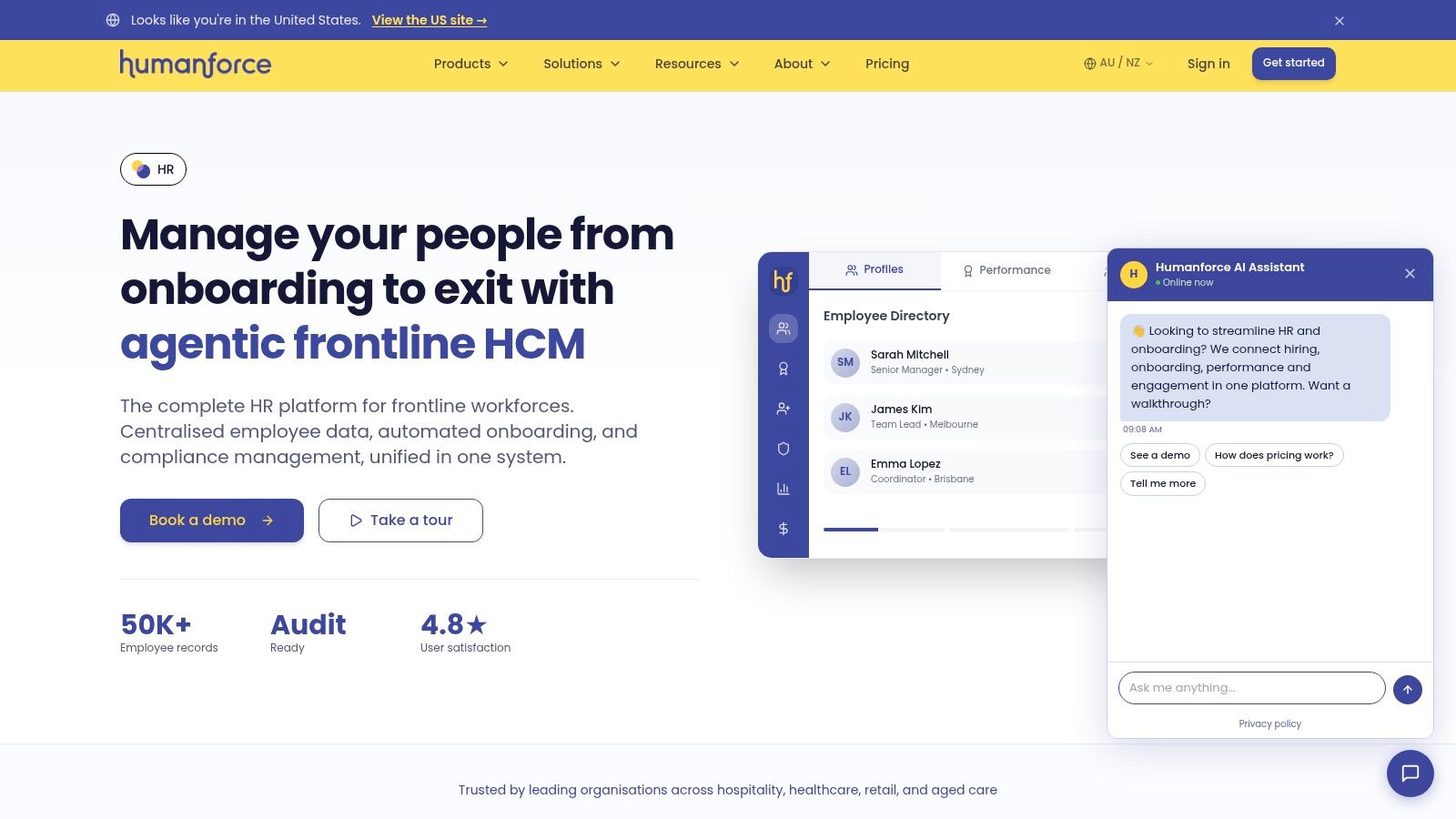
Quote-only pricing. Budget approval takes longer than the demo. Heft. A ten-person office will find more product than problem. Integrations. Confirm the local payroll connection and implementation scope in writing.
Ask the reference question: how long did their first roster-to-pay cycle take after go-live?
Website: Humanforce HR
BambooHR is the international name most NZ founders meet first. Core records and reporting, hiring and onboarding, time-off workflows, performance tools, all clean and well documented. It isn't built for New Zealand, which isn't a dealbreaker, but you need to know where the seams are.
An NZ and Australian reseller partner handles local configuration, implementation, billing and support, and notes an iPayroll integration. Get that arrangement in writing, including who answers the phone the day before payday.
Record keeping is the part people forget. Employers must keep complete and accurate wage, time, holiday and leave records for at least six years, including the calculation trail and current balances, per Employment New Zealand record-keeping guidance. If HR sits in one system and payroll in another, you need retrievable history, not a chat thread from 2023.
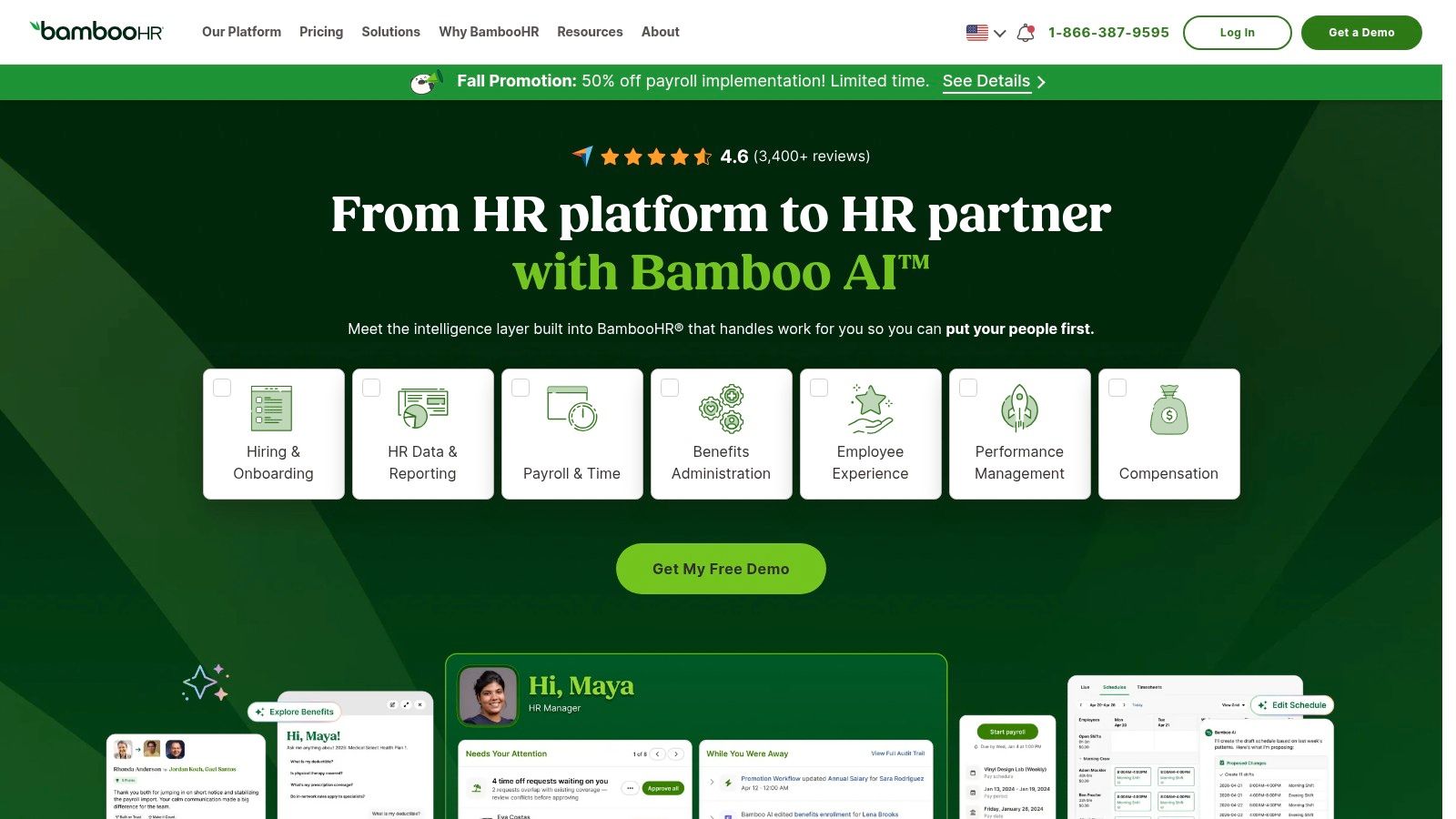
USD billing. Rates are published in US dollars, so exchange rates and card fees land on your P&L. Payroll isn't core. Setup effort sits with you and the partner, not the platform. Plan ceilings. Reporting, approvals and performance move up the tiers. Hiring workflows deserve a close look, and our applicant tracking systems NZ guide covers what to expect.
Website: BambooHR
Bob is the most capable platform here for a growing, distributed team, and the one most likely to be overkill. Core HR data, workflows, document management, onboarding, performance, compensation cycles, people analytics, plus payroll integrations. If you're hiring across two countries and the board wants headcount reporting, it does that work well.
It does not, by existing, solve NZ payroll. Availability is not coverage. Check payroll, leave and local compliance against your actual requirements before the second demo, not after.
Then there's the AI question that platforms like this invite. Newsroom's reporting on AI and privacy in NZ says only 5.7% of employers using AI have an AI policy, falling to 2.3% among employers with five or fewer employees, and reaching 14.3% at businesses with more than 100 staff. Features arrive faster than rules. Someone in your business needs to own what staff may paste into a tool.
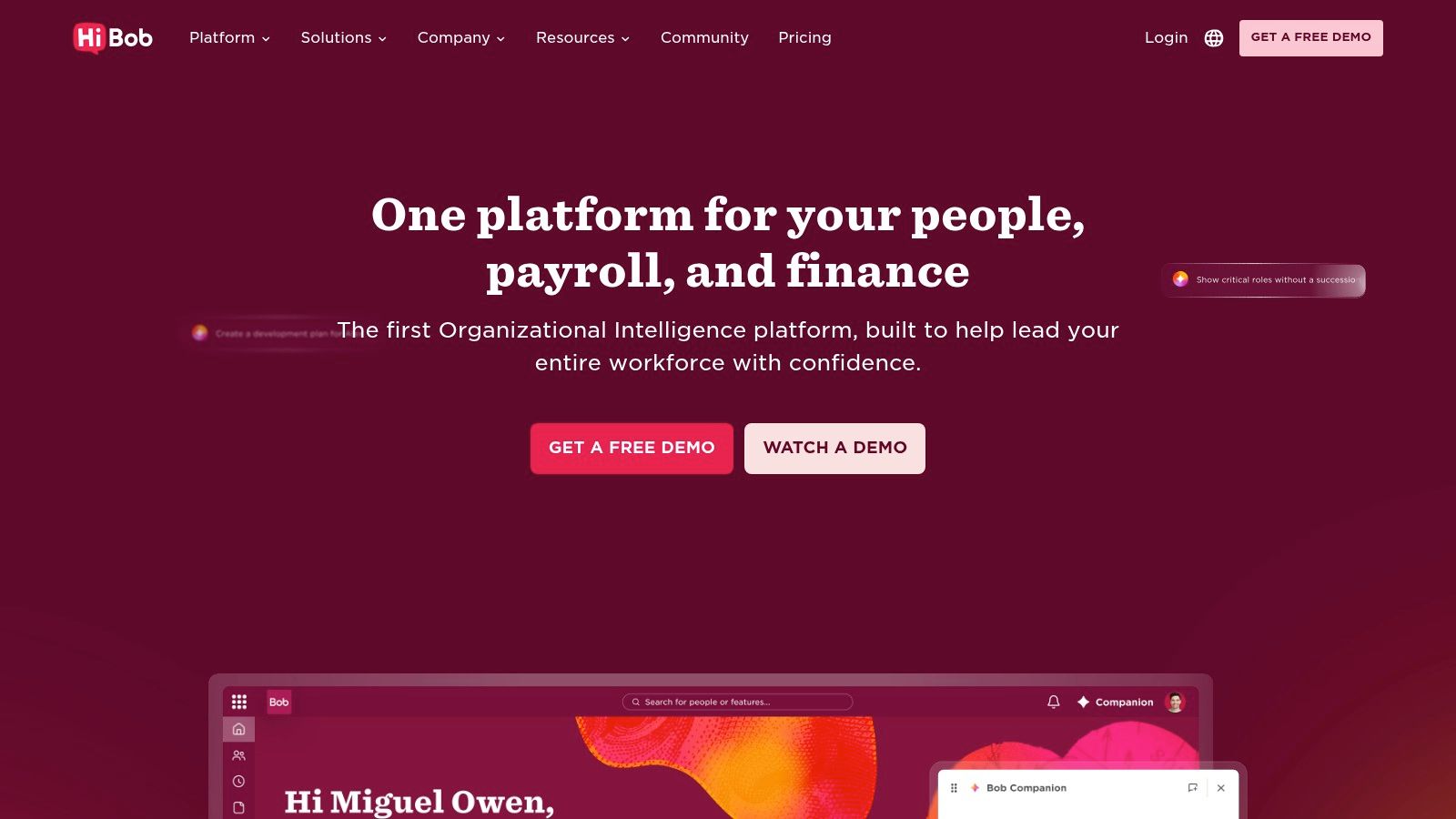
Consent and retention. Decide what employee data can leave your systems, and for how long. Human review. No AI-generated disciplinary or hiring recommendation goes out unchecked. Cost and complexity. Pricing is quoted, and the platform rewards teams with HR capacity to configure it.
Website: HiBob
HR Partner is the pragmatic small-team pick: records, self-service, leave, onboarding checklists, a company document library, with recruitment, reviews, goals, timesheets and e-signatures on higher plans. There's a free trial, and the pricing page describes a structure with no long-term contract.
That trial is worth more than any comparison chart. Load twenty real employee records, push one leave request through approval, and see whether it feels obvious or fiddly.
Migration is where small employers come unstuck. AUT research on digital adoption in SMEs identifies cognitive overload, limited digital skills and low awareness as barriers, and notes that SMEs often customise payroll, rostering and communication tools around workflows they already have. Translation: your leave balances and tax codes won't migrate themselves, and nobody warns you twice.
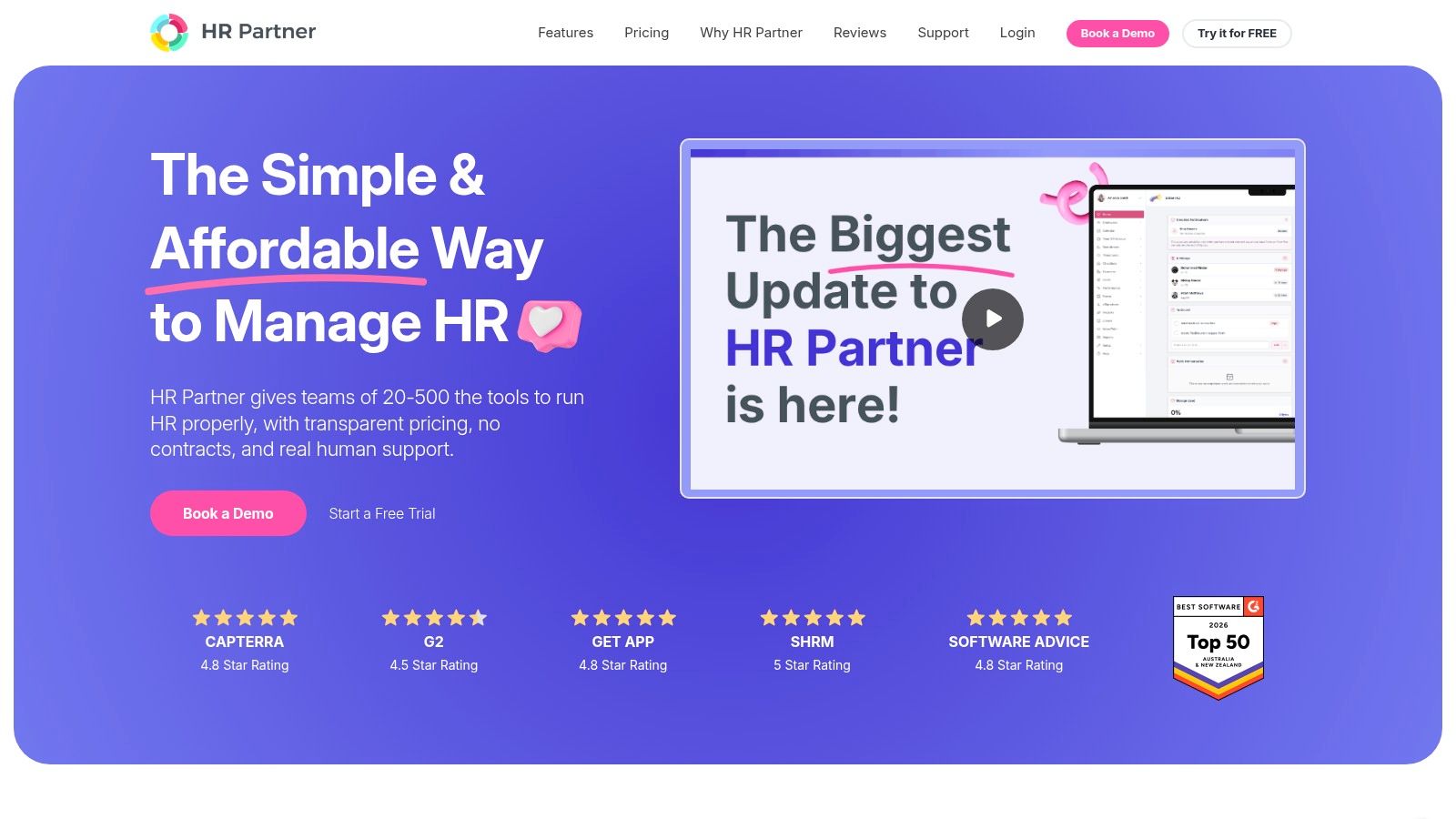
No NZ-specific build. You handle employment rules yourself. Billing currency. Confirm what you're charged in, and what it costs after conversion. Payroll and support hours. A time zone gap shows up on payday, not in the demo.
Website: HR Partner
Subscribe-HR is built for this part of the world. Recruitment and lifecycle management, core HR, employee self-service, performance, dashboards, reporting, workflow automation and integrations, sold as modules and tuned for Australian and New Zealand organisations.
Configurable is the word that matters. Configurable means flexible. It also means someone has to decide, document and test the configuration, and that someone is usually you or an implementation partner.
Ask three things before the proposal lands:
Which modules are in the price. "Platform access" and "the features you saw" are rarely the same list. Who does the setup. Confirm hours, responsibilities, and what happens when scope shifts. What your first pay cycle looks like. Run one cycle with real data before switching off the old process.
There's a free trial and demo listed on the site, which is a sensible way to see how the workflow builder behaves before committing to a configurable platform. It suits organisations with specific processes and the patience to model them properly, less so a five-person team that wants to be live this month.
Website: Subscribe-HR
A shortlist table is only useful if it shows where the gaps are. In NZ, payroll is the gap that matters most, so treat any unnamed payroll connection as a question for the vendor, not a tick.
| Item | NZ payroll link | Pricing transparency | Best suited to |
|---|---|---|---|
| Employment Hero | Payroll available; features vary by plan | Entry-level HR pricing published; add-ons may cost extra | SMEs wanting broad HR tools with payroll options |
| MyHR | Payroll integrations available | Quote based on business size; onboarding fee applies | Small employers wanting HR software and adviser support |
| Smartly People Management | Directly connected to Smartly Payroll | Add-on pricing published | Smartly Payroll users needing practical HR administration |
| HR Today | Payroll connection not named; request a written list of supported connections | Limited public pricing information | NZ businesses focused on employee documents and policies |
| BrightHR | Payroll connection not named; request the supported connections list and data-flow direction in writing | Tiered packages by employee count; pricing moves up with headcount | SMEs needing rostering, time tracking and HR tools |
| Humanforce | Connects with payroll products; request the named NZ integrations | Quote based | Frontline and shift-based workforces |
| BambooHR | iPayroll integration noted by local partner; confirm mapping ownership | USD pricing published; advanced features may cost more | Growing teams seeking broad HRIS functionality |
| HiBob | Payroll-provider integrations; ask which NZ providers are covered | Quote based | Growing or internationally distributed organisations |
| HR Partner | Payroll connection not named; request engine names and support hours in writing | Published plan structure; check NZ billing currency | Smaller teams wanting modular core HR tools |
| Subscribe-HR | Module-based integrations; confirm which payroll connections are inside the quoted modules | Quote based | Organisations needing configurable HR modules and workflows |
Start with the shape of your workforce, not the feature list. A ten-person consultancy with salaried staff and one pay cycle needs records, leave and a clean payroll handoff. A café group with split shifts, student hours and public holiday trading needs rostering, time capture and leave rules that survive a busy Sunday. Different products. Buying the bigger one doesn't make the smaller problem disappear.
Then go straight to payroll connectivity. Ask which payroll engine, which direction the data flows, who owns the mapping, and who fixes it when a pay rate changes twice in one week. Get the vendor to name the payroll partner out loud. Vagueness here is the warning. The same test applies to employment-law alignment and currency: a platform can look strong on features and still leave your payroll administrator doing manual rekeying because the NZ connection is loose.
Pricing transparency and contract terms come next, and they pull against each other. Posted prices tell you the shape of the cost. Quote-based pricing tells you nothing until you ask for a written proposal with setup, support and exit terms inside it. Read the notice period before you read the feature grid.
A short list of questions for every vendor:
Show me one full pay cycle. With real leave balances, one part-timer and one public holiday. Who owns the data mapping? Name the person and the hours, not the department. What happens at renewal? Notice periods, price changes, and the full cost of leaving. Which rules are built in? KiwiSaver, tax codes, payday filing, separate leave clocks. How do I get my data out? Export formats matter more than import demos.
If the answers come back fast and specific, you're probably talking to a team that has done this before. If they need to get back to you on all five, note that too.
The NZ Apps directory covers tech companies across New Zealand and Australia, with separate sections for each country. It also publishes practical guides and category roundups on software for New Zealand and Australian businesses, covering categories from applicant tracking to AI tools. If onboarding forms are next on your list, collecting new-hire details without repeat questions is a good place to think through the flow before you buy anything.
NZ Apps is an independent tech media and directory covering the app and SaaS market across New Zealand and Australia, which makes it a practical place to compare local providers before you book a single demo. If you run an HR, payroll or workplace tool and want regional exposure, the platform offers featured listings, sponsored articles and dofollow editorial links on a DA30+ .co.nz domain, along with a free, no-obligation consultation. Browse the directory or get your company in front of founders and operators at NZ Apps.
Add your NZ or Australian app or tech company to the NZ Apps directory and get discovered by founders and operators across the region.
Get ListedReach tech decision-makers across New Zealand and Australia. Sponsored and dofollow editorial links, permanent featured listings, and sponsored articles on a DA30+ .co.nz domain.
See Options