
Security starts before the first release. That sounds obvious, but teams still treat mobile security like a feature you sprinkle on near launch. It isn't. It's a chain. Strong encryption won't save exposed credentials, weak recovery flows, sloppy token handling, or an API that nobody really tested.
That matters in New Zealand more than many teams realise. CERT NZ recorded 7,935 incidents in 2023, and 24% involved financial loss, with total losses of $18.3 million, according to the Govt.nz privacy and security guidance for its app. If your app handles logins, payments, support messages, or personal data, you're already in the blast zone.
The good news is that mobile app security best practices are manageable when you run them in sequence. Start with architecture and data protection. Move into coding controls, testing, release gates, monitoring, and audit evidence. Give each check an owner, keep proof that it happened, and wire it into delivery so it doesn't live in a dusty Confluence page.
For founders and technical leads in NZ and Australia, that's the practical frame. Teams reading regional resources such as NZ Apps, a technology directory and media platform for founders and decision-makers, usually don't need another vague “secure your app” sermon. They need a working checklist. If you want a second view alongside this one, Capgo best practices for app security is also worth a read.
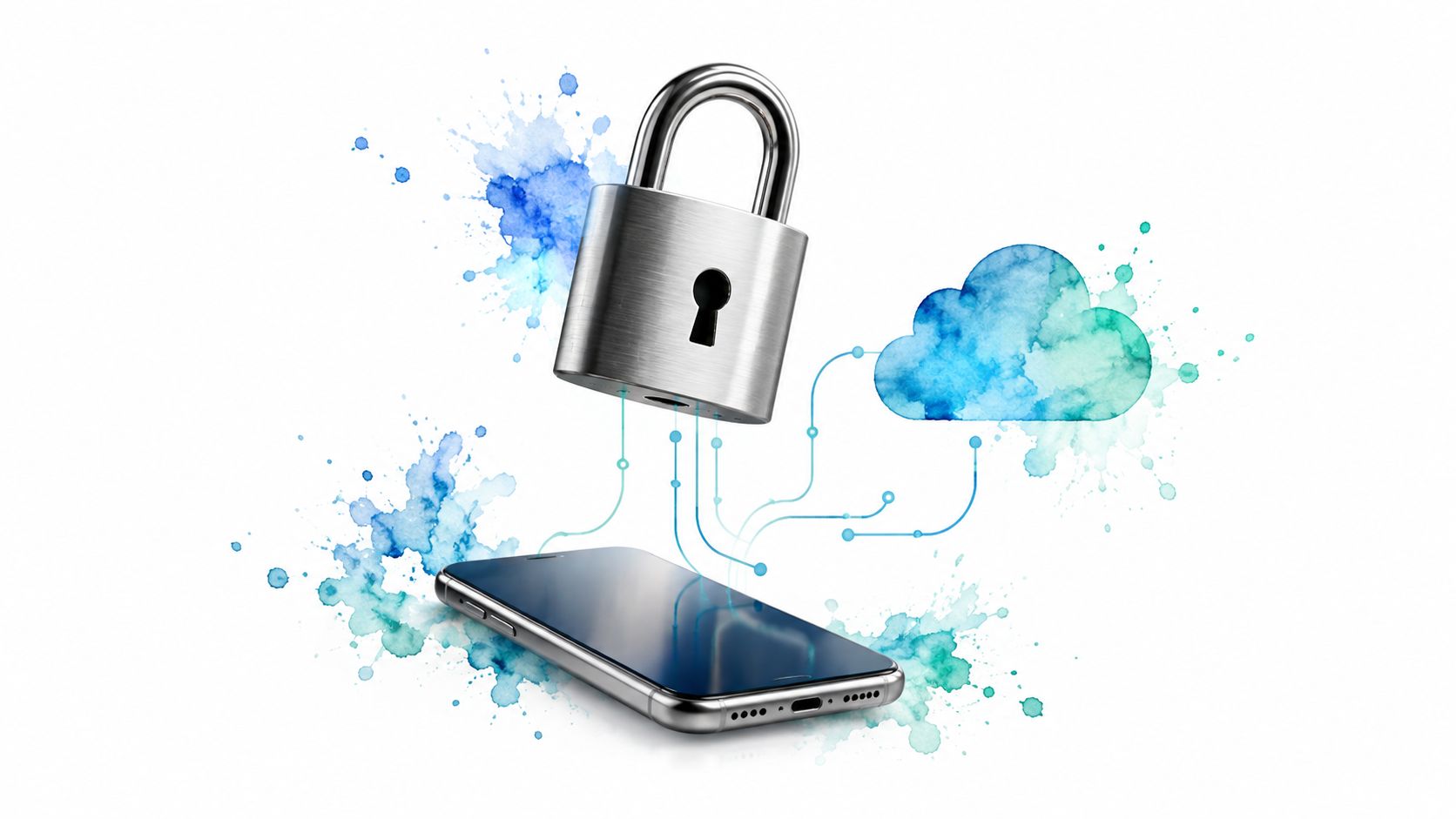
Encryption is the boring control that saves you when something else fails. Logs leak. Backups get copied. Devices go missing. A packet gets intercepted on a bad network. If the underlying data is protected, the incident gets smaller fast.
For APIs, the floor should be current transport security, not “HTTPS somewhere in front of the stack”. New Zealand's Digital Government API guidance is unusually clear: all communications to or from an API must use TLS 1.3 or higher, with older TLS versions and SSL disabled, and teams should also enforce least privilege, strong authentication and authorisation, message validation, and scanning of organisation APIs through the NZ Digital Government API security guidance.
Use platform and cloud controls where you can. iOS Keychain, Android Keystore, managed KMS services, encrypted database volumes, and separate backup encryption are all much safer than hand-built key handling.
Practical rule: Encryption works best when paired with restraint. Collect less, cache less, store less.
Real-world examples are easy to spot. Banking apps such as ASB and Kiwibank rely on secure transport for transactions, while services like Slack and Apple iCloud Keychain show the more mature pattern: encrypted storage, controlled key handling, and clear separation between app logic and secret material.
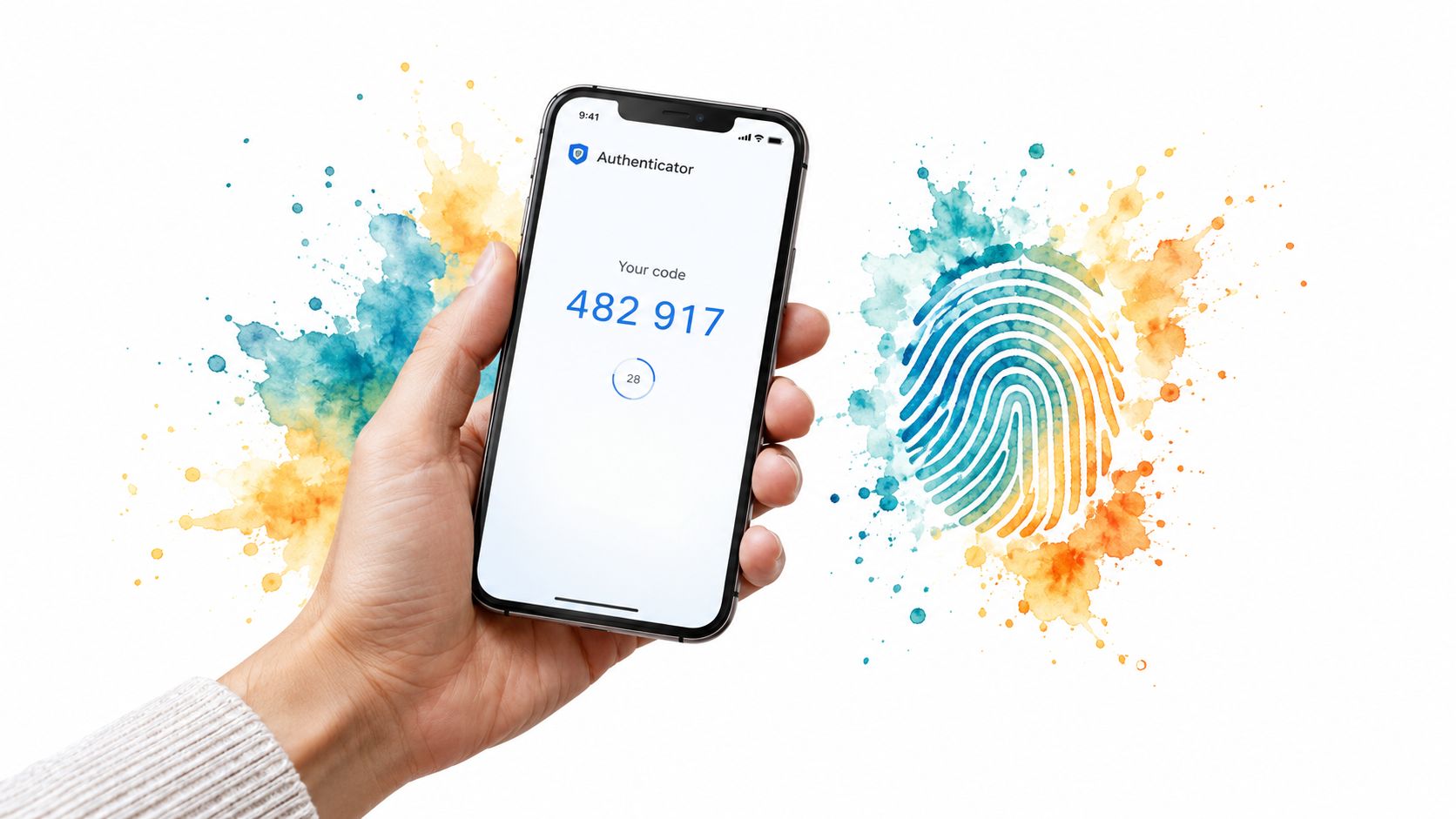
Weak login controls undo a lot of careful engineering. If an attacker can get through account access with a reused password or a soft recovery process, the rest of the app security stack has less room to help.
For mobile apps, MFA should be designed as part of the account lifecycle, not added after launch. Start at signup and login, then carry the same risk checks into device enrolment, recovery, admin actions, and high-value transactions. That order matters because many real account takeovers happen through support and recovery paths, not the primary login screen.
The practical choice is usually straightforward. Use a password or passkey as the first factor, then add an authenticator app, push approval, or another phishing-resistant factor for higher-risk accounts and actions. SMS still has a place for broad consumer reach, but it is a weaker option because phone numbers can be redirected or intercepted.
A consumer app with low-value content does not need the same friction as a banking or health app. A payroll app, investment platform, or enterprise admin console should assume a higher attack payoff and ask for stronger proof more often.
A useful decision set looks like this:
Recovery deserves extra discipline.
If a support agent can bypass MFA with a date of birth, an email address, and a mailing address, the second factor is mostly theatre. Good recovery controls usually include identity re-checks, short delays for high-risk changes, clear user alerts, and server-side review for unusual requests. That is not glamorous work, but it closes one of the most common gaps I see in mobile security reviews.
Real products already reflect the trade-off. Consumer apps often keep MFA optional at first to reduce signup drop-off, then require it for risky actions. Financial apps and internal workforce apps usually make stronger factors mandatory because the fraud and compliance cost is higher than the login friction.
Strong MFA is only as strong as its recovery process, device binding, and step-up rules. Build those together, or attackers will choose the weaker path.
Session handling is where many mobile apps lose the benefit of strong login controls. I regularly see sound MFA at the front door, followed by refresh tokens left in weak client storage, long-lived sessions that survive account recovery, or logout flows that only clear local state.
The main design decision is simple. Access tokens should expire quickly. Refresh tokens should be harder to steal, harder to replay, and easy to revoke when account risk changes. That split keeps day-to-day use practical while limiting how much trust a stolen token carries.
Good mobile session design usually includes four controls:
One implementation detail matters more than teams expect. Silent token refresh should be treated as a security control, not just a convenience feature. If the app keeps retrying expired or revoked credentials without clear server checks, users get stuck in broken states and attackers get more room to test stolen tokens.
I usually advise teams to test the full session lifecycle, not just login success. Check what happens on poor mobile networks, app reinstalls, device changes, clock drift, interrupted refresh calls, and backend failover. Those are the conditions where token bugs tend to surface, and they matter if you want release evidence that will stand up in internal review or an NZ/AU audit.
Done properly, session management lowers risk without training users to log in every hour. Done poorly, it turns a strong authentication system into a long-lived bearer token with a prettier screen.

APIs usually fail before the mobile UI does. Attackers know it, and they test the backend directly.
A well-designed app can still expose user data, burn cloud spend, or hand fraudsters a clean automation path if the API accepts unlimited requests or relies on badly managed keys. For lifecycle planning, I treat this as both an architecture control and a release control. The design decisions made here affect abuse handling in production, incident response, and audit evidence later.
Start with rate limiting, but do not stop at a single threshold. Login, password reset, OTP verification, search, promo code checks, and payment initiation all have different abuse patterns. A flat global limit is easy to configure and easy to bypass. Per-user, per-IP, per-device, and per-endpoint limits give better coverage, though they take more tuning and can frustrate legitimate users on shared networks or poor mobile connections.
The practical checklist looks like this:
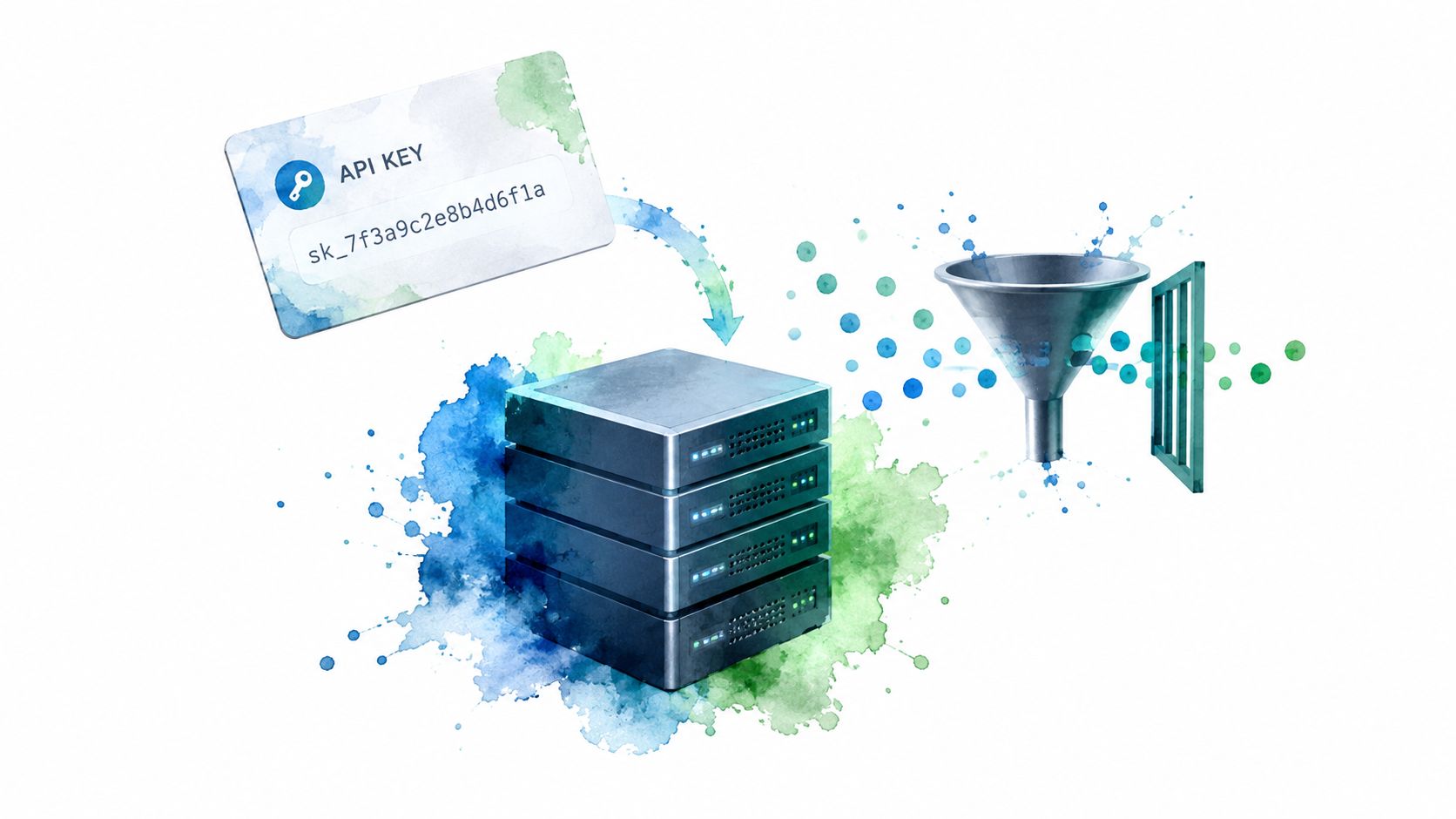
One design choice is worth calling out. Public mobile apps should not rely on embedded API keys as a primary trust control. If a key ships in the app, assume a determined attacker can extract it. Keys in mobile builds are useful for identification, traffic segmentation, and quota control. They are poor proof of legitimacy on their own.
That changes how teams should think about protection. API keys identify the caller. Authentication proves who the user is. Authorisation decides what they can do. Rate limiting constrains how fast they can do it. Keeping those jobs separate makes the system easier to reason about and easier to defend during review.
Good logging matters here too, but raw logs are not enough. Capture failed auth bursts, repeated 429 responses, unusual key usage by geography or endpoint, and sudden spikes after a release. If the app handles payments, stored value, support chat, or QR actions, feed that telemetry into fraud monitoring as well as security alerting. In NZ and AU audit work, teams often have the control in place but cannot show the evidence trail. Clean API logs, key inventories, rotation records, and documented thresholds fix that problem.
Code review is where teams catch the flaws that become incidents after release. SAST, or static application security testing, scans source code for risky patterns before the app runs. It is good at finding repeatable defects such as hardcoded secrets, weak cryptography use, unsafe input handling, and insecure function calls. Reviewers cover the gap tools cannot. They check whether the feature itself creates a path to abuse.
That distinction matters. A scanner may approve a tidy pull request that still lets one user view another user's records, bypass a payment check, or abuse an account recovery flow. Those are business logic failures. They usually surface only when someone reviews the change with the threat model in mind.
Teams often get better results by treating security review as a release control, not a coding courtesy.
Set a small number of checks that block risky code without slowing every change to a crawl:
I usually advise teams to start narrow. Block merges on a few issue classes you know matter, then widen coverage once developers trust the signal. That trade-off is practical. A perfect ruleset that nobody respects is weaker than a modest one that the team uses.
Tool choice matters less than workflow. GitHub code scanning, SonarQube, Semgrep, and similar products can all help if alerts are tied to ownership, triage, and remediation timeframes. The useful question is not "do we have a scanner?" It is "which findings stop release, who reviews exceptions, and where is that decision recorded?"
If your team wants a cleaner engineering process around this, code review best practices for software teams is a useful companion read.
For NZ and AU audit readiness, keep evidence that this control is operating. Store review checklists, scanner results, exception approvals, and proof that critical findings were fixed before release. Many teams do the work. Fewer can show it cleanly when customers, assessors, or procurement teams ask.
Third-party code is one of the fastest ways to inherit someone else's security problem.
Mobile apps rarely ship as pure first-party code. They rely on SDKs, open-source libraries, build plugins, analytics tools, payment components, crash reporters, and push notification packages. Every one of those choices becomes part of your release risk, and part of your audit story later.
The practical mistake is treating dependency updates as cleanup work for a quiet sprint. Security teams see the result all the time. A package sits untouched because updating it might break a login flow, change mobile permissions, or force regression testing across iOS and Android. Then a published vulnerability turns that deferred work into an urgent release decision.
A better approach is to sort dependencies into three groups and handle each one differently:
That last group matters more than teams expect. The safest package is often the one you no longer ship.
A few controls make this manageable without slowing every release:
There is a trade-off here. Updating immediately reduces exposure, but aggressive patching can destabilise production if your regression coverage is thin. I usually advise teams to decide in advance which classes of dependency can ship under an expedited process and which ones require fuller validation. That saves time during a live vulnerability response because the rule is already set.
For NZ and AU audit readiness, keep evidence that updates are being governed, not handled ad hoc. Version inventories, vulnerability alerts, remediation tickets, approval records, and release notes together show that third-party risk is controlled across the app lifecycle. That evidence becomes useful during procurement reviews, customer security questionnaires, and formal assessments.
Security testing is where assumptions get broken before production does.
Mobile apps fail in combinations, not in isolation. A login flow may look fine in code review and still expose tokens through a proxy, cache sensitive data on the device, or trust API responses it should reject. That is why testing has to follow the release lifecycle, not sit at the end as a box-ticking exercise.
A useful pattern is to change the depth of testing based on change risk.
For routine releases, run repeatable checks in CI and on test devices. For higher-risk changes, add manual testing that follows actual attacker paths: account takeover, privilege misuse, insecure direct object references, weak certificate validation, exposed local storage, and business logic abuse. Before a major launch, payment change, auth redesign, or backend rewrite, bring in an independent tester and set the scope properly. Include the mobile client, API endpoints, admin functions, and any third-party integrations that can affect trust boundaries.
What usually works in practice:
Small teams do not need to start with a large program. Use basic dynamic testing, proxy inspection, emulator checks, and API fuzzing early. Then spend specialist testing budget where the exposure is highest. I usually prioritise authentication, payments, PII handling, admin actions, and any feature that crosses from the device into sensitive backend workflows.
If you are comparing outside help, these penetration testing services for NZ companies are a reasonable starting point for scoping options. If you are assessing newer automated approaches, how to evaluate AI pentesting tools is worth reviewing before you rely on them for release decisions.
For NZ and AU audit readiness, keep the artefacts, not just the final PDF. Auditors and enterprise customers usually want to see scope, dates, severity ratings, remediation actions, retest outcomes, and approval to release. That turns security testing into release evidence instead of a one-off exercise.
A secure app can still be built in an insecure environment. That's the contradiction nobody enjoys. One developer laptop with broad production access can undercut months of careful engineering.
Secret sprawl is usually the first problem. API keys in Slack. Tokens in local .env files copied between machines. Old CI credentials left active because nobody wants to break the pipeline. This is fixable, but only if teams stop treating secret management as admin housekeeping.
Use a proper secrets manager or vault. Give each environment its own credentials. Log access to sensitive secrets and rotate them on a routine basis, not only after a scare. GitHub secret scanning, Heroku config vars, Vercel environment variables, and cloud IAM controls all help, but only when paired with least privilege.
New Zealand Police also gives practical user-level advice that's worth echoing inside engineering teams: enable screen lock features, back up mobile data, update the phone operating system, avoid logging into accounts on public Wi-Fi and free hotspots, be cautious about app permissions, and use device location tools such as Find My Mobile or Find My iPhone, as outlined in the New Zealand Police internet safety advice. If that's sensible for the public, it's doubly sensible for staff devices with repository and admin access.
Security and privacy aren't the same thing, but they overlap all the time in mobile apps. If you collect too much, store it too long, or can't reliably delete it, your security problem gets bigger whether or not a regulator ever calls.
I've seen teams focus heavily on keeping data safe while avoiding the tougher question: why are we storing this at all? That's backwards. The safest personal data is often the data you never collected.
The Govt.nz app offers a useful pattern. Its guidance says the app is designed to collect and store as little user data as possible, makes extra data collection opt-in, protects stored data with encryption at rest and in transit, and undergoes regular independent security reviews and technical testing through the Govt.nz app data protection guidance. That's not fancy. It's disciplined.
Deletion needs the same discipline:
If your team is tightening its privacy model, what data privacy means for app companies is a useful reference point, alongside broader IT device privacy and compliance tips.
Assume your mobile app will face a security incident at some point. The question is not whether a team has good intentions. The question is whether it can detect abuse early, contain it fast, and produce evidence that stands up to customer scrutiny, insurer questions, and audit review in New Zealand or Australia.
As noted earlier, recent NZ incident reporting shows a steady mix of phishing, credential harvesting, and unauthorised access. For mobile apps, that usually means account takeover, abused support flows, exposed admin access, or suspicious API activity. An incident plan should be built around those failure points first, not around a generic breach template pulled from a policy folder.
The strongest plans follow the release lifecycle. Before launch, decide which events matter, where logs will be stored, who can access them, and how long they will be retained. After launch, review alerts against real attack paths. Failed login spikes, impossible travel, password reset bursts, payout or bank detail changes, unusual data exports, and new admin actions are common signs that an attacker has moved from probing to impact.
I usually tell teams to write the plan for the 2am version of themselves. Short, specific, and usable under pressure.
A workable incident response plan should define:
Trade-offs matter here. Longer log retention improves investigations but increases storage cost and can expand privacy obligations. Aggressive automated lockouts reduce attacker dwell time but can create support load and frustrate legitimate users. Good teams choose those settings deliberately.
Security monitoring should focus on business risk, not just server health. A mobile app can be fully available while an attacker drains accounts or exports user data.
Prioritise monitoring for:
Canva's public response to unauthorised access is a useful reminder that technical containment and communication happen at the same time. If the team has not practised both, response quality drops fast.
Run tabletop exercises at least once or twice a year, and after major architecture changes. Include engineering, support, legal, and leadership. That is usually where teams find the gaps: no access to logs, stale contact lists, unclear approval paths, or uncertainty about notification thresholds across NZ and AU operations. Those gaps are cheaper to fix in rehearsal than during a live breach.
| Item | Implementation Complexity 🔄 | Resource Requirements ⚡ | Expected Outcomes 📊 | Ideal Use Cases 💡 | Key Advantages ⭐ |
|---|---|---|---|---|---|
| Implement Encryption: Data in Transit and at Rest | Medium–High, TLS, DB/device encryption, key management 🔄 | Moderate–High, CPU overhead, KMS, ops | Strong confidentiality & regulatory compliance. ⭐⭐⭐ | Fintech, healthtech, enterprise data storage | Renders exfiltrated data unusable; meets regulations |
| Enforce Strong Authentication with Multi-Factor Authentication (MFA) | Low–Medium, integrate providers, design recovery 🔄 | Low–Medium, auth services, user support ⚡ | Dramatic reduction in account takeover. ⭐⭐⭐⭐ | User accounts, admin consoles, high-risk transactions | Strong prevention of credential-based compromise |
| Secure Authentication Token Management and Session Handling | Medium, token lifetimes, rotation, revocation 🔄 | Low–Medium, auth infra, secure storage ⚡ | Reduced compromise window; seamless UX. ⭐⭐⭐ | SPAs, mobile apps, distributed services | Scalable sessions and fine-grained scopes |
| Secure Your API with Rate Limiting and API Key Management | Medium, policies, tiered limits, key lifecycle 🔄 | Medium, API gateway, monitoring, logging ⚡ | Protects availability and prevents abuse. ⭐⭐⭐ | Public APIs, payment integrations, partner APIs | DDoS mitigation and least-privilege access |
| Implement Secure Code Review and Static Application Security Testing (SAST) | Low–Medium, tooling + human review integration 🔄 | Low–Medium, SAST tools, developer time ⚡ | Finds code issues pre-production; reduces incidents. ⭐⭐⭐ | CI/CD pipelines, regulated development teams | Early detection, developer education, audit trails |
| Keep Dependencies and Libraries Updated Regularly | Low, automated scans and update pipelines 🔄 | Low–Medium, CI jobs, testing effort ⚡ | Fewer known CVEs; reduced attack surface. ⭐⭐⭐ | Any codebase with third-party libs | Proactive vulnerability closure; lower technical debt |
| Conduct Regular Security Testing and Penetration Testing | Medium–High, scoping, manual testing, remediation 🔄 | High, professional testers, tools, fixes ⚡ | Discovers real exploitable issues; assurance. ⭐⭐⭐⭐ | Production systems, pre-release audits, regulated apps | Validates defenses; required for enterprise confidence |
| Secure Your Development Environment and Credential Management | Medium, vaulting, CI integration, policies 🔄 | Medium, secrets manager, training, ops ⚡ | Fewer leaked credentials; auditability. ⭐⭐⭐ | Dev teams, CI/CD, cloud-hosted platforms | Centralised secrets, rapid rotation, reduced blast radius |
| Establish Secure Data Deletion and User Privacy Controls | High, data mapping, backups, cross-system deletion 🔄 | Medium–High, engineering effort, legal input ⚡ | Compliance and user trust; lower liability. ⭐⭐⭐ | GDPR/NZ/AU-regulated services, privacy-focused apps | Meets legal deletion requests; transparent data handling |
| Build a Security Incident Response Plan and Monitor for Breaches | Medium, playbooks, roles, drills 🔄 | Medium–High, SIEM/monitoring, on-call staff ⚡ | Faster detection & containment; reduced harm. ⭐⭐⭐⭐ | Any org with sensitive data; regulated industries | Limits impact, legal preparedness, repeatable response |
The strongest mobile app security best practices don't live in a policy pack. They live in the delivery rhythm. Design reviews should cover architecture, sensitive data flows, encryption choices, API trust boundaries, and deletion logic before a feature is built. Every merge should face code review, secret scanning, and dependency checks. Pre-release gates should include runtime testing and, when risk warrants it, penetration testing. After release, monitoring, alerting, access review, and incident drills keep the whole thing honest.
That cadence matters because security work decays when it sits outside product delivery. Teams get busy. Launch dates pull forward. Somebody says they'll “circle back” on the hardening work next sprint. Then next sprint becomes next quarter. The fix is not more policy. It's ownership, deadlines, and proof.
Keep a small evidence pack for each release train. Nothing dramatic. Just the artefacts that show the work happened and the loose ends were handled. Typical items include scan results, code review records, dependency update logs, penetration test findings, remediation notes, access reviews, deletion test outcomes, and incident exercise notes. If you end up in an enterprise due diligence process, a customer security review, or an NZ/AU audit conversation, that evidence pack does a lot of heavy lifting.
There's also a useful cultural effect. When engineers, product owners, and founders can see the evidence, security becomes less abstract. It stops being “the security team's thing” and starts looking like any other quality gate. That's healthy. Security should feel normal, routine, and visible. Not theatrical.
A few teams worry that this approach slows release velocity. It can, a little, at first. Then it usually speeds decisions up because fewer issues are discovered late. Bad surprises are expensive. Predictable controls are cheaper. That's the trade-off.
For regional operators, especially in SaaS, fintech, healthtech, and consumer apps, NZ and Australian buyers increasingly expect practical assurance rather than polished claims. A founder saying “we take security seriously” doesn't mean much. A team that can show transport security settings, access control design, review records, deletion tests, and incident exercises is in a very different position.
If you publish, buy, or evaluate technology in this market, NZ Apps can also be a useful reference point because it covers the app and tech company environment across New Zealand and Australia for founders and technical decision-makers. Still, the core lesson is simpler than that. Security improves when it has a named owner, a due date, and evidence attached to the release itself. Put it in the workflow. Keep proof. Repeat.
NZ Apps covers the NZ and Australian app market with practical articles, company listings, and founder-focused resources that help teams assess vendors, risk, and delivery maturity. If you're building or evaluating software in the region, visit NZ Apps for local context that connects product decisions with operations, security, and growth.
Add your NZ or Australian app or tech company to the NZ Apps directory and get discovered by founders and operators across the region.
Get ListedReach tech decision-makers across New Zealand and Australia. Sponsored and dofollow editorial links, permanent featured listings, and sponsored articles on a DA30+ .co.nz domain.
See Options