
It's 4.30 on a Friday and you're not short of work. You're short of hands. A lead sits in a web form. Someone copies it into the CRM, someone else chases an invoice, and a support ticket bounces between inboxes because nobody can see who owns it. Sound familiar?
That's the gap workflow automation tools try to close. Not the big, glamorous stuff. The handoffs. The copy, paste, check, chase routine that eats a Tuesday.
New Zealand data backs up how normal this has become. In the Statistics New Zealand Business Operations Survey 2018, 28% of businesses had introduced automation in the prior two years, with data processing the most common area. The reasons were plain. 20% cited increased productivity, 17% cited reducing human error, and 14% cited improving quality.
So this list isn't a shiny parade. Think workshop tour. What fits a small Auckland or Sydney team, what gets pricey fast, and what turns fiddly once real data hits it. If your first win is to streamline client email responses, that's a perfectly good place to start. One boring workflow, fixed well, beats ten half built ones.
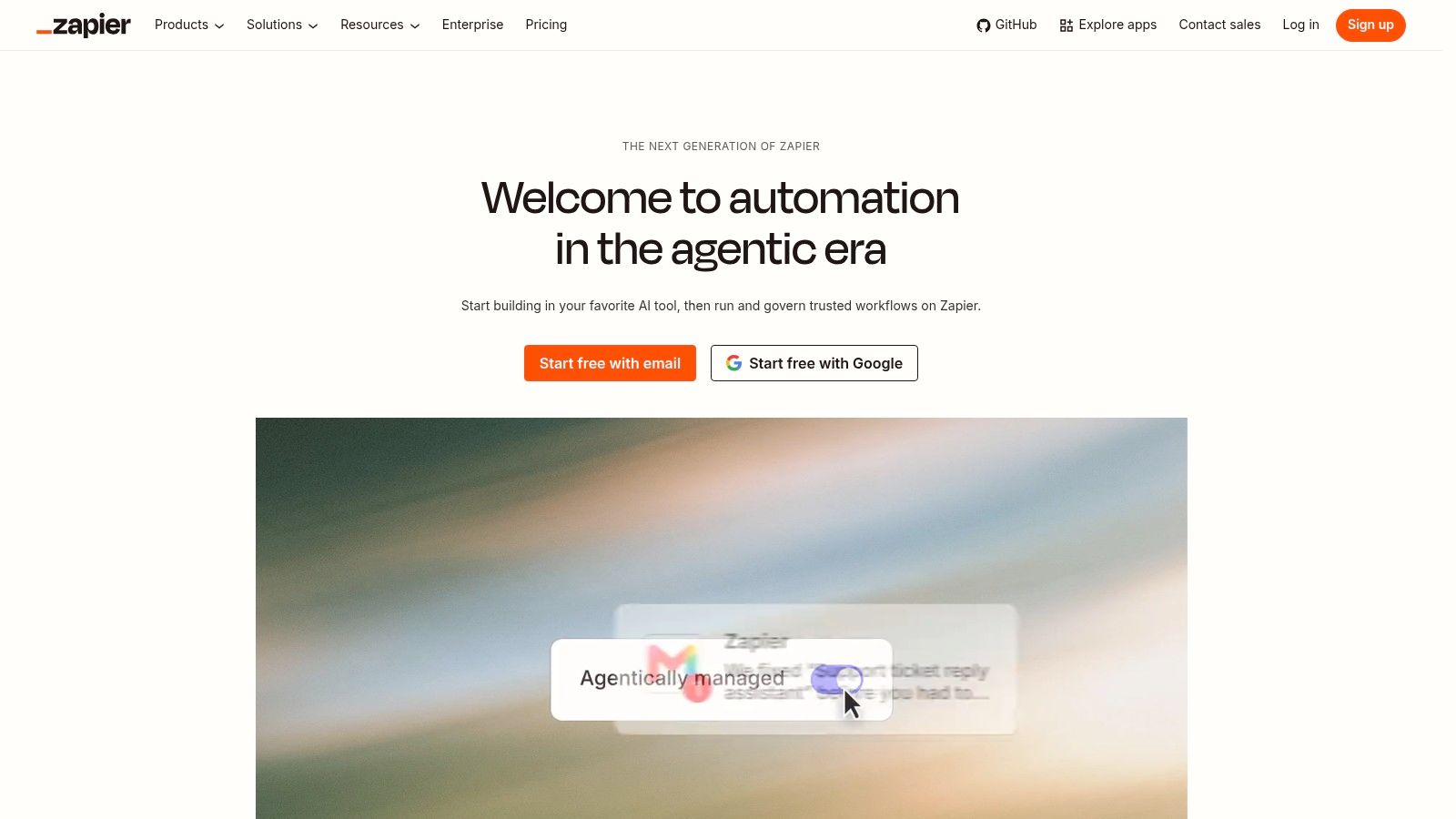
Start here if you want a result this week. Zapier's workflow platform connects more than 9,000 apps and calls its workflows Zaps. For a founder linking a form to a CRM, then to Slack and a spreadsheet, that breadth matters. You'll likely find your oddball app combination already covered.
That demand lines up locally. In Datacom's 2025 State of AI Index, 87% of larger NZ organisations reported using some form of AI, and 68% applied it to repetitive tasks. Zapier sits right in that repetitive task bucket. If you're weighing the wider payoff first, read up on business process automation benefits for NZ teams before you build.
Paid plans add multi-step workflows, filters, branching paths and webhooks, plus built in Forms and Tables and AI building help. The free plan is tight, limited to two-step Zaps and 100 tasks per month. Professional starts at US$19.99/month and Team at US$69/month.
New to the mechanics? This Zapier Make n8n walkthrough shows how the same job feels across platforms.
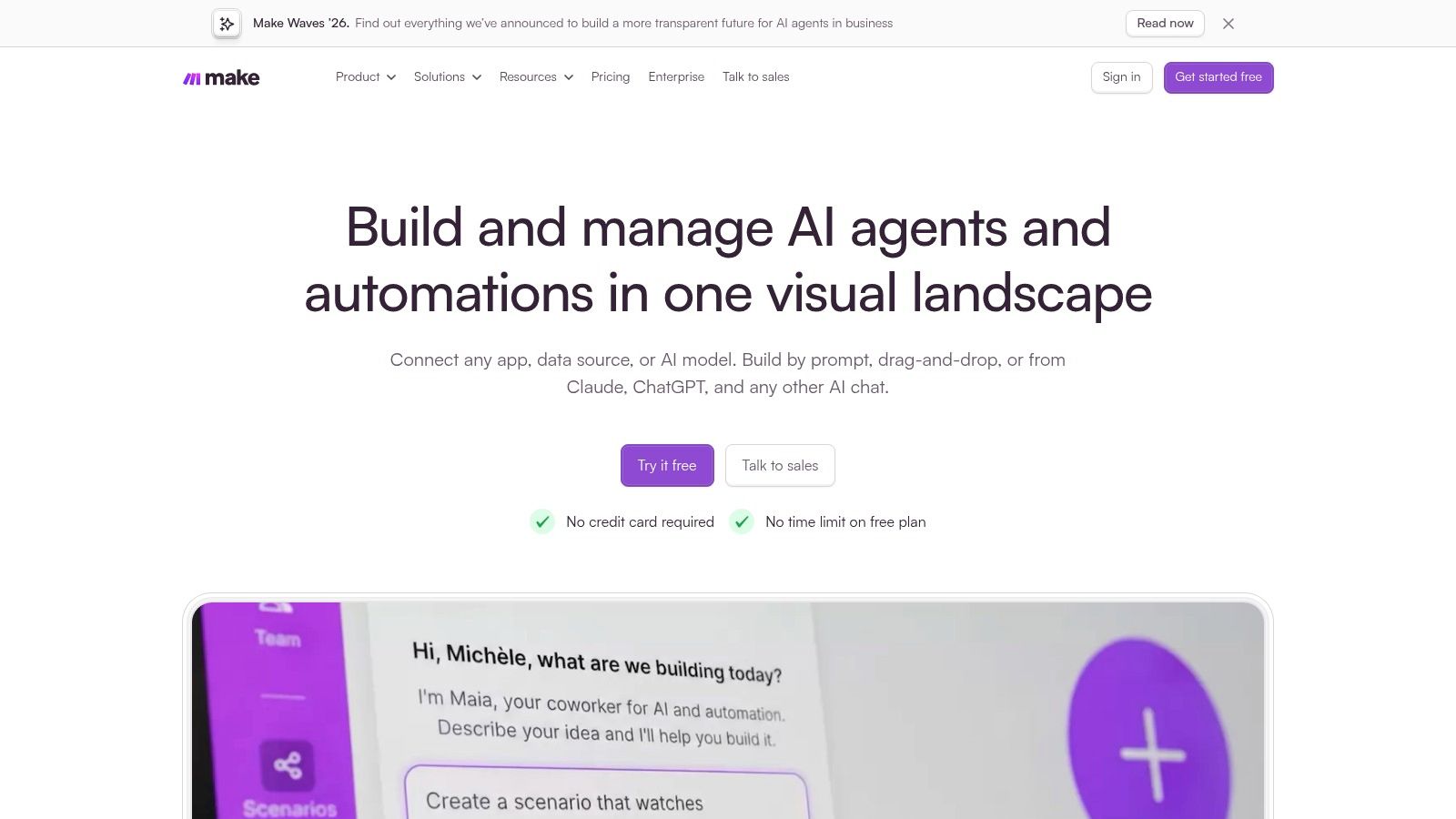
Make is for people who like to see the plumbing. Make's visual scenario builder lays your workflow on a canvas with routers and filters, so you can follow each branch like lines on a whiteboard. When a job splits three ways based on order value or region, that visibility saves real head scratching.
It connects more than 3,500 apps, runs scheduled scenarios, and gives API access on paid plans. Usage is measured in credits, usually one per module action. The free plan includes up to 1,000 credits per month. Core is listed at US$12/month for 10,000 credits.
That credit model needs respect. A scenario that polls often or loops through many rows can chew credits while you sleep. Model your busiest week, not your quiet test day.
Local buyers seem ready for that effort if the payoff is clear. A survey of NZ senior decision makers reported by ChannelLife found 45% considered workflow automation an investment priority and 61% viewed spending on automation as essential to staying competitive. Make rewards teams who treat it as an investment, not a toy.
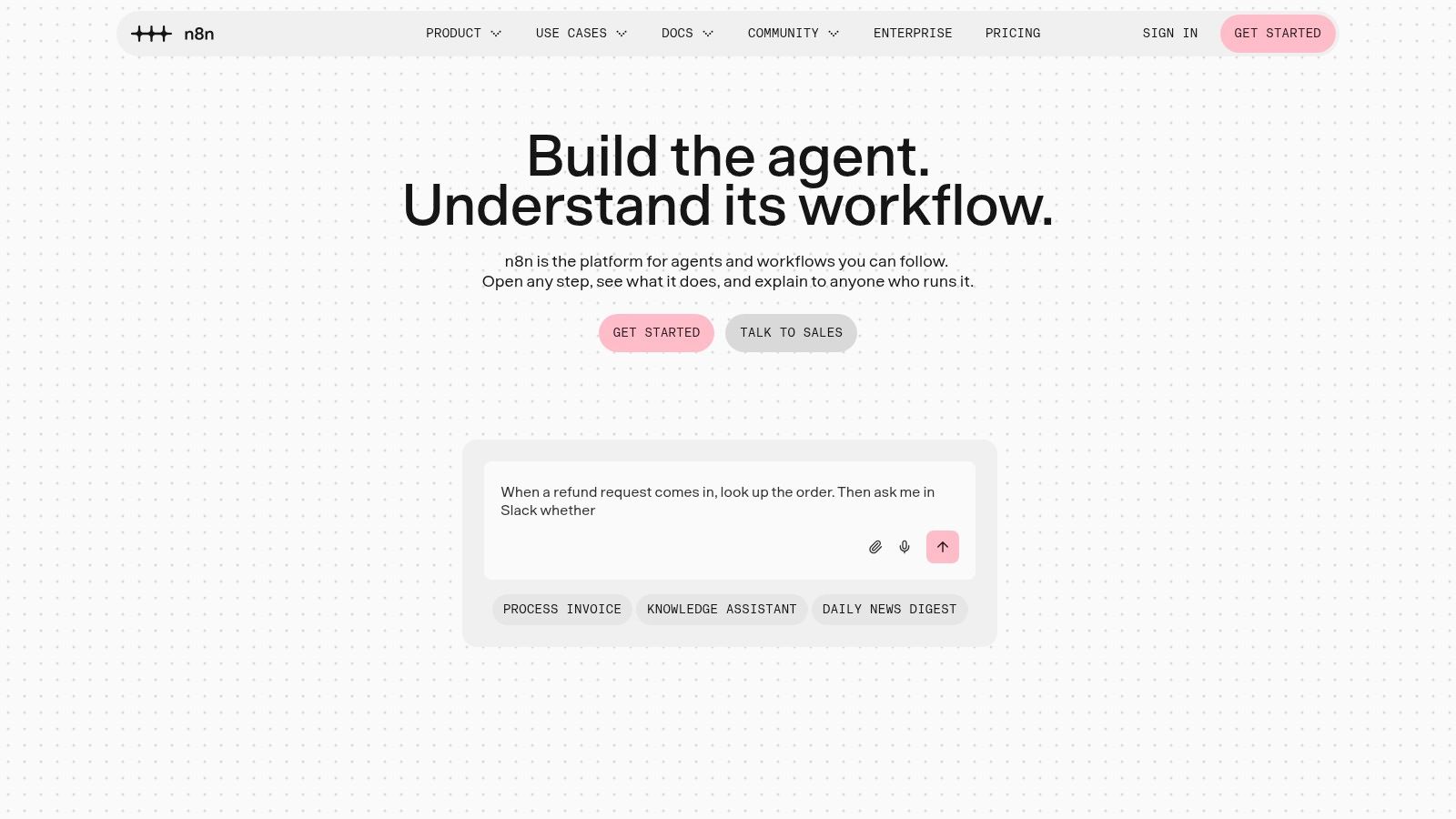
Got a developer on the team, or you're one yourself? n8n's visual editor with code steps mixes drag and drop blocks with JavaScript and Python when a no-code action just won't stretch far enough. You can run it in the cloud or self host it. That second choice matters for NZ and AU firms with firm views on where data lives.
Public sector momentum shows why control matters. The 2025 cross-agency survey on digital.govt.nz recorded 272 AI use cases across 70 agencies, with 55 operational use cases, up from 15 in 2024. Governance and accountability aren't side notes in that world. They're the whole game.
Practical rule: Self hosting saves licence cost only if someone owns patching, backups and security. No owner, no saving.
A self hosted Community Edition is available. Hosted Starter is €20/month billed annually and Pro is €50/month billed annually. Paid plans charge by workflow execution, not each step, which suits long workflows nicely.
The trade off is clear. You gain flexibility for custom APIs and webhooks. You also take on maintenance and a steeper interface for non-technical staff. Check execution, history and concurrency limits on cloud plans before you commit.
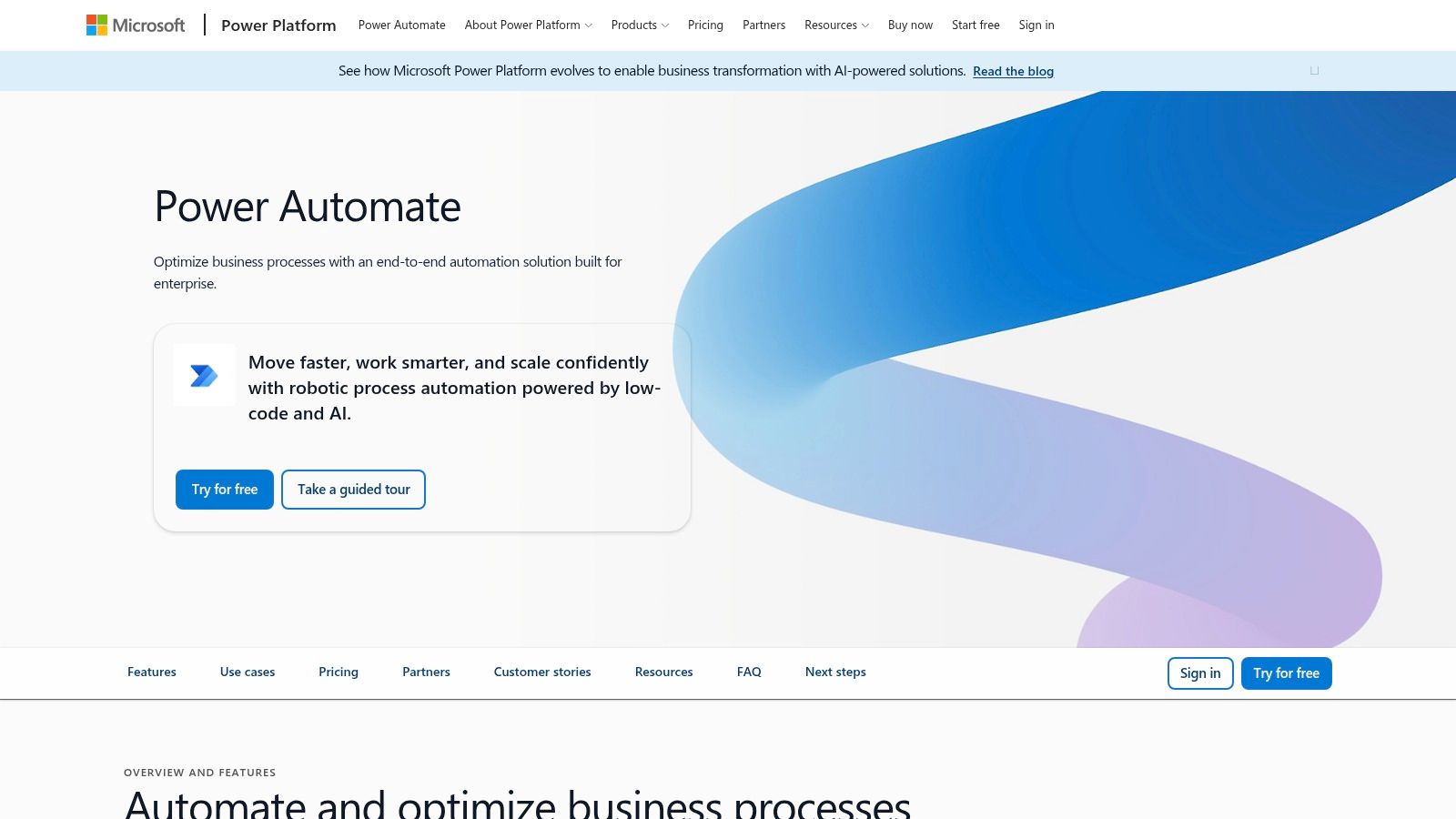
If your office already lives in Teams, SharePoint and Excel, start your search here. Microsoft Power Automate for cloud and desktop flows handles automated, scheduled and instant cloud flows, plus desktop flows for software that has no decent API. That desktop trick is gold for an old accounting package in a regional office.
Premium is listed at US$15 per user/month, paid yearly. The Process plan for unattended automation is US$150 per bot/month, paid yearly. Premium includes cloud and attended desktop automation, plus process mining features.
Licensing and connector rules can be hard to assess. One flow looks cheap, then a premium connector changes the maths. Desktop flows also need machines that are configured and secured properly. Advanced use may need Power Platform admin knowledge.
Confidence is part of the local picture too. MBIE commissioned research on AI adoption by NZ SMEs found 94% of SMEs were aware of at least one AI tool, yet confidence, capability and trust stayed as barriers. If the terms feel murky, this explainer on what business process automation actually means helps separate the jargon from the job.
Workato is the heavy machinery. Workato's enterprise automation platform offers more than 1,000 connectors, including universal options for HTTP, GraphQL and SOAP, so it can bridge systems that lack a prebuilt link. It's built for cross-system processes with governance, not for a quick form to sheet trick.
Pricing is usage based for direct customers and you need to contact sales. No simple public rate card. For an early stage SaaS firm, that alone may rule it out. For a larger AU firm rolling into NZ with finance, HR and CRM systems to tie together, it's a different story.
As noted earlier in the Datacom research, only 12% had deployed AI across their entire organisation, while 88% of AI users reported positive operational impact. That gap is Workato's pitch. The tool isn't the bottleneck. Integration, permissions and process redesign are.
If your need is narrower, like joining sales and support data, local CRM and automation development in NZ may cost less than an enterprise platform you barely use.
Activepieces gives you a choice many tools don't. Activepieces cloud and self hosted workflows let you run flows in their cloud or in your own environment, with AI agents, tables and API access built in. For a small team that wants control without going full developer mode, that's appealing.
It lists more than 760 integrations, with HTTP and webhooks for custom connections. Billing is based on credits, not per connector. A free plan is available. Plus is listed at US$20/month and Team at US$200/month. That jump between tiers is steep, so map your credit use before your team falls in love with it.
Public pricing and a free tier make testing honest. You learn your real usage fast, including the overage you'll hit if a workflow misbehaves.
Think lead capture, internal alerts, and light AI steps like summarising a support note before it lands in your help desk. Common business and AI services are covered. Less common tools may need API work.
The catches are familiar. Credit limits and overage charges grow with you. Some enterprise governance and support features sit on higher tiers. Still, for founders who want a test bed they can later self host, it's a sensible middle path.
Pipedream speaks developer first. Pipedream's integration platform for engineers packs more than 3,000 connectors and over 10,000 prebuilt tools and triggers, then lets you drop in JavaScript or Python inside a workflow. Product teams building internal integrations tend to feel at home here.
A free development and testing tier helps you prove an idea before finance asks questions. The Startup plan is listed at US$99/month billed annually or US$150/month billed monthly. Production billing rests on compute usage, not a simple count of each step.
That model can be fair. It can also surprise you. A workflow that waits, loops, or processes chunky files uses more compute than a quick webhook. Model your heaviest job, the month end report run, not the tidy demo.
If your ops manager wants to tweak flows without filing a ticket to engineering, look elsewhere. If your engineers already own integrations and want fewer limits, Pipedream earns a hard look. You know what? That split, who will maintain it on a wet Monday, decides more purchases than any feature chart.
IFTTT is the lightest tool here, and that's fine. IFTTT's simple Applets for services and devices connect online services and smart devices with basic if this, then that logic. A sole trader who wants a phone alert when a form is submitted doesn't need enterprise governance. They need a ping.
A free plan covers basic automations. Pro is listed at US$2.99/month and Pro+ at US$8.99/month. Paid plans add multi-action Applets, faster speeds and developer features. The free plan is limited to two Applets, so treat it as a taste test.
Use it for notifications, consumer services, and connected devices. A café owner logging reviews to a sheet. A tradie saving job photos to cloud storage. Small jobs, done without fuss.
Don't force it into company wide processes. Complex branching, approvals and audit trails aren't its strength. Check that your exact apps and triggers are supported before you rely on it, because coverage varies.
That honesty matters for workflow automation tools in general. A cheap tool that fits the job beats a pricey platform you must wrestle into shape. IFTTT knows its lane. Respect the lane and you'll get good value from it.
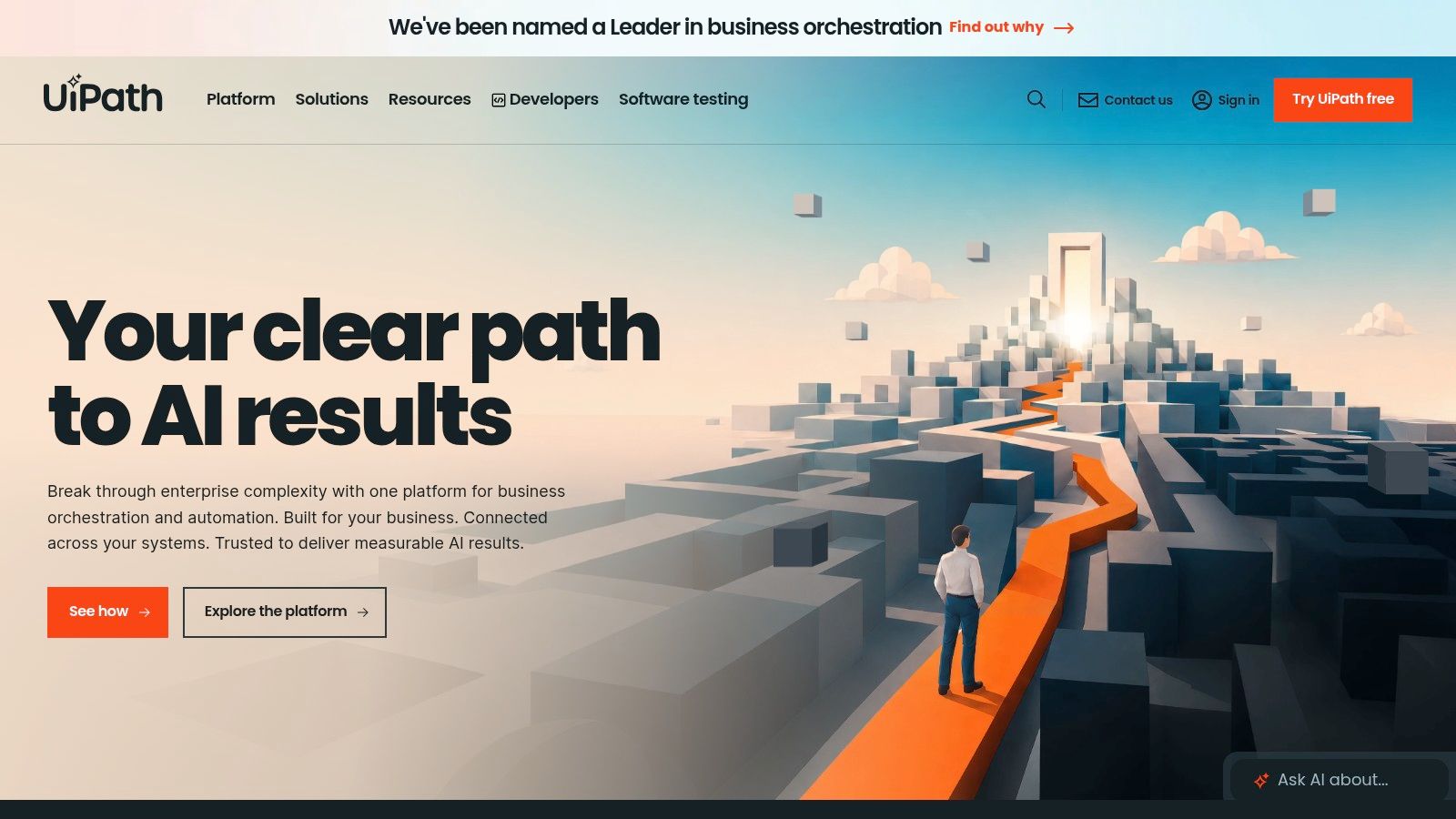
Some work can't be reached by an API. It lives in a desktop app, a scanned form, or a legacy system older than your newest hire. UiPath's platform for robots and orchestration tackles that world with RPA, API workflows and human approvals, coordinating people, software robots and AI agents.
It can automate user interface tasks directly in software. Certain plans offer cloud and on premises deployment. A Basic plan starts at US$25/month, and a free Community plan exists for eligible users. Standard and Enterprise pricing comes through sales.
For a Hamilton manufacturer processing supplier documents the same way every day, that depth can pay off. For a five person SaaS team, it's likely overkill. Be honest about scale. UiPath rewards organisations that treat automation as a programme with owners, testing and support, not as a side project squeezed between releases.
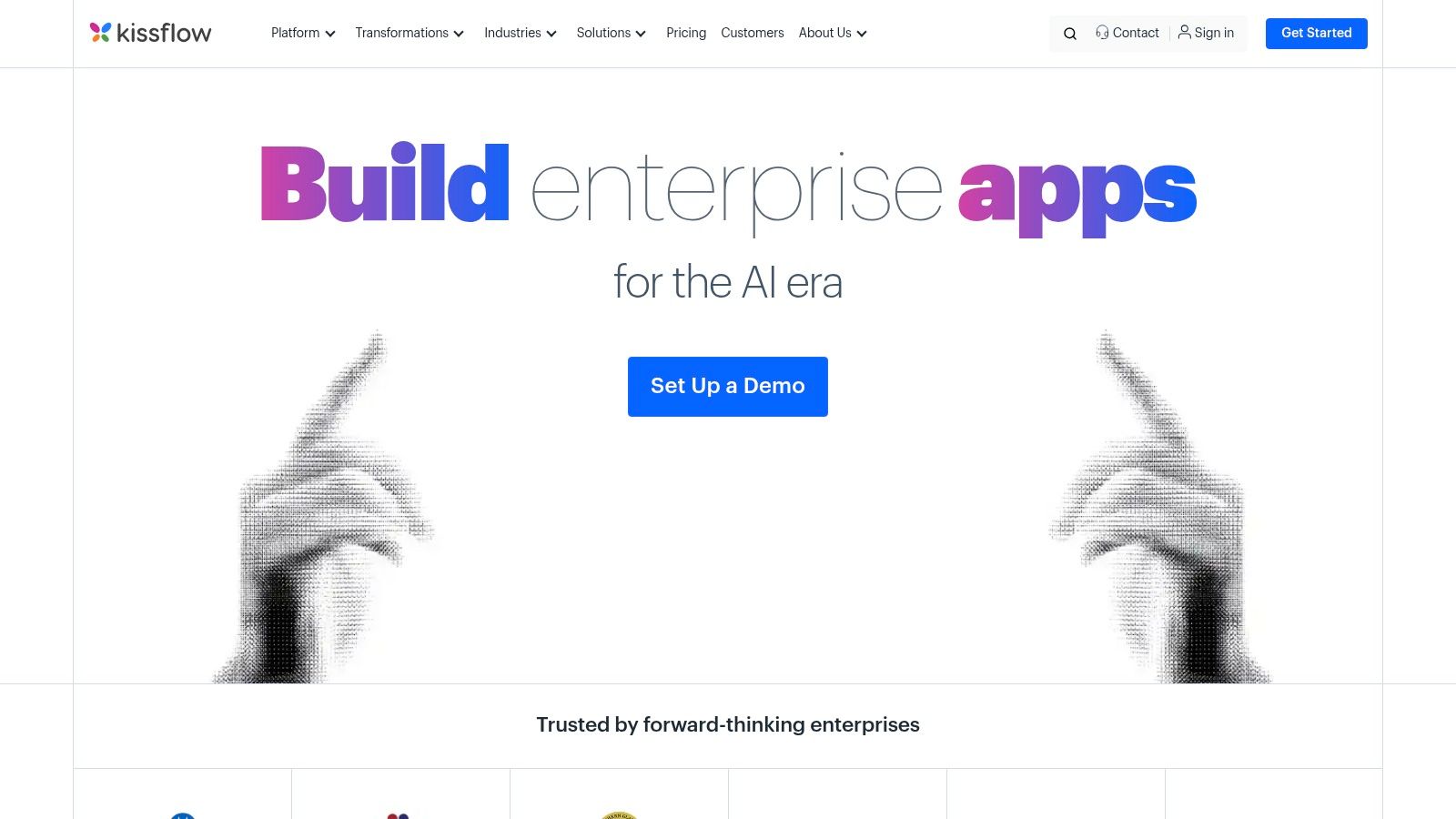
Kissflow asks a different question. Instead of connecting the apps you have, can it replace the messy process itself? Kissflow's low-code workflow and app builder focuses on approvals, requests and operational handoffs, the stuff still stuck in email threads and shared spreadsheets.
Leave requests. Purchase approvals. New starter setup. Those jobs need a clear owner, a visible status and a record at the end. Kissflow formalises that, with public and private cloud hosting choices. Pricing is subscription based and tied to user tiers and activity. You'll need a quote and a trial to judge fit.
A useful test: If your process lives in inboxes and nobody can answer where a request is stuck, you may need a process tool, not another connector.
It's designed for business teams as well as IT, and larger rollouts can use implementation and support services. Those services add cost, though. So does deep customisation.
Skip it for basic app to app jobs. Zapier or Make will do those faster and cheaper. Reach for Kissflow when the workflow itself is the product you need to build, and when your team will live inside it each day.
| Platform | Core capabilities | Ease and standout | Best for | Starting price / value |
|---|---|---|---|---|
| Zapier | 9,000+ app connections; multi-step workflows, filters and branching | ★ Beginner-friendly; broad integration library ✨ | 👥 Small teams automating routine SaaS tasks | 💰 Free plan; Professional from US$19.99/month |
| Make | 3,500+ integrations; visual scenarios, routers and filters | ★ Flexible visual builder; takes time to learn ✨ | 👥 Teams managing more involved workflows | 💰 Free plan; Core US$12/month for 10,000 credits |
| n8n | Visual workflows, code steps, APIs; cloud or self-hosted | ★ High technical control; self-hosting option ✨ | 👥 Technical teams with custom or data-location needs | 💰 Free self-hosted Community Edition; cloud Starter €20/month, billed annually |
| Microsoft Power Automate | Cloud flows, desktop RPA and Microsoft 365 integrations | ★ Combines app workflows with desktop automation ✨ | 👥 Microsoft-centric organisations | 💰 Premium US$15/user/month, paid yearly |
| Workato | Enterprise integrations, 1,000+ connectors and API tools | ★ Governance-focused for complex processes 🏆 | 👥 Large organisations with dedicated integration needs | 💰 Usage-based; contact sales |
| Activepieces | No-code and AI workflows; cloud or self-hosted; 760+ integrations | ★ Public plans and deployment choice ✨ | 👥 Teams seeking accessible automation with hosting control | 💰 Free plan; Plus US$20/month |
| Pipedream | 3,000+ connectors; JavaScript and Python workflow steps | ★ Developer flexibility for API-heavy tasks ✨ | 👥 Engineers and product teams | 💰 Free development tier; Startup from US$99/month, billed annually |
| IFTTT | Simple Applets for online services and smart devices | ★ Easy, low-cost entry for lightweight tasks ✨ | 👥 Individuals and teams automating basic or smart-home tasks | 💰 Free plan; Pro US$2.99/month |
| UiPath | RPA, APIs, AI and human approvals; cloud or on-premises options | ★ Strong for desktop and legacy-system automation 🏆 | 👥 Organisations scaling structured automation programmes | 💰 Free Community plan; Basic from US$25/month |
| Kissflow | Low-code apps, approvals and operational workflows | ★ Helps formalise internal processes ✨ | 👥 Business and IT teams replacing manual handoffs | 💰 Quote-based; subscription varies by user tier and activity |
So, which one do you pick on Monday morning? Start with the bottleneck you can measure. Not the longest feature list. Map the trigger, the actions, the exceptions and the owner, then test with real data. A workflow that fails loudly is better than one that fails silently for a month.
Local intent is strong. Datacom's Business Outlook research found 41% of surveyed businesses identified automation as a major opportunity and 68% expected to increase technology investment in 2025. Intent alone doesn't save time, though. A clear baseline does. Count cycle time, staff touchpoints and error rates before you build. Then count again after.
That discipline helps with budgets too. As the ChannelLife findings noted earlier, 46% expected AI to deliver return on investment within three years. You'll judge sooner if your first workflow is narrow. Lead routing. Invoice follow ups. Report generation. If you're enriching leads as part of that flow, the Fetchin guide to enrichment tools is worth a read before you wire anything up.
Here's a tension worth naming. Small teams need speed, yet speed without control creates mess. The MBIE research cited earlier also reported that only 32% of NZ SME decision makers had started using AI, with 39% of non-adopters saying it wasn't needed or appropriate and 30% lacking sufficient knowledge. Sometimes not automating is the right call. Low volume, judgement heavy or sensitive work often belongs with a person.
Let me explain that plainly. Automate the repeatable. Keep humans on the exceptions. If a step needs empathy, local knowledge, or a careful read of a tricky customer email, don't hand it to a flow and hope.
Yet the upside is real when the fit is right. In Datacom's report on its 2025 State of AI Index, 89% of AI users reported productivity gains. That's the prize. Fewer manual touches. Faster responses. Cleaner records your future self will thank you for.
For broader NZ and AU company research, NZ Apps offers a useful view of the regional app and technology scene, which helps when you're comparing local vendors and support options. Pick one workflow. Make it boringly reliable. Document who owns it and how you'll spot failure. Then earn the right to automate the next one.
NZ Apps covers the NZ and AU app and tech scene for founders and operators, including company spotlights, category roundups and practical guides like this one on automation. If you're building or buying software for this region and want local context before you commit, visit NZ Apps to explore the directory and recent coverage.
Add your NZ or Australian app or tech company to the NZ Apps directory and get discovered by founders and operators across the region.
Get ListedReach tech decision-makers across New Zealand and Australia. Sponsored and dofollow editorial links, permanent featured listings, and sponsored articles on a DA30+ .co.nz domain.
See Options