
Why do so many first prints fail before the nozzle even warms up? The model looks fine. The bed is level. Then the job still goes wrong, because the software never matched the machine.
Most roundups treat every slicer as the same button with a different logo. That is the gap. 3D printer software splits into real jobs: filament slicing, resin prep, and print hosting. A weekend user in Christchurch does not need the same stack as a small workshop running mixed brands overnight.
Here are ten tools, with an honest take on who each one suits. Free FDM slicers come first. Then a paid option, two resin tools, and a host that watches the printer instead of slicing the file.
If you are in New Zealand or Australia, check the download size before you start. Rural broadband still sulks at fat installers. Mains here is 230V, and the brands that turn up on local shelves matter more than a profile written for a machine you cannot buy. Bambu Lab, Creality, Prusa and Raise3D are the usual suspects. A bad profile wastes filament you may not replace this week, and a spare part across the Tasman is never quick.
Filament machines sit in items 1 to 7. Resin is 8 and 9. Hosting is 10.
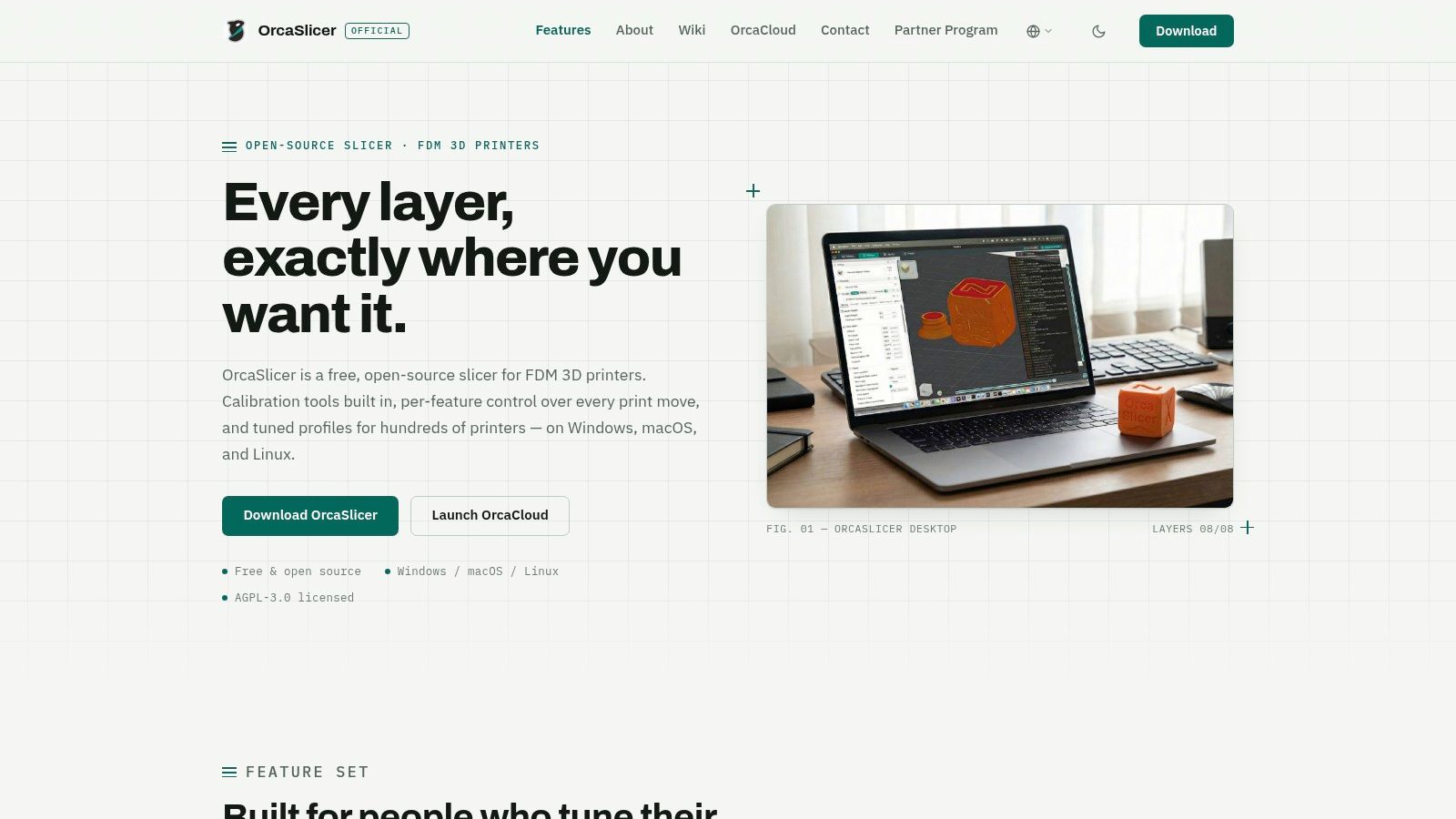
OrcaSlicer is the free, open-source slicer I reach for when the printer is not a single-brand toy. It turns a mesh into G-code for FFF and FDM machines, and it ships calibration tools that earn their keep. SourceForge's New Zealand 3D printing listings describe that G-code path, plus calibration and print-control functions, next to slicing and print-file creation.
Flow, temperature, pressure advance and first-layer behaviour all live in one place. That is gold when a local filament batch prints differently in a cold garage than it did in summer. You know that feeling, when layer one looks perfect and layer forty turns to spaghetti.
Who it suits: experienced users, and anyone with more than one printer brand.
The catch is real. The settings wall can freeze a beginner, and profile quality swings by model. Check your exact printer before you trust a preset. Grab it from the OrcaSlicer site.
PrusaSlicer stays on your computer. No account. Windows, macOS and Linux. You start in Simple mode, then step into Advanced and Expert when a print earns it. That ladder is kinder than dumping every slider on day one.
Keep the file at home: if a customer model, a medical shape or a product CAD file should not leave the building, slice locally and skip the cloud habit.
A study of Australian and New Zealand healthcare departments found that 22.3% owned a 3D printer while 30.4% outsourced printed products, and that only 24% of printer-owning departments put printers in designated ventilation spaces, as reported in the Journal of Medical Radiation Sciences. Ownership without a controlled setup is common. A slicer that does not phone home will not fix ventilation, but it does stop design files wandering off while you sort the room.
Prusa's own profiles are tested. Third-party machines often need a manual pass. Organic supports and support painting help on ugly overhangs, and multi-material tools are there when the hardware can use them. Docs are deep, which is both a gift and a weekend sink. Download it from PrusaSlicer.
A slicer is useless if the model arriving in it is a mess. A New Zealand study of architecture, engineering, construction and consultancy firms found 3D printing in 2 companies, or 6% of the group, while 8 companies, or 25%, already used software for design, analysis and estimation. Plenty of teams live in CAD long before a nozzle moves. Clean that hand-off first. Our notes on 3D modelling tools sit beside this choice for a reason.
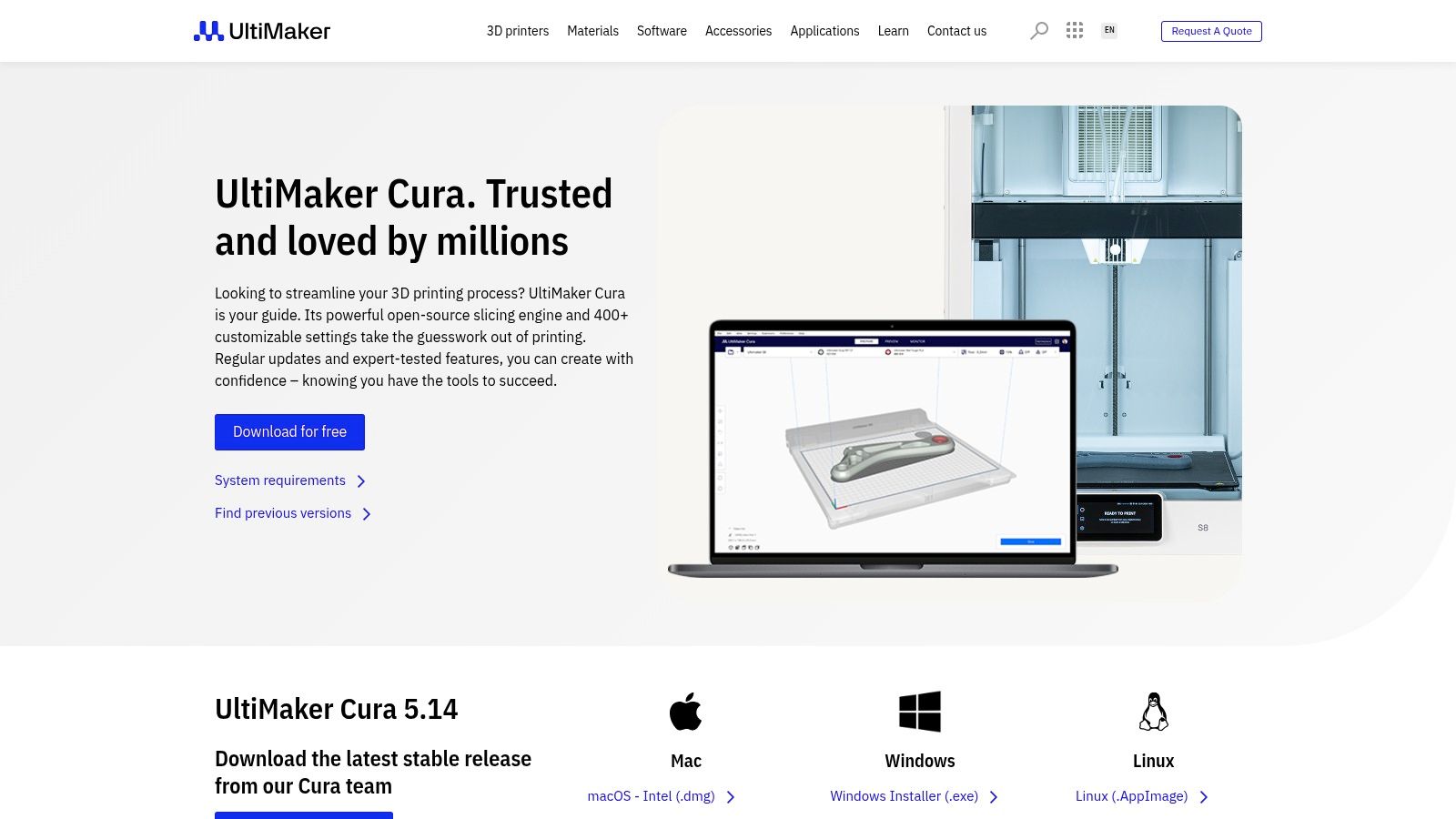
UltiMaker Cura is the free FDM slicer with a gentle front door and a very large back room. Recommended profiles cover everyday prints. Custom mode opens more than 400 settings. Plugins and material profiles fill gaps, on Windows, macOS and Linux.
It suits UltiMaker owners and anyone happy to grow from basic to fussy. Third-party profiles depend on the community or the manufacturer, and they are not all maintained. The learning pile is huge, which helps, until it doesn't. Start at UltiMaker Cura.
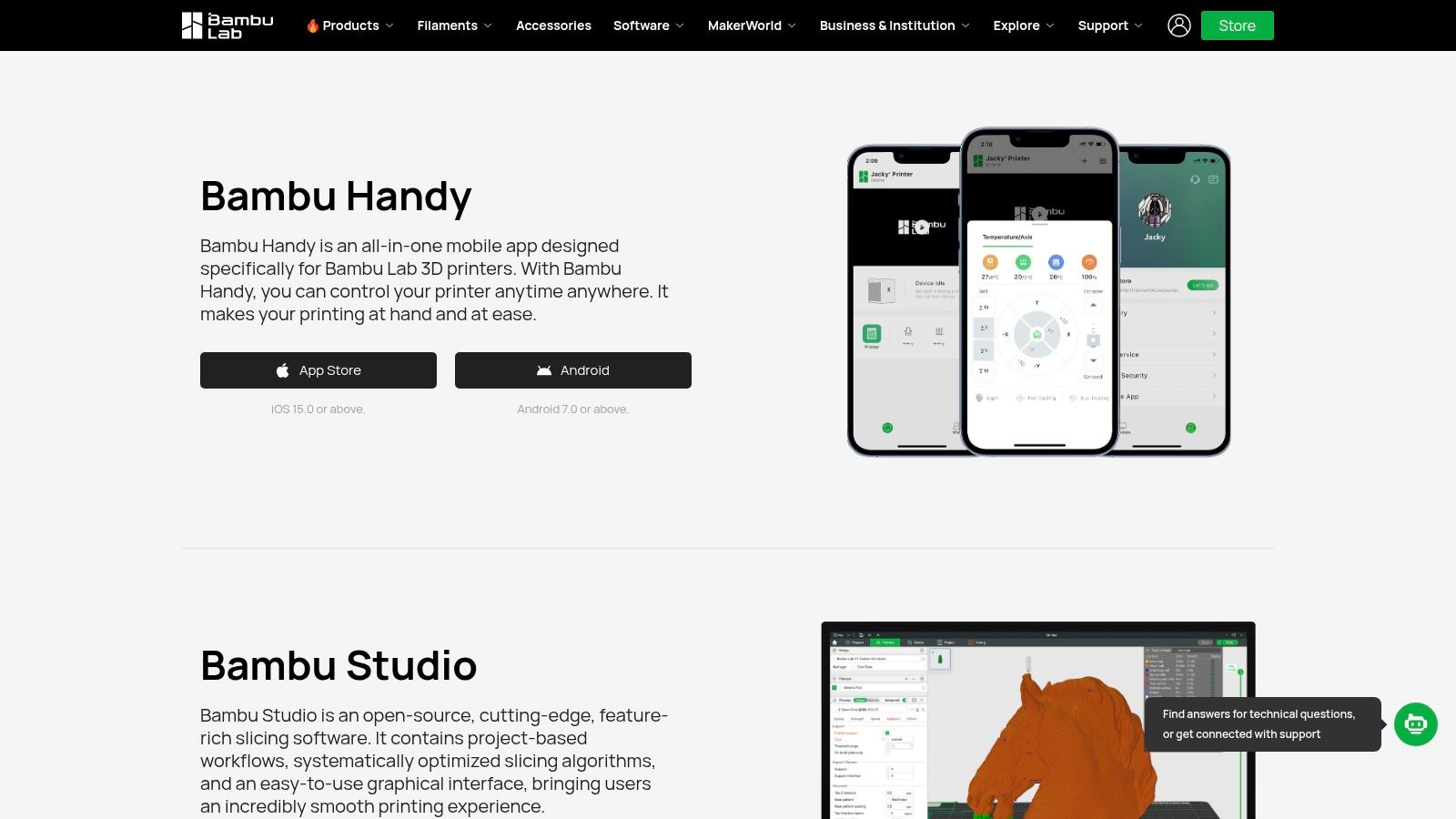
If the printer on your bench is a Bambu Lab, stop shopping for a minute. Bambu Studio is the free slicer built to talk to that ecosystem. Profiles match the machines. You can prep multi-colour or multi-material jobs on supported setups, then send the print to a connected printer.
That tight fit is the point, and also the limit. On a compatible Bambu it feels obvious. On anything else, you are borrowing a tool that was not written for you. I would not make it the house slicer for a mixed fleet.
Connected features want an account and a network path. Read those requirements before you rely on remote send, especially if the workshop internet drops when the southerly hits. LAN-only habits are worth setting on day one, not after a job vanishes into a queue you cannot see.
There is no slicer fee. The download covers supported desktop systems from the Bambu Lab download page.
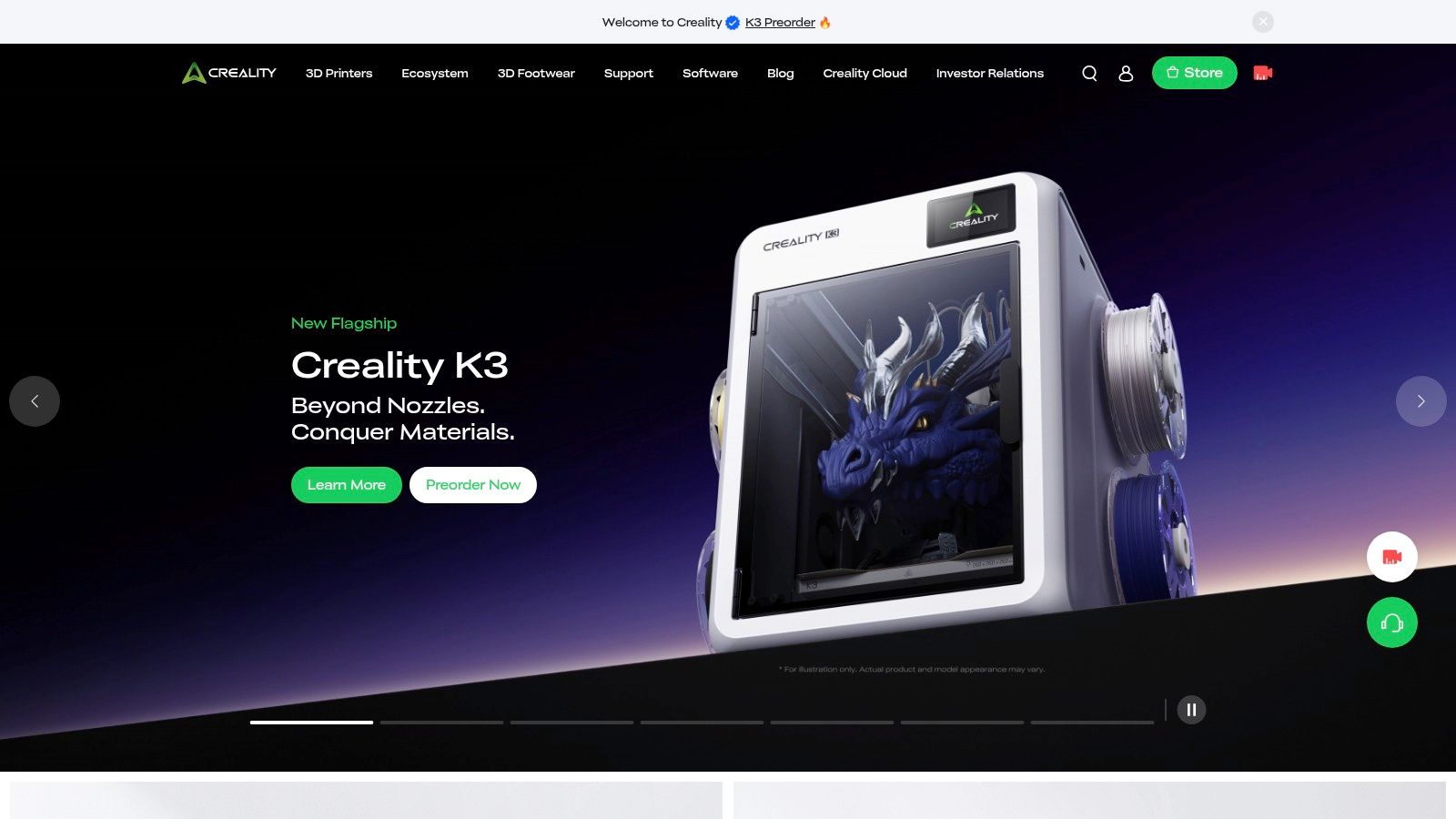
Say you unboxed a Creality on a Saturday and you want plastic tonight, not a settings degree. Creality Print is the free official slicer for Creality FDM machines. Import the model, set the parameters, slice, and send the job to a compatible printer. Manufacturer profiles cut the boring setup, as long as your model is on the current list.
That last bit matters. Check the download centre for your exact machine before you install. A near-match profile is how people cook a hotend.
MBIE's sector overview records one New Zealand manufacturer running three or four 3D printers continuously, 24 hours a day, and treating printing as useful for prototyping with wider uses later. Once machines stay busy, send-to-printer and repeatable profiles stop being a convenience. They are how the queue keeps moving. Creality Print is still aimed at Creality hardware. A mixed shed will want a broader profile library. Official setup notes are there, and the download is free at Creality.
Small specialist shops punch above their weight when the software is serious. Engineering New Zealand notes manufacturing's NZ$23.28 billion contribution to GDP, 222,400 direct jobs, and more than 60% of export value, and describes Tauranga-based RAM3D moving from metal additive work in 2009 to a 2013 commercial launch. Export parts do not forgive sloppy profiles.
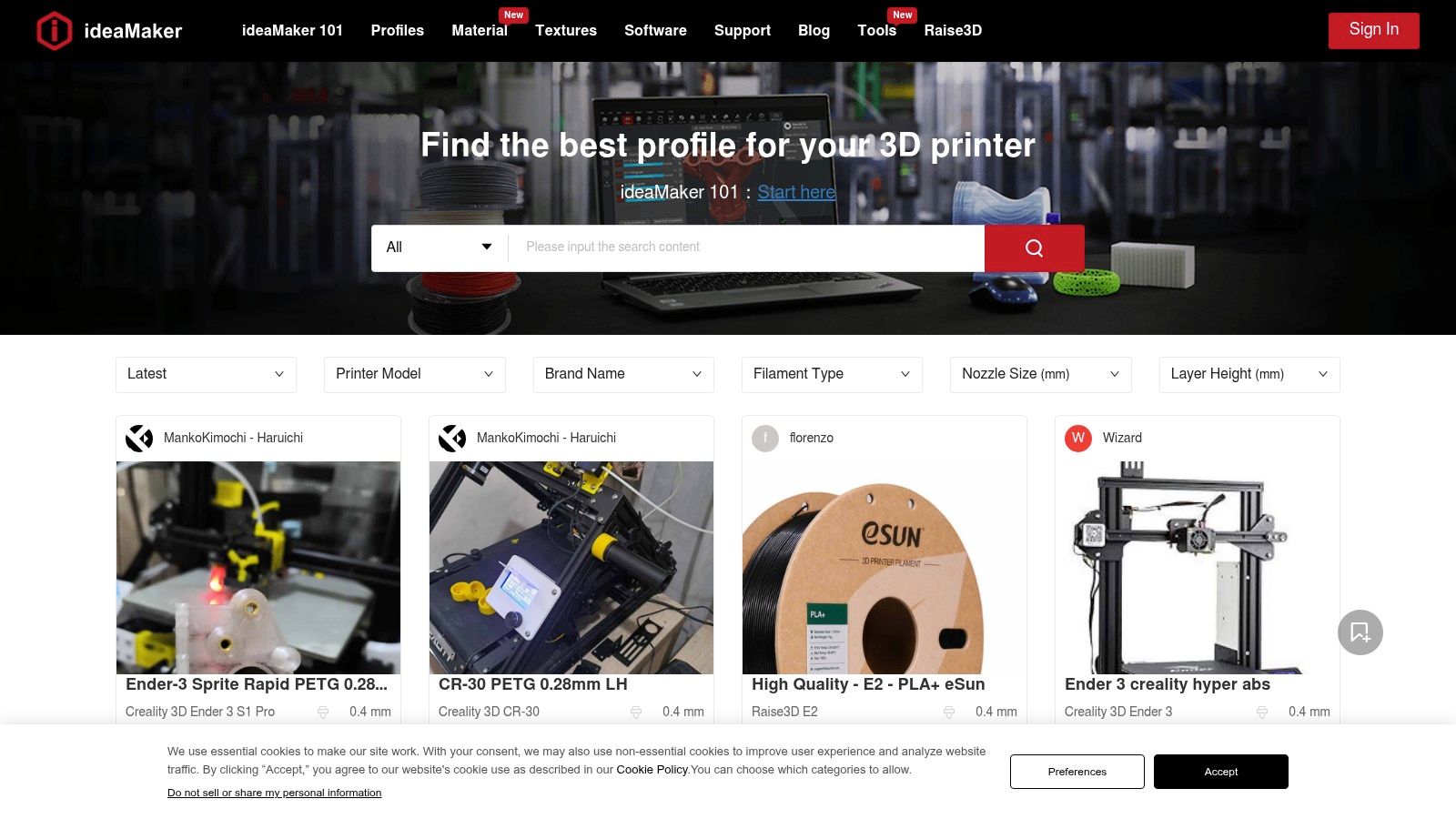
ideaMaker is free to download and built for FDM, with Raise3D profiles plus a spread of other machines. Templates cover printers and filaments. You can nudge the model, generate a profile, and walk through guided tuning. That is the right shape if you swap materials often.
It is not a five-minute app. The workflow takes time, and the official page lists comparatively high minimum system specs. An older workshop PC may struggle. Confirm specs and profiles before you commit a production job. The download lives at ideaMaker.
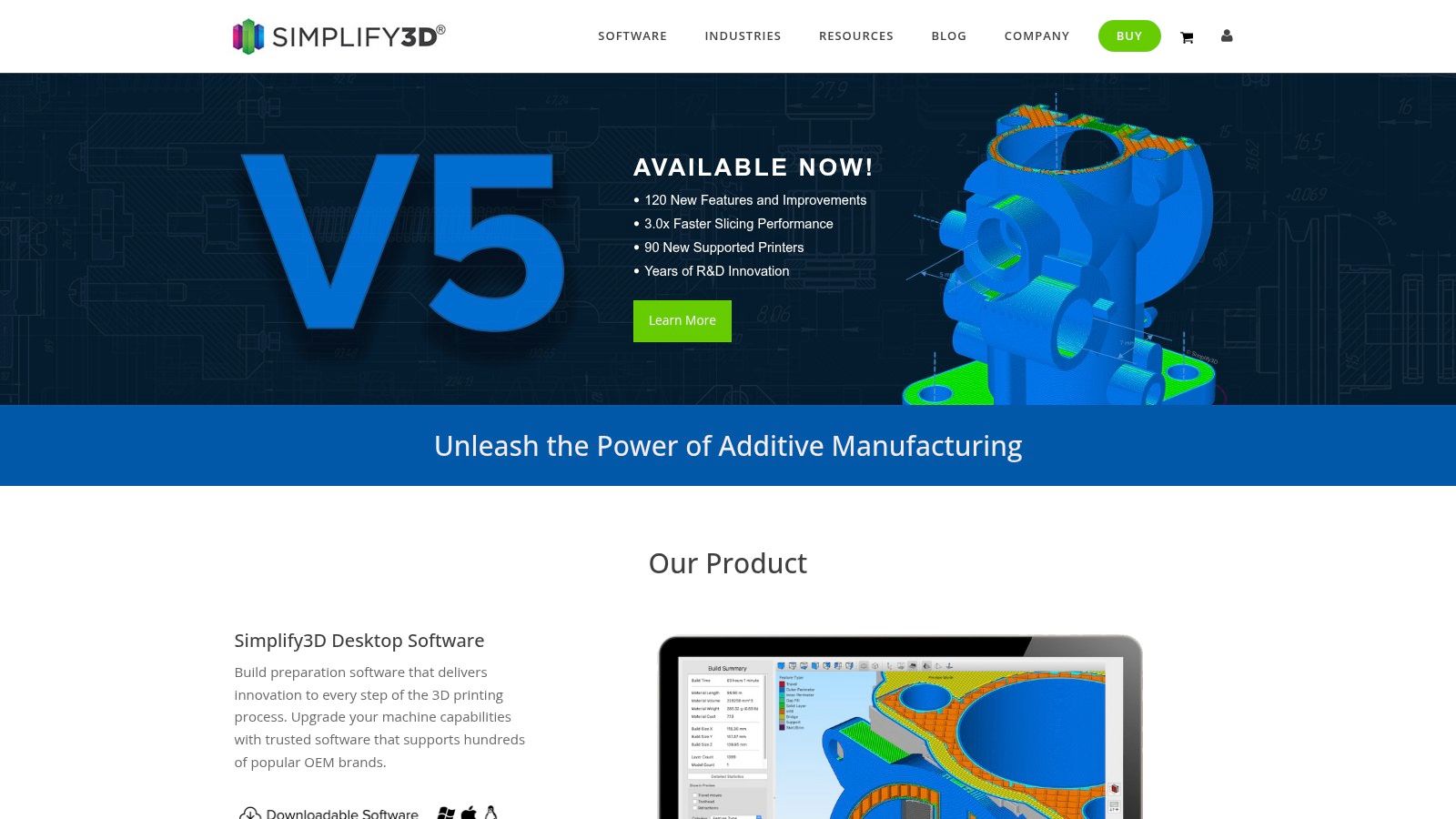
Free slicers are good enough that paying feels odd. So why does Simplify3D still sell? Because some people want a commercial FDM tool, a fat stack of prep controls, and a person to call when a profile misbehaves.
The vendor says it includes hundreds of preconfigured printer profiles. The purchase page lists a one-time licence, not a subscription, plus a two-week money-back guarantee, and support comes with that licence. For a shop that hates surprise renewals, the shape of the bill is the feature.
Do not buy it because a forum post from 2019 said it was the only serious slicer. Print your real geometry in a free tool first, then pay only if something specific is still missing.
Printer support and value need a fresh look against OrcaSlicer, PrusaSlicer and Cura. If those already hit your tolerances, the fee is hard to justify. Details are on the Simplify3D site.
Resin is a different sport. You are not laying roads of filament. You are curing layers, and the file format has to match that exact printer or the vat just sits there.
CHITUBOX Basic is the free resin slicer that takes a mesh and exports a printable file for compatible machines. Profiles cover a range of models. You get model handling and prep tools, and the current Basic 2 release has a redesigned interface that is easier to scan than the old one.
Hollow a miniature, add drain holes, and keep supports off the face you care about. That habit saves more resin than any slider. Get it from CHITUBOX.
Lychee Slicer, from Mango 3D, is the other resin bench I would trial. It is built around positioning the model, placing and editing supports, then slicing. Printer profiles cover supported machines, and there is a free tier plus paid plans.
Use the free tier as a side-by-side with CHITUBOX on one fiddly part. Same mesh, same resin, same printer. Look at support scars, island detection and how long the prep takes your hands, not the marketing screenshots. Some people click faster in Lychee. Others fight the interface and go back.
Paid features sit behind a plan, so do not build a production habit on a button you cannot use. Recheck the printer list too. A profile that existed last season may not match the firmware on a machine that just landed from an Australian reseller. Plan details move. Read them on the day you install, at Mango 3D.
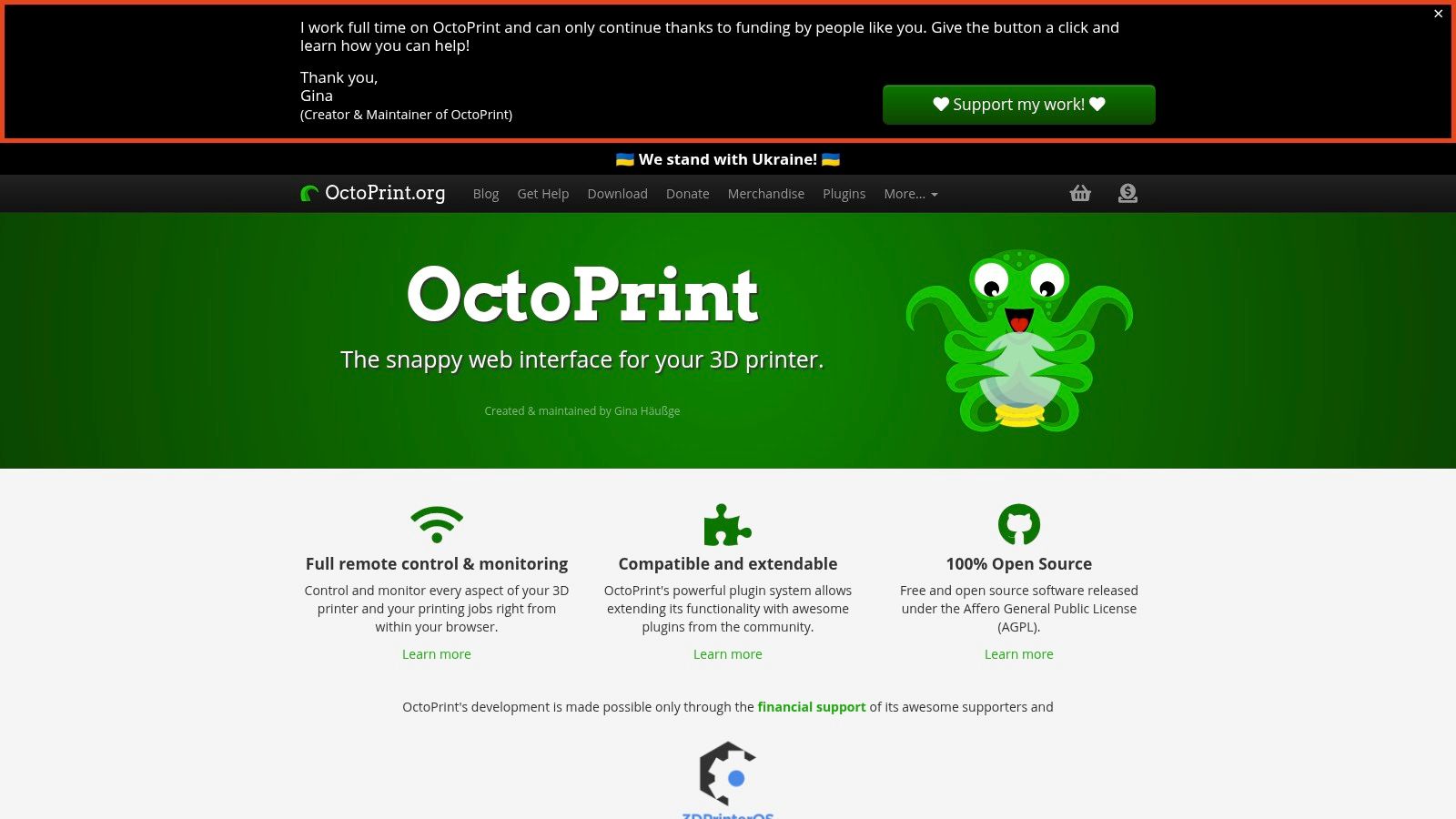
OctoPrint is not a slicer. Treat it like a shop radio for the printer. It is a free, open-source web interface. From a browser you send a file, watch progress and control a connected machine. Handy when the printer has no network brain of its own.
It needs a host, often a small board beside the printer, plus firmware that plays nicely. Plugins extend it. They also break after updates. Confirm support before you install, or you will spend the evening reading logs instead of printing.
WorkSafe says a PCBU must keep machinery safe so far as reasonably practicable, and it points to AS/NZS 4024 as the machinery-safety benchmark. Remote start is not a free pass to leave a hot machine alone. A camera does not replace a person in the room while you are still learning the failure modes.
The project site is OctoPrint.
Which tool fits your printer and your job? The useful distinction is whether you need FDM slicing, resin preparation or printer management. Check compatibility before building a workflow around a profile.
| Tool | Type | Price/Licence | Platforms | Best for |
|---|---|---|---|---|
| OrcaSlicer | FDM/FFF slicer | Free, open source | Windows, macOS, Linux | Multi-brand FDM users wanting detailed controls and calibration tools |
| PrusaSlicer | FDM and resin slicer | Free, open source | Windows, macOS, Linux | Local slicing with beginner-to-advanced controls |
| UltiMaker Cura | FDM slicer | Free, open source | Windows, macOS, Linux | FDM users wanting broad settings and plugin options |
| Bambu Studio | Manufacturer-specific slicer | Free | Windows, macOS, Linux | Owners of compatible Bambu Lab printers |
| Creality Print | Manufacturer-specific FDM slicer | Free | Windows, macOS, Linux | Users with supported Creality printers |
| Raise3D ideaMaker | FDM slicer | Free to download | Windows, macOS, Linux | Users managing profiles across printers and materials |
| Simplify3D | Commercial FDM slicer | Paid, one-time licence | Windows, macOS, Linux | Users seeking extensive print-preparation controls and paid support |
| CHITUBOX Basic | Resin slicer | Free Basic version; paid Pro tier | Windows, macOS | Resin users seeking printer profiles and model-preparation tools |
| Lychee Slicer | Resin slicer | Free and paid tiers | Windows, macOS | Resin users preparing models and supports |
| OctoPrint | Printer management interface | Free, open source | Browser-based; requires a host device | Remote monitoring and control of compatible printers |
For FDM, start with the slicer that supports your printer, then compare control and profile options. Brand-specific tools suit owners who want a direct match; OrcaSlicer, PrusaSlicer, Cura and ideaMaker offer other paths for varied setups. More settings can help with calibration, but they also mean more choices to check before a print.
For resin, CHITUBOX Basic and Lychee Slicer focus on model preparation and supports. They are a separate workflow from FDM slicing, so compare them against your resin printer and preparation needs.
OctoPrint serves a different job: it manages a connected printer through a browser rather than preparing a model for printing. Treat it as an add-on to a working slicing setup, not a replacement for one. The right combination depends on the printer, material and amount of control you need.
Match the slicer to the printer brand first. Bambu owners start in Bambu Studio. Creality owners start in Creality Print. Prusa owners start in PrusaSlicer. Mixed sheds, or anyone who wants calibration without a brand leash, should try OrcaSlicer, with Cura or ideaMaker as the second opinion. Simplify3D only after a free tool has already failed a test you can name.
Resin users pick between CHITUBOX Basic and Lychee Slicer. Run one awkward part through both free paths. Keep the one whose supports you trust. Add OctoPrint only once basic prints are boring and successful. Boring is the goal.
A short start list for NZ and AU benches:
A New Zealand 3D printing market forecast projects growth accelerating from 2.28% in 2025 to 17.13% by 2029, with software revenue and volume tracked through 2031. Treat that as a commercial estimate, not an official statistic, and check it against your own print volume. It does show software as its own buy, not a free sticker on the printer box.
Free tools now cover most hobby and many small-shop needs. Pay when support or a missing control is worth cash, not because a list told you to. If you want another angle on skill, these top slicers for different skill levels are a useful second read.
If you are weighing software for a local tech business, we help New Zealand and Australian founders find practical software, local tech context, and tools for running email campaigns. You can request a quote with the Get a Quote button on our site, and you will find more NZ and AU tool roundups there too.
NZ Apps publishes practical roundups and a directory for founders and operators comparing software across New Zealand and Australia, including workshop tools like 3D printer software. If you are choosing a stack, checking local context, or looking for the next tool guide, visit NZ Apps and use Get a Quote when you want a hand with the brief.
Add your NZ or Australian app or tech company to the NZ Apps directory and get discovered by founders and operators across the region.
Get ListedReach tech decision-makers across New Zealand and Australia. Sponsored and dofollow editorial links, permanent featured listings, and sponsored articles on a DA30+ .co.nz domain.
See Options