
The popular advice is to pick the “best” AI assistant and standardise on it. That's the wrong frame. The right choice depends on the work in front of you, whether that's market research before breakfast, code review after lunch, or a governance decision late on Friday.
That matters in New Zealand and Australia, where a small team may need one tool for Google Workspace, another for Microsoft 365, and a third for customer experiments or API delivery. Local founders should compare feature depth, plan structure, API access, data handling, billing, support, and workflow fit, not chase a leaderboard. A tool that feels brilliant in a browser may be awkward in a production system.
AI tools like ChatGPT are already part of daily work across New Zealand. OpenAI reported almost 10 million ChatGPT messages per day from Kiwis, while its survey found 40% of respondents use ChatGPT daily for quick answers and 45% say it saves them at least four hours a week. Pureprofile's New Zealand usage report gives useful local context.
Here are ten practical alternatives and adjacent tools. I'll look at where each fits in a founder's working day, what it does well, where it gets awkward, and what to check before committing. For teams building customer-facing assistants, an AI chatbot development agency can also help turn a promising experiment into a properly tested product.
Claude is often the calm colleague who reads the whole document before replying. That makes it a strong choice for founders working through product requirements, board papers, customer interviews, technical specifications, and other long-form material where a shallow summary won't cut it.
Its current product family includes the Claude assistant, Claude Code for coding work, and Cowork for multi-step tasks. Developers can move from the web app to API integrations and cloud routes through AWS and Google Cloud. Team and Enterprise plans add organisational controls such as SSO, SCIM, and audit logs, though pricing can become harder to predict when seats and usage both matter. Check the current Claude plans and access options before making a budget decision.
Claude Code is useful for generating tests, reviewing changes, explaining unfamiliar repositories, and helping a developer trace a bug through several files. It still needs a human who understands the system. A fluent patch can be wrong in a way that looks perfectly reasonable.
For product teams, the long-context strength is more valuable than clever banter. Upload a customer research pack, ask for recurring objections, then challenge the result with a second pass. It's a better workflow than asking for a single polished summary and treating it as fact.
Practical rule: Give Claude the evidence, ask it to show uncertainty, and keep sensitive material outside the prompt until your team has checked the applicable controls.
The trade-off is cost at heavier usage. API token charges and higher individual plans can add up, while enterprise arrangements may combine seat fees with consumption. Teams exploring natural language processing services should also separate the assistant experience from the API architecture. They solve related problems, but they aren't the same procurement decision.
Gemini makes the most sense when the company already lives in Google's ecosystem. A founder can move from an email thread in Gmail to a draft in Docs, pull material from Drive, and use NotebookLM to work with a defined set of sources. That continuity can beat a marginal difference in answer quality because fewer files and browser tabs get lost along the way.
Google offers consumer tiers including AI Plus, Pro, and Ultra, alongside developer APIs with published unit pricing. Names, inclusions, access limits, and market availability have changed over time, so treat the current Gemini product page as the source of truth rather than relying on an old comparison post.
Gemini is handy during the research and planning parts of a working day. A founder can ask it to compare notes from a customer call, shape a first product brief, or locate a detail in a Drive folder. NotebookLM is especially useful when the answer should stay grounded in supplied material rather than roam across the open web.
The weakness is less about capability and more about product sprawl. A plan may include one model, a feature may sit behind another entitlement, and an integration may work differently by country or account type. A small team can lose time trying to understand what it has purchased.
For an NZ or AU founder, billing currency, tax treatment, support routes, and data settings deserve the same attention as the model. A slick assistant is still a poor fit if it creates a separate island beside the tools your team already uses.
Copilot is less a standalone chatbot than a layer across Microsoft 365. Its value appears when a team works in Word, Excel, PowerPoint, Outlook, and Teams all day. Drafting a proposal, summarising a meeting, analysing a spreadsheet, and preparing a presentation can happen inside the existing work surface rather than through constant copy and paste.
The business version also connects to administration and governance. Microsoft offers Entra ID SSO, admin controls, data governance features, and Copilot Studio for custom copilots and connectors. That gives regulated organisations a more familiar operating model. The Microsoft Copilot site is the right place to confirm current plans and access.
For a founder running sales through Outlook and Teams, Copilot can reduce the friction between conversations and follow-up. It can help turn a meeting into tasks, shape an email, or find a thread buried in an active project. In Excel, it can help a non-specialist explore a workbook, though every business-critical figure still needs checking.
The plan matrix can be a headache. Licences, credits, usage elements, and Microsoft 365 dependencies may vary by account. The feature that impressed you in a product video may require an additional SKU or may not be available under the subscription your team has.
Treat Copilot as a workplace system, not a chat subscription. Its real test is whether permissions, identity, documents, and administration behave sensibly together.
That's why Microsoft's offering can suit a larger operation while feeling heavy for a three-person startup. Teams assessing AI business automation in New Zealand should test a real approval flow, not only ask the assistant to write an impressive paragraph.
Perplexity is built for the question behind the question, “Where did this come from?” It combines a language model with live web search and places citations close to the answer. That makes it useful for competitor scans, market briefs, customer discovery, content research, and the early morning hunt for a fact you don't want to repeat without checking.
The product includes Pro and Research modes, model selection, Projects, and file and image uploads. It can also create reports, dashboards, and web apps, with desktop and mobile access through the Perplexity AI platform.
A founder can start with a broad market question, follow cited pages, upload a product comparison, and ask for gaps or contradictions. That flow is faster than opening a dozen search results one by one. It also encourages a healthier habit, checking the source instead of admiring the prose.
Perplexity's advantage fades when the research question is poorly defined. Search-grounded answers can still select weak pages, misunderstand a source, or present an incomplete picture with confident wording. Citations improve traceability, but they don't remove editorial judgement.
The Pro allowances may feel opaque, and a higher tier can be expensive for an individual. Model access can also tighten during busy periods. Still, for founders who spend hours turning scattered web material into a usable brief, Perplexity has a clear operational role.
Meta AI is the most natural choice when the experiment already lives inside Meta's channels. It appears through WhatsApp, Instagram, Messenger, Facebook, and meta.ai, so a team can test conversational ideas where customers already spend time. That matters for social commerce, community support, campaign concepts, and lightweight customer interactions.
The assistant supports image features and multilingual use, while Meta continues to expand model and API access. The Meta AI service is worth checking directly because availability can differ by country and app.
A founder might use Meta AI to sketch replies to common questions, generate image concepts for an Instagram campaign, or explore how a WhatsApp-based assistant could guide a customer through a simple choice. It's quick, familiar, and broadly reachable without asking every tester to create a new account.
The limitations show up when the experiment becomes a business system. Enterprise governance is less mature than the control environments associated with Microsoft or Google. Feature rollout can vary by market, and an idea that works inside one Meta surface may not translate neatly to another.
Meta AI also needs a clear boundary between idea generation and customer truth. It can help a team explore tone and conversation paths, but it shouldn't invent product availability, delivery promises, or support policy without oversight. Keep approved answers in a controlled knowledge source.
For NZ and AU teams, test with the actual target channel. A WhatsApp flow has different expectations from an Instagram interaction, even when the same model sits behind both. The platform is the setting, not a minor implementation detail.
Grok is built for real-time, conversational context, especially around X. That makes it attractive when a founder needs to understand a fast-moving conversation, spot emerging language, or examine how people are reacting to a launch, event, or public issue.
Access runs through X subscription tiers and the Grok app or site. It offers different modes for creative and expert-style requests, with higher usage limits attached to upper subscription levels. Check the current Grok access and product details before planning a team workflow.
Grok can be useful during a product launch when the conversation changes by the hour. A founder might ask for recurring objections in public posts, compare reactions to two messages, or gather language that customers use when discussing a category. That can feed a human-led research process.
The same live context creates noise. Social posts are not a neutral sample of the market, and a loud conversation may not represent paying customers. The assistant can also inherit the ambiguity of the source material, including irony, rumours, reposts, and incomplete claims.
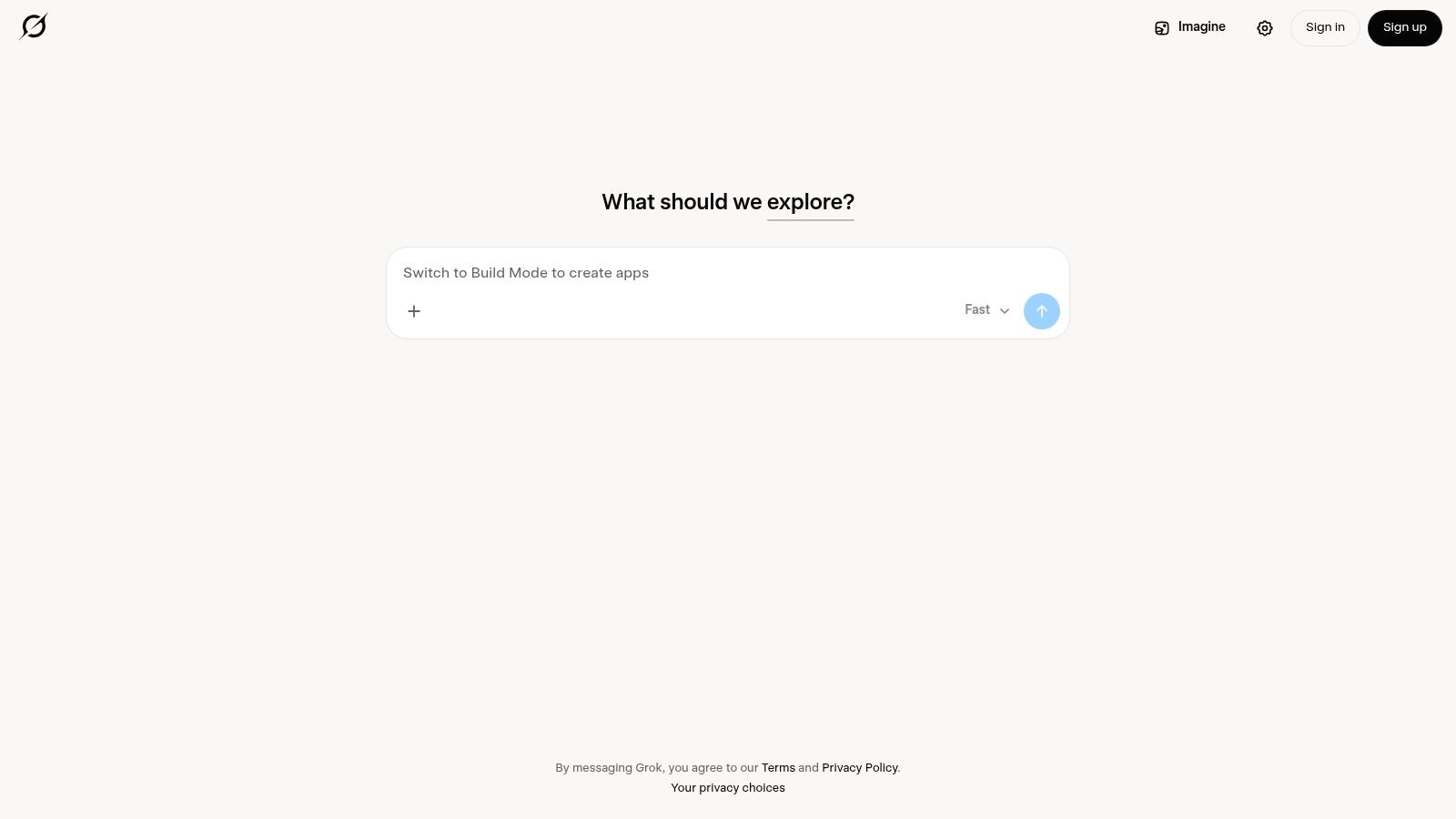
Grok is therefore better for trend sensing than formal customer evidence. Use it to generate questions for interviews, not to replace interviews. Enterprise compliance and administrative controls are still developing compared with the larger workplace suites, so a company with strict data requirements should run a proper review before sharing internal material.
You.com sits between an AI search product and a multi-model workbench. It combines chat, web browsing, citations, code tools, and structured multi-step responses. That combination suits founders who want research and technical exploration in one place, without treating every task as a blank chat window.
Its agent skills and developer features can support repeatable research patterns. Team and enterprise options are available, while the You.com platform provides the current view of models, plans, and access.
You.com is useful when a task has several stages. Start with a web search, ask for a comparison, inspect the cited pages, then use code tools to reshape a small dataset or produce a working artefact. That can be a handy bridge between a founder's research notebook and a developer's first implementation.
The trade-off is predictability. Plan names, model allowances, and included features can change, so a team should confirm the exact entitlement before it builds a process around one mode. Enterprise governance is also not as deep as the controls found in the biggest productivity suites.
A practical test is simple. Give the tool one real task from your week, such as analysing competitor positioning or checking an integration document. Record the sources, time saved, errors, and how much cleanup a human needed. If the result still requires a full rewrite, the assistant may be interesting without being operationally useful.
For teams comparing AI tools for the New Zealand market, You.com is worth considering when multi-model access matters more than tight office-suite integration.
Poe is a model marketplace with a single interface. Instead of choosing one assistant and staying there, a founder can move between models, compare answers, and create shareable bots. That makes it unusually useful during the selection phase, when the question is not “Which tool wins?” but “Which model handles this job with the least fuss?”
The platform brings together models from providers including OpenAI, Anthropic, and Google. It offers mobile and desktop apps, bot creation, and a community library. Visit Poe by Quora for the current model list and subscription details.
Poe works well for a product workshop. Give several models the same customer email, product brief, or coding prompt, then compare clarity, omissions, tone, and follow-up behaviour. That side-by-side view often reveals more than a single model's polished demo.
It's also useful for quick prototypes. A founder can create a bot with a defined persona or instruction set and share it with a small group. This isn't the same as deploying a production assistant, but it can expose confusing prompts and weak conversation paths before a developer spends time wiring them into an app.
The points system is the main catch. Usage is rationed through points, and exact model access and caps can change. Heavy users may find that less convenient than a direct provider account, especially when an important test consumes more capacity than expected.
Use Poe as a comparison lab and prototype bench. If one model clearly fits the workflow, assess a direct plan or API relationship separately. Convenience is the point, but convenience can also hide the underlying commercial terms.
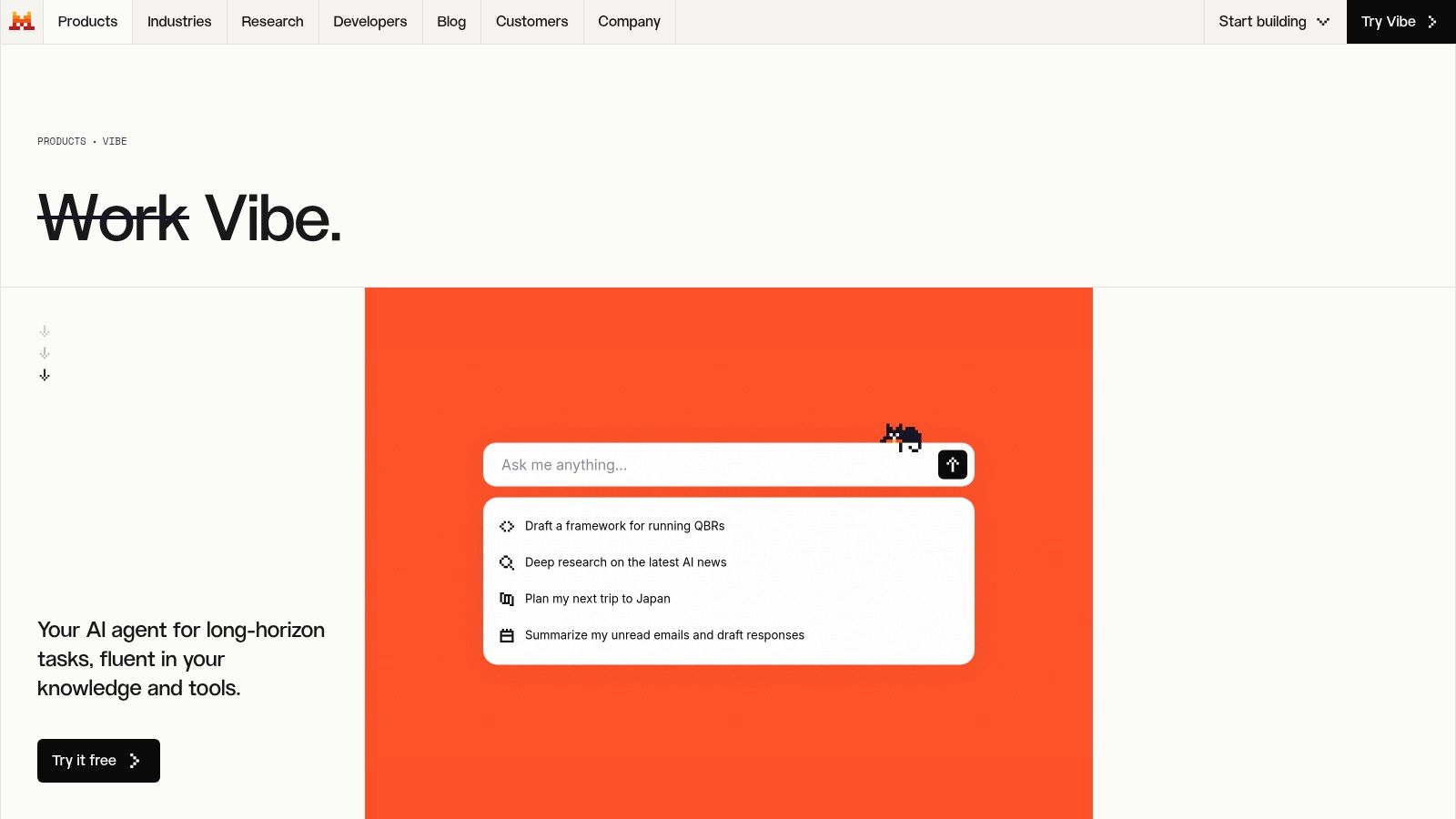
Mistral Vibe takes a pragmatic route through chat, documents, and coding. It includes Vibe for work and Vibe for code, with a free tier and Pro access for higher limits. The product also includes access to AFP news material and other knowledge sources. Current product names and plan inclusions have evolved, so check Mistral Vibe before treating an old review as a buying guide.
Mistral Vibe can appeal to a founder who wants document handling and coding help without committing every workflow to a large office suite. A developer might use the coding agent to understand a repository, draft tests, or review a proposed change. An operator might use the work assistant to extract themes from a set of documents.
The performance-to-price balance can be attractive, particularly for smaller teams watching consumption. The important word is balance, not magic. A lower-cost route still needs testing against your documents, coding style, languages, security requirements, and tolerance for manual review.
Governance remains the question for a growing company. Enterprise features are improving, but some needs may require a conversation with sales rather than a self-serve switch. Ask where data travels, who can administer access, how logs work, and what happens when the team moves from experiments to customer-facing code.
Mistral Vibe suits a technical pilot with clear boundaries. Keep production secrets out of exploratory sessions, pin versions where possible, and require human review for code that touches authentication, payments, personal information, or customer records.
Character.AI is built around personas rather than workplace productivity. Users chat with existing characters or create their own, which makes the platform useful for brainstorming, scenario testing, creative development, and early conversational UX experiments.
The Character.AI platform includes character creation, social features, mobile apps, and priority functions through c.ai+. Its large library of user-created personas gives founders a broad set of conversation styles to test.
A product team could use Character.AI to simulate a doubtful customer, an impatient buyer, a new employee, or a user who misunderstands the product. That can reveal awkward wording and missing context. It's a fast way to generate dialogue, especially when a team wants to explore several personalities before designing a formal research script.
The weakness is fidelity. Character behaviour varies, and the assistant isn't a dependable source for market facts, policy interpretation, or competitive analysis. A lively role-play can feel insightful while still reflecting the character prompt more than real customer behaviour.
Keep the use case narrow:
For founders, Character.AI belongs near the whiteboard, not in the system of record. It can make an early concept feel tangible. That's valuable, provided the team remembers that plausibility isn't proof.
| Product | Core strengths | UX / Quality ★ | Unique selling points ✨ / 🏆 | Target audience 👥 | Pricing / Value 💰 |
|---|---|---|---|---|---|
| Anthropic Claude | Long‑context reasoning; Claude Code for dev; Cowork agents | ★★★★☆ | ✨Safety‑first, agentic workflows; 🏆Reliable long‑form reasoning | 👥 Product teams, operators, developers | 💰 Individual/Team/Enterprise; API & enterprise usage can be costly |
| Google Gemini (consumer) | Gemini app + Google services; Docs/Drive/Gmail integrations | ★★★★☆ | ✨Deep cross‑product integration; 🏆Rapid feature rollout | 👥 Google Workspace users, orgs in Google ecosystem | 💰 Tiered plans (AI Plus/Pro/Ultra); APIs with per‑unit pricing |
| Microsoft Copilot | Native M365 integration; Copilot Studio; governance tools | ★★★★★ | ✨Enterprise governance & custom copilots; 🏆Best for regulated orgs | 👥 Enterprises, IT/admins, M365 customers | 💰 Free web + paid tiers; often requires additional M365 SKUs |
| Perplexity AI | LLM + live web search; citation‑first UX; Projects & uploads | ★★★★☆ | ✨Inline citations & sourceable answers; 🏆Research/competitive intelligence | 👥 Founders, analysts, marketers, researchers | 💰 Free + Pro/Research; Max tier pricey, usage allowances vary |
| Meta AI | Embedded across WhatsApp/IG/Messenger/Facebook; image tools | ★★★☆☆ | ✨Wide consumer distribution; 🏆Free reach across Meta apps | 👥 Consumer experiments, social teams, SMBs | 💰 Free access; expanding API/model availability |
| xAI Grok | Real‑time X‑grounded responses; multiple conversational modes | ★★★★☆ | ✨Trend‑aware, social‑context grounding; 🏆Realtime insights | 👥 Social analysts, trend trackers, journalists | 💰 Access tied to X subscriptions; higher limits with Premium+ |
| You.com | Multi‑model chat + browsing; structured multi‑step responses | ★★★☆☆ | ✨Research‑oriented multi‑model UX; agent skills & APIs | 👥 Research teams, devs wanting model flexibility | 💰 Free + Pro/Enterprise; plan names/allowances can change |
| Poe by Quora | Aggregates multiple frontier models; fast model switching | ★★★★☆ | ✨Unified model hub & community bots; 🏆Easiest model comparison | 👥 Model testers, prototypers, educators | 💰 Free + points/subscriptions; usage is rationed |
| Mistral Vibe | Efficient European models; Vibe for work & code; doc handling | ★★★★☆ | ✨Strong doc understanding & coding agent; 🏆Good perf/price | 👥 Developers, teams focused on docs & coding | 💰 Free tier + Pro upgrades; competitive pricing |
| Character.AI | Persona‑based conversational platform; user‑created characters | ★★★☆☆ | ✨Huge library of personas for ideation; 🏆Rapid conversational prototyping | 👥 UX researchers, creatives, consumer product teams | 💰 Free + c.ai+ premium for priority features |
There isn't one universal winner among AI tools like ChatGPT. The better question is, “Which assistant fits this job, this team, and this level of risk?” A founder researching a new market needs a different tool from a developer reviewing authentication code, and both differ from an operator working inside Outlook or Google Docs.
Match the tool to the working day. Claude is a strong candidate for careful long-context work and coding. Gemini suits teams already organised around Google services, while Copilot fits Microsoft 365 operations and formal administration. Perplexity and You.com are natural choices for source-led research. Meta AI works for experiments inside Meta channels, and Grok is useful when social and trend context matters.
The remaining choices have distinct jobs too. Poe is a practical model comparison bench. Mistral Vibe is worth testing for coding and documents, especially when a smaller team wants a focused builder-oriented workflow. Character.AI is best for persona testing, ideation, and conversational scenarios, not verified business analysis.
New Zealand's adoption figures make this a governance issue, not a novelty exercise. The government's AI strategy cites 67% of larger New Zealand businesses using some form of AI in 2024, up from 48% in 2023, and says generative AI could add NZ$76 billion to the economy by 2038, a projection equivalent to more than 15% of GDP. The New Zealand AI strategy provides the local policy context. In a separate Datacom report, 91% of NZ organisations were reported as using AI, with general-purpose assistants such as ChatGPT, Gemini, and Claude the most common category at 68%. Datacom's 2026 State of AI Index shows why informal experimentation can quickly become business infrastructure.
Run a small pilot before rolling anything across the company. Use real but controlled workflows, such as a research brief, a code review, an internal meeting summary, or a support draft. Measure the work qualitatively and practically: Did the output help? What did a human have to correct? Could another team member repeat the process?
Then check the details that demos tend to hide:
The Ministry for Regulation's Responsible AI in Action guidance took effect in 2026 as non-binding guidance for regulators. The official guidance is a useful local reference when teams discuss safety, accountability, and responsible deployment.
NZ Apps also covers the wider app and technology scene across New Zealand and Australia, including tools relevant to founders and operators. Use its directory and editorial coverage alongside direct product testing, especially when you're comparing local market fit rather than model features alone.
Choose the assistant that makes the whole workflow better, not the one that wins a screenshot comparison. Start narrow, keep a human accountable, and expand only when the tool earns its place.
NZ Apps covers app companies, AI platforms, SaaS products, and technology resources across New Zealand and Australia. Visit NZ Apps to explore regional tools and practical coverage for founders evaluating what to use next.
Add your NZ or Australian app or tech company to the NZ Apps directory and get discovered by founders and operators across the region.
Get ListedReach tech decision-makers across New Zealand and Australia. Sponsored and dofollow editorial links, permanent featured listings, and sponsored articles on a DA30+ .co.nz domain.
See Options