
It's late. Your product works, your NZ landing page is live, and you're staring at a blank outreach spreadsheet. You've got tabs open for Ahrefs, an email finder, and a local tech publication. Which one should you use first?
That's the snag with the best link building tools. They solve different problems, yet they're often sold as though each one can handle the whole campaign. A backlink index won't write a good pitch. An email finder won't tell you whether a publisher deserves your time.
For NZ and AU founders, the job isn't to collect the biggest pile of links. It's to find relevant publications, associations, and directories, give them a sound reason to mention your business, and check what happens next.
Start lean: Buy help for the task that slows you down, not for the campaign you hope to run someday.
The budget concern is real. In MBIE's business digital-capability findings, 48% of businesses said affordability or value-for-money concerns kept them from being as digitally enabled as they could be.
Most founders don't need every tool below. This guide to link growth tools for bootstrapped founders offers another lean-stack perspective. The useful split is simple: research, prospecting, outreach, and monitoring.
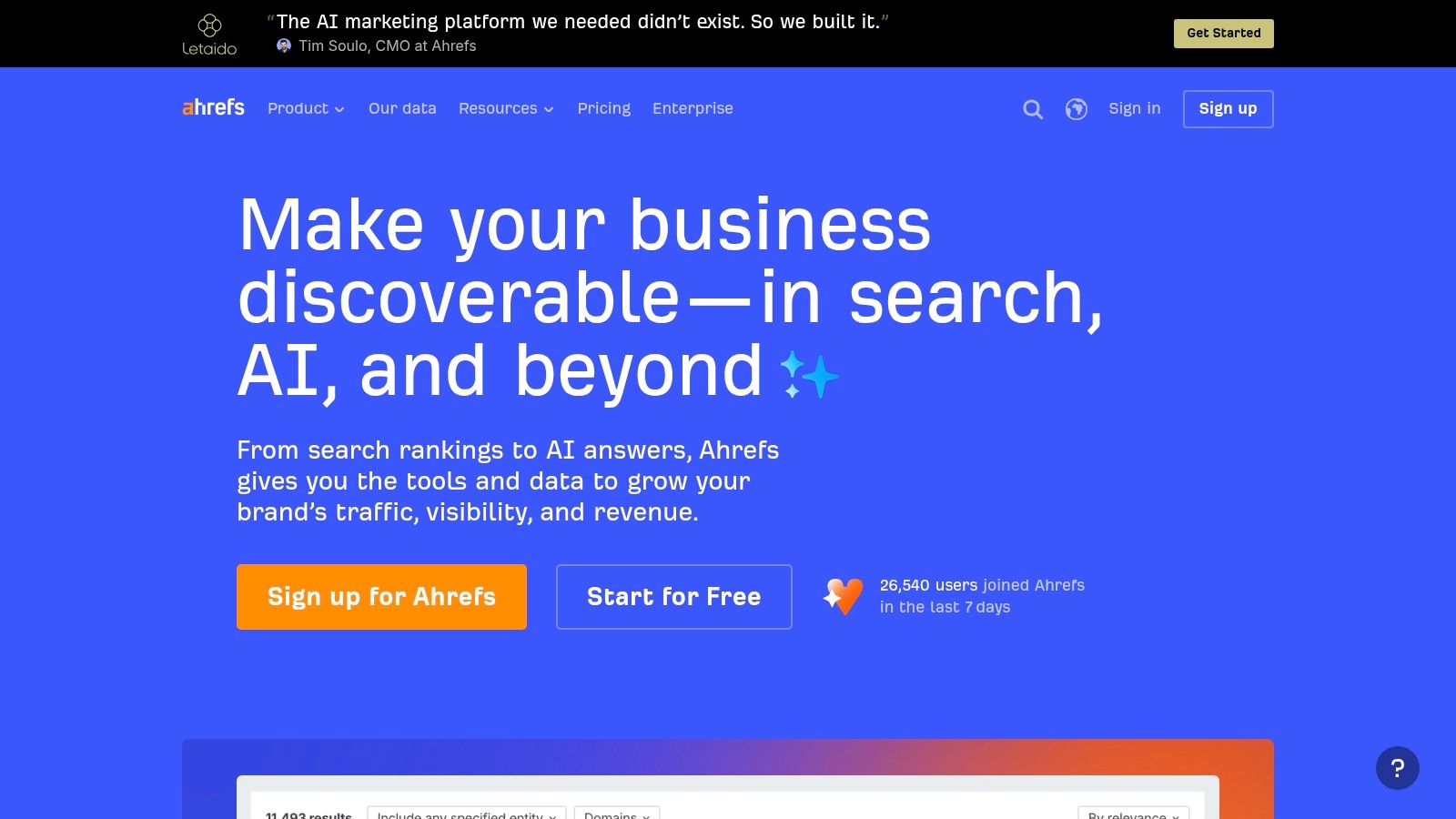
Best for competitor backlink research and prospect discovery.
Ahrefs is a strong starting point when you don't know which sites might link to you. Site Explorer shows referring domains and linking pages, while Link Intersect helps you find sites that link to competitors but not your business.
Say you sell rostering software in New Zealand. Rather than copying a global software giant's backlink profile, inspect regional competitors and related workplace tools. Look for hospitality associations, business publications, partner directories, and articles where your product would fit.
The useful part isn't the export. It's understanding why the publisher added the link. Was it a member listing, an original report, a founder interview, or a useful guide?
Use that context to identify gaps in your backlink strategy, then build a pitch around the missing value. A competitor's association link may require membership, not a clever email.
Ahrefs offers free tools and limited free site-owner features, which can help with an early assessment. Its metrics are still estimates, though. Open the linking page before adding it to your shortlist, and don't reject a niche NZ publisher just because its global metrics look modest.
Best for teams that want research and campaign management together.
A founder who already uses Semrush for keyword research may not need another backlink platform. Backlink Analytics, Backlink Gap, Backlink Audit, and its Link Building Tool cover much of the path from competitor review to outreach management.
That breadth is the appeal. It's also the catch. A small team can spend more time configuring reports than talking to publishers.
For an Australian SaaS company entering New Zealand, compare more than product features. Review which competitors earn regional press, appear in industry directories, and publish resources that local businesses reference.
Use clear competitor analysis parameters so you're comparing businesses with similar buyers and market reach. Otherwise, your prospect list may fill with overseas publications that have little reason to cover your launch.
Treat audit warnings as prompts to investigate, not instructions to remove links. Check the actual page, its editorial purpose, and the surrounding content before making a call.
I'd choose Semrush when the team will use its broader SEO tools each week. If all you need is a short list of local publishers, its breadth may be more dashboard than you need.
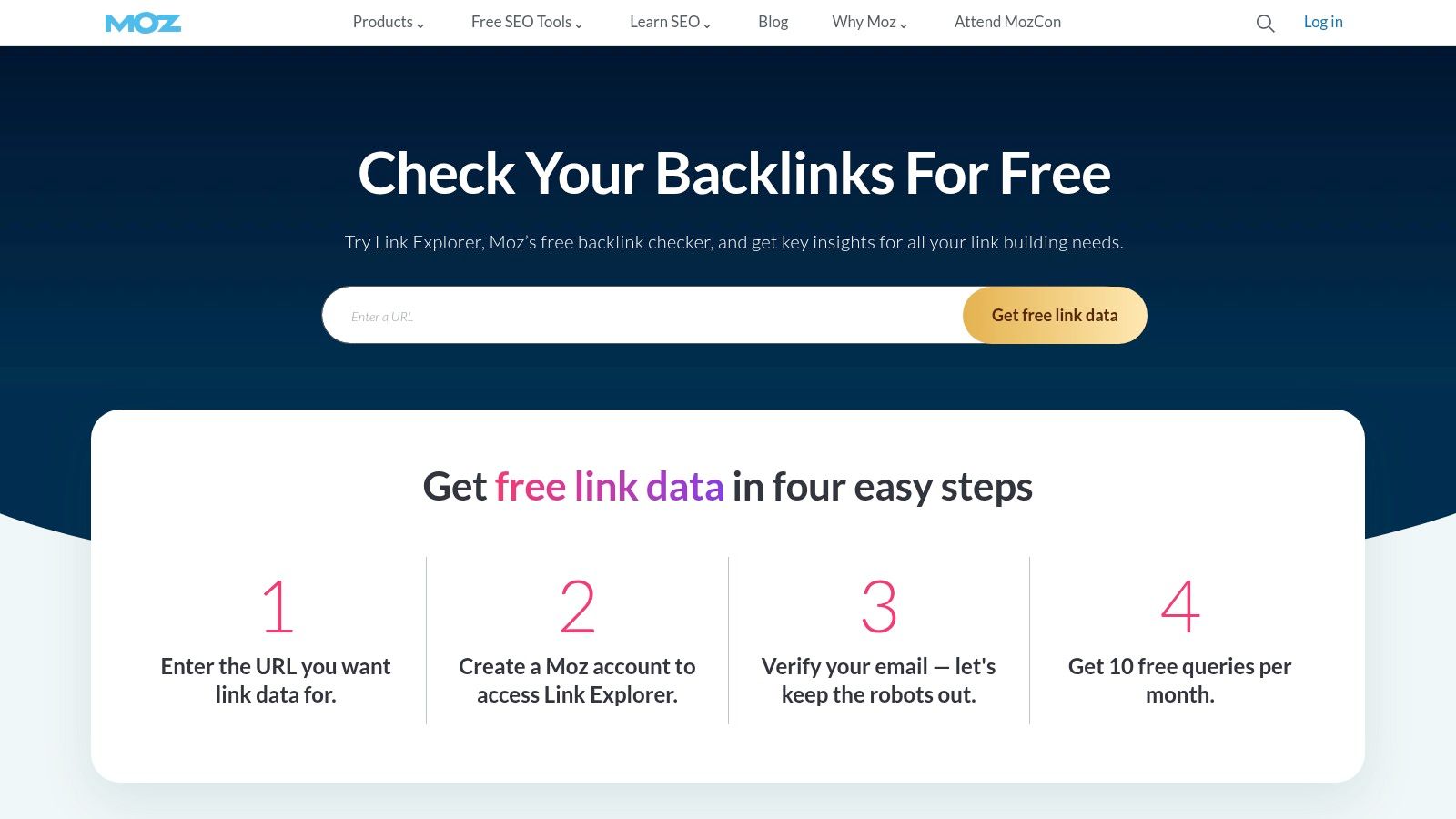
Best for reviewing prospects without treating authority scores as gospel.
A publisher sends you its Domain Authority score. Great. Who reads the site?
Moz Link Explorer helps you inspect inbound links, linking domains, anchor text, and page-level link patterns. Its Domain Authority and Spam Score give teams a shared way to discuss prospects, but neither metric proves that a placement will reach your buyers.
Say you're choosing between a broad lifestyle site and a specialist accounting association. For an expense-management app, the association may offer the better audience fit, even if its authority score is lower.
Check recent articles, named contributors, the directory structure, and the proposed destination page. A relevant listing beside useful member resources is a different proposition from a buried page packed with unrelated commercial links.
A publisher's score can help you sort a list. It can't tell you whether your next customer reads the site.
Limited free Link Explorer access makes Moz useful for early checks. The wider platform also includes rank tracking and site audits, so paid access makes more sense when those tasks belong in your workflow.
The trade-off is access limits. Free checks won't support deep ongoing research, while a full subscription may be more than you need for prospect qualification alone.
I'd use Moz to add context to a shortlist, not to enforce a rigid authority threshold. Keep room for small, credible NZ and AU publishers. The point is to reach the right people, not win a spreadsheet beauty contest.
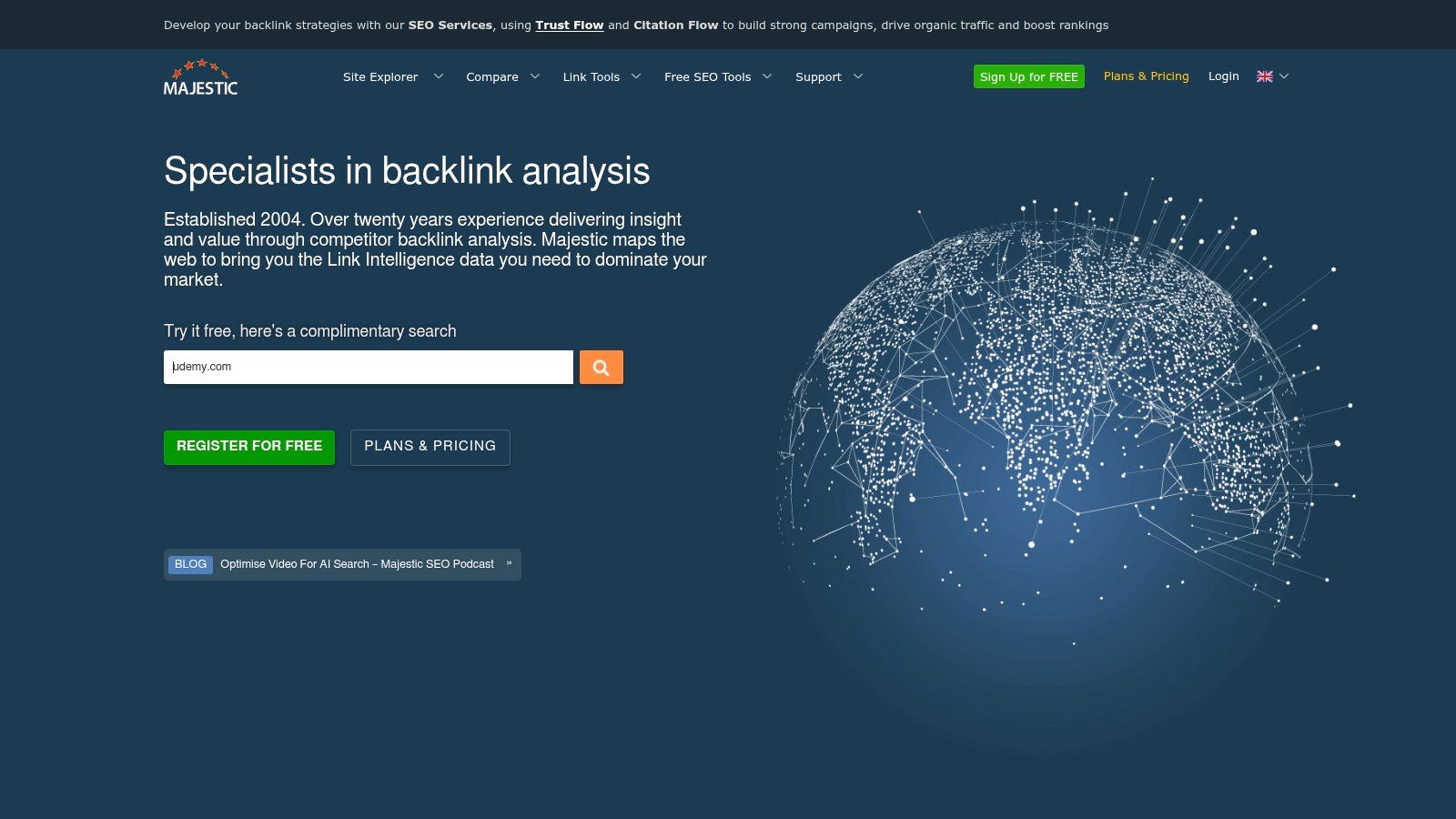
Best for a deeper look at a publisher's backlink context.
Majestic suits the qualification stage, when you've found a publisher but aren't sure what sits behind its apparent authority. Its Fresh and Historic indexes, Site Explorer, and link-context reports help you investigate rather than guess.
Trust Flow and Topical Trust Flow can help you shortlist relevant sites. They're proprietary metrics, not final verdicts on quality, so pair them with a manual review.
For a healthtech startup, inspect whether a prospective publisher earns links from healthcare, business, education, or relevant technology sites. Then read the publisher itself. Useful backlink context doesn't excuse weak articles or a poor audience match.
Majestic's bulk backlink checking can help when a directory search leaves you with a messy prospect list. Its Link Graph and context reports are useful when you need to understand relationships between sites rather than count referring domains.
Don't turn a topical mismatch into an automatic rejection. A national business publication may cover many subjects and still be a sound place for a SaaS founder interview.
I'd add Majestic when publisher assessment has become a serious task. For a first campaign aimed at a few clearly relevant associations, manual review may be enough.
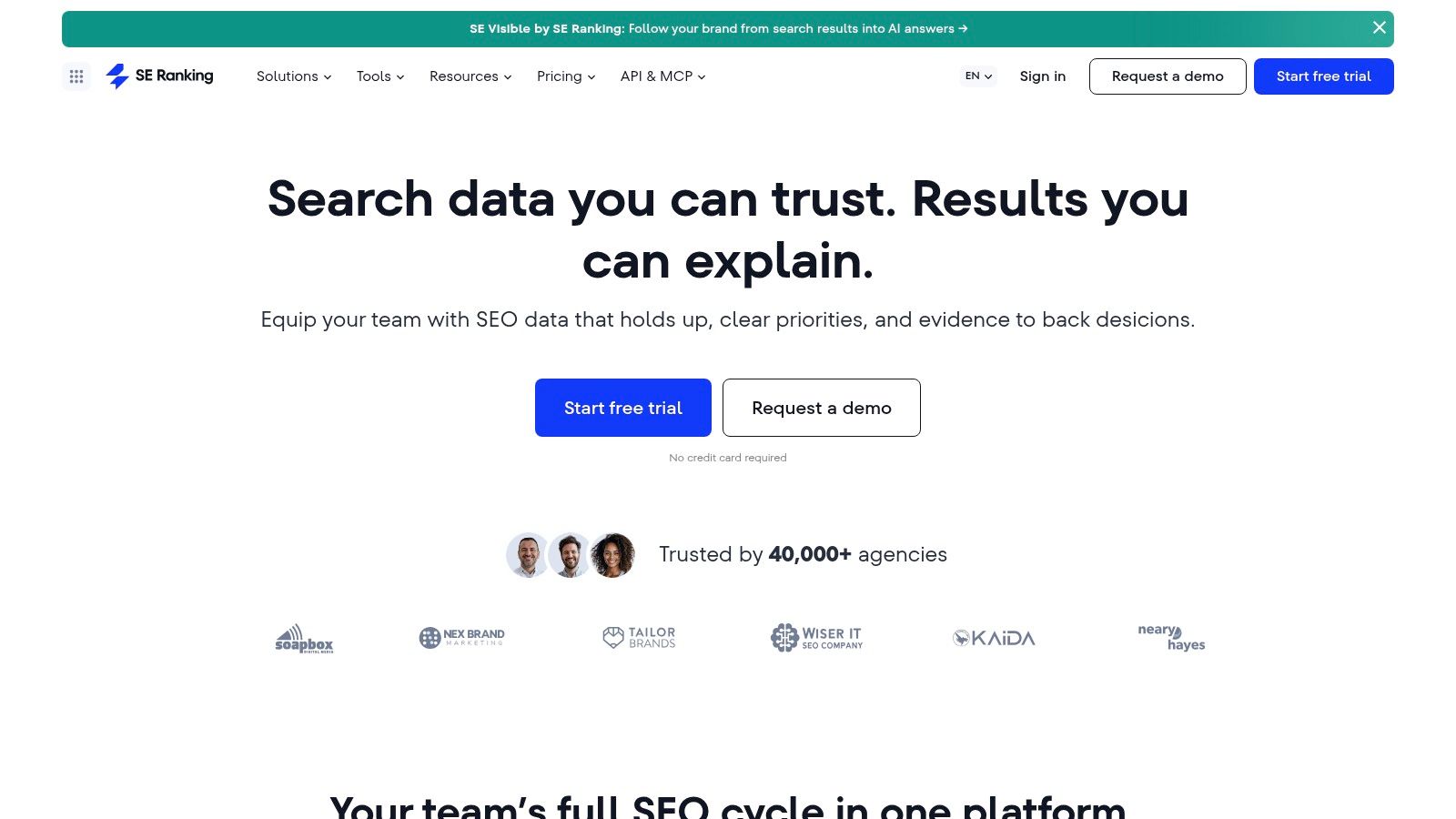
Best for combining backlink research with ongoing SEO reporting.
Your campaign doesn't end when an editor replies yes. You still need to record the live page, check the link, and watch the destination page's search performance.
SE Ranking combines Backlink Checker and backlink monitoring with keyword tracking and site audits. That makes it worth considering for founders who want to manage routine SEO work in the same place as link research.
For an AU software company launching in New Zealand, group prospects by the page they should reference. A local product page, a useful guide, and a partner resource each serve different readers.
Use Backlink Checker to inspect competitor domains and pages that attract links. Then monitor acquired links for gains and losses, while keeping notes on the campaign and intended audience.
API access can support custom reporting, but check its availability and limits before designing a workflow around it. There's no joy in building a report that needs a different plan to run.
No backlink database will show every link. Keep your own placement record and verify important pages directly. I'd choose SE Ranking when link work is part of a broader, recurring SEO routine rather than a standalone research project.
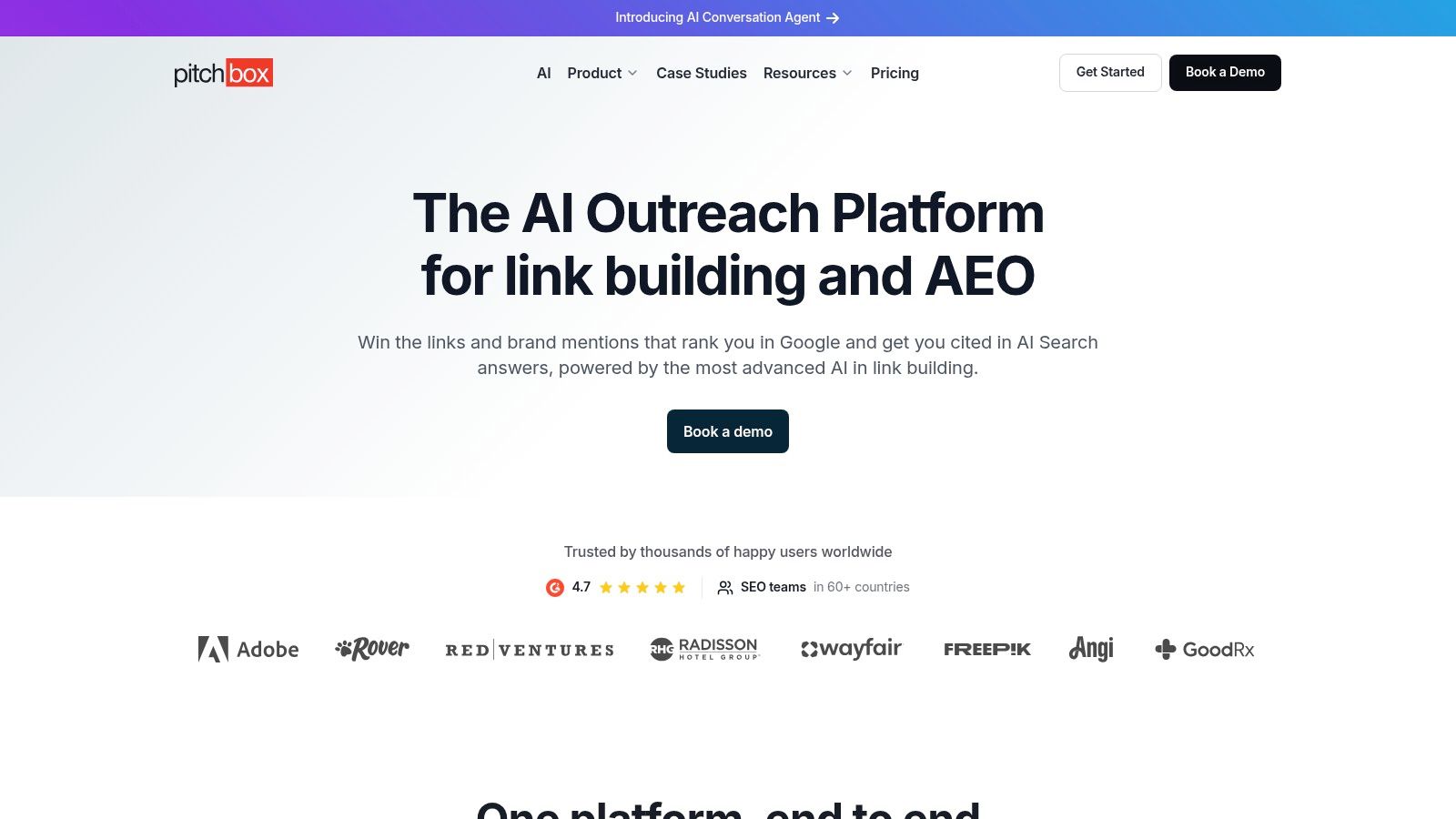
Best for teams managing ongoing outreach and digital PR campaigns.
Pitchbox handles the operational side of link building: prospects, contacts, email sequences, follow-ups, conversation history, reporting, and link monitoring. Its integrations with Ahrefs, Semrush, Moz, and Majestic can bring SEO context into the outreach workflow.
It makes sense when several people need clear ownership of campaigns. It makes less sense when a founder sends the occasional carefully written pitch.
Build separate campaigns for different offers. A founder interview, a directory submission, and a broken-resource replacement need different messages and follow-up logic.
For local SEO link building, qualify the publication before importing the contact. A local domain alone isn't enough. Check whether it covers your sector, serves the right region, and has a clear editorial purpose.
Outreach guardrail: Personalise the reason for contact. Swapping a first name into a generic link request isn't personalisation.
Pitchbox's main strength is workflow control. Teams can keep contact records, campaign stages, and follow-ups together rather than trying to reconstruct conversations from inboxes.
The trade-offs are cost, complexity, and commitment. Its listed plans require an annual commitment even where billing is monthly, so read the terms before signing up. A busy interface won't rescue a weak offer, either.
I'd choose Pitchbox when outreach coordination is a recurring bottleneck. If the problem is that nobody wants the content you're pitching, put the budget into a stronger resource or story first.
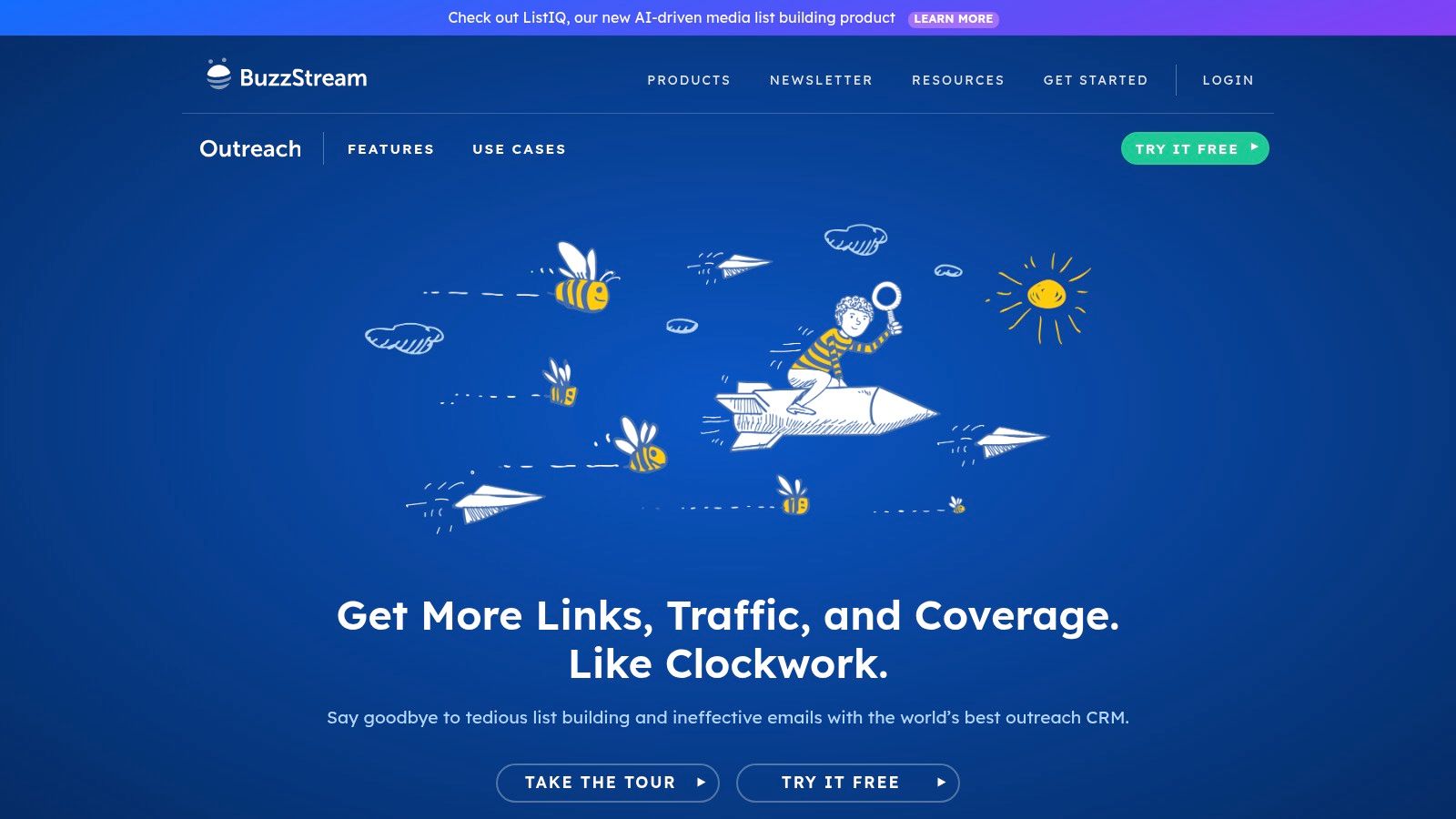
Best for keeping publisher relationships and conversations organised.
An editor replies to your co-founder. You send the same editor another pitch. Neither email looks great.
BuzzStream helps prevent that sort of avoidable mess. It combines contact discovery, prospect organisation, email templates, tracking, follow-up reminders, and campaign records for blogger outreach and digital PR.
Keep notes that explain the relationship, not just the status. Record the editor's beat, the angle they declined, any future topic they suggested, and who should reply.
That matters when your target list includes regional publications and specialist associations. You want the next pitch to reflect the previous conversation, not pretend it never happened.
Its entry price is more accessible than enterprise-oriented outreach platforms, and listed monthly plans don't require a minimum contract. Contact and prospecting quotas still vary by plan, so compare them with your actual campaign needs.
BuzzStream is less useful if you're running a small, one-off campaign that a tidy spreadsheet can handle. The case for paying gets stronger when follow-ups slip, contacts overlap, or several people pitch the same publishers.
I'd choose it for a lean marketing team that needs a shared memory. Pair it with a research tool, rather than expecting it to find and assess every worthwhile link opportunity.
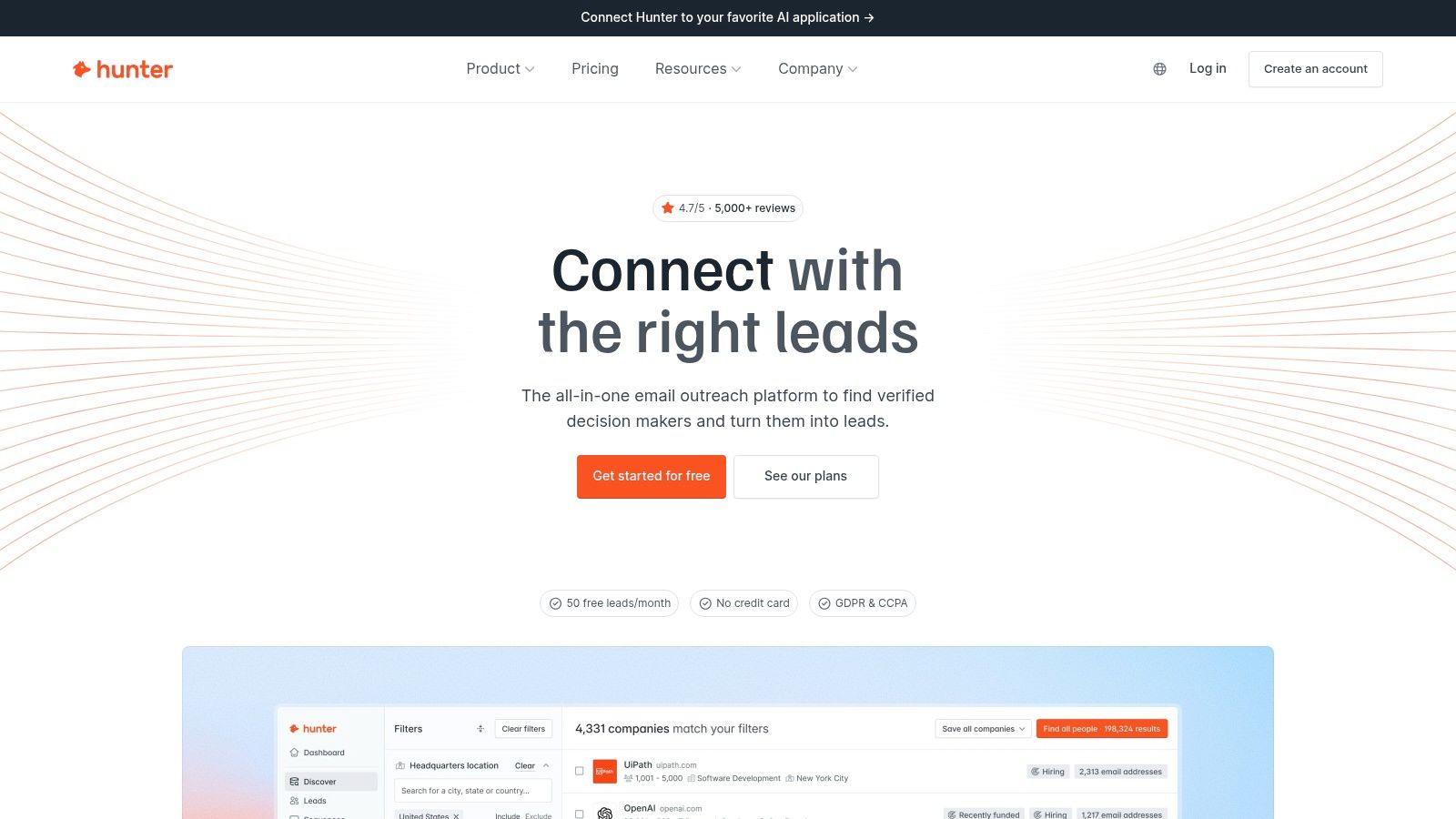
Best for finding and checking professional email addresses.
You've found the right article and a useful angle. The only contact detail on the site is a general enquiry form.
That's where Hunter fits. Domain Search and Email Finder help you locate professional contact details, while email verification helps you assess addresses before sending. It also offers outreach sequences, follow-ups, a browser extension, an API, and team access.
Start with the publisher's contact page, masthead, and submission guidance. If the publication names a preferred route for pitches, use it rather than hunting for a way around it.
For an industry association, the right person may manage member resources rather than editorial coverage. For a tech publication, check the writer's current role and recent topics before adding them to a campaign.
Email availability and accuracy vary. Verification isn't a promise that a person still holds the role, wants your pitch, or has authority to approve a placement.
Credit limits can also constrain a larger campaign. Avoid spending credits on a raw domain export that nobody has reviewed.
I'd use Hunter after prospect qualification, not before it. A verified address for the wrong person is still the wrong address, and a large contact list can hide a very small set of worthwhile opportunities.
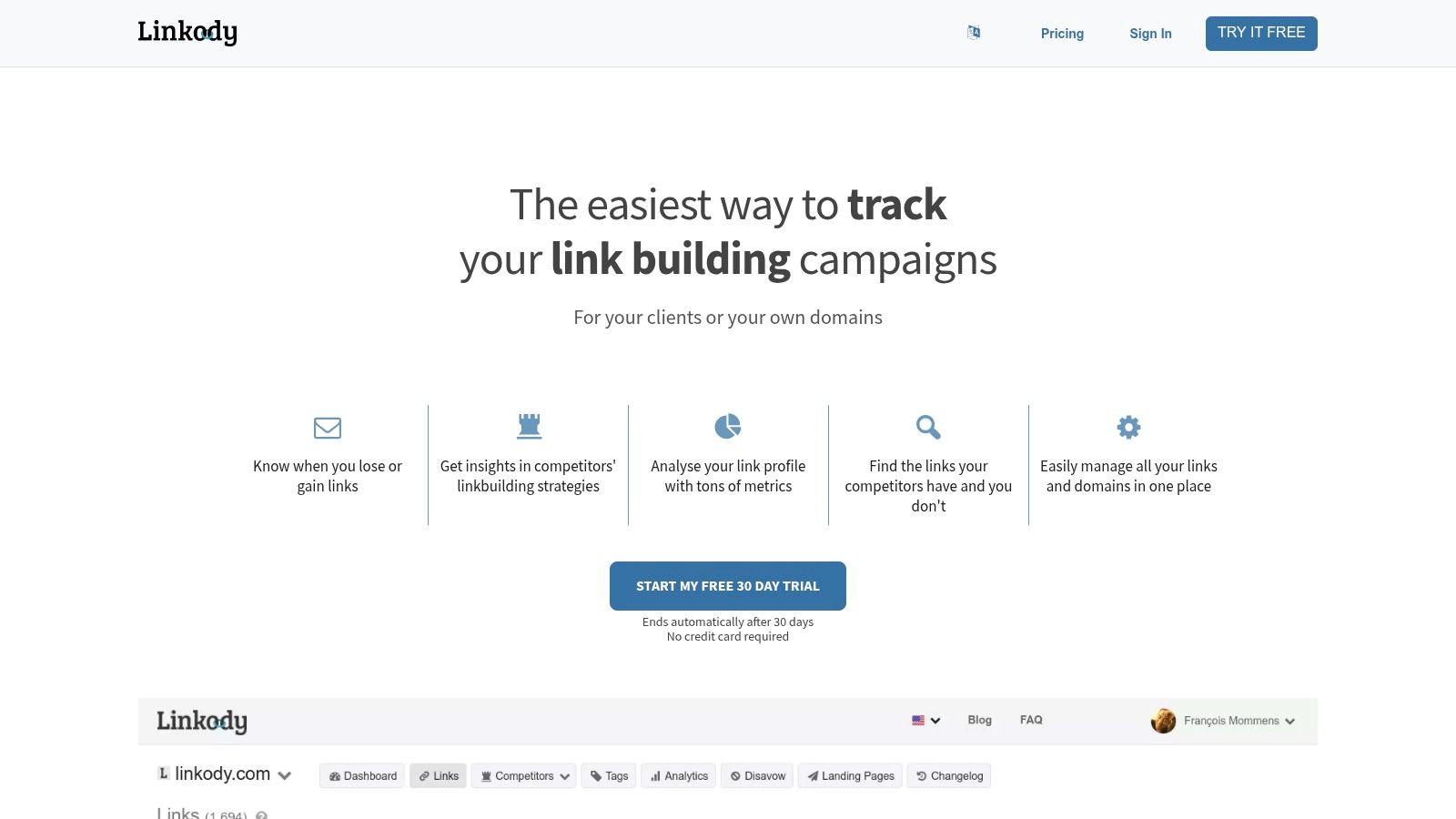
Best for focused monitoring after links go live.
Linkody is a companion to prospecting and outreach tools, not a replacement for them. It checks backlink status, sends email alerts, and helps you organise links with tags, notes, filters, and exports.
That focus suits a founder who wants a clear answer to a plain question: Are the links we earned still there?
When a tool flags a lost link, open the source page before emailing the publisher. A page move, redirect, or temporary access problem may explain the alert.
Keep a record of the original source URL, destination page, anchor text, campaign, and publisher contact. Use tags to separate editorial coverage, association listings, directory entries, and sponsored placements.
Linkody also provides CSV and PDF exports and a disavow workflow. Don't treat that last feature as routine housekeeping or act on a score alone. Investigate the link and the wider circumstances before deciding it needs action.
Its trial can help you test the monitoring workflow before committing. I'd compare that workflow with the monitoring already included in your SEO suite, because paying twice for the same job is an easy mistake.
The value comes from acting on useful alerts, not collecting them. Assign someone to review changes and decide whether a restoration request is worth sending.
Best for a free baseline view of your own site's links and search performance.
Google Search Console belongs in a lean stack even if you pay for other tools. Verified site owners can review top external linking sites and pages, internal links, and exportable link data without a subscription.
The main limit is scope. It isn't a competitor research platform, an outreach system, or a link-quality scoring tool.
Google says the Links report isn't a complete list and may include links that have disappeared. Don't use it as proof that every placement is live, or assume an absent link has no value.
Use it alongside a placement log and direct page checks. Connect the campaign with broader website performance measurement, including search queries, landing-page clicks, and relevant conversions in your analytics.
You can also use indexing and page reports while you identify broken links using Search Console. Check the destination itself, though, because the Links report alone isn't a live broken-backlink checker.
I'd set up Search Console before paying for specialist monitoring. It won't explain every ranking change, and a rise after outreach doesn't prove the links caused it. It does give you a useful baseline for asking better questions about the pages you're promoting.
Each tool supports a different part of a link campaign. Research tools help find and assess prospects; outreach platforms organise contact and follow-up; monitoring tools track links after they are placed. For an NZ or AU SaaS founder approaching local publications, industry associations, or directories, the best fit depends on which task is slowing the campaign down.
| Item | Core Function | Free Access | Best For | Main Limitation |
|---|---|---|---|---|
| Ahrefs | Backlink research and competitor link-gap analysis | Free tools and limited site-owner features | SEO research and finding link prospects | Data depth and exports depend on plan; metrics do not prove link quality |
| Semrush | Backlink analysis, auditing, and outreach workflows | Paid plans; check current trial terms | Teams combining link building with broader SEO work | Broad feature set and plan-dependent pricing may not suit small teams |
| Moz Link Explorer | Backlink, linking-domain, and anchor-text research | Limited free access | Comparing backlink prospects using familiar metrics | Domain Authority does not establish relevance or link value |
| Majestic | Backlink indexes and link-context analysis | Paid plans; check current trial terms | Focused backlink investigation and bulk checks | Proprietary metrics are not definitive quality scores |
| SE Ranking | Backlink research and monitoring | Paid plans; check current trial terms | Combining link research with other SEO tasks | Coverage and data depth may vary by plan |
| Pitchbox | Link-building and digital PR outreach management | Paid plans; check current trial terms | Agencies and teams running scaled outreach | Can be costly and complex for occasional outreach |
| BuzzStream | Publisher contact management and outreach campaigns | Paid plans; check current trial terms | Teams coordinating blogger outreach and digital PR | Not a replacement for a backlink research tool |
| Hunter | Professional email discovery, verification, and outreach | Free tier available | Finding publisher or editor contact details | Does not discover or assess backlink opportunities |
| Linkody | Backlink monitoring and link management | Free trial available | Tracking acquired links and competitor link changes | Primarily a monitoring tool, not a full outreach platform |
| Google Search Console | Reporting on links Google has found for a verified site | Free for verified site owners | Monitoring links to your own website | Not a prospecting or competitor research tool; link data is incomplete |
Use the table to build around the work you need to do. Ahrefs, Semrush, Moz, Majestic, and SE Ranking support research, but their metrics are screening aids, not a verdict on whether a New Zealand directory or Australian publication is worth pursuing. Pitchbox and BuzzStream help manage outreach; Hunter can help find contact details, but it does not judge the opportunity for you. Linkody and Search Console serve monitoring needs, with Search Console limited to links Google has found for your own verified site.
A lean campaign may need only one research tool, a way to manage publisher contacts, and a monitoring baseline. Paying for overlapping features adds cost without necessarily improving prospect relevance or outreach quality.
Choose a research tool, an outreach tool, and a monitoring tool, then run a focused campaign for 30 days. That's a working test period, not a promise of ranking gains. That stretch is where most of the useful learning happens: which NZ and AU publications reply, which angles interest them, and which tasks consume your time.
For a solo founder, I'd start with limited research access, Hunter where contact finding is a problem, and Google Search Console. A team with regular campaigns may prefer Ahrefs or Semrush, BuzzStream, and dedicated monitoring only when the existing tools leave a clear gap.
A link needs somewhere useful to send the reader. Your destination page should explain the product, who it serves, its regional relevance, and what the visitor should do next.
That foundation deserves attention. InternetNZ's business research found that 53% of surveyed New Zealand businesses had a website, while 74% considered .nz domains more trustworthy than other domains. A local domain can support trust, but it doesn't replace a clear, credible page.
Pick a campaign with a tight audience. A resource for hospitality operators, a useful integration guide, or a founder perspective on a local industry issue gives publishers more to work with than a homepage and a request for authority.
Keep paid exposure separate from earned editorial coverage in your records. Treat sponsorship as advertising, disclose it clearly, and don't buy a placement on the assumption that a dofollow link guarantees ranking value.
Regional brand visibility matters beyond a backlink count. In InternetNZ's Internet Insights survey, 55% of New Zealanders used AI search engines. That makes credible third-party coverage worth considering, but none of these tools can guarantee inclusion in an AI-generated answer.
Track relevant brand mentions and the questions buyers ask alongside your links. Then review the campaign before upgrading anything.
The best link building tools should help you make sound decisions and keep promises to publishers. Start with a useful page, a short prospect list, and a pitch worth reading. Buy more software when you can name the problem it will solve.
We publish regional tech guides and maintain a directory of app and tech companies across New Zealand and Australia, with featured listings and sponsored articles available for businesses seeking local exposure. Visit NZ Apps to explore relevant coverage and directory options for your next regional campaign.
Add your NZ or Australian app or tech company to the NZ Apps directory and get discovered by founders and operators across the region.
Get ListedReach tech decision-makers across New Zealand and Australia. Sponsored and dofollow editorial links, permanent featured listings, and sponsored articles on a DA30+ .co.nz domain.
See Options