
You've got a dozen tabs open. One swears its platform is the only grown-up choice. Another says a free plugin will do it. A third wants your card before you've listed a single product. Sound about right?
This is a working catalogue of e commerce tools and technologies, sorted by the job they do. Storefronts first. Then payments. Then the till. Then the accounting glue that keeps GST off your Sunday night.
I'm filtering every pick through NZ and AU reality. Local card rates, GST fit, and whether someone in Auckland or Melbourne will answer matter more than a global feature parade. You'll get the awkward limits too, not the brochure.
Where do you start when every homepage looks the same? With the job in front of you. A tiny catalogue on a site you already own is a different problem from a shop that also rings sales up on the floor.
Need a number so this doesn't stay vibes? The International Trade Administration country guide says New Zealand's e-commerce market grew 12.3% in 2023 to about US$7.5 billion, or NZ$12.1 billion. Demand is real. A lot of local businesses still don't run a proper online store. That's the gap these tools are meant to close.
Shopify is the hosted shop I point founders at when they want a store this month, not a side project that eats the quarter. Storefront, catalogue, checkout, and orders live in one system. Social channels and in-person selling can sit there too, once you're ready.

Shopify's NZ page lists annual-billing plans from US$29 a month for Basic. Payment processing, and some third-party transaction fees, can land on top. Shopify Payments is open to eligible NZ businesses, but location and verification decide what you get in practice.
What shows up on day one:
Stuck between this and WordPress? The Shopify vs WordPress NZ comparison lays out the local trade-off without the sales gloss.
The bill creeps. A theme plus three paid apps can dwarf that US$29. Deeper custom work often means a higher plan. I still like it when speed beats owning every line of the stack.
WooCommerce is the opposite bet. It's a free, open-source shop that runs on WordPress. You keep the design, the data, and the weird product rules. You also keep the late-night "why is checkout white" moments.
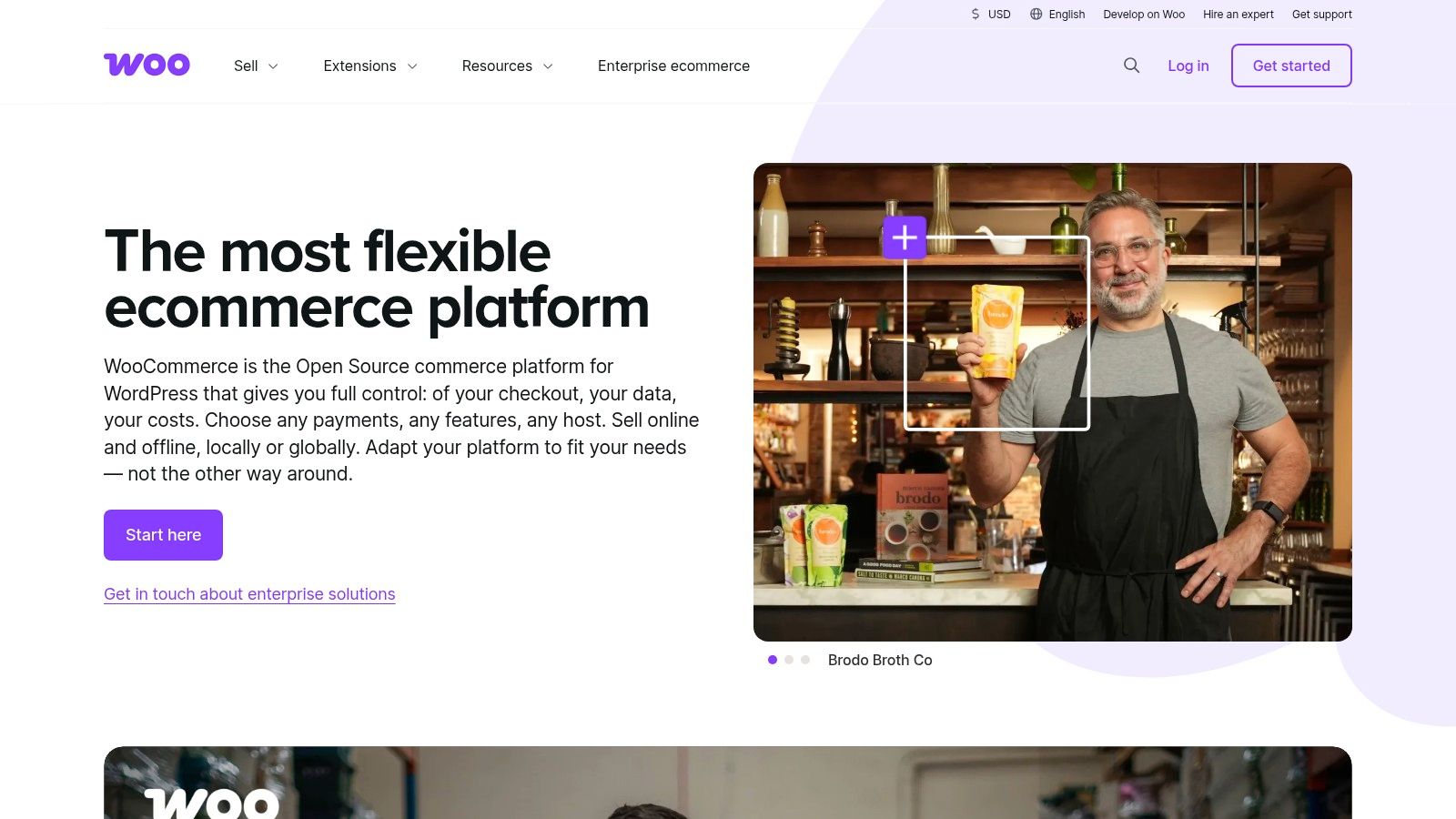
WooCommerce puts hosting for many stores around US$25 to US$350 a month. Paid extensions commonly sit at US$29 to US$299 a year. There's no platform revenue share and no forced paid tier just to sell. Physical goods, downloads, and odd made-to-order flows all fit, if you assemble them.
Practical rule: If nobody on the team will own updates, backups, and security, don't pick the "free" shop. You'll pay a developer instead, and the invoice won't feel free.
It suits a business already on WordPress that wants control. It punishes a founder who wanted to click publish and go to the warehouse. Hosting, plugins, and a payment add-on are your problem. That's the deal, and it's a fair one if you like owning the site.
BigCommerce is the other hosted lane, and it's worth a proper look before you default to the louder brand. You get a managed storefront, catalogue, and orders, plus tools aimed at selling on more than one channel.
Annual billing starts from US$29 a month, with higher tiers above that. Plans are tied to annual sales thresholds. That's the bit people skip, then resent. A quiet catalogue can sit on a low plan. A busy one can shove you up a tier even if you liked the features you already had.
This BigCommerce versus Shopify platform breakdown is useful when the two hosted options start to blur. Trial both with your real catalogue, not a demo hat.
Check before you commit:
Managed hosting means less server work. It doesn't mean the plan maths is simple. Read the thresholds like you'd read a lease.
You know what? Some businesses don't need a commerce engine. They need a clear site that also sells a short list of things. Wix is built for that mood.
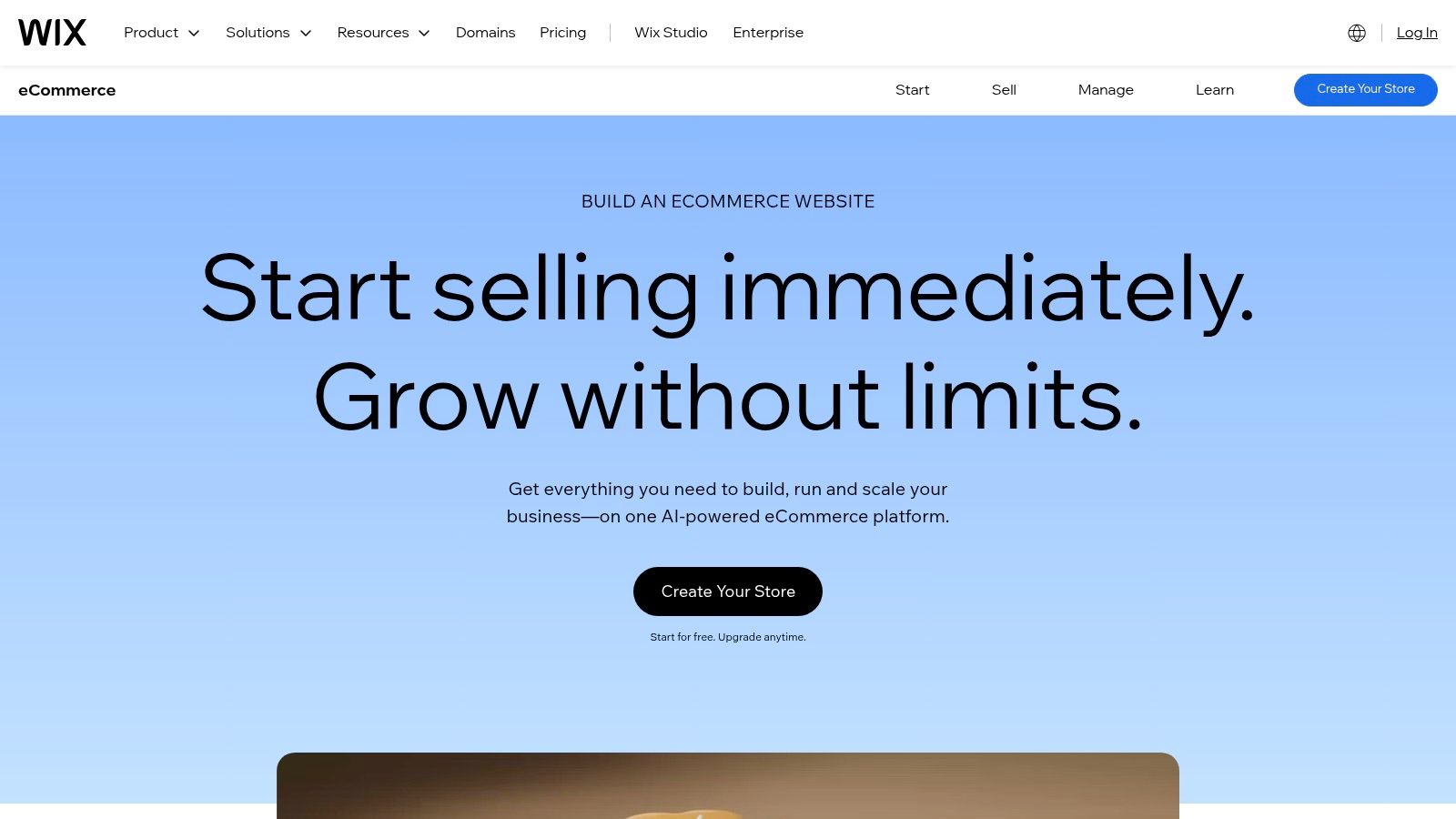
The Wix ecommerce builder is drag-and-drop. Templates, product tools, inventory, payments, and light marketing sit in the same editor. Content and catalogue share one login, which helps a studio, a cafe with merch, or a tradie who also sells a few kits.
Selling isn't on the free tier. You need an eligible paid business or ecommerce plan, and prices plus features shift by region and billing period. A visual builder gets clumsy once variants, bundles, and warehouse rules pile up.
I'd use it for a small catalogue beside service pages. I wouldn't use it as the spine of a multi-location retailer. Pretty pages won't fix a messy stock count.
Squarespace is for brands where the picture does half the selling. Think a tight range, strong photography, and a journal or lookbook beside the products. The site and the shop are one product, not two tools taped together.
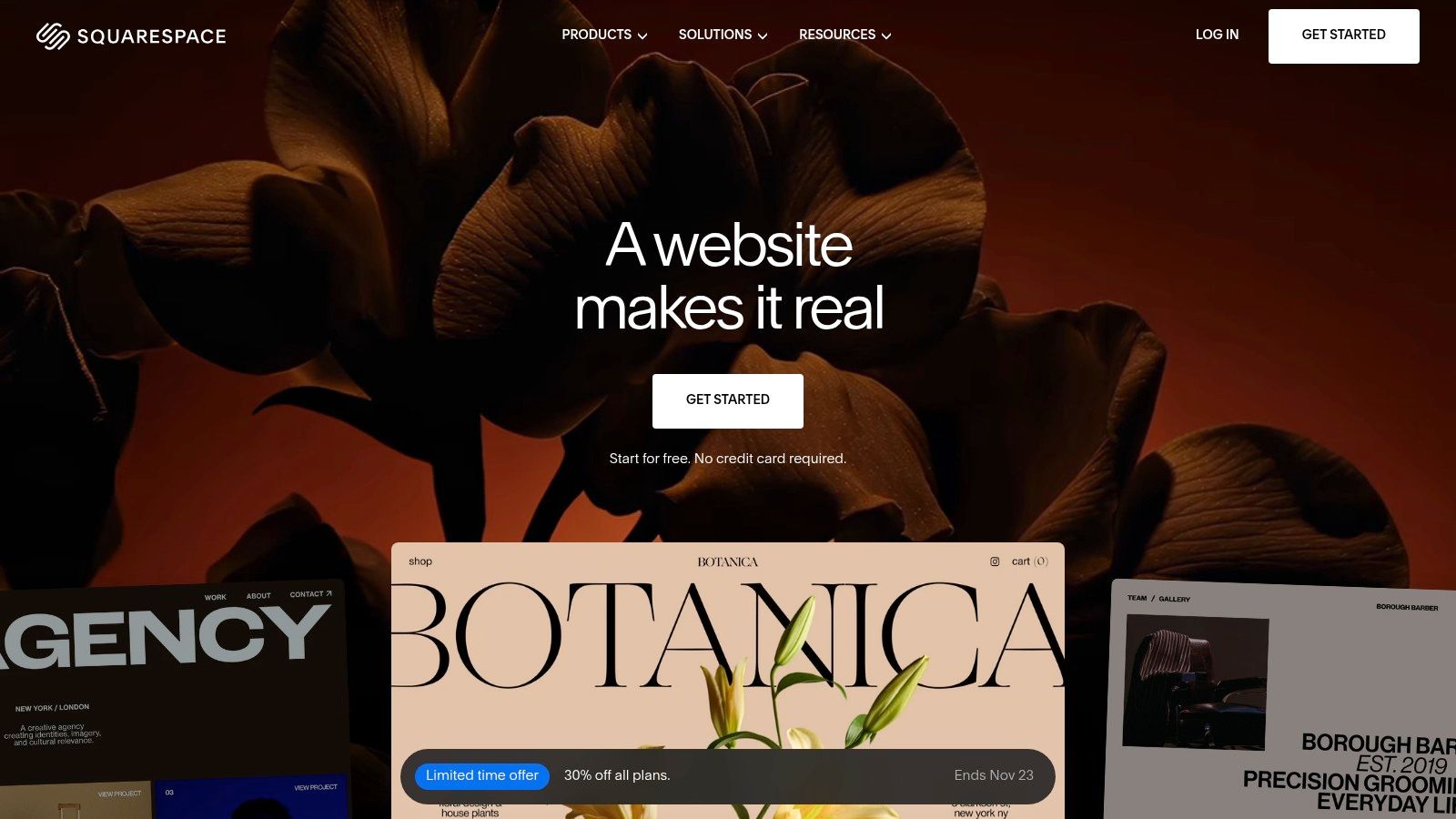
Squarespace templates lean visual. Commerce tools cover products and services, but what you can do, and how transaction fees are treated, changes by plan. That's the fine print. Confirm NZ payment processors and their fees before you subscribe. A beautiful template with a gateway you can't turn on is just a brochure.
It can simplify setup for a smaller label. It gets tight if you need deep inventory, big catalogues, or odd operational rules. Design-first isn't a slur. It's a scope. If your buyer chooses with their eyes, this stack earns its keep. If they choose on filters, stock, and bulk pricing, look elsewhere.
Ecwid is the "don't rebuild the website" option. You can drop a shop into a site you already like, or run a standalone store if you'd rather start clean. For a lot of NZ small sites, that's the whole brief.
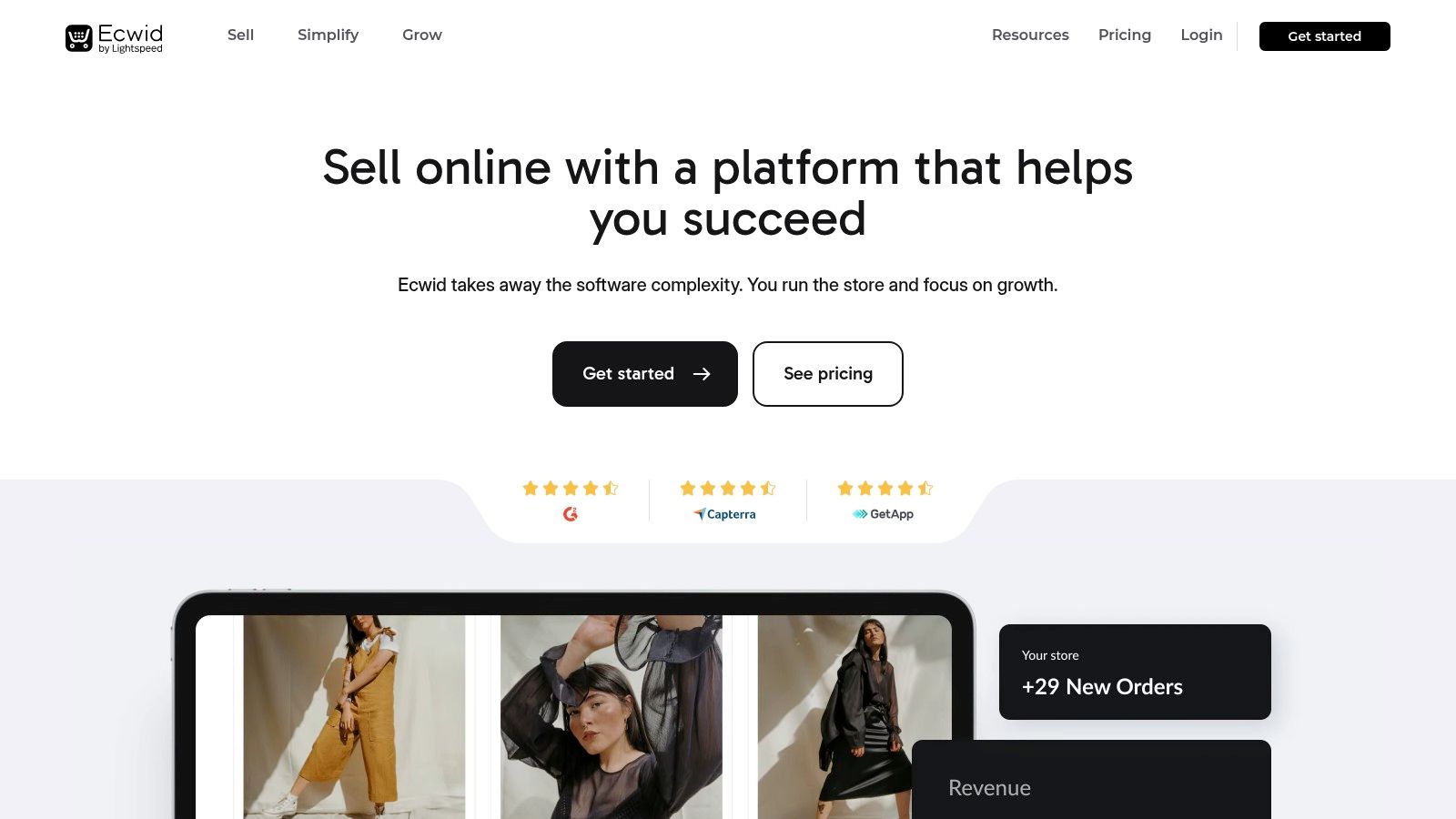
Ecwid has a free entry plan with a tight product cap, then paid plans that open a bigger catalogue and more channels. Listed prices exclude taxes, so GST sits on top of the sticker. Higher tiers add things like discounts, analytics, and abandoned-cart recovery. Social and marketplace selling show up on eligible plans.
A bolt-on shop is a test, not a forever architecture. If orders stick, plan the next home before the free limits start blocking checkouts.
Confirm NZ payment methods and marketplace hooks before you promise Instagram selling in a meeting. Product caps and feature gates are real. The win is a low-commitment way to see if anyone buys, while the current site stays put.
Stripe isn't a shop. It's the payments layer under one. You still need a storefront, or a product screen you built yourself. What you get is card payments, wallets, hosted Checkout, and APIs if you want the form to match your product.
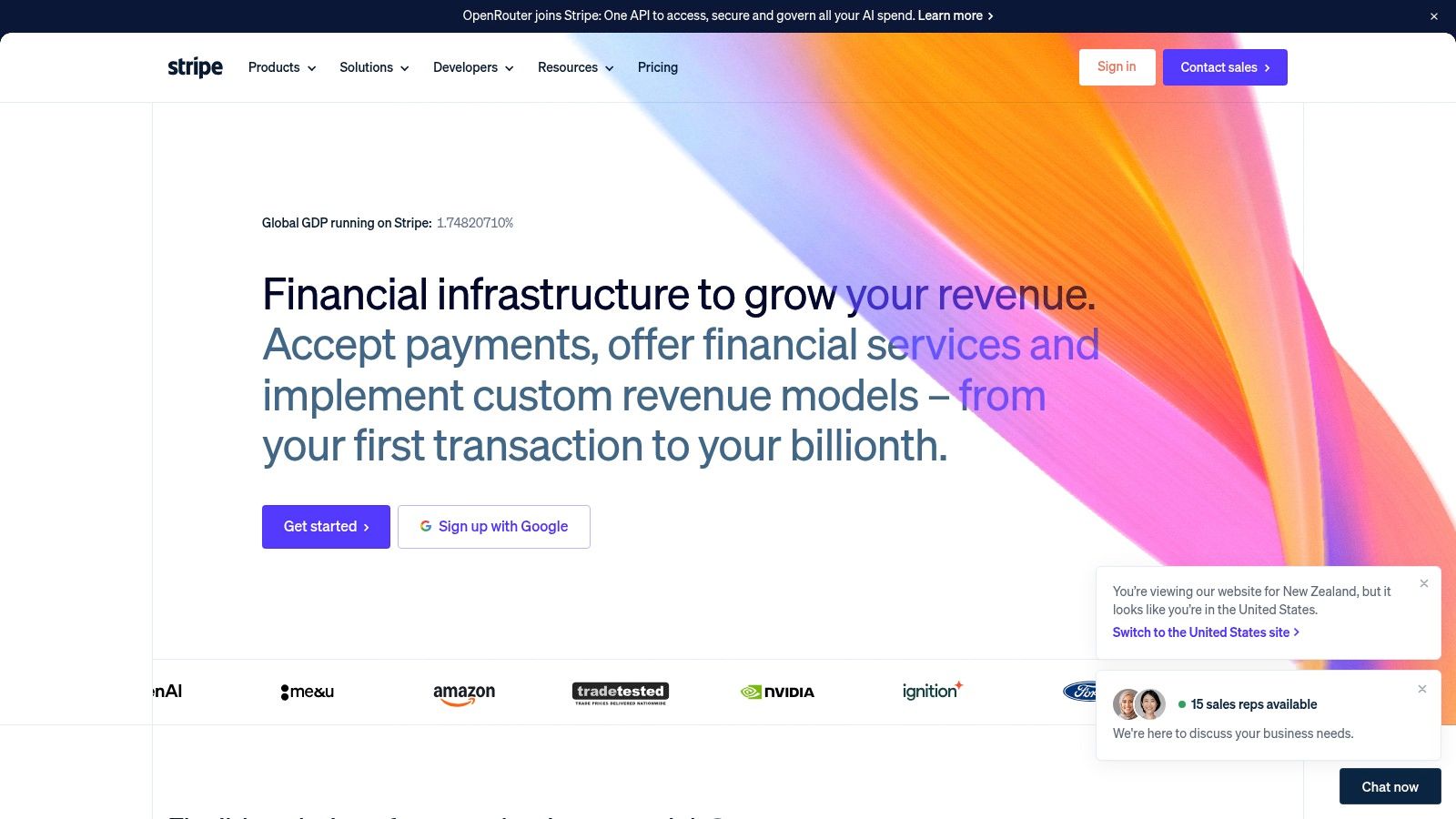
On the Stripe NZ pricing page, domestic cards are 2.65% + NZ$0.30 per charge, and international cards are 3.5% + NZ$0.30, with extra fees possible. There's no standard monthly processing subscription. You pay when a charge succeeds. Stripe Billing covers subscriptions. Stripe Connect covers platforms and marketplaces.
Cards still carry most of the local online till. GlobalData reported payment cards at 57% of New Zealand online transaction value in 2023, including 36.6% from credit and charge cards, while methods such as Afterpay, Apple Pay, and PayPal together were 23.2%.
A custom checkout needs a developer. A hosted one doesn't. For a wider local comparison, see NZ ecommerce payment platforms. I like Stripe when the product is software or a normal online store and you want clean APIs. I don't pretend one rate fits every wallet.
Xero is the ledger, not the shop window. If your store, your fees, and your payouts never meet the books, you'll feel it at GST time. This is the glue.

The Xero NZ ecommerce page lists plans from NZ$35 a month and a free trial. Integrations, including Shopify, can pull sales in. Depending on the connection, that might be a daily summary or each sale on its own. Multi-currency reporting helps if you sell into Australia as well as at home. Your accountant probably already lives here, which is half the reason to stay.
It will not run inventory like a warehouse system, and some connections need a separate app. Map fees and payouts on purpose, or the books will lie in a very tidy way. If you're choosing a ledger, the Xero versus MYOB note is the local fork. Teams that also need sign-off on bills can look at how to approve supplier invoices in Xero. Less spreadsheet copying is the actual prize.
Lightspeed is for the retailer who already has a counter. Online is the extra door, not the only door. If your stock lives in a shop, a pure web platform often fights you.
Lightspeed in NZ pairs retail POS with ecommerce, though the online piece depends on the product and the plan. Pricing shifts by product, plan, and location, so get the current terms in writing. Tax settings can support New Zealand. Some products add retail tools such as customer-group price books, which matters if trade customers pay a different rate from walk-ins.
Where it earns the fee:
Different product lines make the name confusing. Confirm you are buying the retail product that matches a shop with a website, not a cousin built for another trade. Feature caps follow the version. Ask with your SKU count in the email.
Windcave is the regional gateway to put beside the global processors. It handles online and in-person payments, with operations and support contacts in New Zealand and Australia. If a charge fails on a Saturday and you want a local human, that geography is the feature.
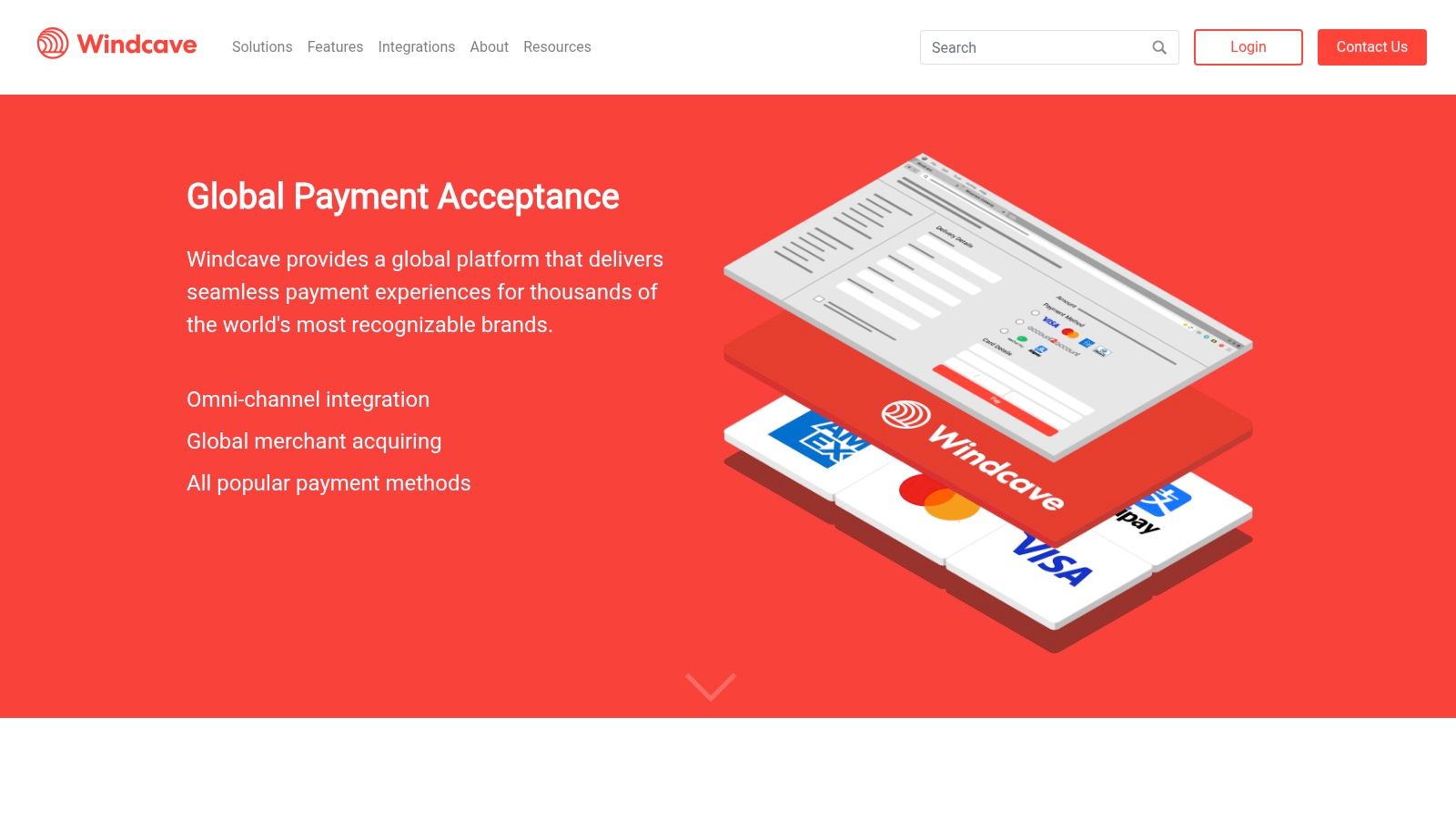
Windcave talks about individual merchant rates, not one public price for every business. Ask for a quote. Confirm fees, refunds, and whether your storefront's plugin is supported. You'll get a payment gateway, payment-management tools, and ecommerce integrations aimed at merchants on both sides of the Tasman.
A quoted rate you understand beats a headline rate that hides the bits you use every week.
Setup usually means a conversation, not a self-serve toggle. That's slower. It's also how you learn if the gateway fits your platform before you migrate. Compare it with Stripe on support, settlement, and the methods your buyers already tap. Don't assume either one wins on brand alone.
Price is only one part of the fit. For New Zealand and Australian businesses, check that local payment methods are available, sales and fees work with your GST and accounting setup, and regional support suits your needs.
| Tool | Type | Starting price | Best for |
|---|---|---|---|
| Shopify | Hosted ecommerce platform | US$29/month, billed annually | Quickly launching and managing an online store |
| WooCommerce | WordPress ecommerce plugin | Free core; hosting and extensions extra | Flexible stores built on WordPress |
| BigCommerce | Hosted ecommerce platform | US$29/month, billed annually | Larger catalogues and multi-channel selling |
| Wix | Website builder with ecommerce | Paid business or ecommerce plan required; no free selling tier | Small businesses combining a website and store |
| Squarespace | Website builder with ecommerce | Paid plans only; transaction fees depend on the plan | Design-focused brands with curated product ranges |
| Ecwid | Ecommerce tool | Free entry plan | Adding a store to an existing website |
| Stripe | Payment processor | Domestic cards: 2.65% + NZ$0.30 per transaction | Online payments and custom checkout integrations |
| Xero | Accounting software | NZ$35/month | Connecting ecommerce sales with bookkeeping |
| Lightspeed Retail | Retail POS and ecommerce system | Quoted per product and plan; ask for current terms | Retailers connecting in-store and online sales |
| Windcave | Payment gateway | Individualised rates; request a quote | Businesses seeking a regional payment provider |
Treat these as starting points for comparison, not a full operating-cost estimate. Hosting, extensions, transaction fees and plan limits can change the total. For each platform, confirm that its payment setup and integrations suit your business in New Zealand or Australia.
Match the tool to the constraint, not to the advert.
A small catalogue and no existing site point at Shopify, Wix, or Squarespace. A site you already like points at Ecwid or WooCommerce. A busy floor points at Lightspeed, with the online piece checked against the plan. Payments are a separate choice. Stripe or Windcave, then prove the NZ methods you need switch on. Xero is the close, so fees and payouts land in the same books your accountant opens.
More features won't save a weak margin. The 2025–26 CPA Australia Asia-Pacific Small Business Survey found only 32% of New Zealand small businesses made more than 10% of revenue from online sales in 2025, the lowest result among the markets in that survey. Only 26% said technology investment improved profitability, also the lowest. Low take-up can be caution, not laziness. Count fees, freight, returns, GST, apps, and any agency cost before you call a tool a win.
A custom shop is a different clock. A full ecommerce site often takes 8 to 12 weeks from first chat to launch, and sometimes longer if feedback or photos drag. NZ Apps' E-commerce Kickstart package runs $12,000 to $15,000 or more for custom design, full ecommerce for up to 50 products, a secure gateway such as Stripe, customer accounts, and stronger product SEO. There's a free, no-obligation consultation if you want a human to say whether a package or a platform is the saner path. The same desk publishes practical NZ and AU notes, including Shopify vs WordPress NZ and a SaaS pricing guide for founders comparing what they'll pay.
Shortlist two platforms. Trial both with real products. Confirm NZ payment compatibility before you commit. Then connect the ledger, and only then turn the ads on.
NZ Apps covers ecommerce platforms, payment gateways, and the local software founders shortlist, with guides and a directory built for New Zealand and Australia. If you're weighing a storefront, a gateway, or a custom build, start with the notes and the directory on NZ Apps. Bring your catalogue size and your current site, and you'll get a clearer next step than another tab of slogans.
Add your NZ or Australian app or tech company to the NZ Apps directory and get discovered by founders and operators across the region.
Get ListedReach tech decision-makers across New Zealand and Australia. Sponsored and dofollow editorial links, permanent featured listings, and sponsored articles on a DA30+ .co.nz domain.
See Options