
It's Tuesday afternoon. Orders are piling up, you're copying addresses from Shopify into a courier portal, then switching to another for a cheaper parcel. The spreadsheet you swore you'd retire is still open in the background.
You don't necessarily need more hands on the packing bench. You might need ecommerce shipping software that matches how you send orders, whether that's through a single courier, several carriers, or a mix of local and overseas services.
Before changing shipping tools, fix the order details that feed them. If customers often change addresses or swap products after buying, it helps to streamline Shopify order edits before those orders reach dispatch.
A tidy label workflow can still send the wrong parcel. Decide when an order becomes ready to ship, and how later changes reach the packing team.
The picks below suit different setups across New Zealand and Australia. The useful distinctions aren't flashy dashboards. They're local carrier coverage, checkout-rate support, account restrictions, and the full cost of each shipment. Free software can be a sensible choice, but it doesn't mean free freight.
Starshipit is a strong shortlist candidate when your shipping rules have outgrown a single courier portal. It connects stores, carriers, and fulfilment tasks, with order imports, automated labels, and dispatch rules.
Its appeal is the depth of the workflow. You can consider optional live checkout rates, branded returns, pick-and-pack tools, and warehouse-management add-ons rather than treating label printing as a separate island.
For an NZ merchant, Trade Me and Bascik integrations are useful local details. For businesses sending from Australia, check the exact carrier services and account connections you need rather than relying on a broad regional coverage claim.
Say you send small parcels through one carrier and bulky goods through another. The useful test is whether staff can apply those rules without reopening each order and making the same decision again.
My judgement: shortlist Starshipit when automation removes repeated decisions. Don't buy extra modules merely because you might need them someday.
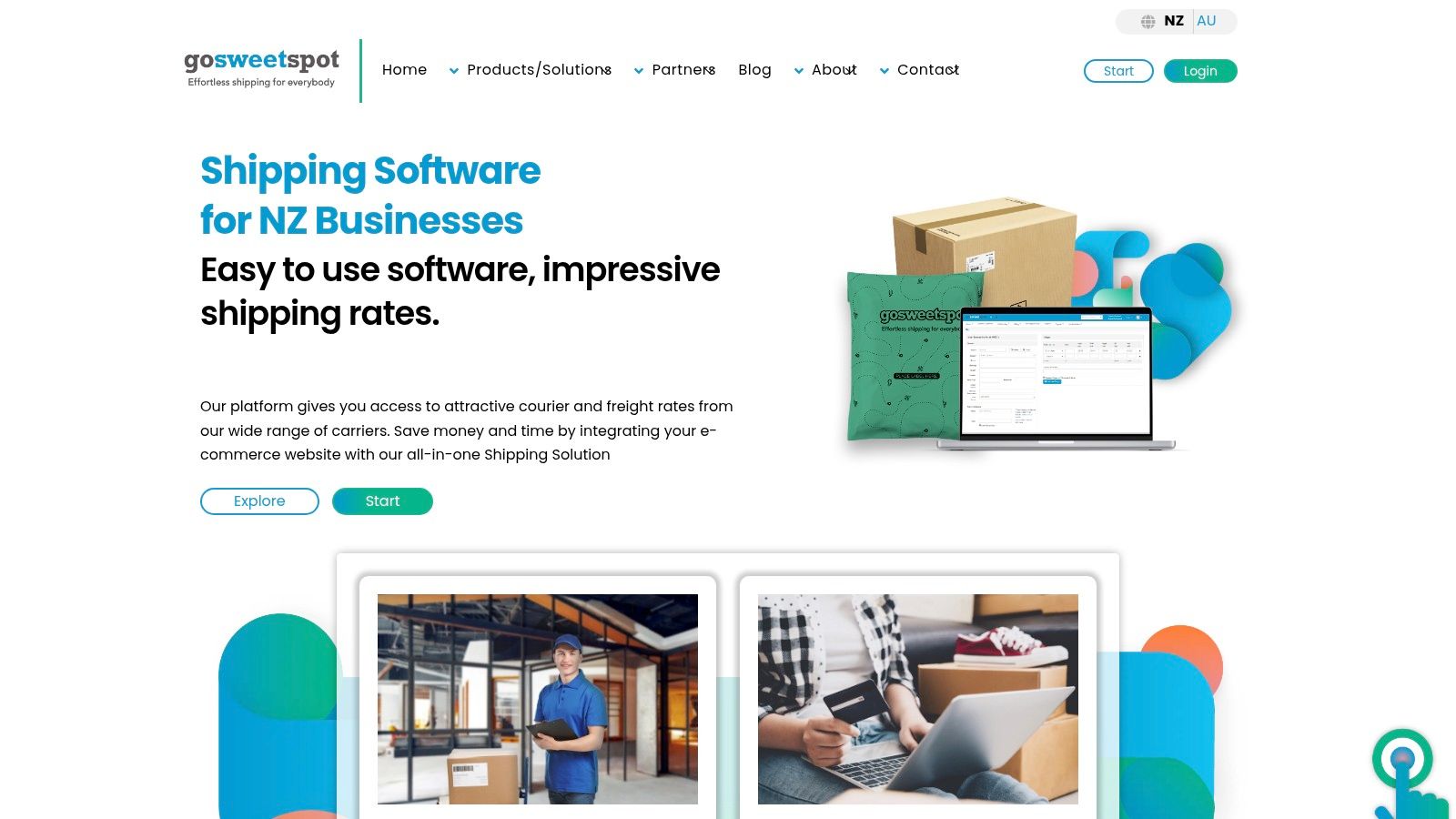
A parcel shop and a business sending awkward freight don't always need the same booking process. GoSweetSpot brings courier and freight choices into a New Zealand-focused platform, with order imports, labels, pickup bookings, and tracking.
It offers business-account and pay-as-you-go access. That makes it worth considering if you want to test a more joined-up dispatch process without starting with a full business-account arrangement.
Carrier choices and prices depend on the shipment and account setup. Test your usual packaging, rural destinations, and larger consignments rather than judging the platform on a neat urban parcel.
Its NZ focus is a practical strength for local senders. Australian businesses should verify that their origin addresses, carriers, and pickup workflows are supported before moving orders across.
Skip it if your essential Australian carrier workflow isn't supported. Convenience only counts when the service you need is available.
No monthly software charge is an appealing starting point when you're watching fixed costs. Zappy advertises free software that brings orders, shipping comparisons, labels, tracking, returns, and reporting into a shared workflow.
It supports parcel, freight, and international shipping tasks, including batch labels and customs declarations. That breadth makes it worth testing if your dispatch day includes more than standard domestic parcels.
Free software is a pricing model, not a promise that every shipment will be cheaper.
Shipping charges still apply, and the carrier and service you choose affect the total. Compare a completed booking with your existing process, not just the absence of a subscription.
For NZ senders, verify your selling platforms, required providers, and access to existing account rates. For Australian dispatch, establish origin-country and carrier-account support rather than assuming that international shipping includes domestic Australian workflows.
Checkout rates need a separate check. Dashboard price comparisons aren't proof of live checkout support, so request a demonstration on your store platform if that's essential.
Zappy suits a cost-conscious seller who wants several shipping tasks behind a single login. It's less compelling if your required carrier or sales channel needs a workaround that puts staff back into spreadsheets.
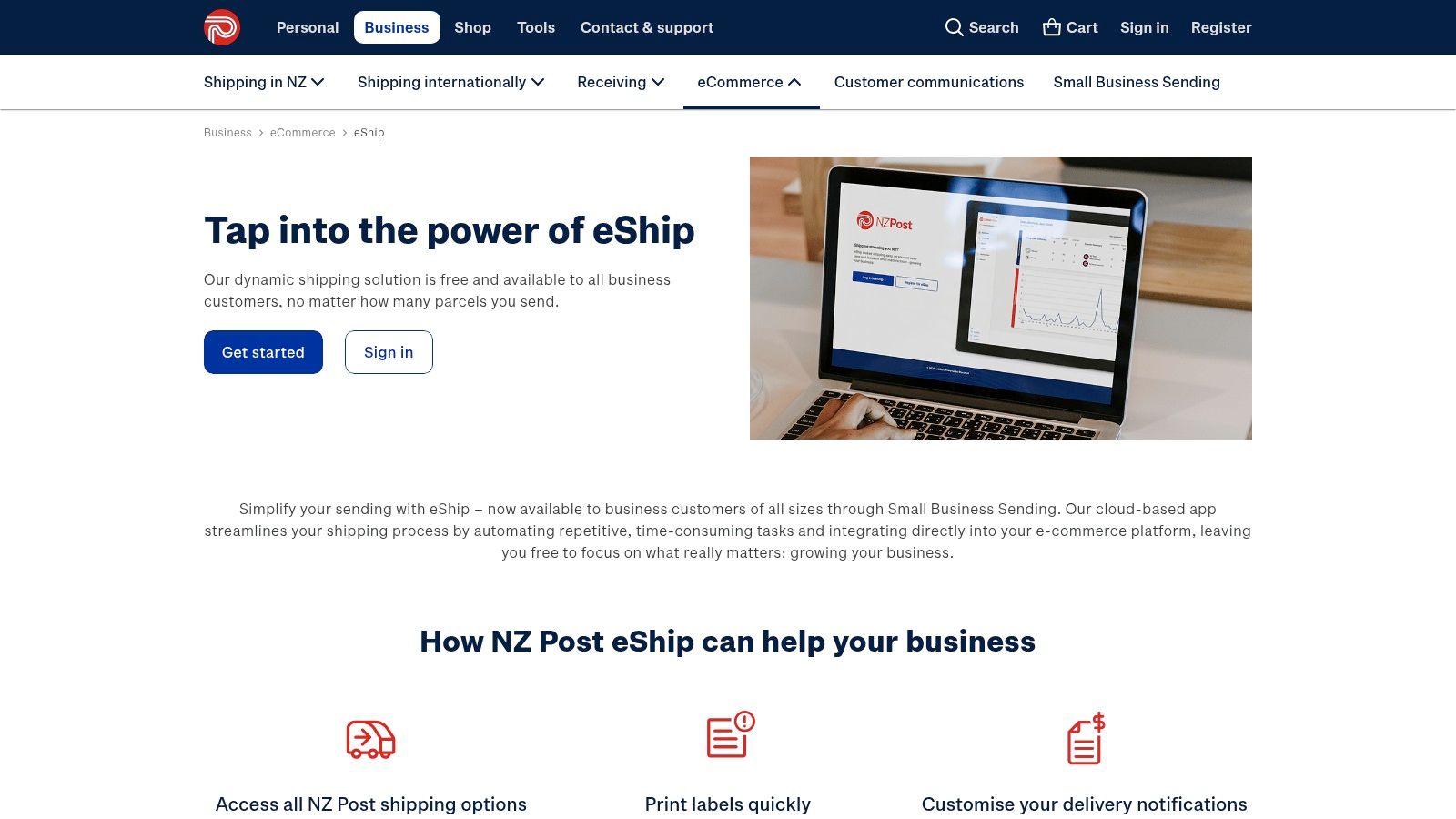
If almost everything leaves through NZ Post, start with NZ Post eShip. Its cloud-based app imports orders, prints labels in bulk, creates pick slips and reports, and sends tracking emails and texts with your business details.
Software access is free for business customers. That makes eShip a sensible first comparison before paying for a broader platform.
The strength is also the limit: eShip is built around NZ Post domestic and international services. It isn't a neutral dashboard for comparing a wide range of NZ and Australian carriers.
Sending an NZ Post parcel to Australia is different from fulfilling Australian orders through local Australian carrier accounts. Keep that distinction clear if you hold stock on both sides of the Tasman.
For a straightforward NZ Post operation, fewer settings can be a blessing. Your packing team needs a reliable dispatch routine, not another software project.
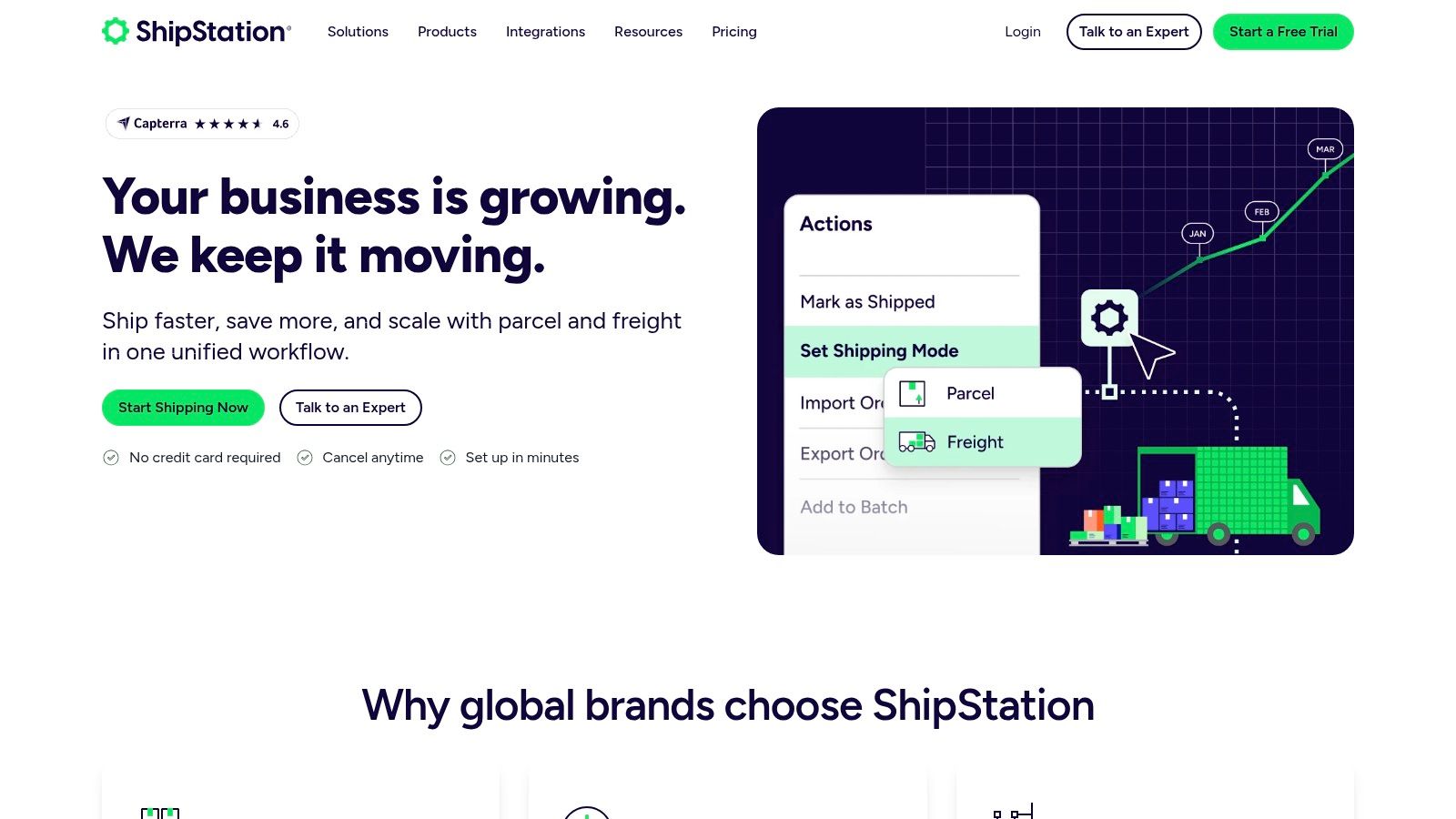
Marketplace orders create a different kind of mess. ShipStation centralises orders from connected stores and marketplaces, then adds shipping rules, rate shopping, batch workflows, return labels, and reporting.
It's worth considering when staff spend more time moving between sales channels than choosing packaging. But an integration logo isn't enough: the connection must bring through the details your dispatch team uses.
Use this guide to ecommerce integration software to map the wider store-to-fulfilment flow. During a trial, test order imports, fulfilment updates, tracking write-back, and how edits behave after import.
ShipStation's Australian and New Zealand offering supports local carrier-account connections. A per-shipment fee may apply depending on the subscription plan, so include that charge when comparing your existing account rates.
A free trial is available on the listed Australian plans. Use it to process representative orders, not just admire an empty dashboard.

Customers don't care which portal printed the label. They care whether they know where their parcel is, which makes Shippit relevant for teams focused on shipping automation and delivery visibility.
It combines label and fulfilment workflows with tracking and customer notifications. Paid plans offer carrier selection and shipping rules, while higher-tier capabilities include cross-border shipping and advanced integrations.
Shippit has entry and higher-tier plans, so the product name alone doesn't tell you what you're buying. Match your required reporting, carrier connections, returns, and integrations to the actual proposal.
For Australian operations, map the carrier handoff against your process for sending parcels in Australia. NZ businesses should separately confirm local carrier availability and store support; don't assume identical coverage across the region.
Cost check: request a breakdown of subscriptions, shipment-related charges, and the paid features your team needs. A lower entry price isn't useful if your essential automation sits elsewhere.
Checkout limit: delivery options and shipping rules don't, by themselves, confirm live checkout rates. Test the specific storefront connection.
Shippit suits teams that want dispatch and post-purchase communication managed together. Skip a feature-heavy tier if your real problem is printing a clean batch of labels.
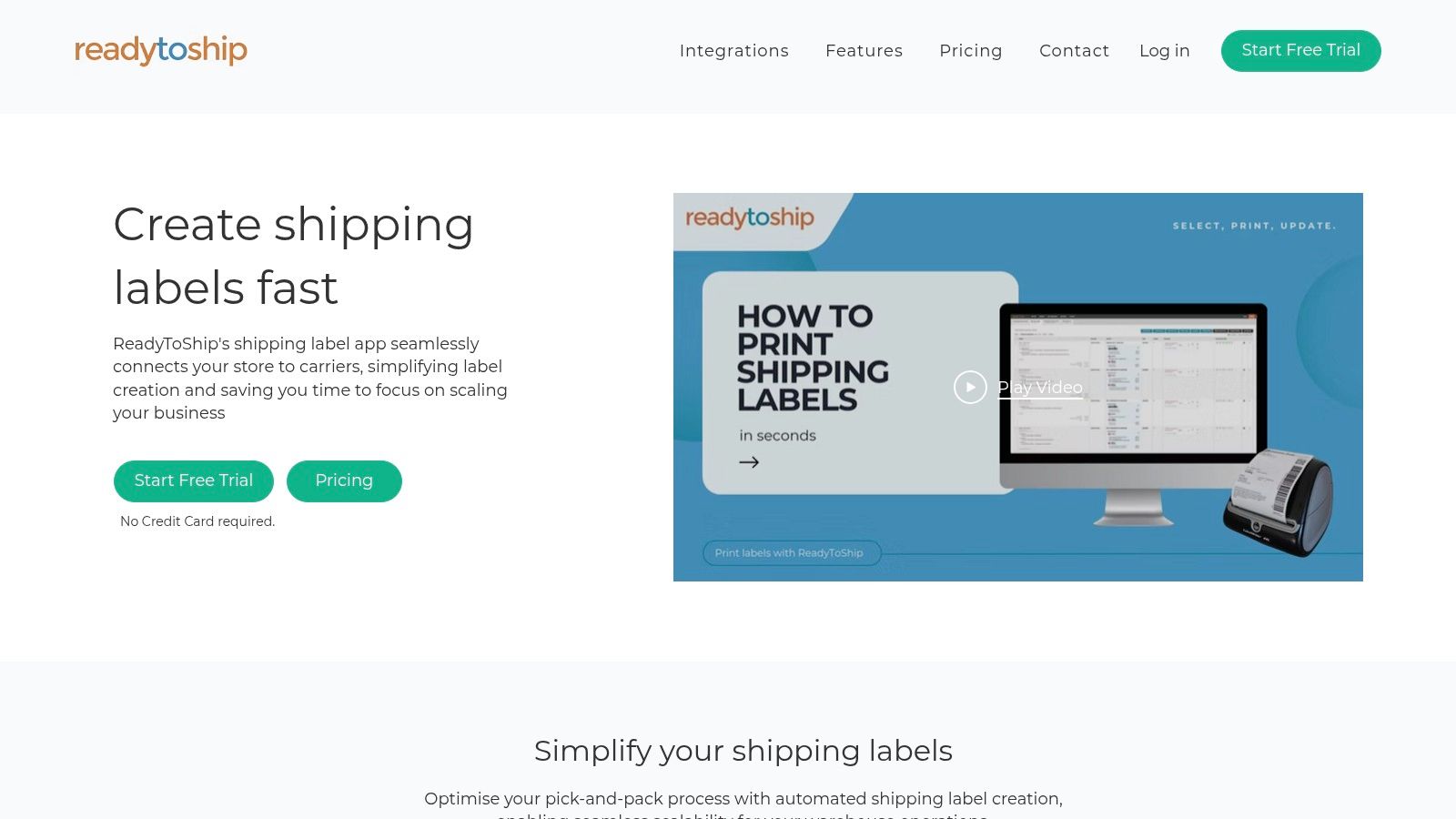
ReadyToShip offers usage-based pricing rather than fixed monthly subscription tiers, with no fixed monthly plan or minimum spend listed. It connects Shopify, WooCommerce, eBay, BigCommerce, and Squarespace orders to an Australian-focused dispatch workflow.
Supported carriers include Australia Post services, Aramex, and Couriers Please. Features include address validation, live price quotes for supported carriers, customisable invoices, pick lists, labels, and tracking updates back to stores.
ReadyToShip doesn't provide checkout shipping rates. Its live carrier quotes help with dispatch decisions, not the prices shoppers see before paying.
That can be fine if you already use flat rates or a separate checkout solution. It's a poor fit if replacing your checkout-rate engine is the main job.
The trade-off is refreshingly plain: flexible usage billing and useful Australian dispatch tools, but no checkout-rate solution. Choose it for the packing bench, not for a job it doesn't claim to do.
A CSV import isn't glamorous. It can still be useful when some orders arrive outside your main store, which is where Interparcel Shipping Manager earns a place on the shortlist.
Its free web account and Shipping Manager support imports from connected ecommerce channels or CSV. You can manage dispatch centrally, validate addresses, change shipment services, and use Smart Boxing to help consolidate items into fewer parcels.
This suits sellers who need parcel booking without forcing every order source into the same storefront first. Test consolidation carefully, though: products that fit together on screen still need safe packaging on the bench.
Integration status matters. Some connections may be marked as coming soon, and API access requires approval. Don't build your launch plan around an integration that isn't available.
Interparcel is worth testing for centralised parcel booking and spreadsheet-based work. Skip it if an unavailable native integration or unapproved API connection is essential to keeping orders moving.
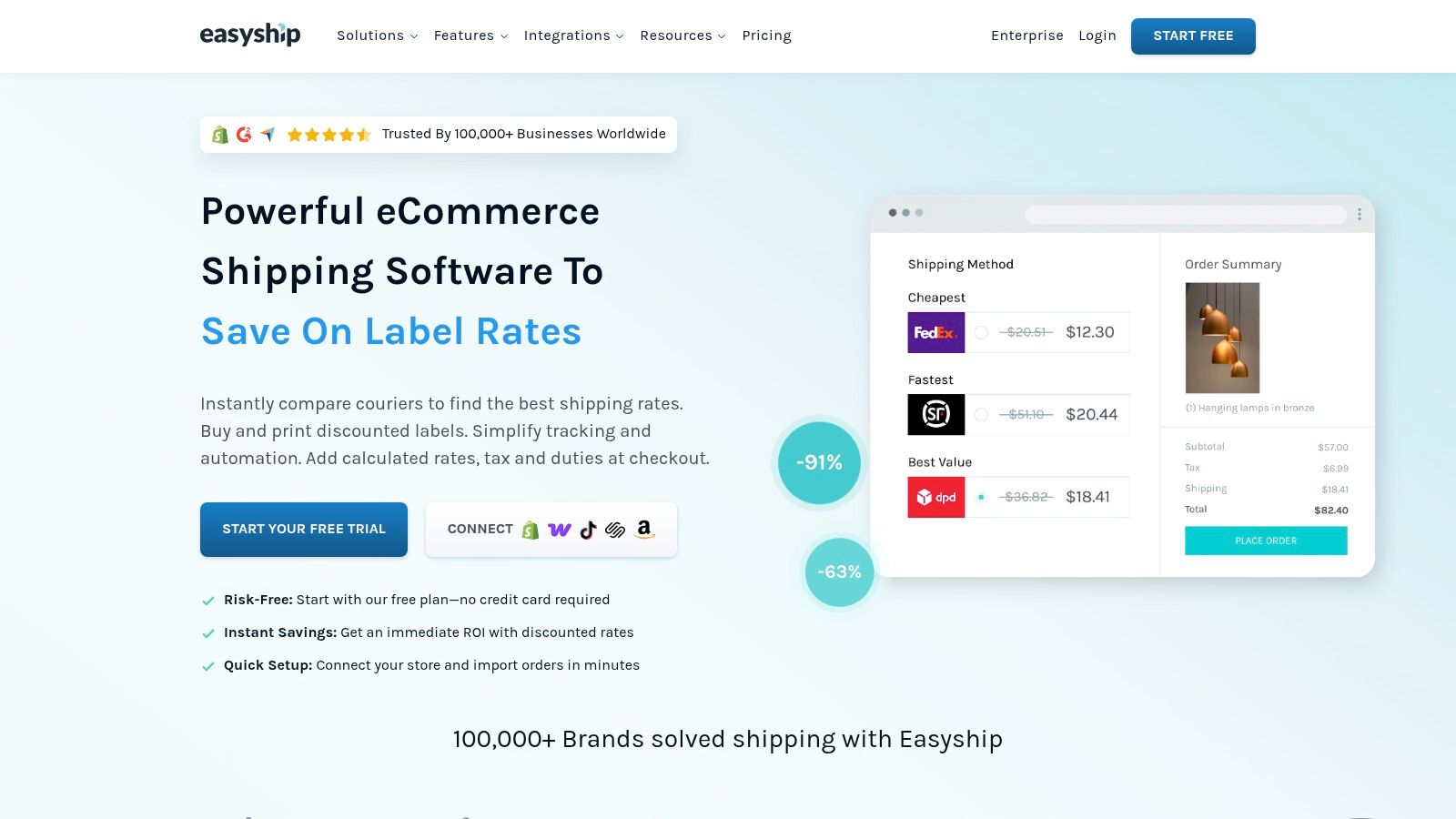
Cross-border selling adds customs details and tax questions to the usual label routine. Easyship focuses on that wider job through a shipping dashboard and API, with order syncing, carrier selection, customs documents, and tax-and-duty calculations.
Checkout rates and branded tracking are available on eligible plans. There's a free plan, plus paid plans and a free trial for additional features, but don't assume the free tier contains every automation or support feature you need.
Carrier rates and services depend on origin country and account availability. An Australian merchant and an NZ merchant shouldn't assume they'll see the same services or account connections.
Landed costs deserve careful testing. New Zealand Customs states that import GST is 15%, calculated using the item price plus international freight, postage, insurance, and any import duty.
If a warehouse partner ships your orders, map the handoff before adding another system; this guide to third-party logistics helps frame that decision.
Cost check: review subscriptions, shipment allowances, connected-account charges, and API terms in your proposed plan. Checkout check: verify eligibility on your plan and storefront.
Easyship suits sellers whose cross-border paperwork and landed-cost needs justify the extra setup. A domestic, single-courier store may not need that depth.
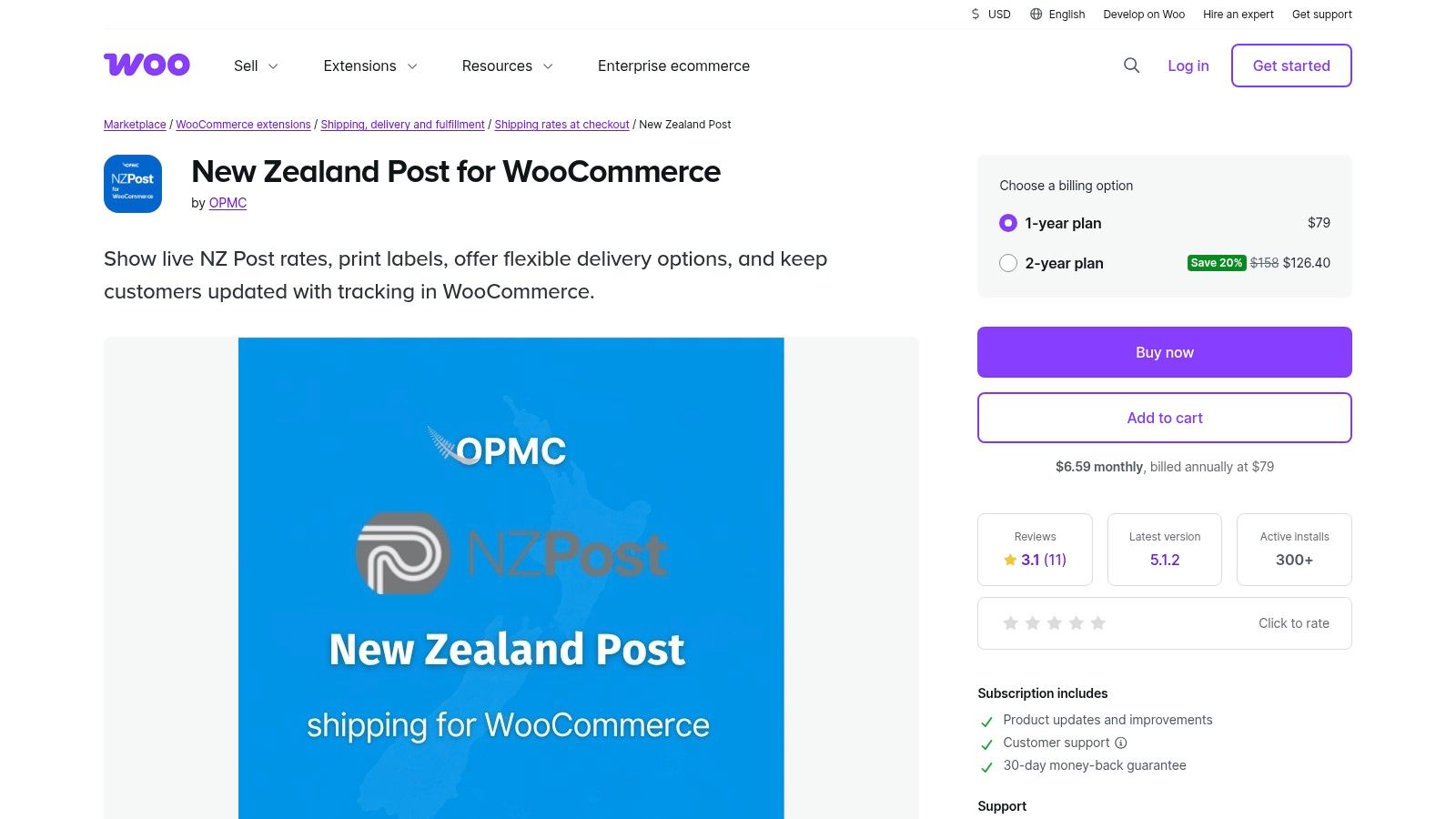
Already committed to WooCommerce and NZ Post? The New Zealand Post for WooCommerce extension requests eligible domestic and international rates at checkout and supports fulfilment features; its listing had a mixed rating of 3.1 out of 5 from 11 reviews.
The feature set includes service selection, parcel packing, labels, tracking, address validation, and collection-point options. You'll need an NZ Post account and the relevant API credentials, with extension support provided by its developer.
This is WooCommerce-only, not a general dashboard for several storefront platforms. It connects New Zealand-based stores to NZ Post services rather than providing broad Australian domestic carrier coverage.
Its checkout-rate capability is a clear distinction from dispatch-only tools. Still, eligible rates depend on order and destination details, so test your product weights, dimensions, and packing settings.
Practical rule: a live rate is only as useful as the parcel details used to request it.
Cost check: confirm extension charges, account terms, postage, and any per-shipment fees before comparing it with free eShip access. They solve related problems, but they aren't interchangeable.
This extension suits a focused WooCommerce operation that needs NZ Post rates inside checkout. Skip it if you're seeking a shared dispatch workspace across different commerce platforms.
| Item | Pricing model | NZ/AU focus | Best for |
|---|---|---|---|
| Starshipit | Paid plans; add-ons may increase costs | New Zealand and Australia | Retailers managing multiple carriers or sales channels |
| GoSweetSpot | Business-account or pay-as-you-go; shipping charges apply | New Zealand-focused | NZ businesses comparing and booking courier or freight services |
| Zappy | Free software; shipping charges apply | New Zealand-focused | Businesses wanting multi-carrier shipping without a monthly software fee |
| NZ Post eShip | Free software for business customers; shipping charges apply | New Zealand Post-focused | Businesses using NZ Post for ecommerce fulfilment |
| ShipStation | Subscription plans; local carrier accounts may incur per-shipment fees | Supports Australian and New Zealand carrier accounts | Sellers managing orders across multiple stores and marketplaces |
| Shippit | Tiered plans, including an entry option; advanced features on paid plans | NZ/AU availability depends on integrations and carriers | Teams seeking shipping automation, tracking, and delivery reporting |
| ReadyToShip | Usage-based pricing; no fixed monthly plan listed | Australian-focused | Australian sellers processing orders across stores and carriers |
| Interparcel Shipping Manager | Free manager; delivery charges apply when booking shipments | NZ service available | Sellers centralising dispatch from ecommerce channels or spreadsheets |
| Easyship | Free plan and paid plans; shipping charges apply | International shipping; availability varies by origin | Ecommerce sellers managing international shipping and customs |
| New Zealand Post for WooCommerce | Extension pricing not specified; NZ Post shipping charges apply | New Zealand Post-focused | WooCommerce stores shipping with NZ Post |
Start with your real shipping mess, not the feature list. If nearly everything goes through NZ Post, eShip may be enough; if you also need NZ Post rates within WooCommerce checkout, investigate the extension and budget for its setup and charges.
If staff juggle several carriers, sales channels, or warehouse tasks, shortlist Starshipit, ShipStation, or Shippit. For NZ-focused booking, test GoSweetSpot, Zappy, or Interparcel; for Australian dispatch, consider ReadyToShip, and for cross-border complexity, look closely at Easyship.
The tidy urban parcel won't tell you much. Test a rural address, a bulky order, a changed address, a split shipment, and an overseas booking where relevant.
Local delivery rules deserve attention. New Zealand Couriers says its pickup service is available from most business and residential addresses, but not rural or non-urban addresses, so software should check service eligibility rather than merely accept an address.
Use this shortlist before committing:
Don't overlook the customer's view. New Zealand Couriers' merchant insights report that 95% of Kiwi consumers expect all pricing before completing checkout, which makes clear delivery charges more than a back-office concern.
Use a free trial or pay-as-you-go access where available, then run live shipments through the full process. Choose the tool that removes work without weakening your delivery promise, not the one with the longest feature page.
NZ Apps publishes practical software guides and maintains a directory of app and tech companies across New Zealand and Australia. Visit NZ Apps to compare ecommerce tools and find local tech context for your next software decision.
Add your NZ or Australian app or tech company to the NZ Apps directory and get discovered by founders and operators across the region.
Get ListedReach tech decision-makers across New Zealand and Australia. Sponsored and dofollow editorial links, permanent featured listings, and sponsored articles on a DA30+ .co.nz domain.
See Options