
It's Monday morning. Weekend orders are waiting, your storefront says those jackets are in stock, and the warehouse team insists they aren't. Someone's checking a spreadsheet while a customer asks why their paid order hasn't shipped.
Your stock count might not be wrong everywhere. It might be right in one system and stale in another. That's the problem ecommerce integration software should solve: moving orders, stock, payments and dispatch updates between systems without someone copying them by hand.
The workload matters. Kiwi shoppers spent more than NZ$6.09 billion online in 2024, a 5% increase from the year before, according to NZ Post's annual ecommerce review. More sales are welcome. More reconciliation work, less so.
These tools don't all do the same job. Some manage the store-to-warehouse loop. Others automate Shopify tasks, connect general business apps, or support company-wide integration. Treating them as direct substitutes is how a simple stock problem turns into an expensive software project.
For NZ and AU stores, the useful question is blunt: does it support your actual courier, accounting package and warehouse workflow? A familiar logo on a connector page is a starting point, not proof.
Best for commerce operations built around an ERP. Celigo connects storefronts and marketplaces with finance, fulfilment and back-office systems. Its supported platforms include Shopify, BigCommerce, Magento and Salesforce Commerce Cloud, alongside systems such as NetSuite, Microsoft Dynamics, SAP and QuickBooks.
The appeal is its commerce focus. Prebuilt connectors and reusable workflows give teams somewhere to start with order imports, inventory updates and finance records, rather than building every exchange from scratch. Data mapping, workflow automation, API management and EDI capabilities cover work beyond basic app-to-app triggers.
Celigo deserves a look when an order needs to pass through several business systems with different rules. That doesn't mean every growing store needs it. If you only need a customer notification and a spreadsheet update, you may be buying far more platform than you'll use.
Pricing follows endpoints and flows, rather than per-task or transaction volume, according to the vendor. There isn't a simple published monthly NZD rate, so expect a demo or sales discussion.
For a regional deployment, take your accounting and fulfilment requirements into that discussion. Ask the supplier to show how discounts, refunds and shipping charges reach finance, not just how an order arrives in the ERP. A successful import is only part of the job.
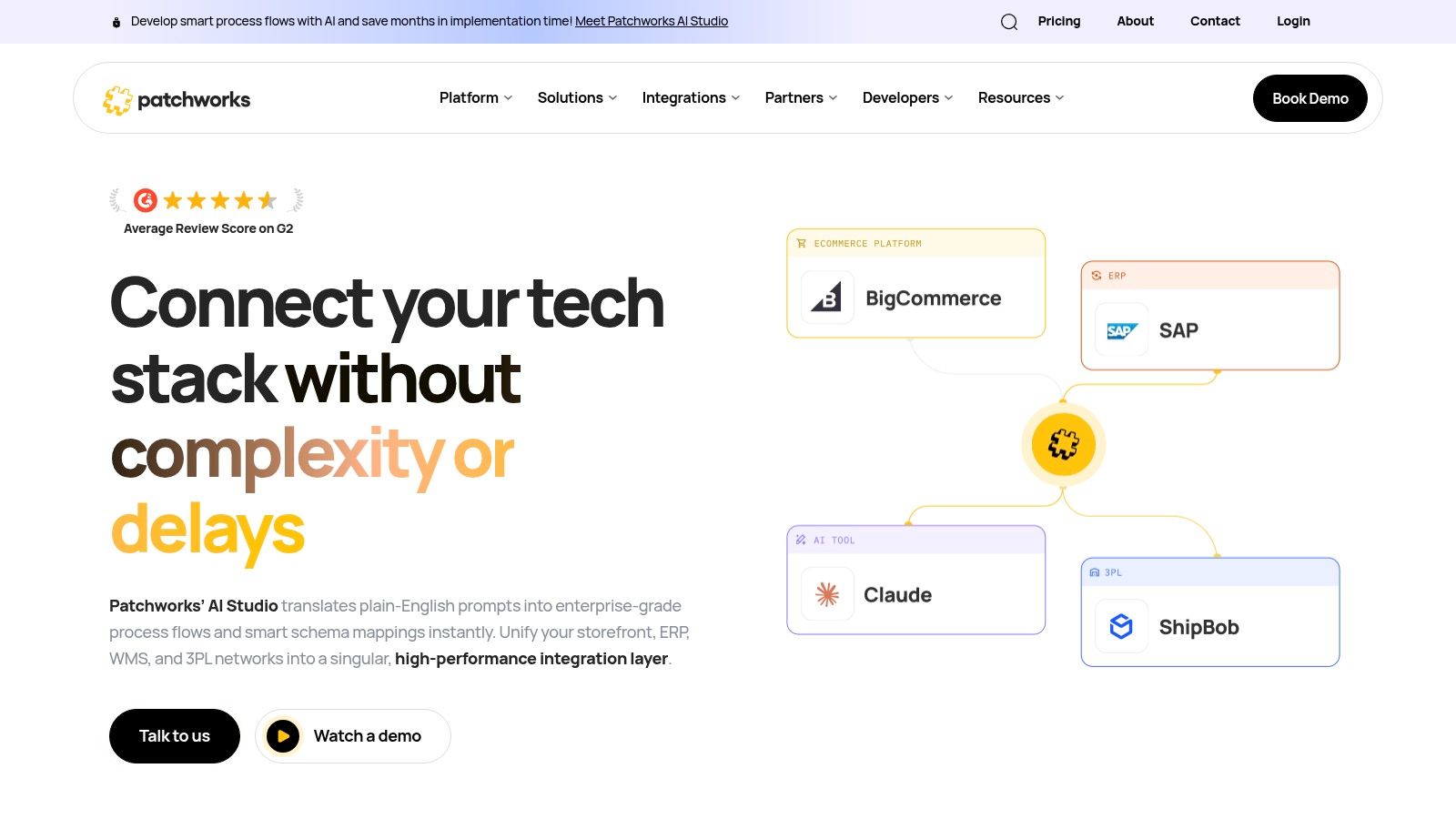
A retailer with a storefront, warehouse partner, point-of-sale system and product database needs more than another store plugin. Patchworks suits that multi-system retail job. Its integration platform connects commerce applications with ERP, warehouse and third-party logistics systems, product information tools and marketplaces.
The visual builder supports mapping, routing and filtering. Prebuilt integrations can handle familiar connections, while custom connector building offers a route for systems without an existing connector. Separate testing and production environments also give teams somewhere to check changes before live orders depend on them.
Practical rule: Ask the vendor to demonstrate a failed warehouse submission and its recovery. A clean demo order won't tell you who fixes a broken one.
That matters when you hand fulfilment to a 3PL. Agree who owns each exception: your team, the warehouse, the implementation partner or the platform supplier.
The cost trade-off needs attention. Patchworks lists unlimited flows across its plan comparison, but allowances depend on connector count and monthly operation volume. Unlimited flows don't mean unlimited activity.
Pricing is enquiry-based, and complex work may need implementation support. Bring a map of your systems and expected order behaviour to the sales call, including returns and split shipments. For NZ and AU stores, ask about the exact warehouse and accounting connections you need, not broad claims of retail coverage.
Orders out, stock and tracking back. That's the job Extensiv Integration Manager is built around. It collects orders from stores and marketplaces, standardises them, and sends them to a warehouse, order-management system or warehouse-management system.
It can return inventory and shipment tracking updates to the sales channel. This makes it a focused candidate for merchants whose main headache is the handoff to fulfilment, rather than connections between marketing, finance and every other department.
A useful trial should follow the whole journey. Submit an order, check what the warehouse receives, then inspect the stock and tracking updates that return. Don't stop when the warehouse acknowledges receipt.
The limitation is also its strength: this is order and fulfilment integration, not general business-app plumbing. You may still need a separate route into accounting or other operational systems.
For NZ and AU merchants, involve the warehouse early. Ask it to confirm the required order fields, stock definitions and shipment messages before you commit. A connector can move data without resolving disagreements about what that data means.
Sometimes the connection isn't the main problem. Nobody has agreed which system owns stock. Cin7 is worth considering when you need inventory management as well as integrations, rather than a bridge between systems you're happy to keep.
Cin7 coordinates inventory, orders and purchasing across online stores, marketplaces and physical retail. Its connections include Shopify, WooCommerce and BigCommerce, plus accounting, shipping and marketplace tools. That puts it in a different category from a general workflow builder.
For a business selling online, in-store and wholesale, the decision is partly operational. Which system records a sale? Where do staff receive stock? How will reserved goods affect the quantity shown online?
Cin7 brings inventory and channel connections together, with purchasing and warehouse workflows also in scope. Higher-tier plans include features such as material requirements planning. Useful if you need them, unnecessary baggage if you don't.
Published tiers spell out included users, integrations and annual order volumes, but extra connections and add-ons can raise the total cost. Compare the package you'd really run, not just the entry plan.
Before choosing it, map your stock locations and clean up product identifiers. Then ask for a demonstration using your accounting workflow and sales channels. If your existing inventory system already does its job well, replacing it just to gain a connector may create more work than it saves.
The order is paid. The stock is picked. Now someone's copying an address into a courier portal. Starshipit targets that dispatch gap, rather than trying to become your ERP or customer database.
Starshipit connects ecommerce platforms with courier services, including NZ Post and other regional and international carriers. Its features cover shipping-label creation, dispatch rules, tracking updates and branded tracking experiences. For businesses shipping from New Zealand or Australia, that regional fit makes it a relevant candidate.
Ask the person who packs orders to help assess it. They'll notice awkward label steps, missing delivery details and rules that sound sensible in a meeting but don't suit the bench.
Starshipit supports domestic and international shipping workflows, and the company advertises NZ-based support and onboarding. Those are useful considerations, but compatibility with your store and courier services still decides whether it fits.
Don't buy a company-wide integration platform to fix a label-printing problem. Don't expect a shipping tool to fix your finance records, either.
Its scope is the main trade-off. Starshipit can automate repetitive fulfilment work, but it isn't a broad ERP or CRM integration platform. The NZ materials described here don't provide a fixed price, so get a quote for your setup.
Test dispatch rules, labels and the tracking information sent back to your store. Include an awkward address and an international shipment in the trial. The neat domestic order isn't the only one your team has to pack.
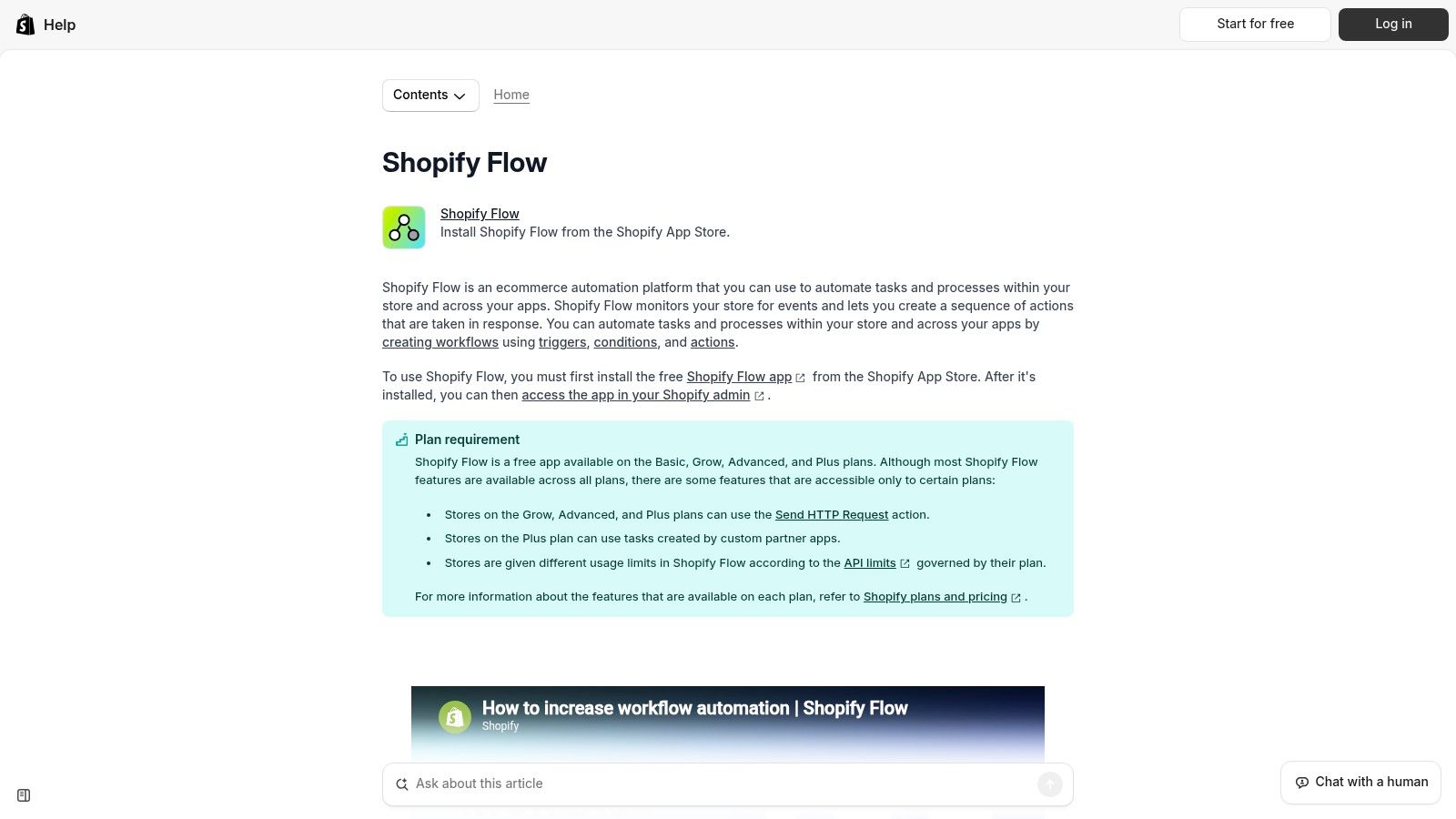
Try Shopify Flow before paying for a separate tool to automate Shopify tasks. It won't replace a full integration platform, but it can handle useful store-focused work without adding another workflow subscription.
Shopify Flow uses triggers, conditions and actions to build visual workflows. Its templates cover common ecommerce tasks, with uses across order handling, inventory, marketing operations and fraud prevention. Connectors extend workflows to supported Shopify apps.
Flow is free to install on eligible Shopify plans. HTTP request actions are available on Grow, Advanced and Plus plans, while the actions and connectors you can use depend on your plan and connected apps.
That makes it a sensible starting point for internal store processes. It's less suitable when the core requirement is a managed exchange between Shopify, an ERP and a warehouse with complex recovery rules.
The distinction matters if you're still comparing ecommerce platforms for NZ stores. Flow makes sense when Shopify is central to the setup. It isn't an independent platform for connecting any pair of business systems.
Start with a low-risk process, such as routing an order for staff review. Check what triggers the workflow, what happens when conditions aren't met, and how staff spot a failure. Keep stock and finance changes out of the experiment until those rules are clear.

Need order details in a CRM, a spreadsheet and a staff notification? Make suits general app-to-app automation, particularly when a purpose-built commerce connector would be excessive.
Make provides a visual scenario builder, a broad catalogue of standard app integrations, and filters and routes for multi-step logic. A free plan lets teams test basic workflows, while paid plans use credit-based usage.
The visual approach gives you control over where data goes. It also means someone must design those routes and understand what happens when an app doesn't respond.
Complex workflows and higher execution volumes can consume more credits. Estimate usage from the full scenario, including branching and repeated work, rather than looking only at incoming orders.
Make may need more configuration than a commerce-specific connector. That's a fair trade when you need custom branching and have someone to maintain it.
Before relying on it for fulfilment, test repeat messages and interrupted runs. Ask whether replaying a failed scenario could create a duplicate order. A tidy visual workflow still needs untidy-case testing.
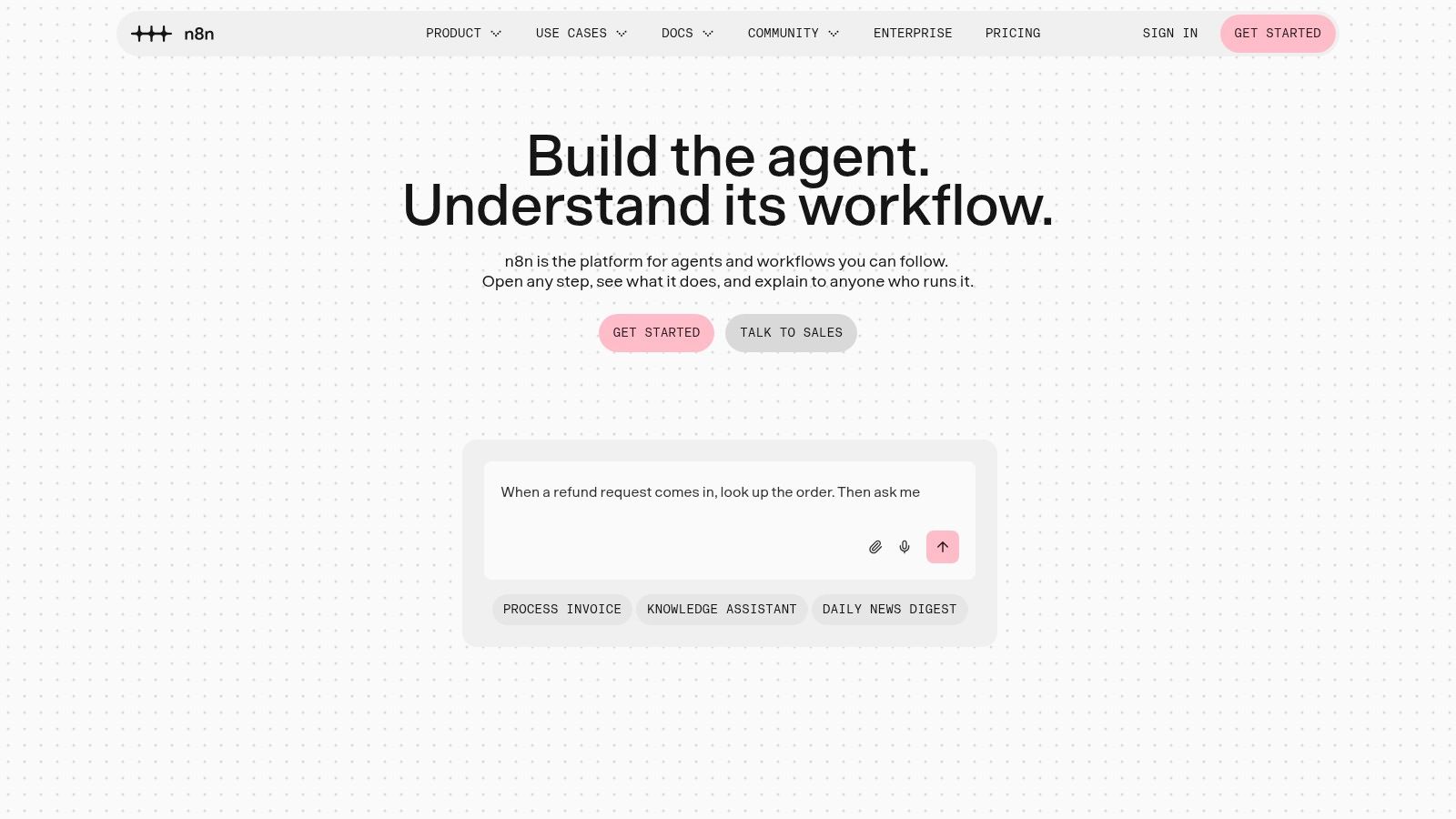
n8n suits teams that want control and can take responsibility for it. Its flexibility is useful when standard connectors don't quite match your process. It's less appealing when nobody wants to maintain the workflow after launch.
n8n combines a visual builder with Shopify nodes, a broad integration catalogue and HTTP/API connections. Custom logic can support order processing, inventory checks and CRM synchronisation designed for specific business needs. Cloud and self-hosting options give teams a choice about infrastructure.
Self-hosting offers greater control, but your team takes on infrastructure, security and maintenance work. Advanced workflows may also need code or technical troubleshooting. Include that labour when comparing costs.
Ownership test: Name the person who will investigate a failed stock update while the developer who built it is away.
For founders comparing workflow automation tools, n8n belongs on the technical shortlist. The important distinction is between being able to build a connection and having a managed connector whose behaviour and support are already defined.
It isn't a turnkey replacement for managed ERP, EDI or warehouse integrations. A technical team may build those exchanges, but it must also design authentication, retries, duplicate prevention and useful alerts.
For NZ and AU operations, use a trial to inspect the actual API access your regional systems provide. A flexible workflow builder can't supply a missing capability in the application it connects to.
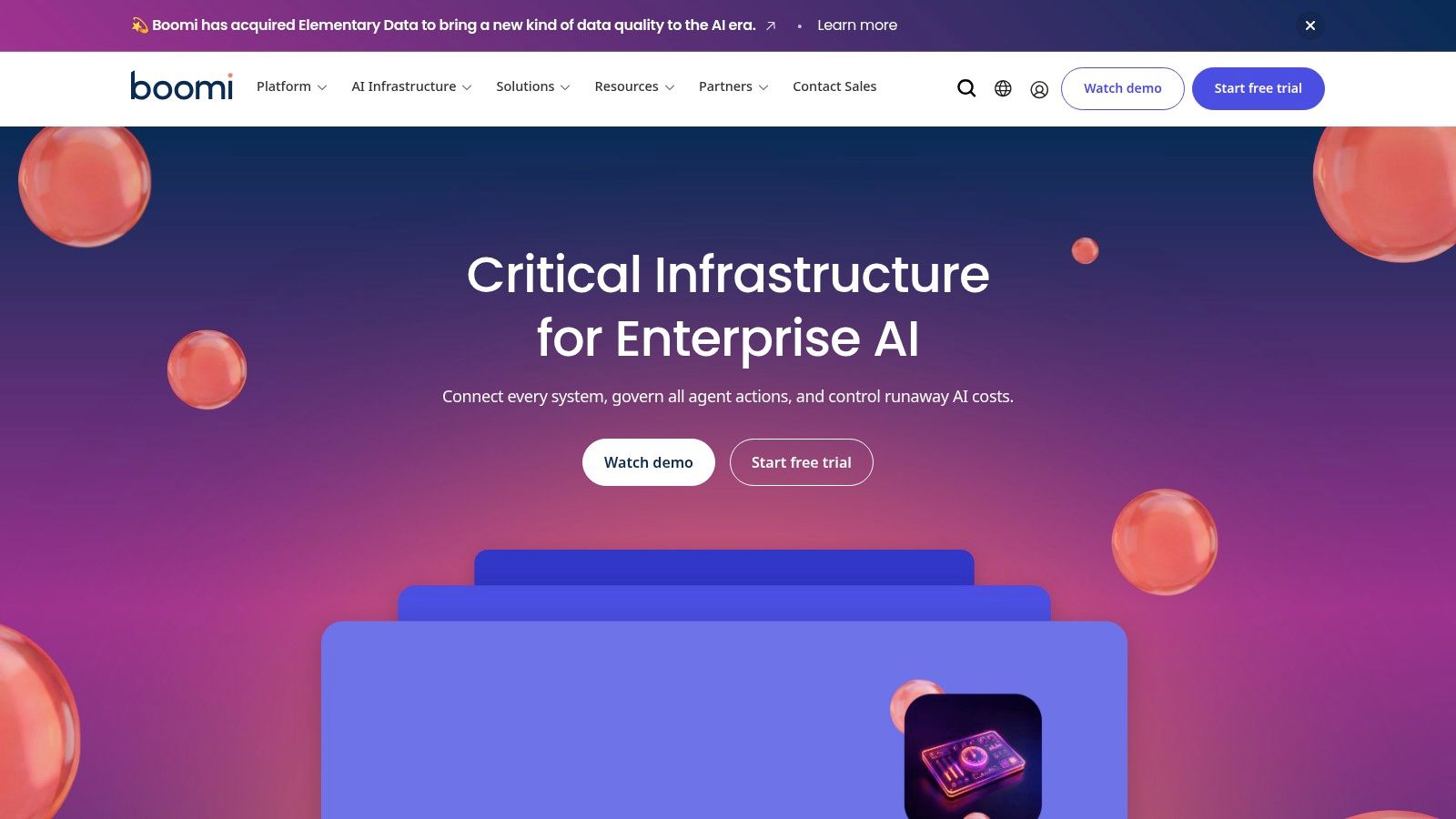
An online store can be part of a much larger systems project. Boomi fits that wider enterprise conversation, where ecommerce must connect with finance, ERP and other business applications under a shared approach.
Boomi offers low-code integration development, data mapping and transformation, application and data-source connectivity, and API management. Its breadth makes it more relevant to organisations managing integration across departments than to a small shop seeking a straightforward stock connector.
The vendor lists a 30-day free trial and a pay-as-you-go option. Those provide ways to explore the platform, but they don't settle the cost of designing and running your production integrations.
Implementation effort depends on the systems and scope. General-purpose connections may also need more design work than prebuilt commerce workflows, particularly where orders, returns and finance rules differ between applications.
If you're comparing API integration platforms, consider who will set access rules, approve changes and support shared connections. Those questions matter more here than whether a store manager can create a quick automation.
The drawback for smaller merchants is breadth. You may take on platform administration and project overhead without needing much of the capability.
For an NZ or AU deployment, ask potential partners to scope the exact regional accounting and logistics requirements. Keep those requirements separate from the platform's general capabilities. A broad toolkit still needs someone to build and maintain the right solution.

Alumio is a candidate when commerce integration deserves a planned project, not another plug-in installed between customer calls. It suits upper mid-market and enterprise teams prepared to scope connections and work through implementation.
Alumio connects commerce applications with ERP, product information management and other business systems. It provides data routes, workflow automation, mapping, transformation and enrichment, alongside monitoring, logs and alerts.
Separate production and sandbox environments support testing away from live workflows. Higher-level plans add governance and service-level agreement options.
Public pricing provides a starting point for Lite, and certified partners and onboarding support are available. The starting price isn't the full project cost: capacity, services and partner-led implementation can change the scope.
That support can help teams that don't want to build alone. It also adds coordination and possible overhead, so clarify who owns the finished integration.
Alumio may be more than a small merchant needs for a few straightforward connections. Its stronger use case is a business that needs commerce and operational systems connected with clear monitoring and controlled changes.
Use your demonstration to inspect a failed data route, not just the visual builder. Your team needs to understand what happened and what to do next.
| Item | Best for | Pricing model | Free entry point | Named ecommerce platforms |
|---|---|---|---|---|
| Celigo | Growing businesses connecting stores, marketplaces, and back-office systems | Based on endpoints and flows; quote-led | No free entry point stated | Shopify, BigCommerce, Magento, Salesforce Commerce Cloud |
| Patchworks | Retailers connecting commerce, ERP, warehouse, and marketplace systems | Enquiry-based; scales by connector count and operation volume | No free entry point stated | No platforms named |
| Extensiv Integration Manager | Merchants coordinating orders, inventory, and fulfilment with warehouses or 3PLs | Published pricing; plan options for different account types | No free entry point stated | No platforms named |
| Cin7 | Businesses managing inventory and orders across online, physical, and wholesale channels | Tiered plans with different integration and order-volume allowances | No free entry point stated | Shopify, WooCommerce, BigCommerce |
| Starshipit | New Zealand and Australian businesses automating shipping and fulfilment | Pricing details not specified | No free entry point stated | No platforms named |
| Shopify Flow | Shopify merchants automating store workflows | Free app on eligible Shopify plans | Free to install on eligible Shopify plans | Shopify |
| Make | Smaller teams building visual automations across business apps | Free and paid plans with credit-based usage | Free plan for basic automations | No platforms named |
| n8n | Technical teams building custom workflows with control over hosting | Cloud or self-hosted; pricing details not specified | No free entry point stated | Shopify |
| Boomi | Organisations integrating ecommerce with wider enterprise systems | Pay-as-you-go option; project costs vary | 30-day free trial | No platforms named |
| Alumio | Mid-market and enterprise teams connecting commerce and operational systems | Public Lite plan pricing; scope and capacity affect total cost | No free entry point stated | No platforms named |
Start with the job, not the logo. Extensiv and Patchworks deserve a proper look when orders and stock need to move between a store and a warehouse. Cin7 belongs in the discussion when inventory management itself needs attention, while Starshipit addresses the dispatch bench.
For Shopify-focused tasks, Flow is a sensible place to start. Make and n8n suit broader app automation, with different demands on technical staff. Celigo, Boomi and Alumio become more relevant as the systems work grows beyond a simple store connection.
The right choice isn't always the tool with the longest connector list. MBIE reports that 51% of businesses believe they'd benefit from greater use of digital tools or becoming more online, while its research identifies cost, return on investment, skills and tool selection as barriers (MBIE's digital capability research). A connection your team can run is more useful than one they're afraid to touch.
Map your data flows on a page. Mark which system owns stock, orders, customers and finance records, then note where staff still copy information. Include the awkward bits: refunds, cancelled orders, split shipments and goods returned to a different location.
Shortlist a pair of tools that solve that job. Push a test order through each, then follow it into fulfilment, tracking and accounting. Check regional needs such as NZD or AUD handling, GST fields, your courier service and the accounting package you use.
Test recovery as well as success. Interrupt a connection, resend an event and inspect the result. Idempotent handling means the same event can arrive again without creating another order or applying the same stock change twice. Ask the supplier to demonstrate that behaviour rather than accepting a reassuring nod.
Compare setup, data cleaning, training, support and routine monitoring alongside the subscription. Measure outcomes your team can recognise: less rekeying, fewer fulfilment corrections, clearer reconciliation and less time hunting for missing orders. Don't assume a connection produces those gains without checking.
Finally, name an owner. Someone needs to receive alerts, understand the logs and know when to call for help. Choose the software your team can operate on a busy Monday, not just admire during a demo. Your future self, the one not chasing a refund on Sunday night, will thank you.
NZ Apps is an independent digital media platform and directory covering app and tech companies across New Zealand and Australia, with category roundups and practical software resources. Visit NZ Apps to compare related ecommerce and automation tools and research the regional tech companies behind your shortlist.
Add your NZ or Australian app or tech company to the NZ Apps directory and get discovered by founders and operators across the region.
Get ListedReach tech decision-makers across New Zealand and Australia. Sponsored and dofollow editorial links, permanent featured listings, and sponsored articles on a DA30+ .co.nz domain.
See Options