
It's Week 8 of Term 3. Your leadership team is staring at a renewal spreadsheet with fourteen software subscriptions on it, and nobody in the room can remember who signed off on half of them. Three of them were bought in a blind panic during a lockdown term, two overlap completely, and at least one hasn't been opened by a single Year 8 student since April.
Sound familiar? Grab a flat white and let's sort the mess out.
Rather than another flat feature parade, this shortlist sorts seven K-12 edtech companies by the actual job they do inside a school: broad subject practice, specialist classroom content, or back-office operations. Every vendor here earns its place by doing one job properly, and I'll name the catch on each one so you don't pay twice for the same work.
New Zealand and Australian schools share enough curriculum ground that a Trans-Tasman list just makes sense. Tech New Zealand's 2025 EdTechNZ Annual Pulse Survey reports that local EdTech companies generated NZ$167.5 million in revenue in 2023/2024, up 7.78% from the previous year. Meanwhile, HolonIQ's 2026 Australia and New Zealand EdTech 50 cohort includes 16 New Zealand startups, making up 32% of the regional list. If you're also checking newer classroom AI helpers alongside core platforms, Kuraplan's 2026 educator tool guide is a handy side read.
If your deputy principal wants one login that covers four departments instead of four separate invoices, Education Perfect is usually the first name written on the whiteboard. Built in New Zealand, it sits firmly in the multi-subject teaching, practice, and assessment camp rather than acting as a narrow single-subject app.
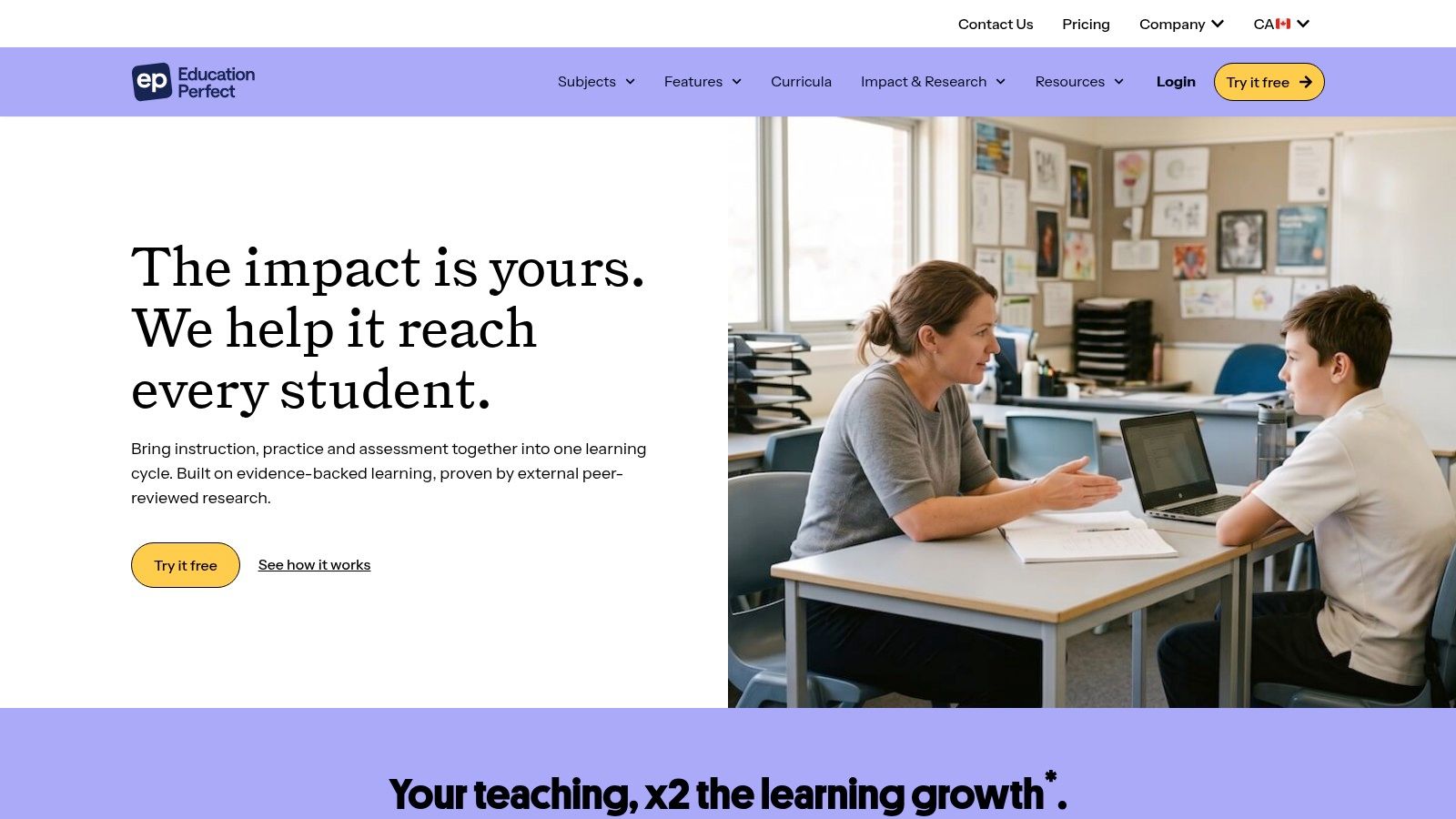
According to the Aotearoa EdTech Excellence report, Education Perfect started in 2007 as a language-learning tool and grew into a broad curriculum library with more than 40,000 subject-specific lessons, reporting adoption across more than 4,500 schools in 55 countries. That track record shows in how the platform handles everyday school workflows across English, maths, science, and languages.
Schools often underestimate how much staff time goes into rolling out new software. New Zealand classroom-technology research archived on ERIC found that 72% of principals named staff professional development as a major or somewhat significant barrier to using digital tools. Education Perfect counters that friction with onboarding and teacher support baked into school subscriptions, though you still need a realistic view of its limits:
You know what? Walk into almost any primary staffroom in Auckland or Brisbane, mention maths homework, and someone will immediately bring up Mathletics. Built by Australian software company 3P Learning, its job is straightforward: structured, curriculum-linked maths practice and progress tracking from early learning right through secondary school.
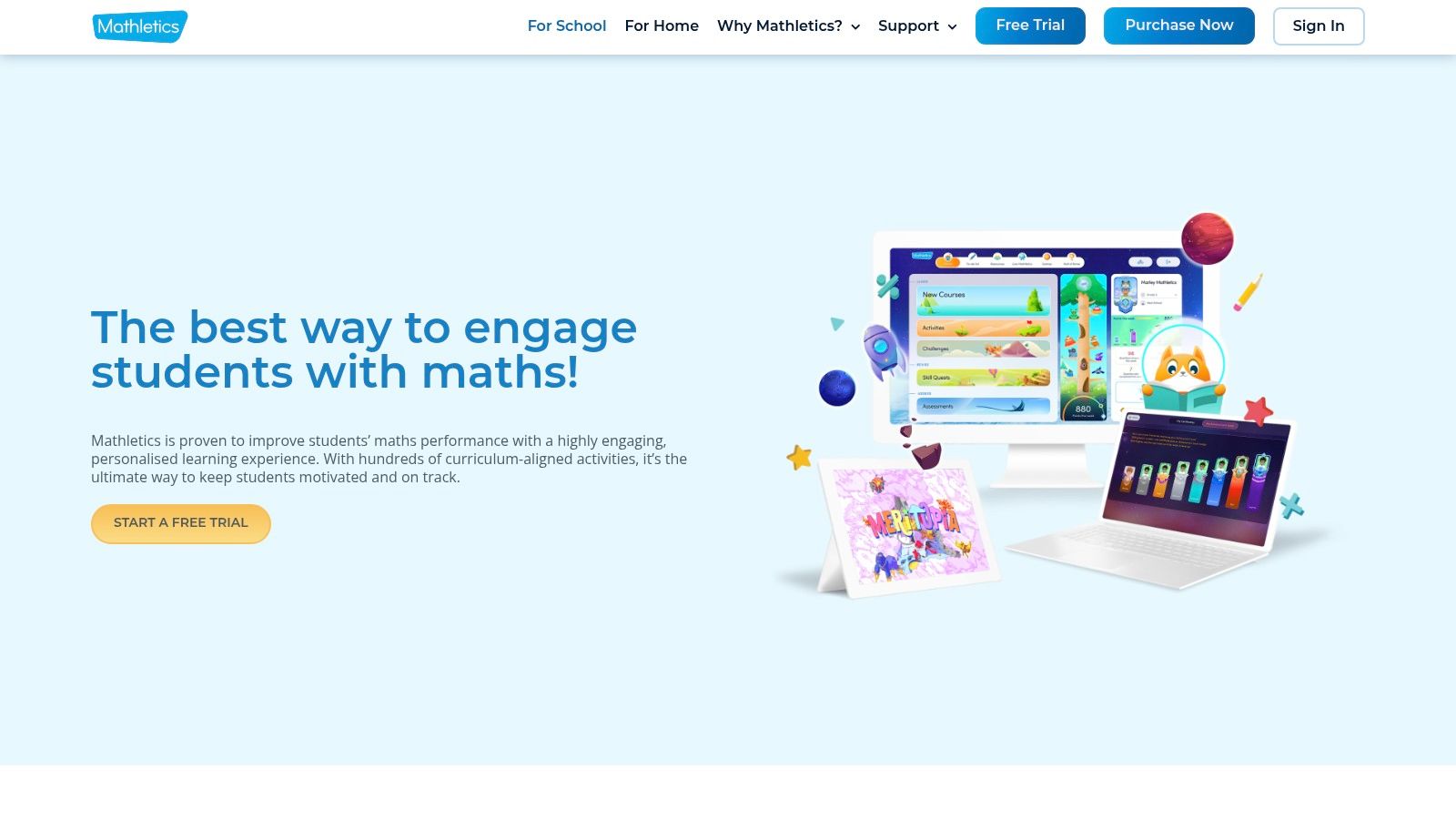
Teachers can push tasks to a whole class, a targeted extension group, or a single learner who missed a week of fractions. Alongside diagnostic check-ins and class reporting, the platform leans heavily on gamified rewards like points, avatars, and certificates to keep younger learners coming back for one more round.
Does gamification help, or do kids just race the clock for avatar hats? It depends on how tightly a teacher manages it. Ministry of Education NMSSA research found that at least 40% of Year 4 students used digital devices very often for online learning games and similar activities, while 81% of Year 4 students and 94% of Year 8 students had internet access at home. That gap in Year 4 home access matters, because if you treat Mathletics purely as a homework tool, a fifth of your younger class gets left behind unless you build in classroom rotation time.
Points and certificates get students through the door, but clear teacher assignment rules keep them practising the right skill rather than farming easy sums.
On the buying side, free school trials let your syndicate test engagement before spending a cent. The catch is simple: Mathletics only does maths, so every other subject still needs its own home, and school or classroom pricing is quote-based rather than listed publicly.
Suppose a Year 9 student gets a linear equation wrong. Most practice apps flash a red cross and ask them to try again, leaving both student and teacher guessing whether the slip happened on line two or line five. Mathspace takes a different swing at the maths specialist job by letting learners type or write their step-by-step working, giving hints and feedback along the way.
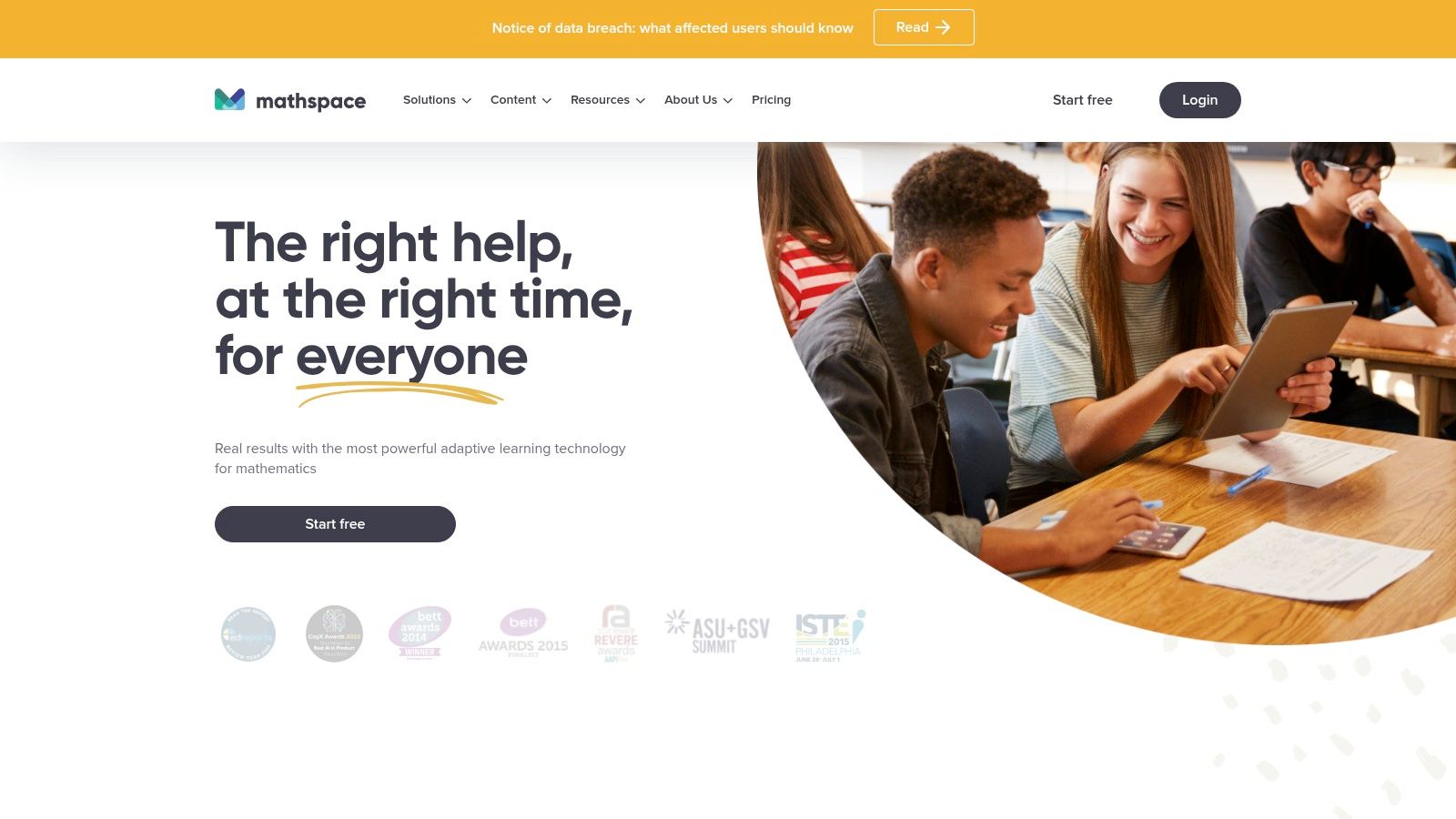
Developed in Australia, it pairs interactive digital textbooks with adaptive practice, skills check-ins, and teacher reporting. It supports Australian curricula out of the box, and school adoption is also documented across New Zealand.
Demand for adaptive tools isn't a passing fad. A 2018 New Zealand schools survey published on Education Counts found that 65% of schools used or planned to implement adaptive learning platforms, while 87% used or planned to use personalised learning technologies, with technology averaging 6.3% of non-teaching budgets. Knowing where a product like Mathspace fits among the main types of education technology stops you from buying both Mathletics and Mathspace for the same cohort by mistake.
Here is how the practical trade-offs stack up when your maths department tests it:
Secondary science heads are notoriously hard to please with generic software. They don't want another blank quiz shell; they want rich lab contexts, real data, and lessons that don't fall apart five minutes after the bell. Stile Education is an Australian specialist secondary science provider built specifically for that room.
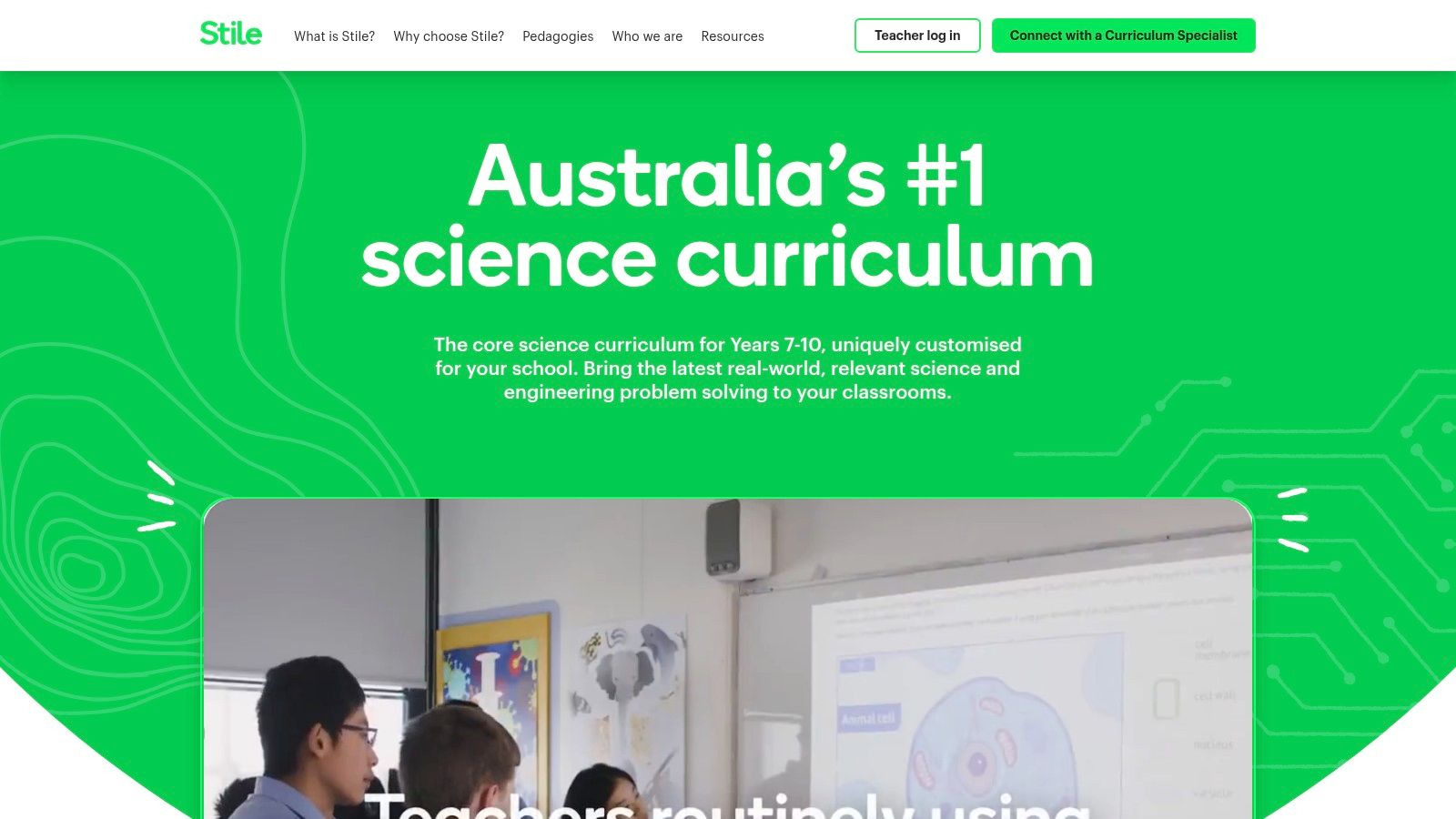
Its digital units wrap curriculum content around real-world questions and current applications, pairing student-facing activities with ready-to-run teacher materials. That tight focus matters more than people think. New Zealand students reported using digital devices for learning at school for an average of 2.5 hours per day, compared with 1.7 hours across the OECD, and 38% said peers were often distracted by devices during most or all science lessons, according to the OECD PISA 2025 New Zealand country note. When students are already tempted to tab over to something else, a tightly structured science lesson beats a loose collection of web links every time.
Because Stile only does science, evaluating it takes a single afternoon with your faculty rather than a term-long committee. Schools can licence one class, a single year level, or the whole school. According to the Stile Education website, teacher accounts are free, there are no setup fees, and a grants and assistance programme exists for schools whose budgets can't stretch to a full subscription. Those three details lower the cost of a pilot considerably: your faculty can test the platform on real junior science classes before any money changes hands.
Procurement check: Confirm how Australian and state-curriculum units map to your exact New Zealand junior science scheme before buying a multi-year licence, and remember Stile won't replace your school's LMS or roll-marking system.
Pricing still sits behind a quote form, so ask for a year-level breakdown alongside whole-school rates. The per-level numbers matter here, because the gap between licensing Years 9 and 10 only and licensing the entire school can be wide enough to fund lab equipment or a science technician's hours instead. Get both figures in writing before the board meeting, and push for the per-student rate at each tier so you can model what happens if the rollout expands later.
Between Year 3 and Year 9, the literacy spread inside a single classroom can feel like a canyon. One student is still untangling vowel blends while the kid next to them is tearing through young adult novels. LiteracyPlanet tackles that targeted English literacy job with structured practice across phonics, spelling, reading comprehension, grammar, and vocabulary.
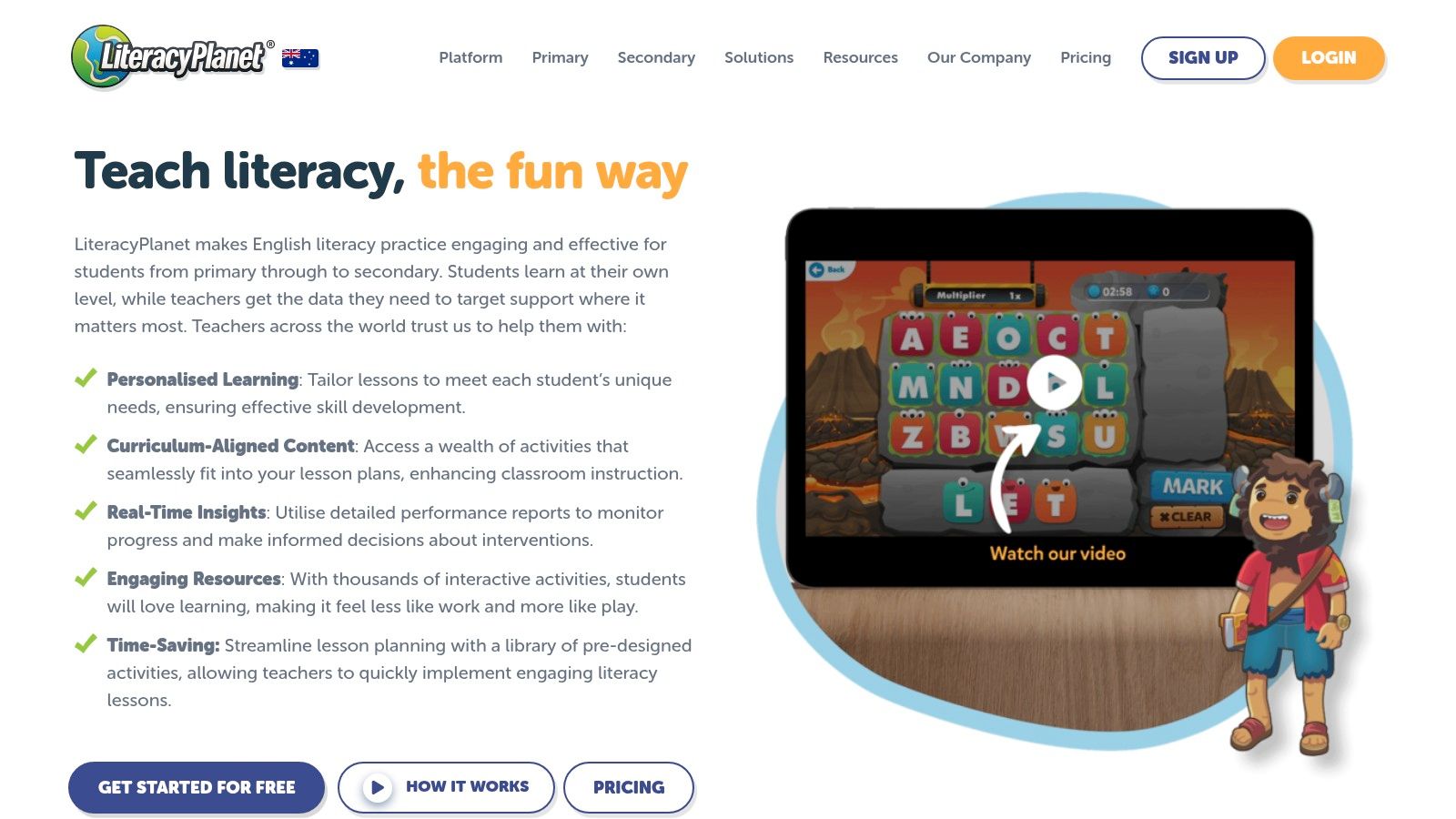
Teachers assign personalised pathways matched to skill levels, and the reporting dashboard shows activity and proficiency without forcing staff to mark thirty worksheets by hand on Sunday night. Better yet, it runs online across common school devices. A 2018 IDC survey cited by FutureMakers NZ reported that 64% of surveyed New Zealand schools had or planned a bring-your-own-device policy, with laptops used in 91% of schools and tablets in 78%. Any literacy platform that breaks on a mixed fleet of ageing iPads and budget Chromebooks creates more trouble than it cures.
Before committing syndicate funds, put the trial through a messy Tuesday morning with real students rather than a quiet Friday demo. Let me explain what to check during that month:
Every so often, a procurement adviser gets to share a price line that makes the board treasurer smile. Grok Academy delivers interactive computing and digital technologies courses, coding problems, and competitions, and according to Grok's own guidance, Australian and New Zealand learners, teachers, and schools get free access to its core content.
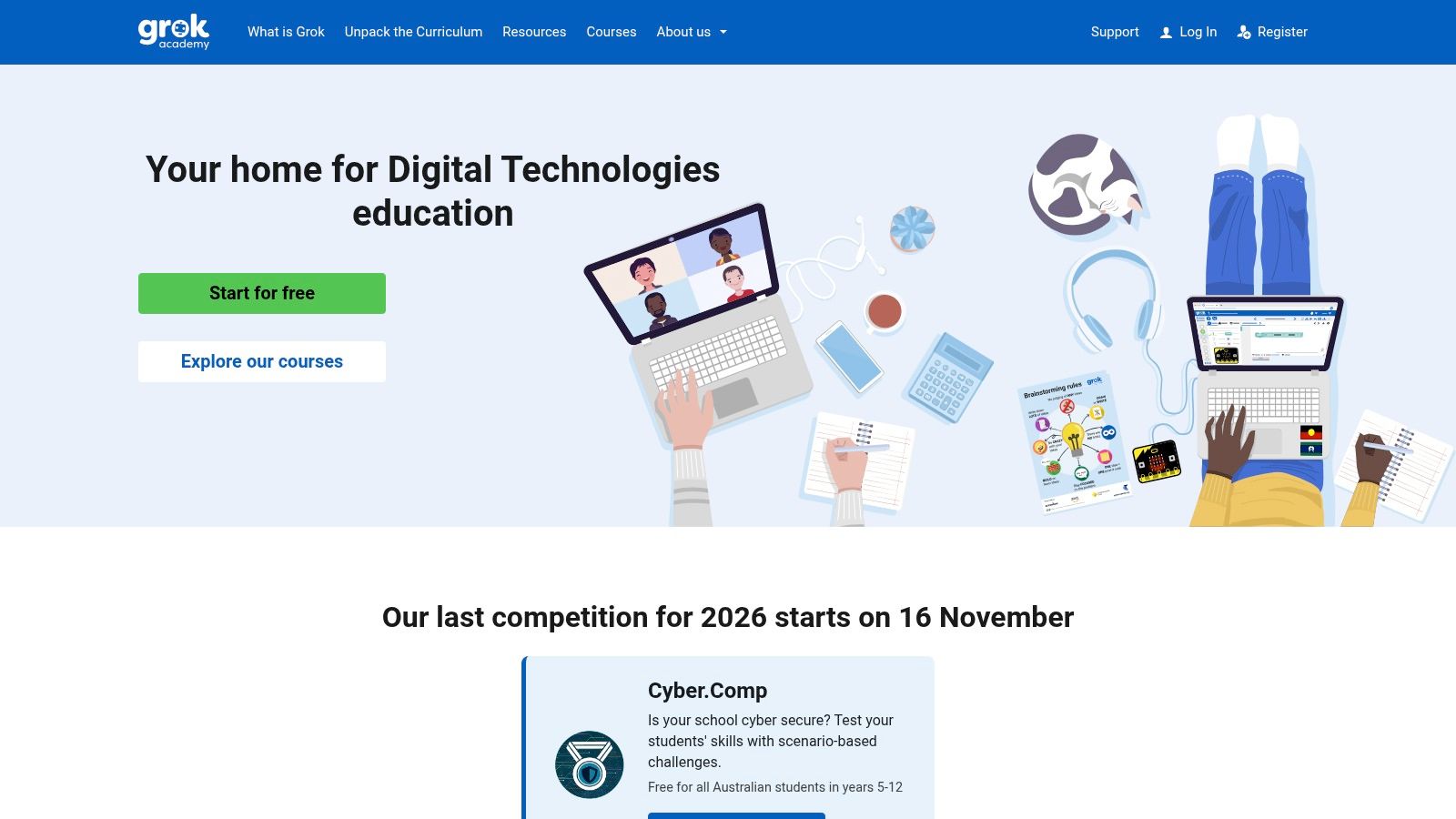
Students write and test code directly inside the browser across beginner pathways right up to Python, web design, and cybersecurity. No messy local software installs, no begging IT to unblock compilers on locked-down student laptops, and far fewer tears when a Year 7 student forgets a closing bracket.
Digital capability is one of the sharpest pain points in local schools right now. Network for Learning's 2025 Touchpoint Snapshot of 622 New Zealand schools found that 55% felt confident and ready to use AI while 45% did not. When nearly half of schools still feel under-prepared for fast-moving digital shifts, handing a non-specialist teacher a ready-made coding environment beats asking them to build a digital technologies course from scratch over the holidays. I'd put this near the top of any shortlist for exactly that reason.
The practical side holds up under timetabling pressure. Teachers assign tasks, monitor how far each student has progressed, and adjust difficulty across different learner stages, which suits a mixed-ability Year 9 rotation where some students are writing their first loop and others are already comfortable in Python. If you're brainstorming wider classroom edtech ideas for an intermediate or junior secondary tech rotation, Grok Academy slots in neatly alongside robotics kits or design sprints.
What's the trade-off? It covers computing and digital technologies only, so don't expect maths or social studies modules. While standard school access is free for NZ and Australian users, certain competitions or special offerings can carry separate access conditions, so check the fine print before registering a whole year group. Free core content makes the pilot decision easy, though. The cost is timetable space, not money.
Now step out of the classroom and walk down to the school office, where software headaches usually hide. Compass Education is not a curriculum publisher at all; it is a school operations and administration platform designed to pull disconnected office systems under one roof.
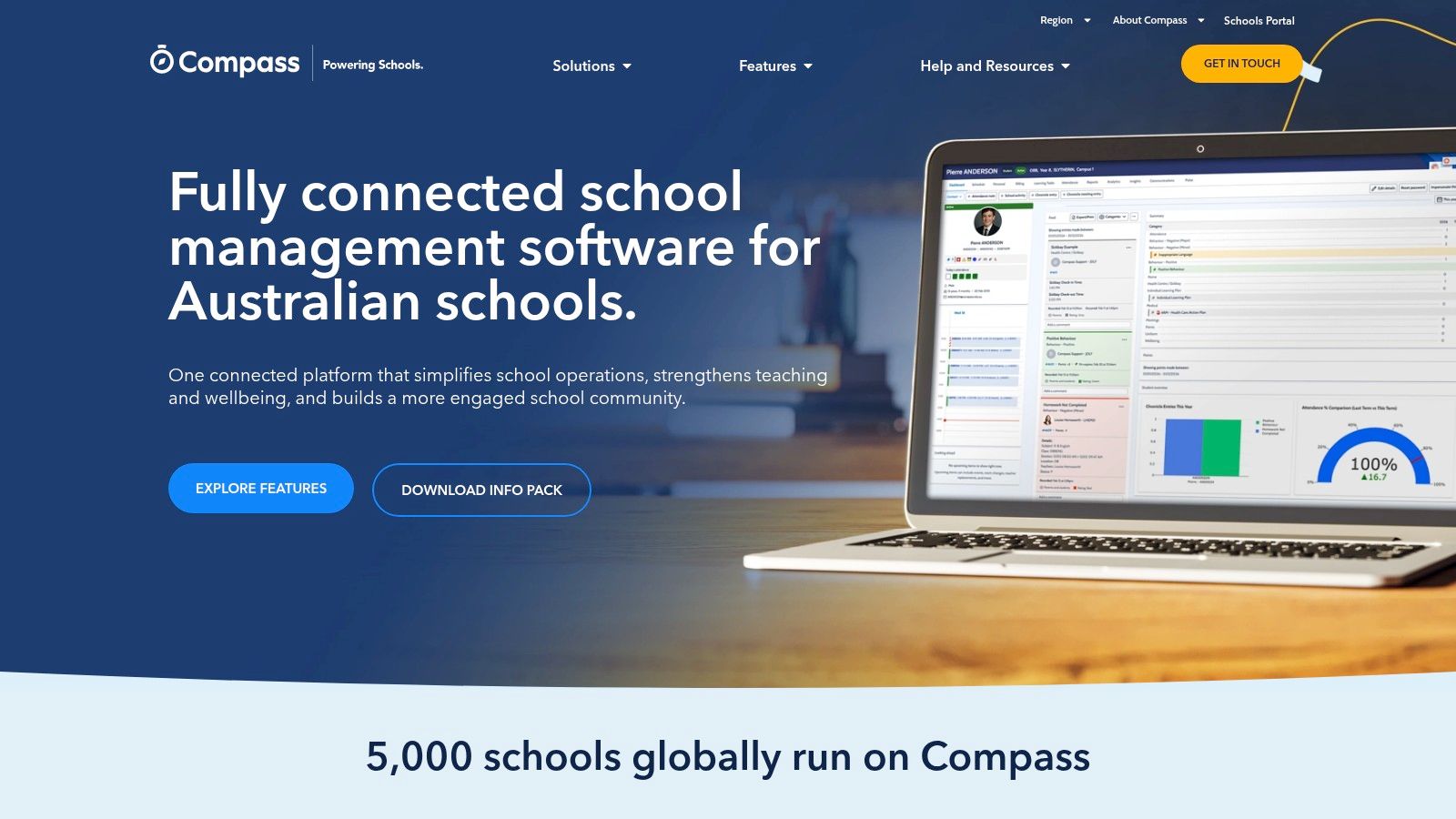
Its modules cover attendance, wellbeing, scheduling, enrolments, payments, reporting, and school-community communications, backed by a parent-facing portal and mobile app. The Australian vendor reports wide experience supporting government, Catholic, and independent schools, which shows up in how seriously it treats everyday operational compliance.
Switching an administrative core is nothing like trialling a maths app; it feels more like swapping a car's engine while driving down State Highway 1. EdTechNZ's 2023 annual survey of more than 60 companies found 24% focused directly on K-12 learners, and flagged the high cost of selling into schools because the teacher using software, the leader approving it, and the office paying for it are often three separate people. With a school management system, that buying committee gets even larger, so vet these three operational realities early:
Never sign off on an operations platform until your office team has watched a live test of data migration and finance exports, not just a glossy parent-app walkthrough.
| Company | Main job in a school | Subject or curriculum focus | Pricing transparency | Best fit for |
|---|---|---|---|---|
| Education Perfect | Teaching, practice and assessment platform | Multiple subjects; includes NZC- and NCEA-aligned resources | Quote-based; varies by students, year levels and subjects | Schools seeking broad curriculum coverage |
| Mathletics | Assignable maths practice and progress tracking | Mathematics, early learning through secondary | Quote-based; school and classroom rates not publicly listed | Schools supplementing classroom maths teaching |
| Mathspace | Adaptive maths practice, textbooks and reporting | Mathematics; supports Australian curricula and New Zealand school use | Paid school pricing requires a current quote | Schools wanting step-by-step maths feedback |
| Stile Education | Digital lessons and classroom resources | Secondary science; Australian and state curricula | Quote-based; teacher accounts are free | Schools seeking a ready-to-use science program |
| LiteracyPlanet | Literacy practice and progress reporting | English literacy, including reading, spelling and grammar | Free plan available; school pricing varies | Schools targeting literacy practice |
| Grok Academy | Computing courses, coding activities and competitions | Computing and digital technologies | Free access for Australian and New Zealand school users; some offerings may differ | Schools seeking coding and computing resources |
| Compass Education | School operations and administration platform | School management, attendance, communications and reporting | Tailored proposal; no standard public rate listed | Schools evaluating administrative and family-engagement software |
Walking away from a software demo feeling excited is easy. Explaining to the board twelve months later why nobody opened the shiny new platform is much harder.
Start with a thirty-minute audit of what you already pay for. Write every active tool on a sheet of paper and assign it one job: broad curriculum practice, single-subject specialist, or school operations. If two subscriptions sit in the same box for the same year level, pick the one teachers open and cancel the other before auto-renewal hits. Next, run short classroom trials on the two or three gaps that overlap least, pairing your picks with planning tools covered in this Teacher Planner software comparison guide if timetable prep is also eating staff evenings.
Budget pressure isn't going anywhere. New Zealand's education-software market was valued at NZ$173.6 million in 2020 and projected to reach NZ$319.6 million by 2025, yet nearly one-quarter of surveyed companies in the Aotearoa EdTech Report named limited school budgets and resources as their biggest barrier to growth. Because almost every vendor on this list uses quote-based pricing, don't settle for a headline licence fee. Ask three blunt questions on the first call:
Good news on that third question: reference calls travel well across the Tasman. According to EdTechNZ's 2025 survey findings, 71% of New Zealand EdTech companies exported their products or services, and 45% earned more than half of their revenue from exports. Kiwi and Australian schools largely share the same handful of K-12 edtech companies, so a quick phone call to a neighbouring principal or a sister school in Melbourne will tell you more in ten minutes than a forty-page brochure.
If you're a school leader, operator, or founder mapping the wider regional software scene, you can browse the NZ Apps directory, where New Zealand and Australian tech companies sit in separate sections, and local vendors can add their own listing to be found across both markets.
Keep your nerve when the sales pitches ramp up before Term 4 budgets close. The win isn't building the biggest tech stack in the region; it's building the smallest one your teachers open on a rainy Tuesday.
Evaluating classroom software or growing an edtech product across New Zealand and Australia gets much easier when you can see the local market clearly. Visit NZ Apps to explore our independent tech guides, browse separate directories for New Zealand and Australian companies, or list your own platform in front of regional founders and decision-makers.
Add your NZ or Australian app or tech company to the NZ Apps directory and get discovered by founders and operators across the region.
Get ListedReach tech decision-makers across New Zealand and Australia. Sponsored and dofollow editorial links, permanent featured listings, and sponsored articles on a DA30+ .co.nz domain.
See Options