
You've got five logins open, a class arriving after morning tea, and another app trial sitting in your inbox. One tool holds homework, another runs quizzes, and a third promises to save you time. Which one solves the problem you have?
That's the useful way to sort types of edtech. Start with the teaching job, then check what the tool assumes about devices, internet access and support at home. In New Zealand, those quiet assumptions can matter as much as the software.
Edtech means educational technology: the tools and systems we use to support teaching and learning. It includes lesson software, but also the laptop, connection and school systems that make a lesson possible.
The confusion starts when we compare tools that do different jobs. A course platform isn't a tutor. A quiz isn't a curriculum. And a parent messaging app won't explain fractions, though it might help a family understand what their child is practising.
These categories give schools, tertiary providers and workplace trainers a practical map. They also help founders describe a product without reaching for a fog of feature names.
Edtech categories, what they do and example tools
| Category | What it does | Typical users | Example tools |
|---|---|---|---|
| Learning management systems | Organise courses, content, submissions and grades in one place | Schools, tertiary providers, trainers | Google Classroom, Moodle, Canvas |
| Adaptive learning platforms | Adjust sequence and difficulty to each learner's responses | Primary and secondary maths and literacy | Mathletics |
| Formative assessment tools | Run quick checks that show what learners understand now | Teachers at all year levels | Kahoot! |
| Coding and robotics tools | Build, test and debug programs, robots or digital designs | Years 1–13 technology classes | Scratch, micro:bit |
| AI teacher assistants | Draft lesson plans, practice questions and feedback | Teachers and tutors | MagicSchool |
| Portfolio and parent communication apps | Share student work and updates with whānau | Primary and intermediate schools | Seesaw |
| Content and practice apps | Supply videos, games, reading texts and practice tasks | Learners at school and at home | Khan Academy |
| Connectivity and devices | Provide home internet, laptops and tablets so learning can happen | Ministries, schools, households | Ministry device loans from the 2020 lockdown, school BYOD programmes |
The last row isn't glamorous. It's still edtech. Buying a rich video library without checking home access is rather like sending books home in a locked box.
For a different schooling context, Queens Online School's discussion of the benefits of online British curriculum schooling offers a useful comparison point. Consider how course delivery, teacher contact and home study work together, rather than treating a virtual classroom as a single app.
One product can span several rows. An LMS might include quizzes, while a practice platform might offer a teacher dashboard and family updates.
Practical rule: Classify a product by the job you need it to do, not by its longest feature list.
That keeps the buying conversation grounded. If learners need clearer feedback, start there. Don't buy a whole new course system because its quiz screen looks cheerful.
A learning management system, or LMS, is the filing cabinet and timetable of digital learning. It gives learners a place to find work, hand it in and see what comes next.
Say a teacher sets a local water-quality project. The LMS holds the task, reading material, due date and assessment criteria. Students submit their findings there, rather than scattering files across email threads.
Google Classroom is worth considering where Google Workspace already forms the school's working environment. Moodle offers an open-source route for institutions that want control over their setup. Canvas is another course-platform choice for structured teaching and assessment.
The key question isn't which screen looks nicest. It's who will administer the system.
Someone must create courses, manage enrolments, resolve access problems and archive old work. With a self-managed platform, that responsibility needs a named owner. Hosted software still needs local decisions about permissions and course design.
Nor should you assume every platform offers the same discussion boards, gradebooks or parent access. Test the actual workflow, including what a relief teacher sees when taking over a class.
A tidy course page helps only if learners can find the right task without a teacher narrating every click.
The New Zealand Curriculum technology guidance includes computational thinking and designing digital outcomes, and requires learning opportunities across all five technology areas in Years 1–10 in English-medium state and state-integrated schools.
An LMS can organise that teaching, but it doesn't supply the teaching by itself. For the water project, tag tasks to the intended progress outcomes and show how the submitted work will demonstrate learning.
Before adopting a platform, test whether students can use their existing school login, whether grades export cleanly into reporting, and whether lessons can carry curriculum tags. Ask staff to complete those tasks, not watch a sales demonstration. The awkward bits tend to appear when someone has to do the work themselves.
A class can enjoy an app without learning more from it. The Ministry of Education's digital enablement review found strong potential gains in motivation and engagement, but weaker evidence that technology alone raises achievement.
That distinction matters. A bright progress bar might show persistence, guessing or genuine understanding. You need evidence to tell which.
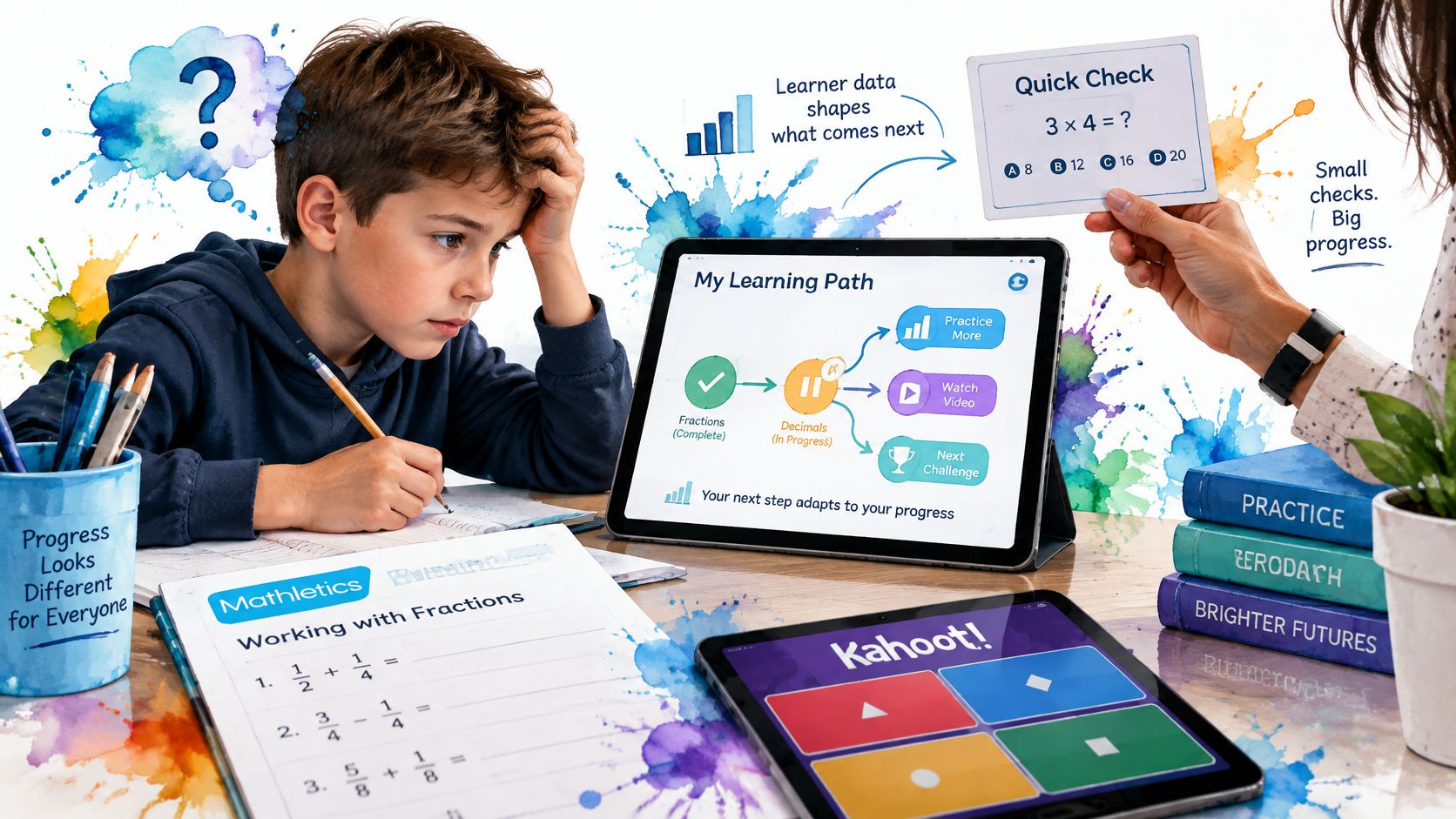
Adaptive learning uses learner responses to change what comes next. A student who struggles with equivalent fractions might receive a simpler representation before tackling another abstract question.
Mathletics is a familiar maths practice example. When evaluating its adaptive features, inspect how it selects tasks and what control the teacher retains. Personalised shouldn't mean invisible.
Formative assessment helps a teacher decide what to teach next. Kahoot! can reveal that learners picked the wrong answer, but the follow-up conversation reveals why. Was it a misconception, confusing wording or a hurried click?
The teacher's response makes the check formative. Without that response, it's just a recorded result.
Use a small set of measures that connect activity to teaching:
Say students complete an online fractions task, then explain an unfamiliar fraction problem on paper. The second task helps show whether they can transfer their learning beyond the app's familiar prompts.
Run a class trial over a term, using a similar class as a comparison where practical. Keep the teaching content and starting assessment comparable, and record differences in support or attendance. This won't prove causation, but it gives you a sounder decision than login counts.
Keep the platform if it improves the learning you intended, not merely the activity you can count.
A child records an explanation of a science model. That evening, a family member watches it and asks how the model works. A classroom task has become a conversation at home.
That's the role of a digital portfolio. Tools such as Seesaw can collect work, images and recordings so learning is visible beyond the classroom. A portfolio is less like a textbook and more like a noticeboard with a memory.
Parent communication sits close beside it, but serves a different purpose. A message about tomorrow's trip isn't evidence of learning, and a video of student work shouldn't get buried beneath permission reminders.
Content and practice apps provide material to learn from or practise with. Khan Academy is a familiar example for videos and exercises. Other tools focus on reading texts, games or a particular subject.
Say a learner needs another explanation after class. A teacher can select a relevant video and pair it with a short task, rather than sending the learner into a vast library with a vague instruction to revise.
The useful unit isn't a library of content. It's a resource matched to a learner's next step.
Home use changes the test. Open a portfolio post on a phone, with sound off, and check whether the meaning survives. For video homework, offer a text or printable route where possible.
Language, accessibility and privacy deserve the same care as the classroom interface. Check whether families can understand messages in their home language, what data the app collects, and who can see a child's work. New Zealand data storage alone doesn't settle those questions.
For founders, a whānau trial can expose problems a staff demonstration misses. Watch someone find a post, respond and change notification settings. Those ordinary actions are part of the product, not finishing touches.
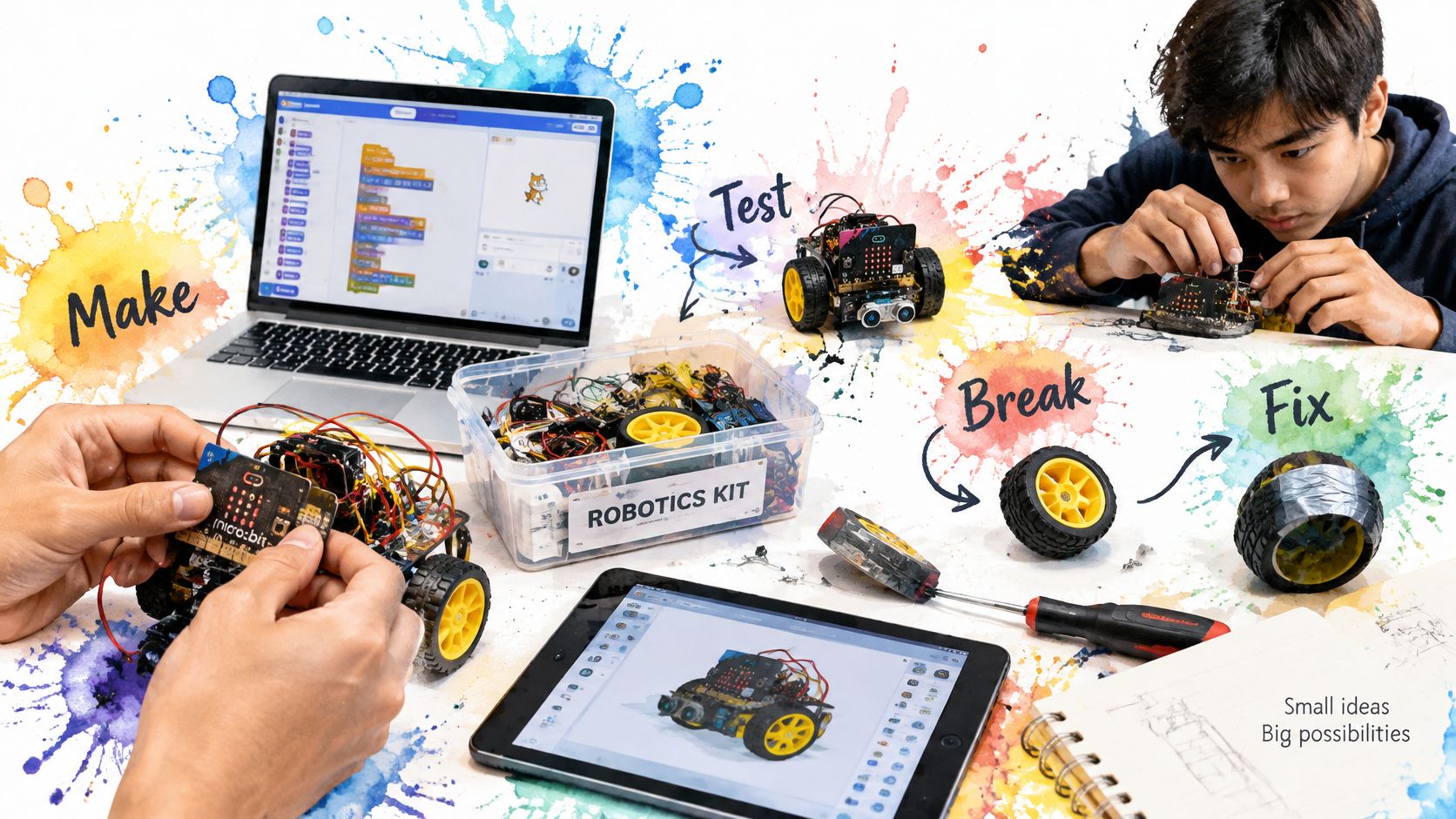
Think workshop, not textbook. With coding and maker tools, learners make something, test it, spot a fault and try again.
In Scratch, that might be a story whose characters respond to an event. With a micro:bit or robotics kit, code can produce a physical response. Digital design tools let learners build and revise a model before making a finished object.
The Ministry of Education's NMSSA technology findings recorded the following changes in students reporting coding or design activities between 2016 and 2021, alongside planning updates reported by 93% of Year 4-school principals and 92% of Year 8-school principals.
Students reporting coding or design activities
| Activity | 2016 | 2021 |
|---|---|---|
| Computer programming, coding or robotics | 28% | 54% |
| Media or graphic design | 19% | 37% |
Those planning updates incorporated digital technologies into the technology learning area. Participation, though, isn't the same as depth of understanding.
A learner may copy working code without understanding its sequence. Another may finish less but explain every revision. Teachers need to see the process as well as the polished result.
Set a task such as making a device respond when a condition changes. Ask learners to predict its behaviour, run it and compare the result with their prediction.
Code revisions, error types and collaboration records can support assessment. Measure algorithmic reasoning, debugging independence and project completion, while checking who gets hands-on time with the equipment.
For projects that add digital information to physical settings, this guide to augmented reality in New Zealand provides a related technology avenue to consider. Keep the learning purpose clear before adding another layer.
Hardware can be the catch. A robot that connects to a laptop may not work with a shared tablet cart, and teachers need time to learn the setup. Test on the school's actual devices, including permissions, connections and storage between lessons. A kit that spends the lesson being paired isn't much of a workshop.
AI adoption is moving quickly. In 2024, 69% of New Zealand Years 7–10 teachers reported using artificial intelligence, compared with 36% of lower-secondary teachers across the OECD, according to the Ministry of Education's TALIS first report.
But use doesn't tell us whether a tool improves teaching. Drafting a lesson outline and judging a student's achievement are very different tasks.
The TALIS findings on teacher preparation and AI use show that 76% of New Zealand Years 1–10 teachers felt their initial teacher education prepared them not at all or only to some extent for digital tools; teachers most often used AI for lesson plans and topic summaries, and least often for reviewing performance data or assessing work.
AI teacher assistants can help produce a starting point: a lesson outline, practice questions or feedback wording. The teacher still needs to verify facts, check difficulty and remove material that doesn't fit the lesson.
An AI tutor interacts with the learner directly. That raises a different concern: does it prompt thinking, or provide a polished answer before the learner has tried?
Model Diplomat's guide to choosing an AI platform in 2026 offers a student-facing comparison lens. Use it alongside school requirements, not as a substitute for evaluating classroom suitability.
Assess products against the risks attached to their intended use:
Compare governance, evidence of learning impact and staff training needs before comparing convenience features. A tool that saves drafting time but requires extensive checking may still be useful. It just needs an honest workload calculation.
The safest starting task is bounded and reversible. Draft a worksheet, inspect it, teach with it and review the result. Don't begin by handing over decisions that affect a learner's progress.
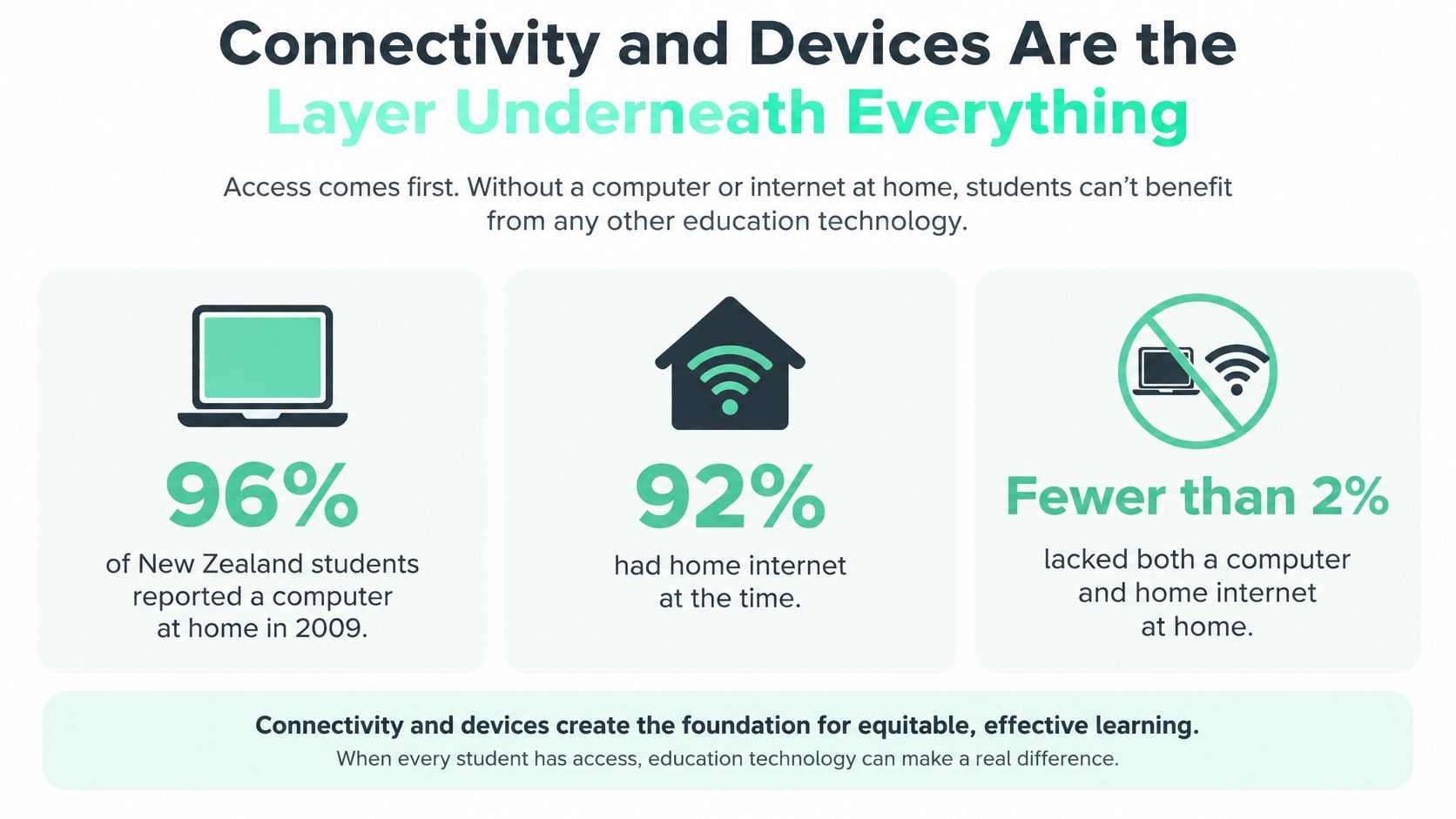
Access decides whether any other edtech can work. A household can have internet and still lack a suitable device when homework is due.
The historical figures in the Ministry of Education's PISA digital access report show 96% of New Zealand students reported a computer at home and 92% home internet in 2009, while fewer than 2% reported no access to either a computer or internet at school. These are school-age survey findings, not a description of every household today.
The NMSSA digital technologies publication provides the national access measures below and describes the lockdown response: the Ministry attempted connectivity provision for 80,000 learners across 45,000 households and distributed devices to 36,000 learners.
New Zealand access figures for learners
| Measure | Figure | Source |
|---|---|---|
| Students with a computer at home | 96% | PISA 2009 |
| Students with home internet | 92% | PISA 2009 |
| Year 4 students with home internet | 81% | NMSSA |
| Year 8 students with home internet | 94% | NMSSA |
| Year 4 students with a notebook or laptop | 47% | NMSSA |
| Year 8 students with a notebook or laptop | 69% | NMSSA |
| Teachers saying students lacked digital access when needed | 46% | Ministry literature review |
For Pacific learners, home-internet access rose from 95% in 2018 to 98% in 2022, while mobile-phone access fell from 93% to 87%, within the Ministry's digital inclusion evidence. Different access measures can move in different directions.
The curriculum strategic thinking roadmap supports school-provided equipment, BYOD or a mix, with individual or shared access. Device choice should follow age, learning stage and teaching purpose.
Compare products by what they require:
These models overlap. A browser app may handle mixed hardware but still struggle with weak bandwidth or shared accounts.
Network safety belongs in that delivery discussion too. Resources such as Purple Shield education network protection can inform a review of protection requirements without replacing checks on each app's privacy terms.
The deciding test is simple: can learners complete the task on the devices and connections available to them?
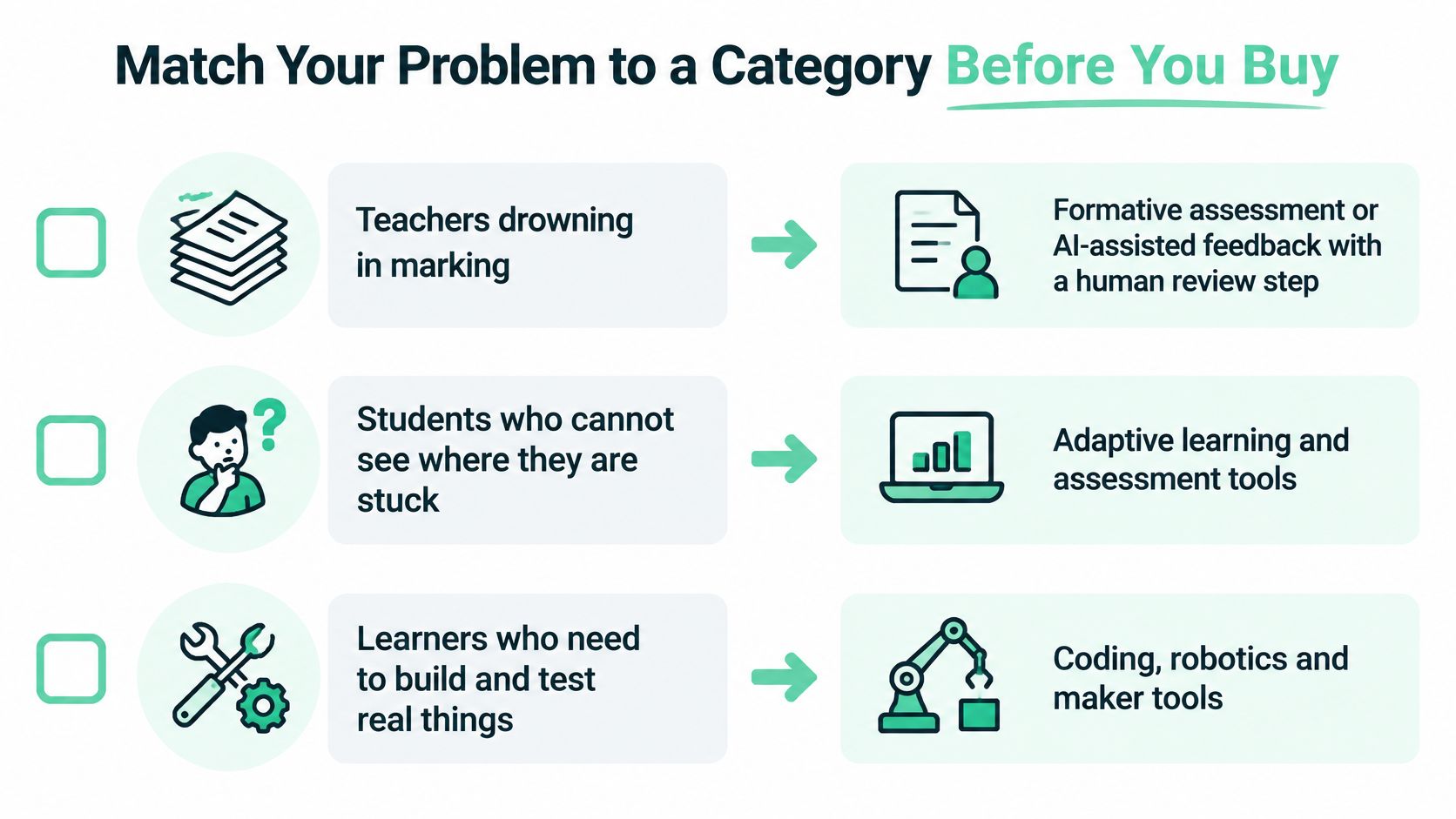
Start with a plain statement of the problem. Teachers drowning in marking may need formative assessment or AI-assisted feedback with human review. Students who can't reach resources at home need access support and offline-capable content, not another cloud subscription.
A class that needs to understand its progress in coding needs tools that reveal revisions and reasoning. Match that job first, then compare products within the relevant category.
Before signing, document these points:
For founders shaping a product around these needs, the edtech ideas guide offers a starting point for exploring problems worth solving. A clear teaching need is a stronger foundation than a crowded dashboard.
Shortlist three products from the relevant category, then choose one for a two-week classroom trial. Use that short trial to test usability and workload; allow longer before judging lasting learning gains.
Compare starting and finishing work with a similar class where practical. Record where students needed help, what teachers had to fix and whether learners could explain their answers without prompts.
Decide whether to continue, change the setup or stop. Buy on evidence of useful teaching and learning, not on how long the screen stayed lit.
NZ Apps offers independent tech coverage and a directory of app and technology companies across New Zealand and Australia. Visit NZ Apps to explore the regional software scene, or add your NZ or Australian app or tech company so founders and operators can discover what you're building.
Add your NZ or Australian app or tech company to the NZ Apps directory and get discovered by founders and operators across the region.
Get ListedReach tech decision-makers across New Zealand and Australia. Sponsored and dofollow editorial links, permanent featured listings, and sponsored articles on a DA30+ .co.nz domain.
See Options