
Say you run a five-person Wellington agency. Sticky notes cover the wall, a designer works from home, and someone's chasing approval in an email thread nobody can find. Your boss asks why the client invoice is still stuck in “almost done”. Nobody has a clear answer.
Kanban board software gives that work a shared home. Each task becomes a card, each column marks a stage, and each person can see what needs attention. It won't fix unclear ownership by itself, but it can make missed handoffs much harder to hide.
For NZ and AU teams, the buying decision needs a local lens. Most vendor pages list prices in USD, so check the currency, GST or VAT treatment, billing term and seat minimums at checkout. A cheap-looking seat price isn't the same as your final subscription bill.
Data location matters too, especially when cards contain customer details, staff records or sensitive product plans. Consider your privacy expectations under the NZ Privacy Act 2020 and Australian Privacy Act, and check hosting, access and retention terms rather than treating a hosting region as proof of compliance.
NZ Apps offers practical local software context for founders comparing these choices. For publishing teams, TheContentMap's editorial software comparison also helps frame the difference between tracking tasks and managing a full editorial process.
These ten tools cover both ends of that gap, with an honest look at where each becomes useful, costly or a bit much.
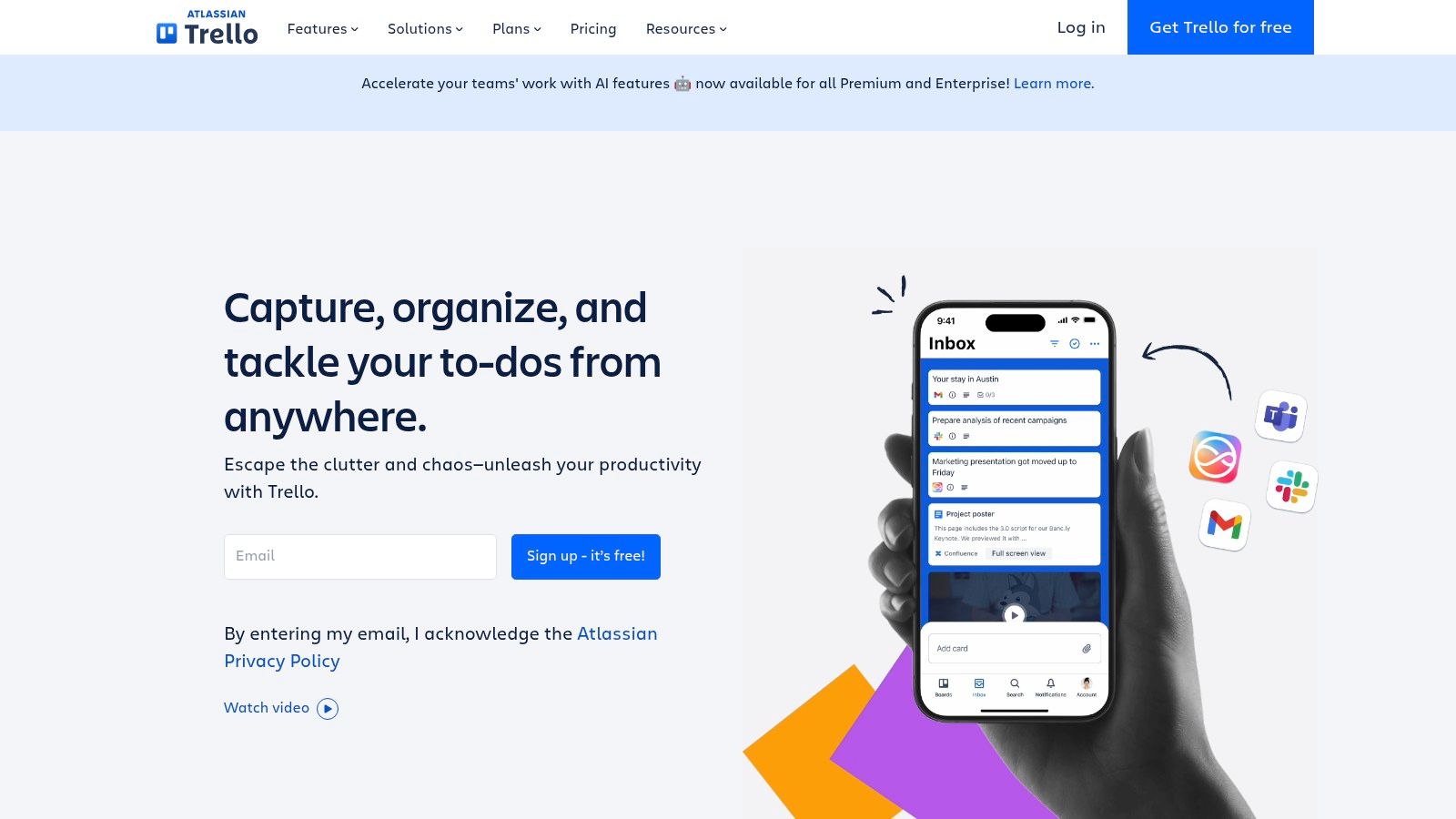
Trello is my first shortlist pick for a small team that needs a board, not a systems project. People create cards, assign work and drag tasks between lists. Due dates, checklists and comments keep the next action close to the task.
For that Wellington agency, start with Ready, Doing, Client Review and Ready to Invoice. Make the final stage explicit, because finished design work and billable work aren't always the same thing. Power-Ups add integrations and extra board features, while workspace automation can handle routine moves and reminders.
Trello offers a free plan with up to 10 collaborators and 10 boards per Workspace, while Standard is listed at US$5 per user/month billed annually or US$6 monthly. That makes it approachable for a small shared workspace, though attachment limits and advanced features need checking before you move files across.
The trade-off is depth. Trello is less comfortable when you need complex dependencies, capacity planning or portfolio reporting. You can build clever workarounds, but someone then has to maintain them.
Practical rule: If your team needs a long explanation of how to move a card, simplify the board before adding another Power-Up.
Use mobile access for quick updates, not as a substitute for clear card descriptions. Best fit: small agencies, content teams and operators who want visible work with little setup. Move beyond it when managers spend more time assembling reports than helping work finish.
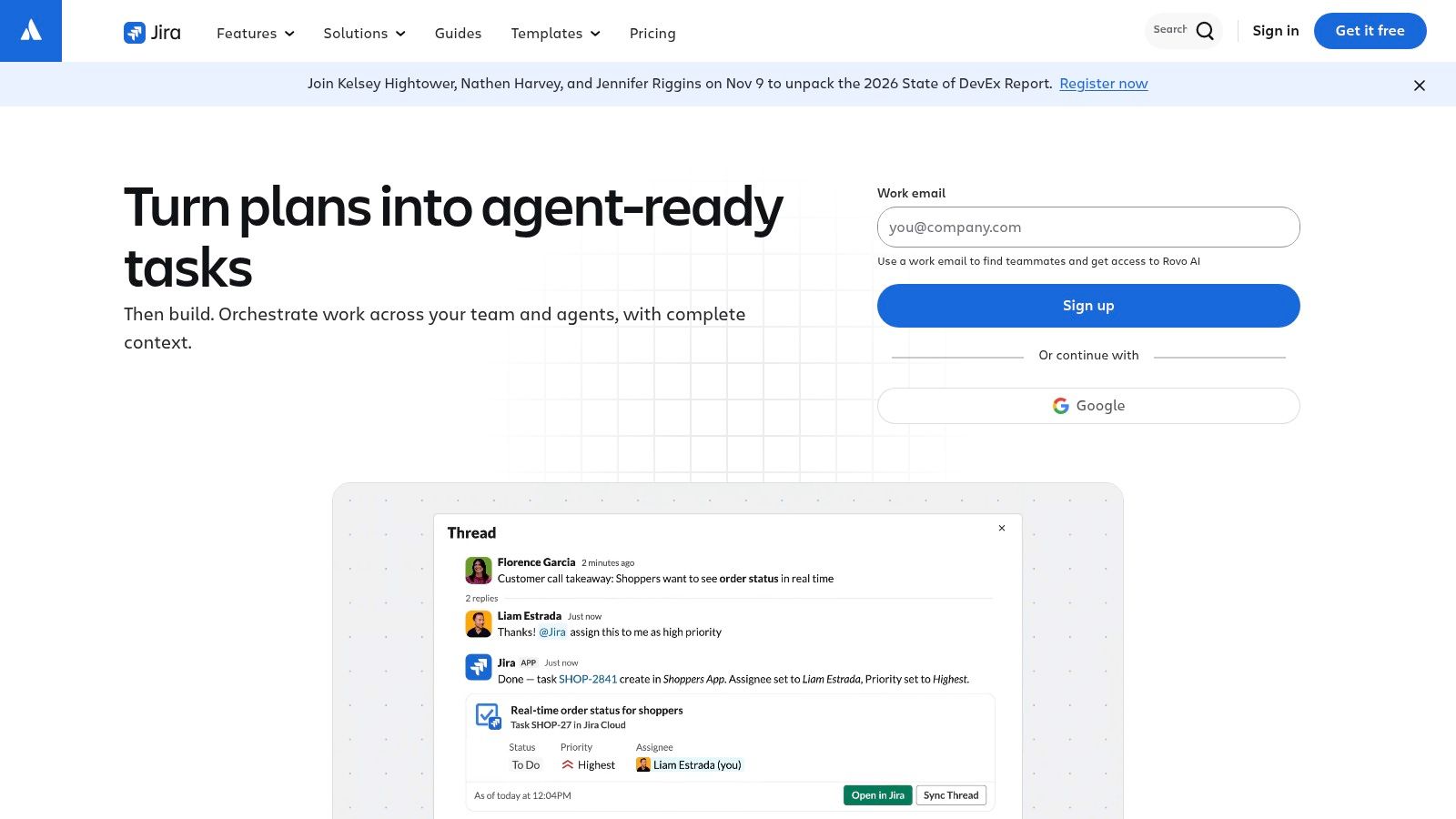
A bug report needs more structure than “please fix this”. Jira suits software teams that need tasks, bugs and stories to move through defined workflows, with backlogs, filters, automation and Agile reporting close at hand.
Its configurable fields let teams capture severity, release context and acceptance criteria without burying everything in comments. Connections with Confluence and extensions through Atlassian Marketplace help when product knowledge and delivery work need to stay connected.
That flexibility comes with admin work. Decide who owns workflow changes, and resist creating a new status for every exception. Otherwise, a board meant to explain delivery becomes a maze of transitions.
For regional context, the guide to Agile project management helps connect the tool choice to how a team delivers.
During a trial, move a real defect from report through review and release. Include a rejected fix and a reopened issue. Jira earns its place when those awkward paths matter, not just because a startup expects software teams to use it.
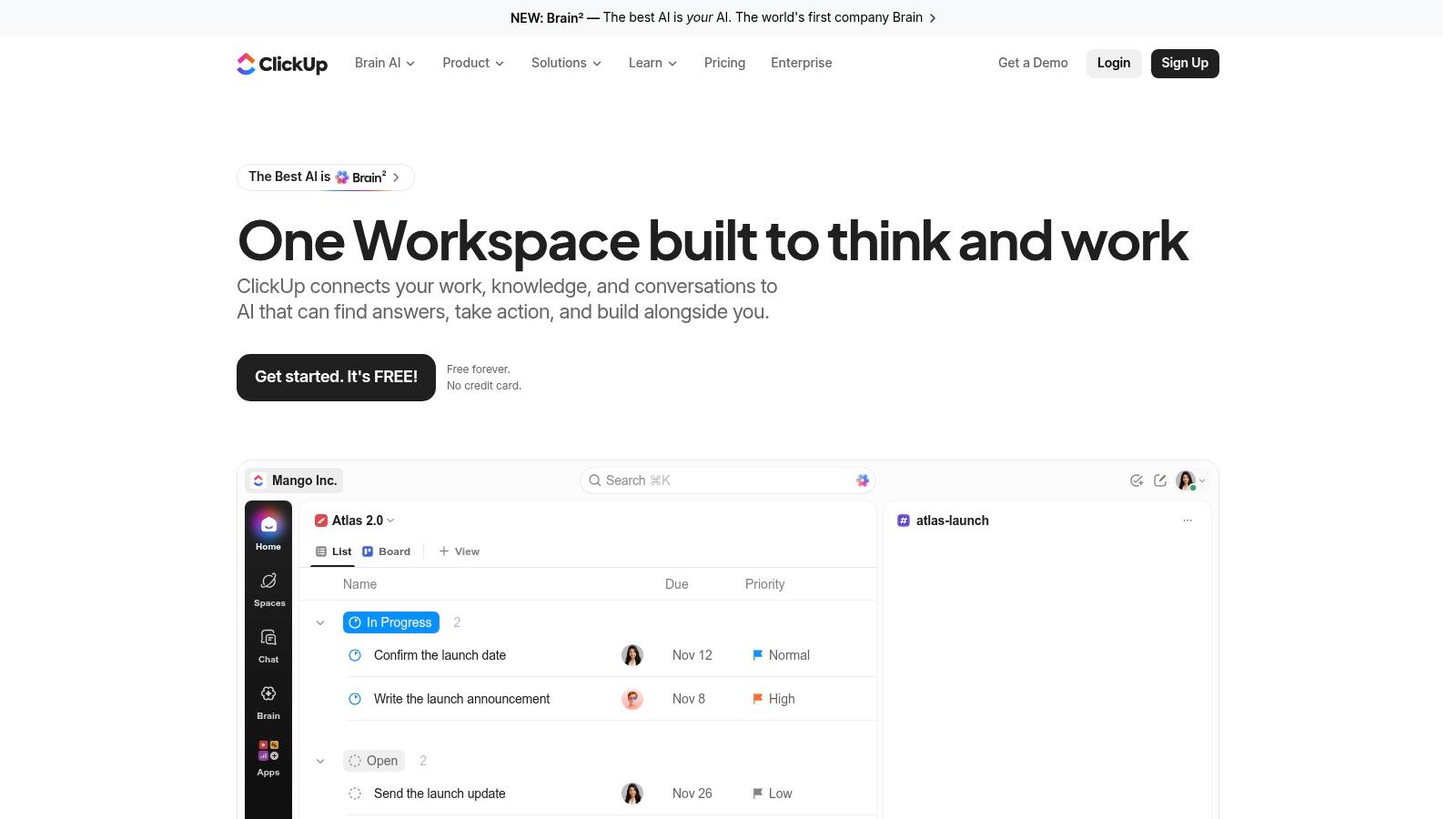
ClickUp's appeal is consolidation. Boards, documents, goals, dashboards and other task views can share a workspace, so a team doesn't have to scatter every part of a project across separate apps.
That's useful for a SaaS operator managing launch work alongside support and internal projects. Custom statuses and configurable cards let people see the same tasks through different lenses. The danger? Spending more time designing the workspace than doing the launch.
Choose a shared status set before teams create their own variations. Keep required fields lean, and add automations only after people understand the manual handoff. Board view can support continuous work alongside sprint-based delivery, but those work types still need clear rules.
ClickUp includes Board view on its Free Forever plan, with unlimited tasks and members; Unlimited is listed at US$7 and Business at US$12 per user/month billed yearly. Feature allowances vary by plan, so test the dashboards and automations you'll use rather than assuming everything in the menu is included.
The guide to team collaboration software is useful if the bigger problem is scattered communication rather than task visibility.
My recommendation: shortlist ClickUp when replacing several tools is part of the business case. Skip the grand workspace rebuild at first. Make a live project easy to follow, then add structure where the team feels a real gap.
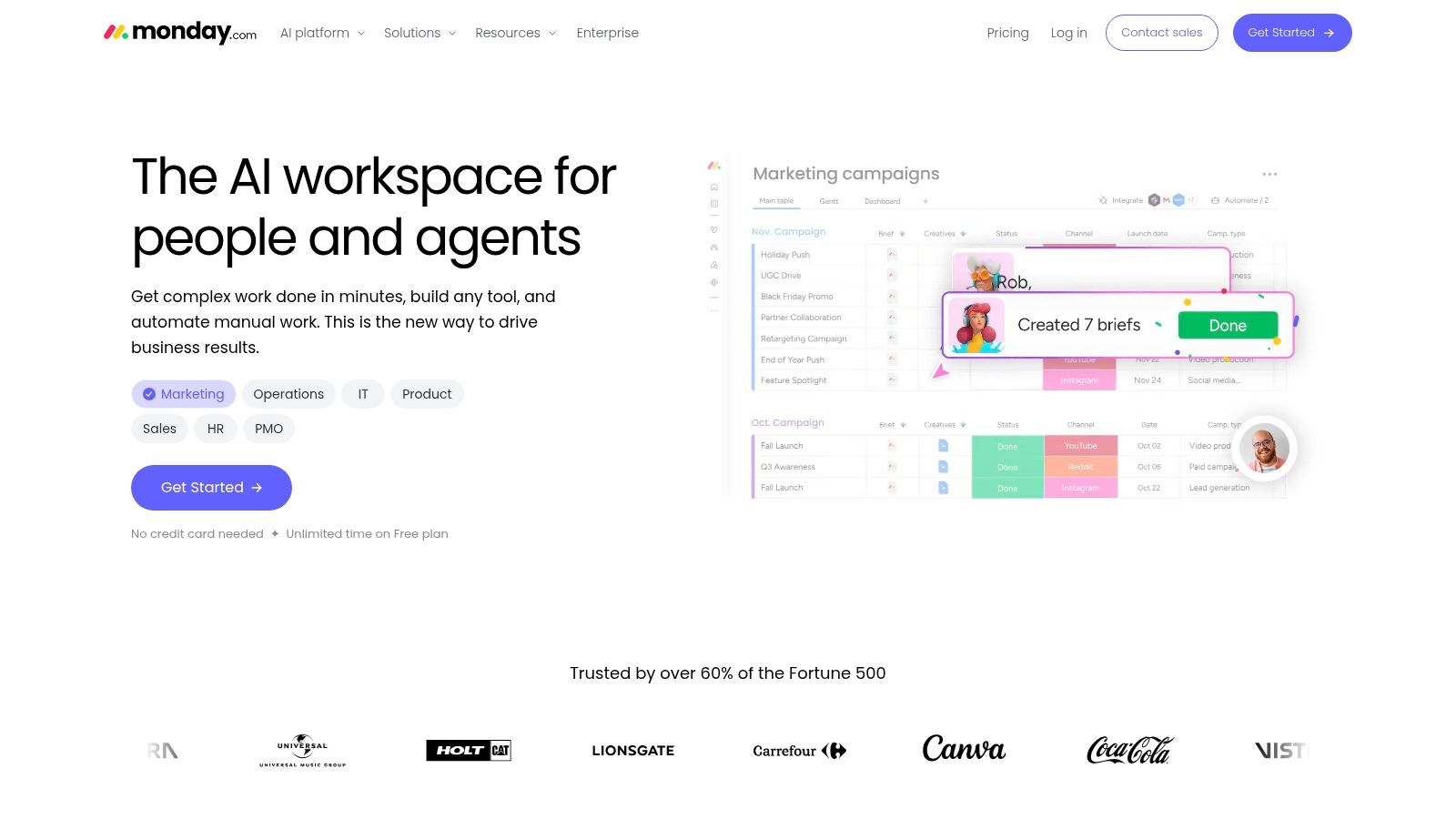
Client onboarding rarely follows a developer's workflow. You might need contract status, a launch date, an account owner and a waiting-on-client flag. monday.com suits operations teams that want to shape a board around those details.
Custom column types, templates and multiple views help turn a loose task list into a working process. Depending on the plan, teams can use Kanban, timeline and calendar views, plus integrations and automation. Mobile apps support updates away from a desk.
monday.com offers a free plan for up to two seats; annual-billing prices list Basic at US$9, Standard at US$12 and Pro at US$19 per seat/month. Paid seat groupings can affect a small team's total, so compare the checkout bill with the number of people who need access.
For an NZ or AU business, show the trial board to the person who handles purchasing as well as the person who manages delivery. Both need to understand what's being bought.
The main trade-off is flexibility versus upkeep. A richly customised board can fit the business beautifully, but it won't maintain itself. Keep fields that support a decision or handoff; remove the decorative ones.
Asana is a strong candidate when the board is only part of the job. Cross-functional teams can track cards by stage while other colleagues use lists, calendars or broader project-planning views.
Say a product launch involves engineering, marketing and customer success. The marketing lead needs approval dates, while the founder wants to see whether the launch remains on track. Asana's task-and-project structure can support both without asking everyone to work from a card wall.
Asana has a free Personal plan, while Advanced is listed at US$24.99 per user/month billed annually. Check the Personal plan's current user limit before treating it as a shared team workspace, and confirm which tier includes your required planning features.
Paid plans add rules and workflow automation, with goals, portfolios and resource-management capabilities on higher tiers. Those tools can help coordinate projects, but they're unnecessary expense if the need is a simple approval queue.
The guide to project management in NZ offers broader context for choosing between lightweight tracking and structured project control.
Don't pay for portfolio reporting until someone can name the decision they'll make with it.
Test how a task behaves when it touches several teams. Who updates it? Who approves it? Who notices a delay? Asana is worth shortlisting when shared ownership needs a clear structure, but a small crew with a basic queue may prefer Trello's lighter touch.
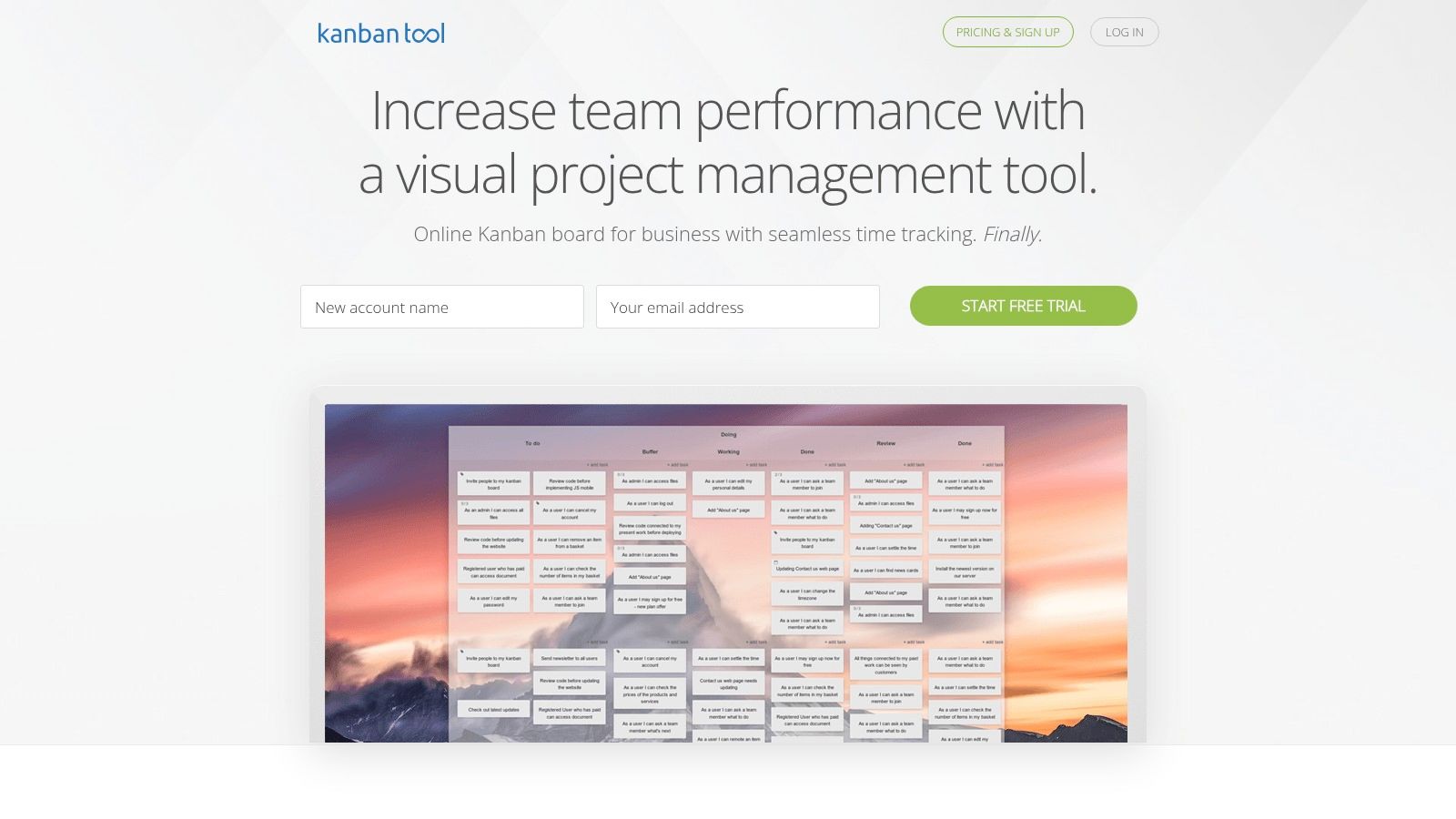
There's a difference between showing busy people and managing flow. Kanban Tool focuses on the latter, with swimlanes, work-in-progress limits, configurable workflows and board analytics.
A work-in-progress limit caps the cards allowed in a stage. The Boost guide to limiting work in progress explains how this exposes bottlenecks and encourages teams to finish existing work rather than keep starting more. During a trial, check whether a limit blocks new work or warns people, and agree how exceptions will be handled.
Kanban Tool offers a free plan limited to two users and two boards, without file attachments; listed paid prices are US$6 per user/month for Team and US$11 for Enterprise. Time tracking, automation and other advanced features require a paid plan.
Its on-premises option deserves attention when your organisation wants to host the software itself. That gives you a different deployment choice, not an automatic privacy pass. Your team still needs to manage access, backups, patching and support responsibilities.
Best fit: a small delivery team that cares about queues, blocked work and flow measures more than a broad project suite. It's less compelling if you also need extensive portfolio planning or a document hub.
Keep the free-tier boundary in mind. A larger small team can evaluate the interface with it, but can't use it as a full shared workspace without moving to a paid plan.
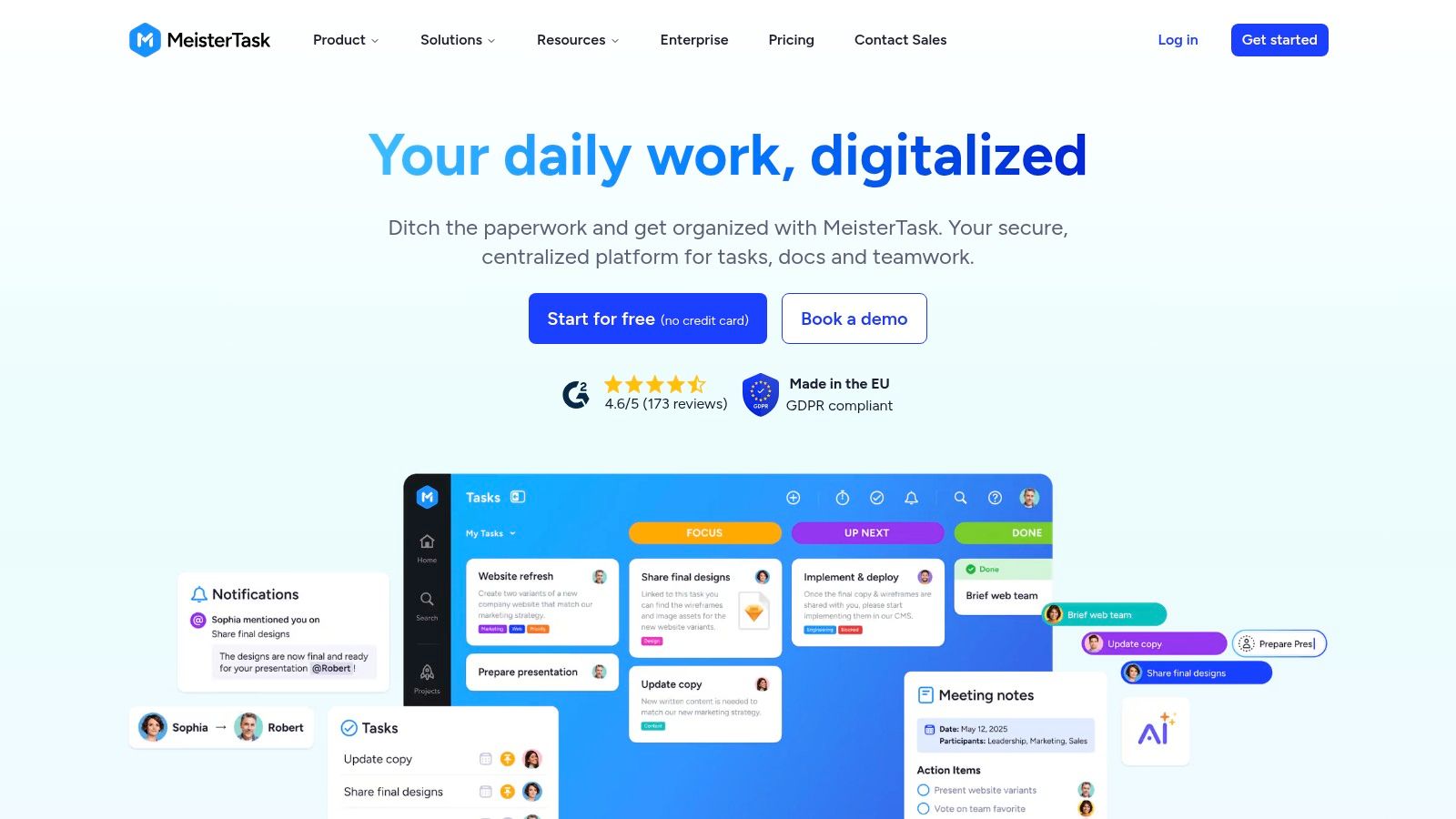
MeisterTask belongs on the shortlist when straightforward project boards matter more than a sprawling work platform. Task cards, comments and templates keep the basic workflow familiar, with mobile and desktop apps for access.
Import support from Trello and Asana can make a move less tedious. Still, an import button isn't a migration plan. Test whether ownership, dates and task context arrive in a form your team can use.
MeisterTask includes unlimited tasks and team members on its free plan, but limits that plan to three projects. That distinction matters for agencies: a large shared task queue and a separate project for every client create very different subscription needs.
EU-based hosting may suit some data-location preferences, but EU hosting isn't the same as NZ or Australian hosting. Review the contract, subprocessors and access arrangements against your own requirements.
I'd consider MeisterTask for a service team with a tidy project structure and modest reporting needs. Before committing, create the client and internal projects you expect to maintain. A generous task allowance won't help if the project ceiling forces an awkward setup.
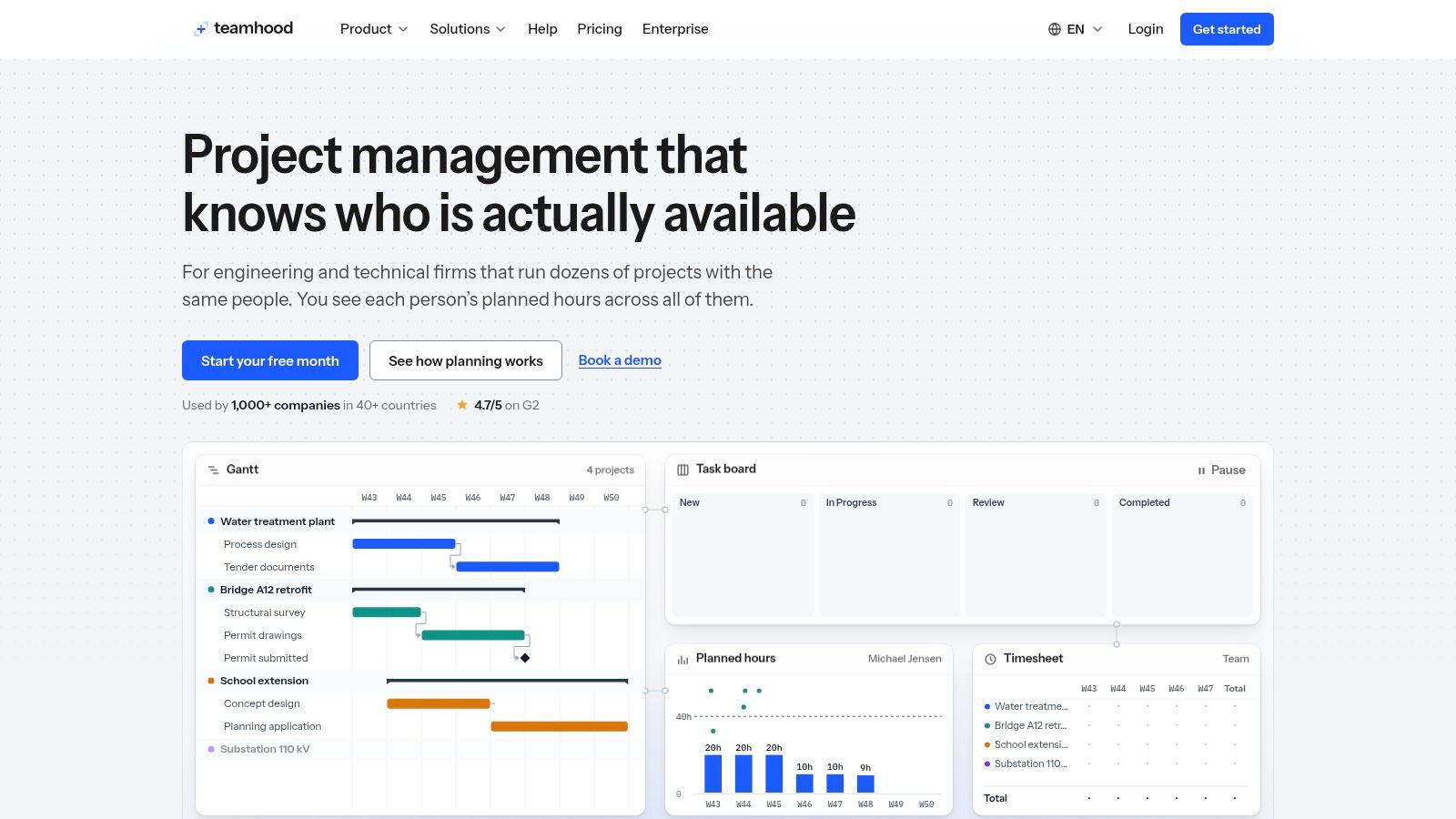
Your board says the work is assigned. Your designer says they're booked solid. Teamhood is worth a look when task status isn't enough and shared capacity drives delivery.
It combines Kanban with list, Gantt and schedule views, plus workload planning, dependencies, time tracking and timesheets. That mix suits teams that share specialists across projects and need to see who can take on work before promising dates.
Teamhood lists US$6 per user/month billed yearly or US$7 monthly, with a minimum of three users, plus a one-month free offer without a credit card. Enterprise pricing is custom, including requirements such as SSO and dedicated hosting.
Custom fields, automation, charts and API access give teams room to connect planning with delivery. The catch is that capacity plans depend on honest inputs. If nobody records leave, support work or review time, the neat workload view will still mislead you.
Capacity check: Put support and review work on the plan before deciding someone has room for another project.
For a small NZ or AU product company, test a shared specialist rather than an isolated project. Assign that person work across delivery, maintenance and internal tasks, then check whether the schedule remains readable.
Choose Teamhood for planning depth, not because it has more views. A team with a simple queue may find the extra structure unnecessary. A team negotiating delivery dates across several clients may find it much easier to justify.
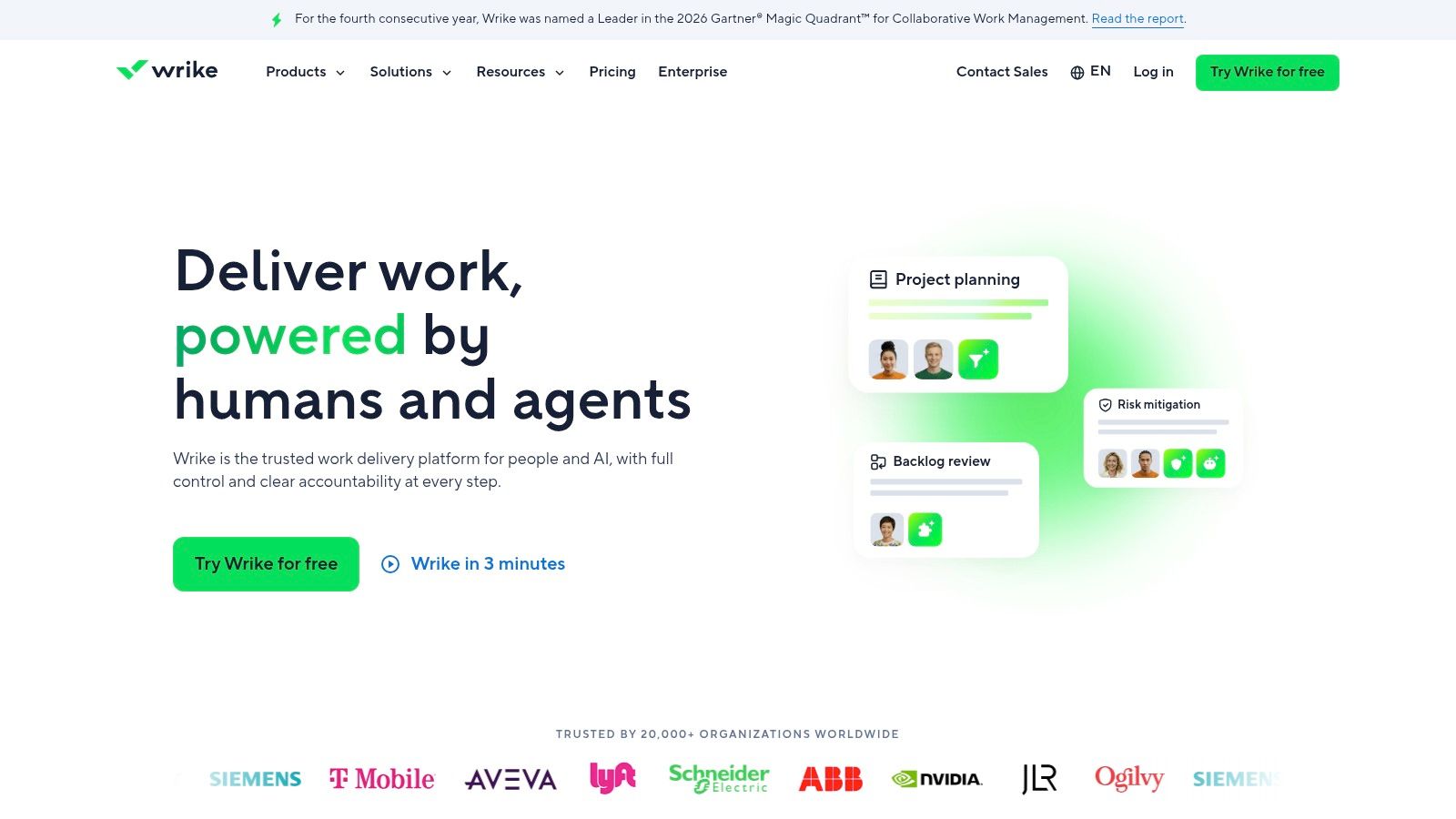
Wrike is a broader project platform with Kanban inside it. That distinction matters if managers need dashboards and cross-project reporting while delivery teams prefer cards.
Kanban and table-style views sit alongside planning features such as Gantt charts and calendars. Paid plans add custom fields and workflows, while integrations support coordination beyond a single team. For a business with distinct departments, that breadth can be useful.
Wrike offers a free plan, with listed prices of US$10 per user/month for Team and US$25 for Business; confirm billing terms and seat rules before purchase. Seat bundles and plan boundaries can make the total less obvious for a small company.
Don't evaluate Wrike only through a polished dashboard. Have a team member create a task, request a review, mark it blocked and find the next action. Then ask a manager to identify the delay without a separate status meeting.
Wrike makes more sense when both experiences work well. If managers get rich reporting but staff avoid updating tasks, the subscription has bought an attractive view of stale information. Budget for setup and ownership, not just licences.
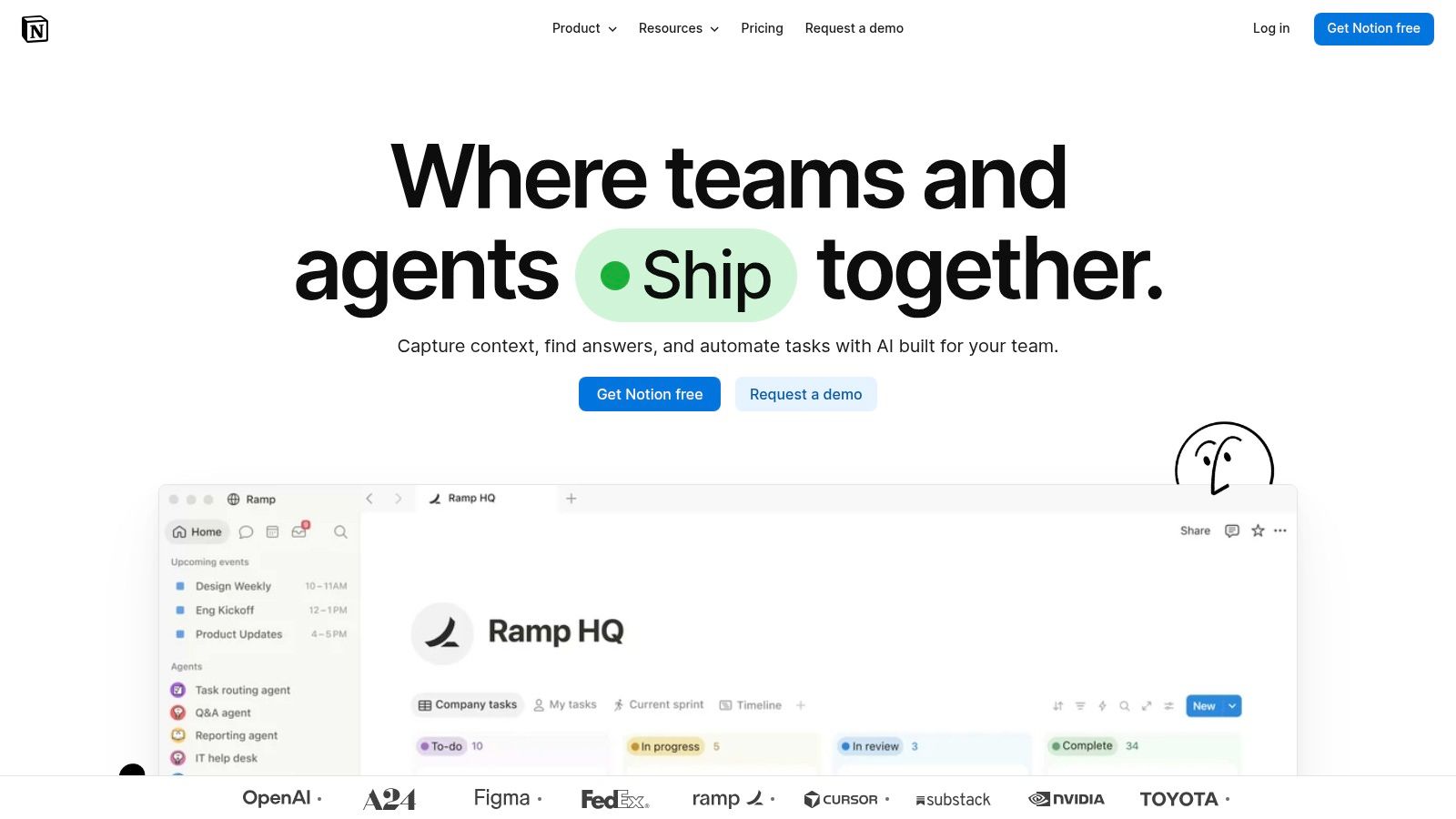
Sometimes the task isn't the hard part. Finding the brief is. Notion works well when project notes, decisions and documentation need to sit beside a lightweight board.
Database properties let teams group tasks by status, owner or other fields. A content card can hold the brief and review notes; a product task can link to a decision page. Templates help keep that context consistent without making every card from scratch.
Notion offers a free plan, with Plus listed at US$10 and Business at US$20 per member/month. Free-plan collaboration and file-upload limits need checking before a team moves its shared work across.
Notion's flexibility is also its main cost. Someone must choose the database structure, maintain templates and explain where work belongs. Without that care, people can create parallel task lists and lose the shared view they wanted.
Its board controls are less specialised than those in dedicated Kanban products. If enforced flow policies, detailed delivery analytics or complex dependencies are central to your process, test those needs carefully rather than assuming a database board will cover them.
I'd pick Notion for a solo founder or small team whose work already revolves around written context. I wouldn't build a miniature project-management product inside it just to avoid choosing one. Keep the database modest, define the statuses, and make the next action easy to find.
| Item | Listed paid price (per user/month) | Free plan | Best for |
|---|---|---|---|
| Trello | Standard: US$5 annually or US$6 monthly | Yes; up to 10 collaborators and 10 boards per Workspace | Small teams wanting simple visual task tracking |
| Jira | Standard: US$7.91; Premium: US$14.54 (annual billing) | Yes; up to 10 users | Software and product teams managing agile work |
| ClickUp | Unlimited: US$7; Business: US$12 (annual billing) | Yes; includes unlimited tasks and members | Teams wanting boards alongside broader work management |
| monday.com | Basic: US$9; Standard: US$12; Pro: US$19 (annual billing) | Yes; up to two seats | Teams building visual workflows across different functions |
| Asana | Advanced: US$24.99 (annual billing) | Yes; Personal plan | Cross-functional teams needing structured project planning |
| Kanban Tool | Team: US$6; Enterprise: US$11 | Yes; limited to two users and two boards | Teams focused on Kanban workflows and flow analytics |
| MeisterTask | Paid pricing not specified; varies by region | Yes; unlimited tasks and members, up to three projects | Teams wanting straightforward Kanban boards and easy imports |
| Teamhood | US$6 annually or US$7 monthly; minimum three users | One-month free offer | Teams needing Kanban with workload and capacity planning |
| Wrike | Team: US$10; Business: US$25 | Yes | Teams coordinating multiple projects across departments |
| Notion | Plus: US$10; Business: US$20 | Yes | Teams combining lightweight task boards with documentation |
Choose by team size and the work you need to control, not by the longest feature list. A small team doesn't need a small ambition, but it does need a tool people can use without constant help. Start with the least complex choice that handles your real handoffs.
For solo operators and two- to five-person teams, Trello is the straightforward starting point. Choose Notion when briefs and documentation matter as much as task movement. Kanban Tool's free tier suits a solo operator or pair, not the whole of a larger small team.
Headcount is a guide, not a hard boundary. A small engineering team may need Jira's controls, while a larger agency may still work happily in Trello. Complexity comes from dependencies, approvals and reporting needs as much as the number of people.
Run your preferred tools on a real project for two weeks. Include the dull bits: a late approval, an absent reviewer, a blocked task and a client change. A demo full of tidy cards won't tell you whether the board helps when work gets awkward.
Before paying, confirm seat minimums, guest access, currency, billing term and GST or VAT at checkout. Check where data is hosted, whether that choice depends on the plan, and what happens to backups and exports. If you enable AI features, review retention and model-training terms, and keep people responsible for changes to delivery commitments.
For migration, export the old tool first, then map columns to statuses before importing. Test attachments, owners and due dates, and run both boards briefly with a clear cutover point. Don't leave staff guessing which board is authoritative.
If subscriptions still seem like a poor fit, NZ Apps' guide on Custom vs Off-the-Shelf Software can help frame whether a bespoke build is worth considering. Be clear about the unmet need before taking on a custom system.
Choose a project, name a board owner and start with a workflow your team understands. The best kanban board software is the one your team will open each morning.
We publish practical software guides and a curated directory of app and tech companies across New Zealand and Australia. Visit NZ Apps to compare tools, explore the regional tech market and build a shortlist that fits how your team works.
Add your NZ or Australian app or tech company to the NZ Apps directory and get discovered by founders and operators across the region.
Get ListedReach tech decision-makers across New Zealand and Australia. Sponsored and dofollow editorial links, permanent featured listings, and sponsored articles on a DA30+ .co.nz domain.
See Options