
You're a Dunedin candle maker with a sharp product range, good photos, and a homepage that looks like a 2014 wedding invitation. The candles feel premium. The site doesn't. You want to fix it without spending your evenings wrestling with code.
Shopify gives merchants a native theme editor. That's often enough to launch, but the main decision arises when you need a richer product page, a gift guide, or a promotion your theme can't handle. Shopify website builders aren't all complete store builders. Most are apps that sit on top of Shopify and give you more control over pages and sections.
The budget needs a clear head, too. Paid prices below are in US$, not NZD or AUD. Page-builder subscriptions sit alongside Shopify, paid themes, other apps, and payment fees. Convert the bill into local currency using your card provider's exchange rate, then check tax and foreign-currency charges before you commit.
A free plan sounds generous until the one-published-page limit shows up. Check what you can publish, not just what you can design.
AI can help with a rough layout, but it won't check your candle dimensions or delivery promises. You can explore AI website builders for Shopify if that's your main interest. For a working store, though, choose the editor that solves your next real problem.

Best for a new shop that needs to sell before it gets fancy. For the Dunedin candle maker, the native editor is the sensible starting point. Set up clear collections, product details, shipping information, and a homepage that gets shoppers to the goods.
Shopify combines visual theme editing with hosting, SSL, checkout, sales channels, and product, order, and inventory management. You can change layouts, content, colours, and settings, choose free or paid themes, and preview paid themes before buying.
Shopify-built free themes include Shopify support, and you don't need a separate page-builder subscription. Bespoke layouts can still need an app or developer, while some advanced functions depend on your platform plan.
The Shopify NZ pricing page lists Basic at US$29/month and Grow at US$79/month when billed yearly, separate from paid themes, apps, and applicable payment fees. Budget for the whole store, not just its editor.
If you're still choosing a platform, compare Shopify versus WordPress for NZ businesses. A content-led business may need a different setup; learning to embed a chat widget in WordPress, for example, is a separate task from arranging a Shopify storefront.
Verdict: Stay native until you can name the layout or workflow it can't handle.
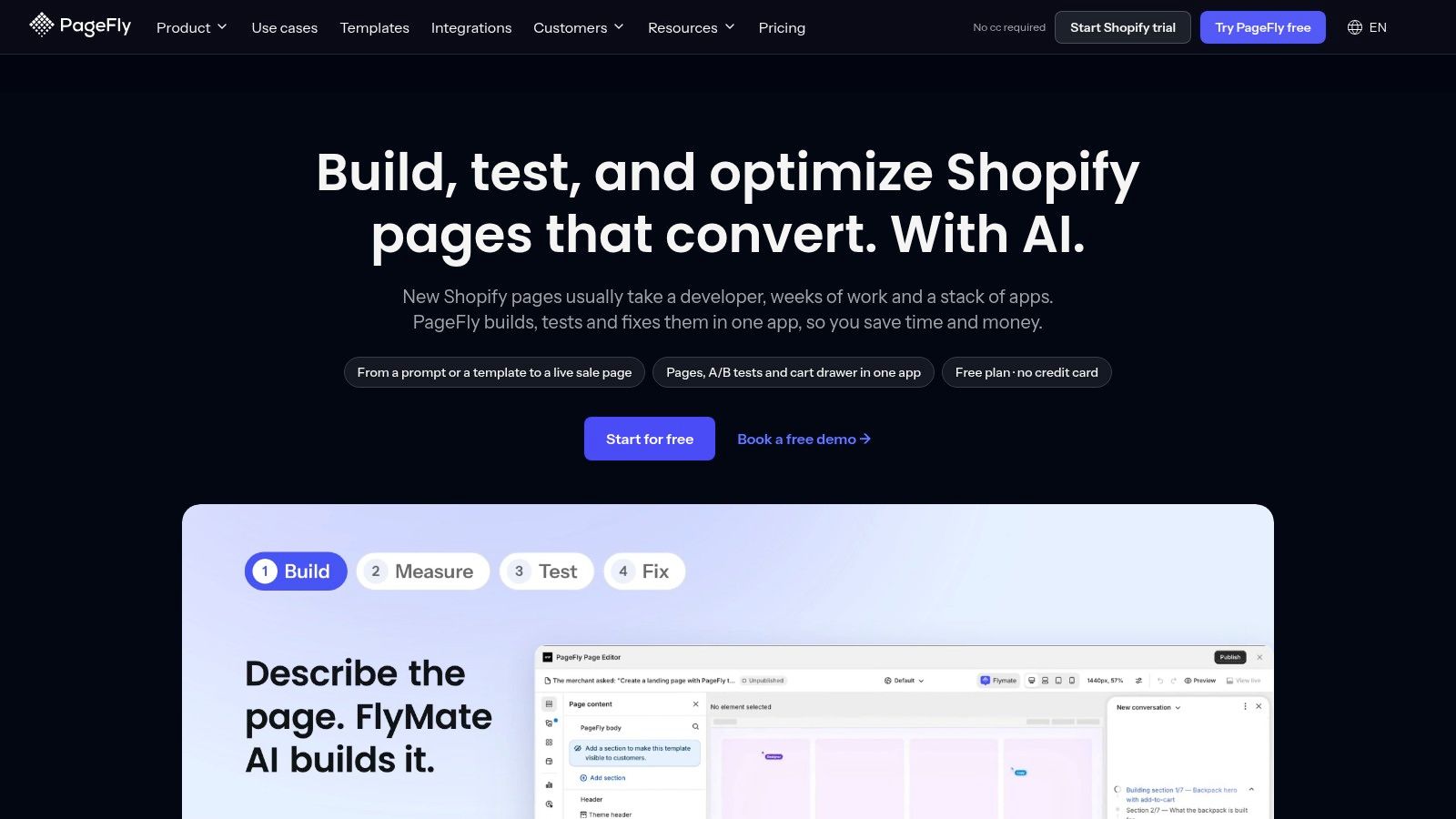
An Auckland skincare shop can leave its catalogue in the theme editor and use PageFly for a winter hydration campaign page. That gives the brand room for ingredient details, reviews, and a clear offer without rebuilding the whole storefront.
PageFly lists Free, Builder at US$24/month, Accelerate at US$99/month, and Enterprise at US$299/month. Its Shopify App Store listing reports a 4.9/5 rating from about 5,900 reviews. For an NZ or Australian budget, the US-dollar subscription is only part of the cost: check the publishing allowance and plan limits before committing.
The drag-and-drop editor supports landing, product, home, and collection pages. Its templates and integrations can help connect a campaign layout with review, subscription, or other store apps, but the finished page still needs checking on mobile.
Use the skincare brand's actual product images when assessing a template. Check that review widgets and product variants work together, then inspect the mobile spacing. A page limit that feels generous during setup can become a problem once the campaign is live.
Verdict: A capable general-purpose builder, if its publishing allowance suits the store's plans. Pay for testing tools only when someone has time to use them.
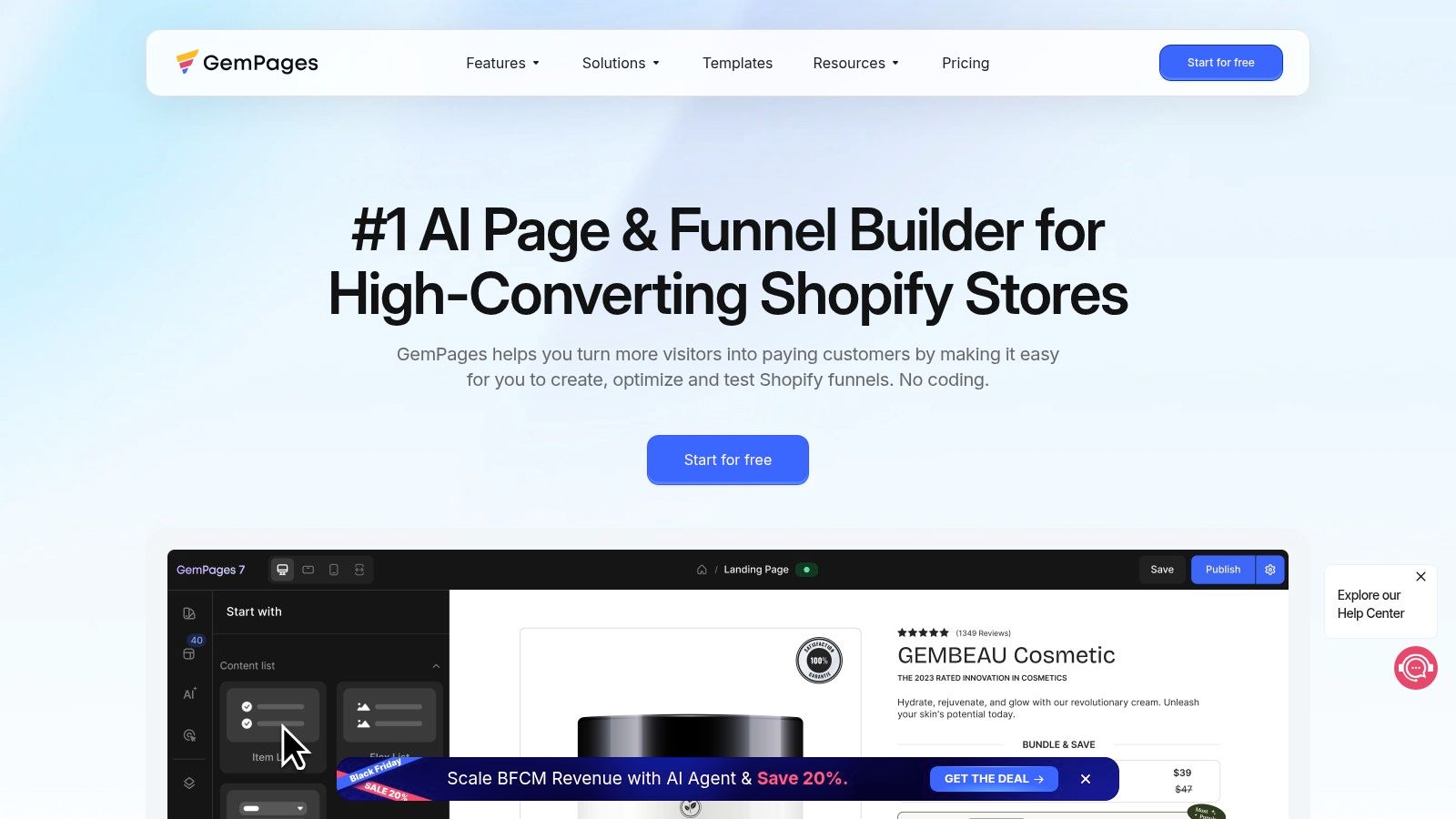
A Melbourne camping brand selling a compact stove needs space to show how it packs, how it works, and what comes in the box. GemPages suits product stories that need more room than a standard product layout.
GemPages lists Free, Build at US$29/month, Optimize at US$59/month, and Enterprise at US$199/month. The US$29 starting price is roughly NZ$50 or A$45 before exchange-rate changes and taxes. Its Shopify App Store rating is 4.9/5 from more than 4,200 reviews.
The visual editor builds pages and sections using ecommerce templates and AI image-to-layout tools. These can turn a design reference into a draft, but you'll still need to fix spacing, check the copy, and make the mobile layout work.
The free plan allows one published page, while sales funnels and post-purchase upsells require Optimize, according to GemPages' plan details. That's the plan-limit trap: a polished demo may show sales features that aren't included in the tier you first choose.
For the stove seller, start with pack dimensions, fuel details, and clear delivery information. Add funnel features only when there's a specific offer to support them. Before moving more pages across, check compatibility with your theme, review app, and cart.
Verdict: A good fit for detailed product and promotional pages. The higher tier is harder to justify if you don't have a funnel or upsell offer planned.
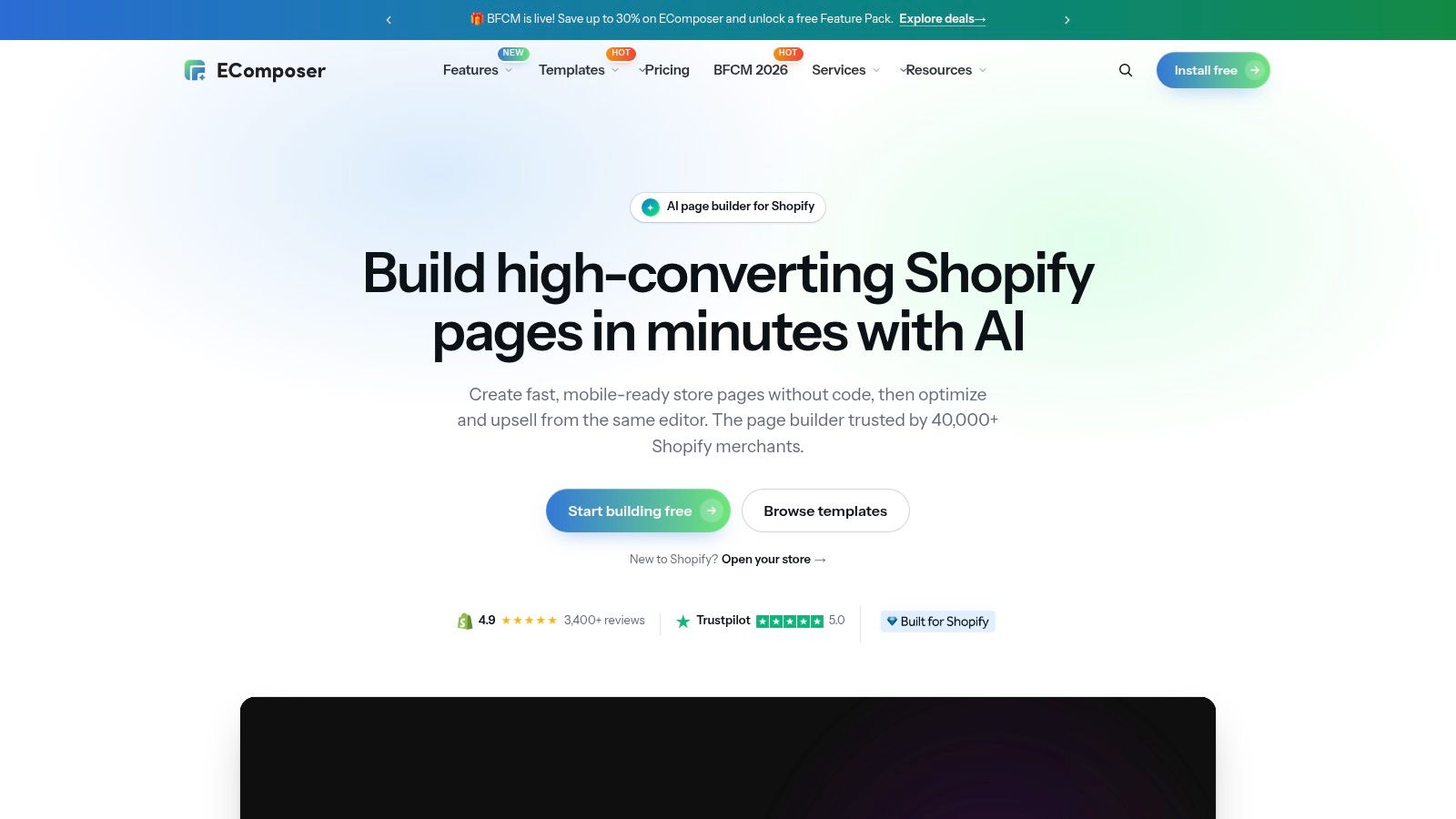
A Christchurch homewares shop may need more than campaign pages. It might want styled collection pages, useful blog layouts, and reusable care instructions. EComposer's broad page coverage makes it worth testing for that mix.
EComposer lists Free, Standard from US$19/month, Pro from US$39/month, and Premium from US$103/month. It supports home, product, collection, blog, landing, and custom pages, with templates, reusable sections, and AI tools for page content and layouts.
Build a care-information section once, then use it where shoppers need it. Keep delivery, returns, and material details consistent rather than copying them into separate layouts and hoping someone remembers to update each version.
The free tier lets you try a live page or section. Paid tiers increase live-page or section allowances, but check the slot rules, since building a page and publishing it aren't the same thing.
For the homewares seller, test a collection page with long product names and mixed image shapes. Neat demo tiles can hide a messy real catalogue.
Verdict: A sensible lower-entry-price candidate for varied page work, as long as the publishing allowance matches your content plan.
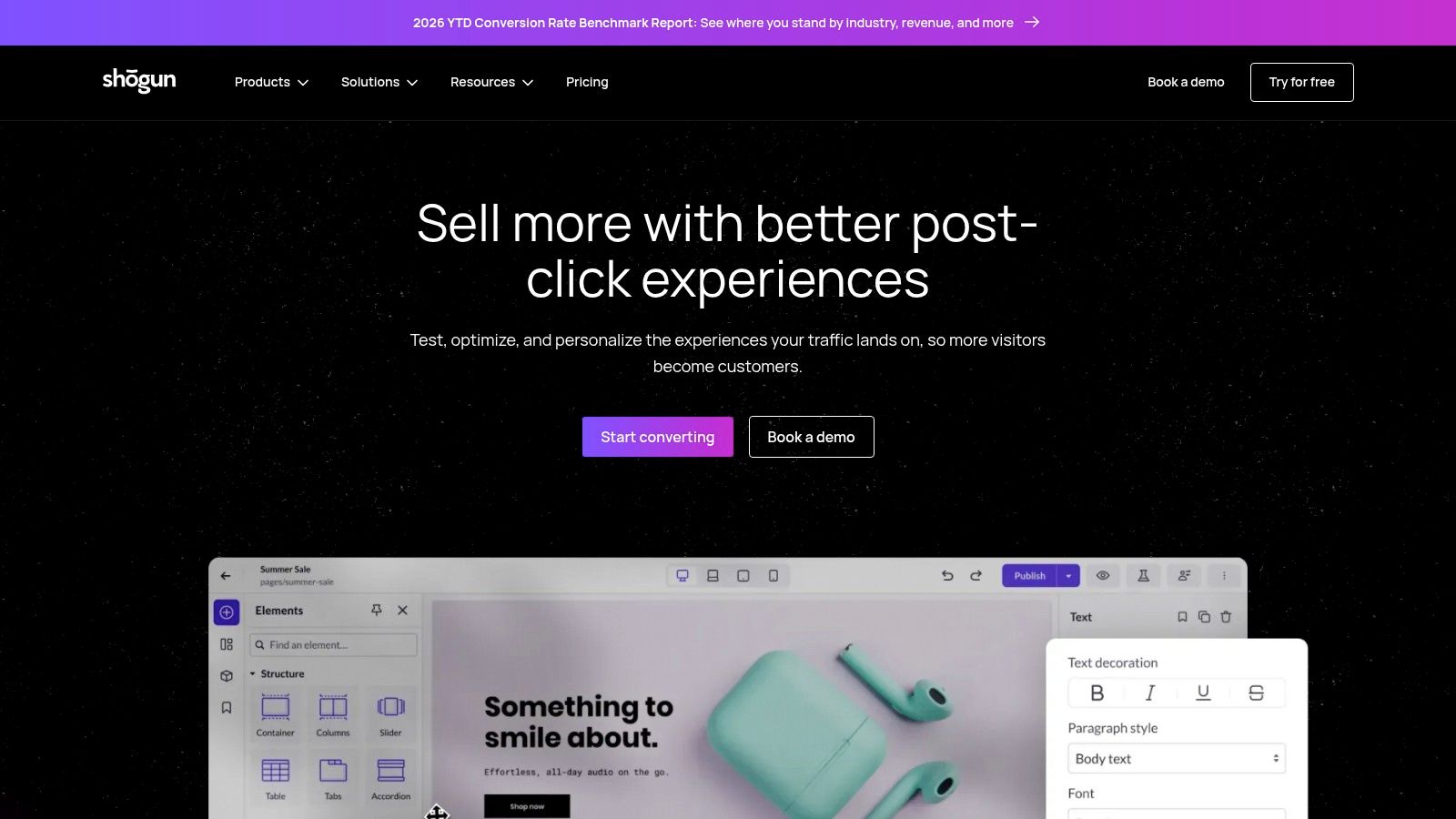
Shogun makes more sense when several people touch the storefront. Say a Brisbane retailer has a marketer planning promotions, a merchandiser changing ranges, and a designer protecting the brand. Reusable content matters more than another flashy animation.
Shogun lists Free draft mode, Build at US$39/month, Grow at US$199/month, and Advanced at US$499/month, with a reported Shopify App Store rating of 4.8/5 from around 1,970 reviews at the reference snapshot.
The visual editor covers landing, product, collection, blog, and homepages, plus reusable theme sections. Build includes page analytics; higher tiers add global content tools, scheduling, and cross-store content functions.
Budget warning: Shogun's free mode is for drafts, not published pages. A/B testing is offered through a separate Shogun app.
For that retail team, the test is a handover. Can the merchandiser change a promotion without breaking the layout? Can the designer update shared content without hunting through unrelated pages?
The paid entry point is higher than several alternatives, so a solo seller may not need the extra workflow depth. If the wider stack still feels unsettled, review ecommerce platforms for small businesses before paying for a more involved content setup.
Verdict: Worth considering for ongoing team-managed content, not just a quick landing-page fix.

A Sydney accessories brand with a polished Figma file and an in-house designer has a clear reason to consider Instant: it can turn design work into Shopify storefront pages without rebuilding each element by hand. A new seller still choosing fonts may get less from it.
Instant lists Free access for development stores, Starter at US$39/month, Pro at US$99/month, and Business at US$249/month, plus more than 800 templates and a Shopify App Store rating of 4.9/5 from about 330 reviews.
Instant combines a visual canvas, AI-assisted drafting, and a Figma plugin workflow. It can build landing pages, homepages, product pages, sections, and other storefront elements.
An imported design still needs product checks. Test long variant names, sale prices, sold-out products, and images with different crops. A layout that looks right in Figma can break against the actual catalogue.
Free access is for development stores and previews, not a typical free plan for a live store. Product-page templates, cart-drawer features, A/B testing, testing capacity, and publishable elements depend on the paid tier. Check those limits against the pages and features you need before setting your budget in NZ or AU dollars.
For the accessories brand, the decision comes down to whether importing and refining the design saves time over building natively. Verdict: A strong fit for design-led teams that will use its import and component workflows. If you won't, the paid plan may be hard to justify.
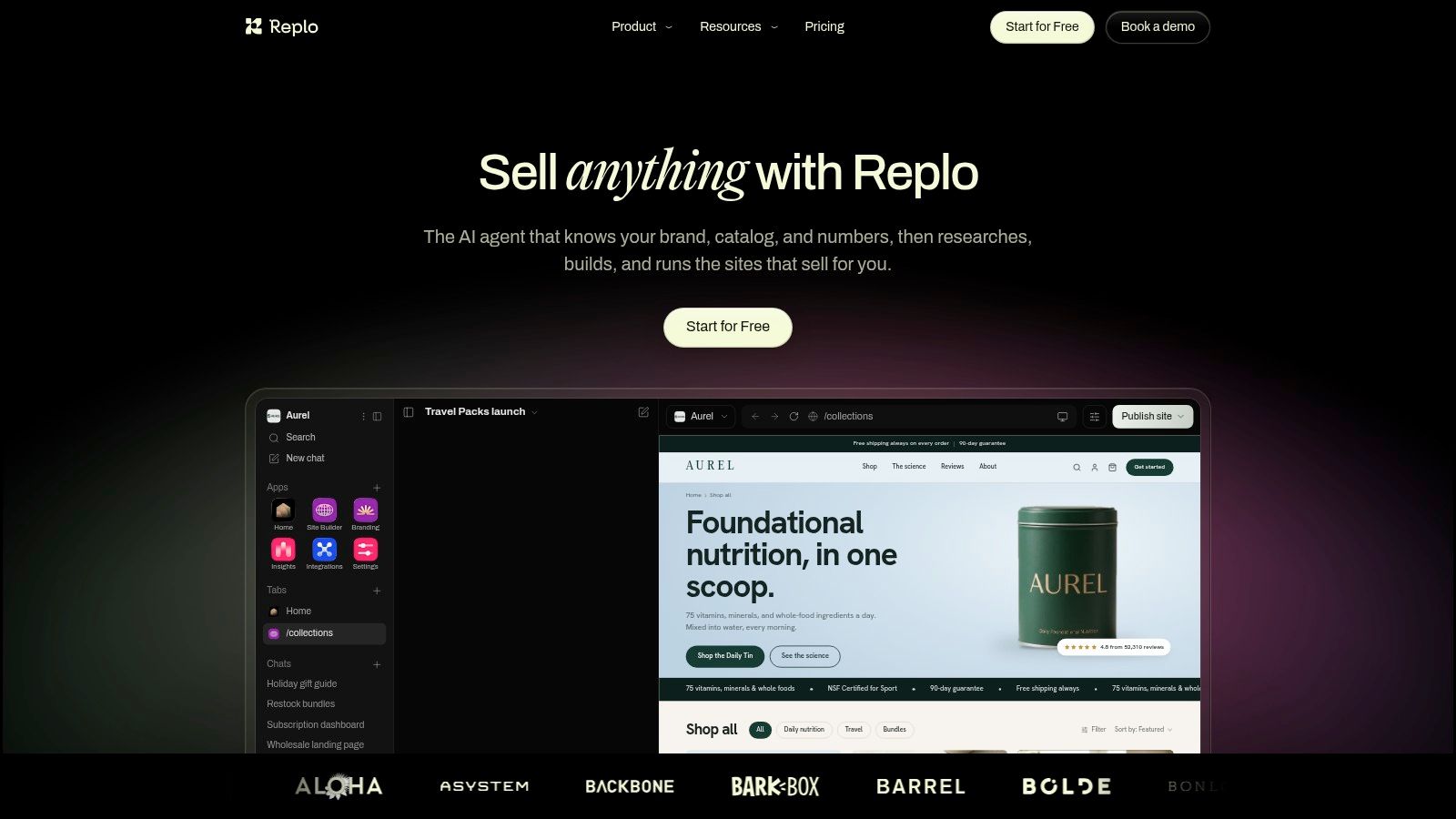
Replo is for teams that keep making and testing campaign pages. Consider an Auckland sports nutrition brand running distinct offers for endurance athletes and gym shoppers. It needs different messages, useful analytics, and a repeatable way to revise pages.
Replo lists a free preview plan, Starter at US$99/month billed annually, Pro at US$499/month billed annually, and custom pricing, with monthly billing priced higher. Check the payment commitment, not just the monthly equivalent.
Its visual editor, template marketplace, AI-assisted creation, Shopify theme integration, and publishing tools support that campaign workflow. Paid plans include analytics and A/B testing, though session and publishing allowances vary by tier.
Replo won't decide what your campaign should prove. Name the question first, such as whether a clearer serving guide helps buyers choose the right pack, then change the page around that question.
Keep campaign pages tied to a coherent store. Good ecommerce homepage design still matters when shoppers leave an offer page to inspect the brand.
Verdict: A better fit for an active marketing team than a low-volume merchant wanting a nicer homepage. The subscription needs a job, an owner, and a clear review date.
A Wellington food brand might need a gift-box landing page and a reusable delivery section, without a large monthly commitment. Foxify deserves a look when that's the shape of the job.
Foxify lists Free, Starter at US$19/month, Growth at US$39/month, and Enterprise at US$99/month, with more than 250 conversion-focused templates and a reported Shopify App Store rating of 4.9/5 from more than 300 reviews at the reference snapshot.
Its visual editor handles landing, product, and collection pages. AI layout and content tools can help draft the gift-box page, but the merchant should write or verify ingredient, storage, and delivery details.
The free plan includes one published page and one section, according to Foxify's plan details. That gives the food seller a useful live test, rather than just a canvas to admire.
Page and section allowances rise by tier. Figma and HTML imports require Growth, while expanded analytics sit above the lowest paid tier and AI credits are capped by subscription.
Test how the page behaves when gift-box stock changes. Check that delivery wording remains clear for shoppers outside the main centres, too.
Verdict: An appealing starting point for a focused page-and-section task. Don't choose the entry tier if your whole reason for buying is a design-import feature it doesn't include.
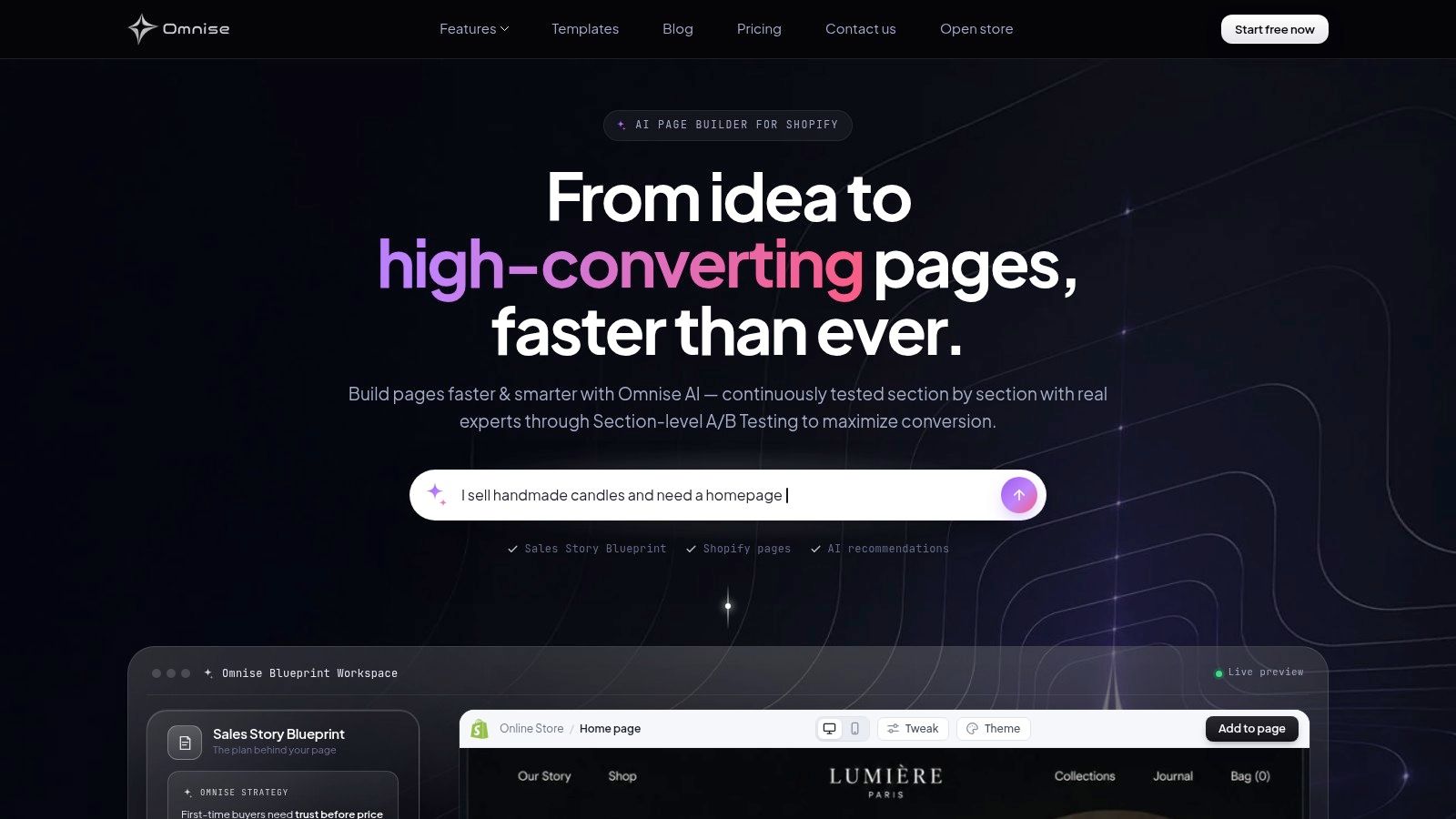
For a Hamilton workwear supplier, a blank page can be harder than a technical setting. Omnise's prompt-led workflow offers a starting draft for trade enquiries, range introductions, or direct-to-consumer offers. It's useful when you know the offer but struggle to arrange it.
Omnise, formerly Beae, lists Free, Start at US$19.99/month, Pro at US$39.99/month, and Max at US$79.99/month, with a reported Shopify App Store rating of 4.9/5 from around 880 reviews at the reference snapshot.
Tell the generator who buys, what they need to know, and what action they should take. For workwear, that could mean size guidance, embroidery information, and a clear trade-enquiry route. Then edit the generated pages, sections, and content in the visual builder.
Paid plans include section-level A/B testing, while higher tiers raise publishing limits and support priority. The free published page carries a watermark, and Start has a three-slot limit, according to Omnise's plan details.
Older Beae tutorials may use different names or screens, so check instructions against the current interface. Also, a B2B-looking landing page doesn't create account pricing or trade approval behind the scenes.
Verdict: Worth testing for prompt-first page creation, provided you're happy to edit the draft and keep its publishing limits in view.
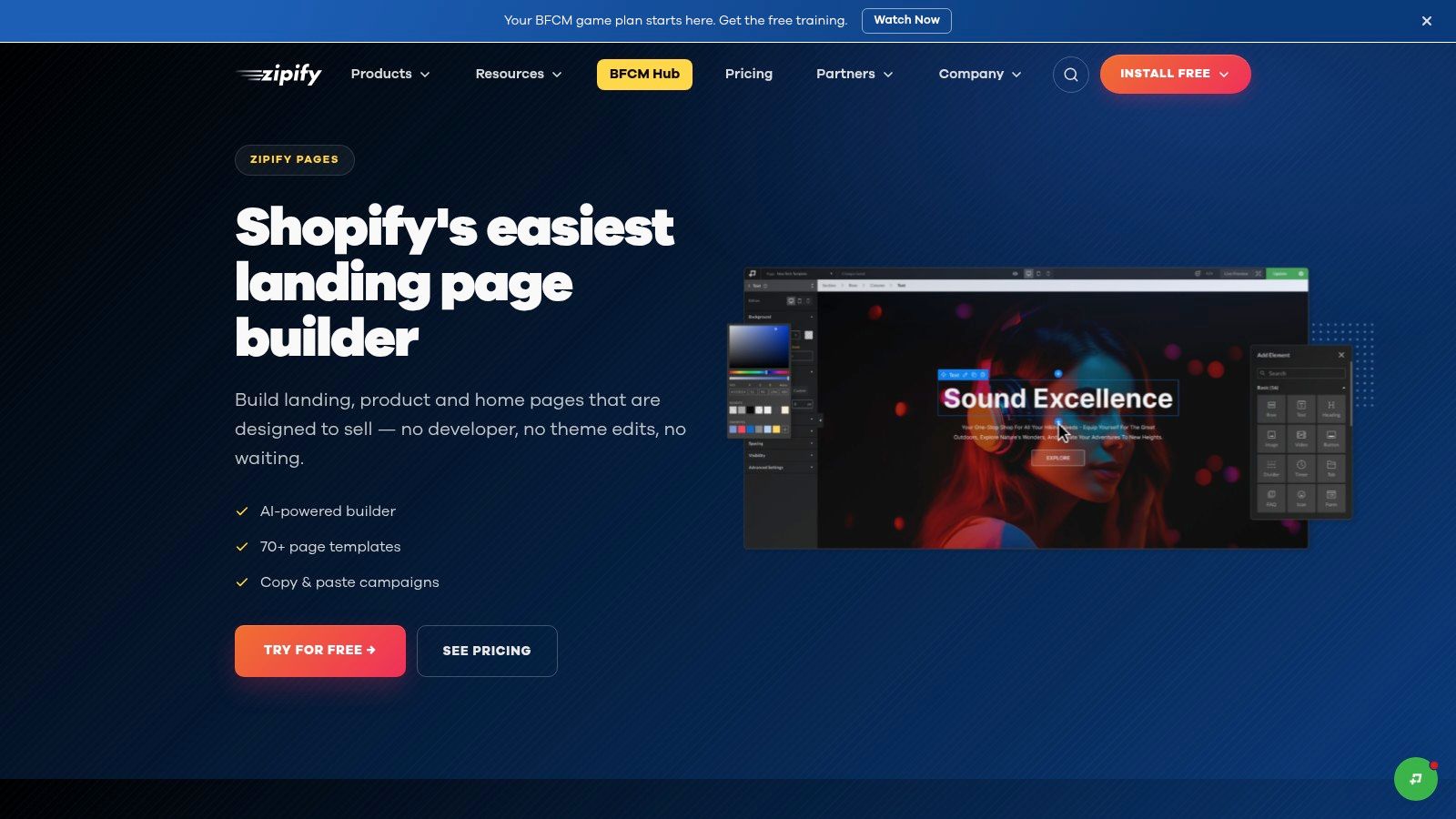
A Perth coffee roaster launching a seasonal tasting box needs a page that explains the offer and gets buyers to checkout. Zipify Pages is geared towards that direct-response job, with templates and reusable blocks for campaign pages rather than open-ended site design.
Zipify Pages lists Free, Basic at US$39/month, and Advanced at US$99/month, with a 14-day trial on paid plans. Treat the US prices as a budget guide, then check the current local billing amount before choosing a plan.
It supports landing, product, home, collection, and blog pages, with mobile-oriented layouts, global designs, and reusable blocks. For an AU or NZ store, that makes it a more focused choice for a seasonal offer than for shaping every part of a distinctive brand site.
Set the offer before picking a template. A polished page won't make an unclear bundle easier to buy.
For the coffee box, spell out bag sizes, roast details, dispatch information, and exactly what buyers receive. Reusable blocks can keep those details consistent across related promotions.
Unlimited pages and split testing require Advanced, according to Zipify's plan details. Check the Basic plan's allowance before building a long-term library of offers. A page limit can become a costly surprise once a campaign is live and you need more published pages.
Verdict: Choose Zipify Pages for focused promotions and sales campaigns. If your main job is editorial content or a distinctive brand-wide layout, a broader editor is likely a better fit.
For a small NZ or Australian store, the monthly US-dollar price is only the starting point. Compare the free-plan publishing limits with the pages you expect to keep live, then convert the paid price into your local budget.
| Item | Entry Paid Price (US$/month) | Free Option | Best For |
|---|---|---|---|
| Shopify Online Store and Theme Editor | US$29/month | Free themes and built-in editor | Merchants launching a complete online store |
| PageFly | US$24/month | One published page or section | Shopify stores needing flexible landing pages and integrations |
| GemPages | US$29/month | One published page | Creating product pages and promotional landing pages |
| EComposer | US$19/month | Free tier for a live page or section | Building a variety of Shopify page types affordably |
| Shogun | US$39/month | Draft mode only; no publishing | Teams managing storefront content across larger stores |
| Instant | US$39/month | Free access for development stores | Turning design concepts into Shopify storefront pages |
| Replo | US$99/month billed annually | Build and preview pages; no publishing | Teams running campaigns and testing page designs |
| Foxify | US$19/month | One published page and one section | Budget-conscious stores seeking AI-assisted page building |
| Omnise (formerly Beae) | US$19.99/month | Free published page with a watermark | Merchants wanting AI-generated pages and sections |
| Zipify Pages | US$39/month | Free plan available | Shopify merchants building promotional and sales campaign pages |
Check the live-page allowance before building around a free tier. A page you can design but not publish won't carry a campaign, and a one-page cap can force an upgrade once the store needs more landing pages. Compare the paid entry price with the work the plan lets you publish.
Start with Shopify's native editor if the store is young. A tidy theme, strong photos, useful product details, and clear delivery terms make a solid base. Add a page builder when you can point to a specific gap, such as a campaign layout, reusable section, or design workflow the theme can't support.
For a solo retailer, that might mean improving a hero product page. An omnichannel business may care more about shared content and handovers. A B2B seller should check whether it needs a better enquiry page or actual trade-account functions, because those are different purchases.
Before paying, check published-page limits, section allowances, watermarks, AI credits, and upgrade-only features. Ask what happens to live content if you downgrade or uninstall. Save a copy of your theme before making structural changes, and keep your images and copy outside the builder.
Convert the US$ charge into NZD or AUD using your payment provider's rate. Include applicable GST and foreign-currency charges, without treating NZ and Australian tax rules as interchangeable.
For NZ merchants, Shopify's billing tax guide states that Shopify bills attract 15% GST unless the merchant is GST-registered and adds a valid IRD number. That concerns Shopify's bill, not the tax treatment of every product sold through the store.
Use a free tier on a live page where publishing is allowed; otherwise, use a draft or development store before buying. Treat the first month as a practical trial with your own product photos, awkward headlines, real variants, and seasonal promotions. Check the cart, mobile layout, forms, and app widgets after each major change.
Keep the page connected to the rest of the shop. Plan navigation and internal links as you build a search-friendly site structure, rather than leaving each campaign page stranded.
Measure profit, not just page polish. Divide the added monthly fixed cost by your contribution per order to work out the extra orders needed to cover it. Include the time someone spends maintaining the pages.
If none of these editors handles the job cleanly, an agency or freelancer is the alternative route. Ask for a clear scope, handover, and maintenance terms. Today, choose the page that needs fixing most, write down its job, and test the simplest builder that can do it.
NZ Apps publishes practical tech guides and maintains a directory of app and tech companies across New Zealand and Australia. Visit NZ Apps to compare ecommerce tools and explore the regional tech scene before committing to your next storefront setup.
Add your NZ or Australian app or tech company to the NZ Apps directory and get discovered by founders and operators across the region.
Get ListedReach tech decision-makers across New Zealand and Australia. Sponsored and dofollow editorial links, permanent featured listings, and sponsored articles on a DA30+ .co.nz domain.
See Options