
It’s a familiar story, isn't it? You know you need a website that does more than just sit there looking pretty. You need something that actually works for your business, brings in customers, and doesn't give you a headache every time you want to make a tiny update.
But searching for a 'web designer near me' can feel like shouting into the wind. You get this massive, overwhelming list of options—from freelancers working out of their spare rooms to big-shot agencies with fancy offices in Auckland or Christchurch. How on earth do you even begin to choose? It's a proper puzzle. You want someone local, someone who gets the Kiwi market, but you also want top-tier skills without that eye-watering price tag.
Honestly, it’s enough to make you want to throw in the towel and just stick with your dusty old Facebook page. But wait a minute. What if I told you there’s a better way to find the right partner for your project? This isn't just another boring, generic list. We're going to walk through seven genuinely useful ways to find a web designer right here in New Zealand. We'll look at local studios, freelance marketplaces, and even some clever directories you might have overlooked. Let's get this sorted, once and for all.
So, let's kick things off with a strong local player. For New Zealand businesses hunting for a "web designer near me" who can do a whole lot more than build a pretty website, NZ Apps is a standout choice. With bases in Auckland and Christchurch, they're a full-service digital studio. What does that mean? It means they can take your raw idea—even if it's just a sketch on a napkin—and turn it into a polished, working web or mobile product. This is a huge deal if you want to avoid the nightmare of juggling a separate designer, developer, and SEO specialist. They handle the whole journey under one roof.
Think about it: one cohesive team is responsible for strategy, the user experience (UX) and interface (UI) design (that’s the look and feel), secure development, and even NZ-focused search engine optimisation (SEO). This joined-up approach keeps your project on track and ensures every single piece works together, from the backend code to the bits your customers actually see and click on.
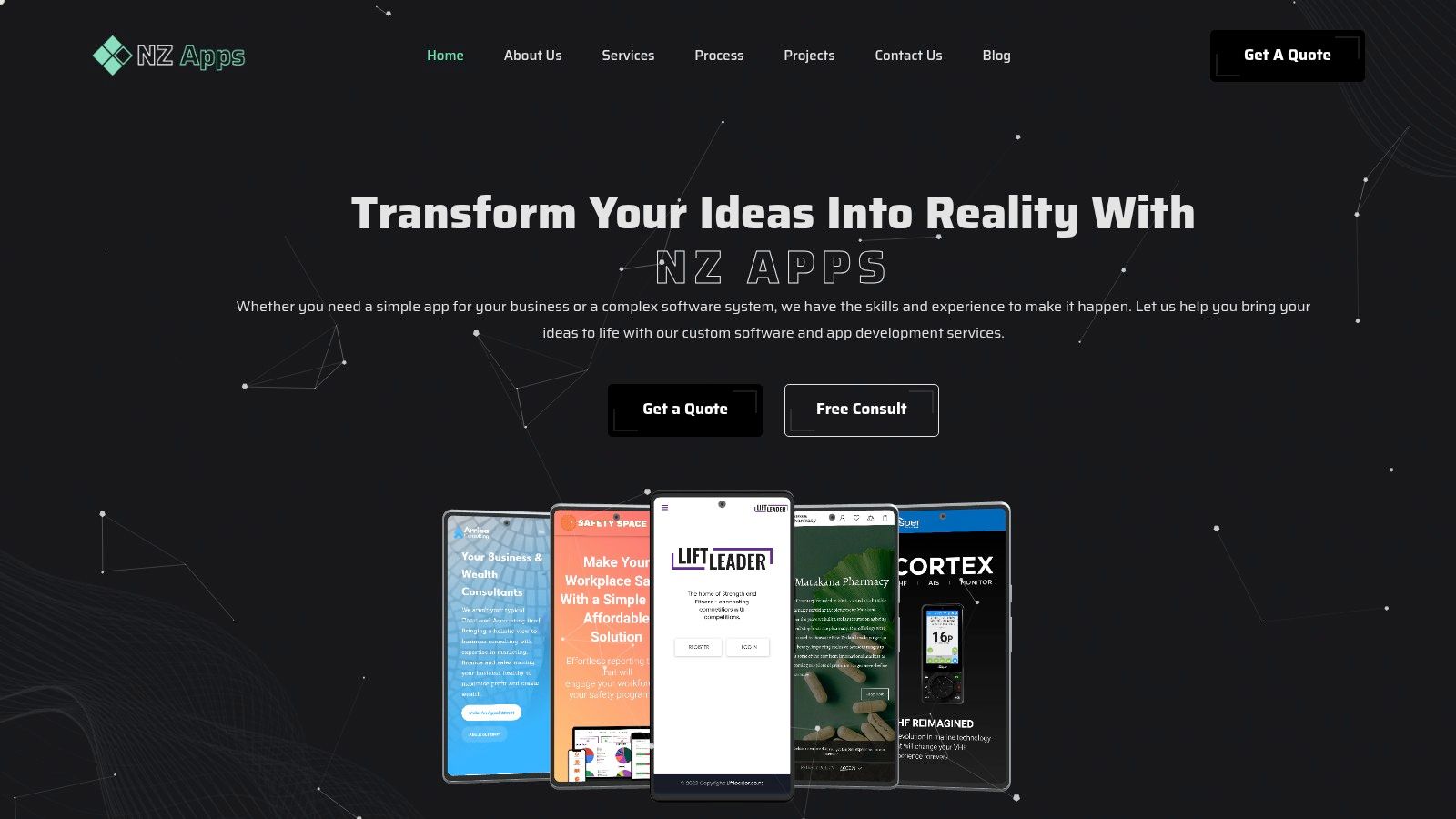
NZ Apps isn't just about the tech stuff; they mix serious developer expertise with a genuine understanding of business. Their portfolio shows this clearly, with projects like LiftLeader and Vesper that are responsive, high-performing web apps delivering real results. They’re especially good at building hybrid cross-platform mobile apps—which is a smart, cost-effective way to get your product onto both iOS and Android phones without building two separate applications from scratch.
Here’s a quick rundown of what makes them a compelling choice:
You won’t find a price list on their website, which might seem a bit odd at first. But here’s the thing: it’s intentional. NZ Apps prefers a chat first. They encourage you to book a free consultation to talk about your project's scope, goals, and technical needs. After that, they provide a detailed, custom quote. This way, you get a clear picture of the costs and timeline before you commit to anything, ensuring there are no nasty surprises down the line. While they don't feature a ton of third-party testimonials on their site, their strong portfolio and focus on client satisfaction speak for themselves.
Okay, let's move on. When you first type "web designer near me" into a search bar, what pops up? Most likely, Google Maps. It’s the digital version of walking down your local high street, but for professional services. This platform is brilliant for giving you an instant, geographically sorted look at web design agencies and freelancers in your immediate area, whether you're in Auckland, Christchurch, or a smaller town. It’s a powerful first step for building a local shortlist.
The real magic of Google Maps is its rich, user-generated data. Each business profile is like a mini-dossier, packed with essential details. You can instantly see star ratings, read detailed customer reviews, browse portfolio photos, and find direct links to their websites and phone numbers. It’s all right there in one tidy, easy-to-scan interface.
Of course, a high ranking on Maps doesn't automatically mean a designer is the best fit for your project. Some agencies are just better at marketing themselves online. Understanding the basics of dominating local maps SEO can help you better read between the lines of the search results.
Pros:
Cons:
Ultimately, Google Maps is an unbeatable tool for that first look around. For a more detailed guide on finding the right local web designer, check out our thoughts on how to find a web designer near me in New Zealand.
Website: https://www.google.com/maps
Now for a true Kiwi classic. A household name in New Zealand for decades, Yellow has successfully moved from the hefty phonebook on your doorstep to a solid online business directory. When you’re looking to find a "web designer near me," especially smaller, local studios that might not have a massive advertising budget, Yellow is a fantastic resource. It’s the digital version of flipping through the trusted local guide, offering a simple way to discover web design professionals in your specific town or city, from Auckland to Dunedin.

The platform’s strength is its deep-rooted local focus. Unlike massive international freelance sites, Yellow is all about connecting Kiwis with Kiwi businesses. You’ll find listings for "Web Site Development" and related services, complete with business pages that often detail hours, services, and the specific regions they cover. It's a direct line to local talent.
Of course, just being listed on Yellow doesn't tell the whole story. A strong presence on a local directory is just one part of a company's digital footprint. Knowing a little about local SEO for small businesses in NZ can give you a better idea of how these designers market themselves and their clients.
Pros:
Cons:
Yellow is a brilliant, no-fuss starting point for building a list of truly local web designers. It’s all about direct discovery, not a managed hiring process.
Website: https://yellow.co.nz
Right, from the very local to the global-but-local. If you want to cast a wider net while still keeping things close to home, Upwork is a global freelance marketplace with powerful filtering tools. It’s a structured platform where you can post a job for a "web designer near me" and have qualified professionals from all over New Zealand—and the world, if you like—bid on your project. It’s less like strolling down the street and more like opening a digital directory that has built-in tools for hiring, managing, and paying people.
Upwork’s main advantage is its complete project management system. It’s not just for finding someone; it's a full hiring solution. You can review detailed profiles, check verified work histories, and read client feedback all in one spot. The platform handles contracts, provides escrow payment protection, and even offers time-tracking software for hourly jobs, giving you a high degree of security and oversight.
Upwork is a fantastic tool, especially if your business is looking to find the right website developers for small business with a secure, managed process. Just remember, you're not just hiring a person; you're also using a platform with its own set of rules.
Pros:
Cons:
Upwork is ideal for those who value security and a structured hiring framework over the more informal nature of a direct-to-freelancer approach.
Website: https://www.upwork.com/hire/web-designers/nz/
Moving on, let's talk about Fiverr. While not strictly a "local" platform, Fiverr has become a go-to for finding a web designer who feels near you because of its speed and directness. It’s a global marketplace that works on a gig-based model, where designers from across New Zealand and the world package their services into fixed-price offerings. This is fantastic for small, clearly defined projects like a new landing page, a WordPress blog setup, or a quick Shopify tweak.
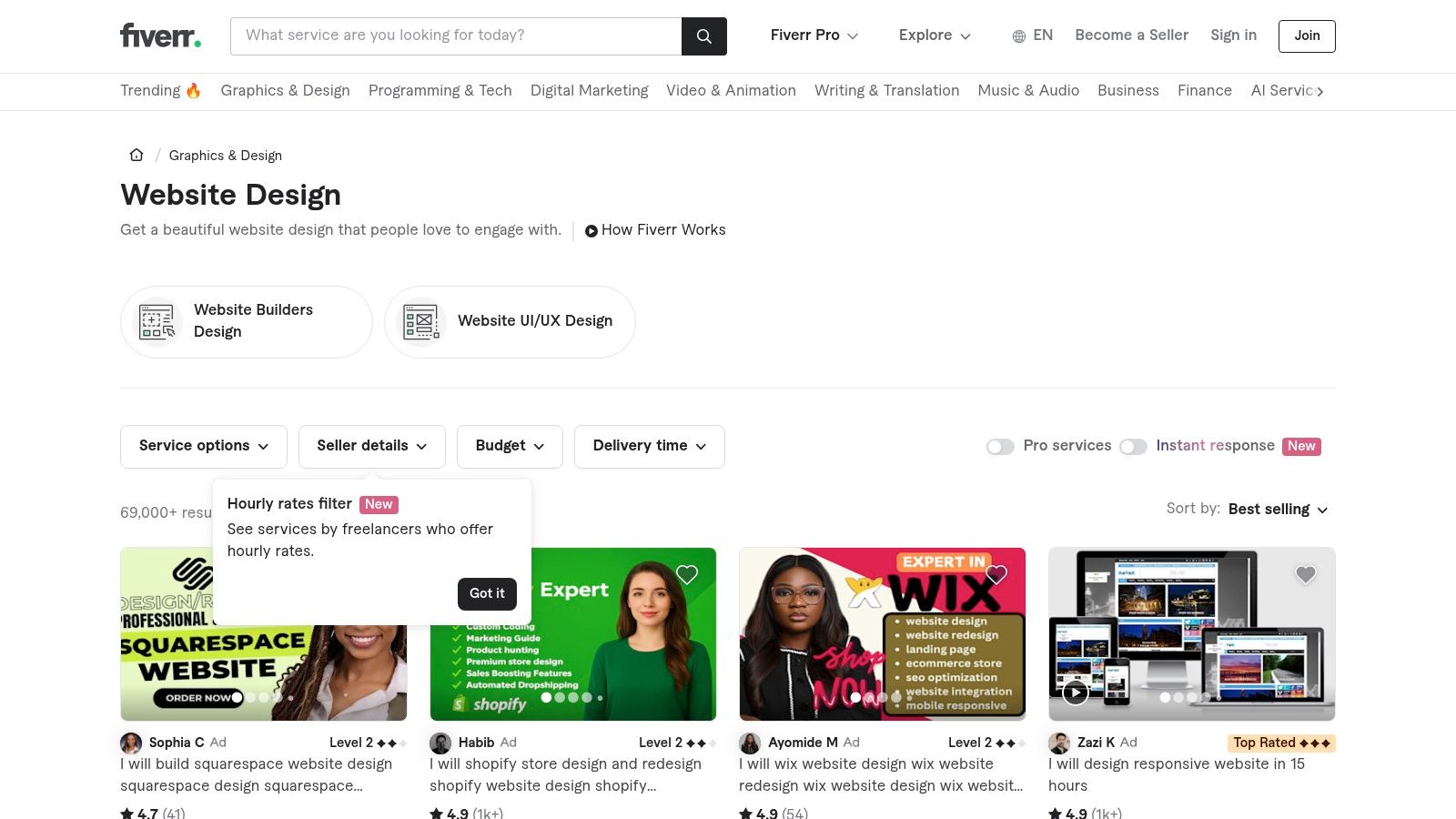
The real strength of Fiverr is its transparency. You know exactly what you're getting, how long it will take, and what it will cost before you even send a message. This gig-based system removes the guesswork that often comes with quoting, making it a powerful tool for businesses on a tight budget or with a very specific, one-off task. You know what? It’s like ordering from a menu rather than commissioning a custom-catered event.
Pros:
Cons:
Fiverr is an excellent resource for getting specific web design tasks done quickly and affordably. Just be ready to spend some time finding the right talent among the huge selection.
Website: https://www.fiverr.com/categories/graphics-design/website-design
Alright, what if you're looking for an established web agency rather than a solo freelancer? This is where Clutch comes in. Think of it as a research-driven B2B directory, specifically designed to help businesses find, check out, and compare professional service providers. It's especially useful when you need to find a credible "web designer near me" in Auckland or Christchurch and want to see more than just a star rating. Clutch digs deeper, offering a more formal, data-rich place for making a big business decision.
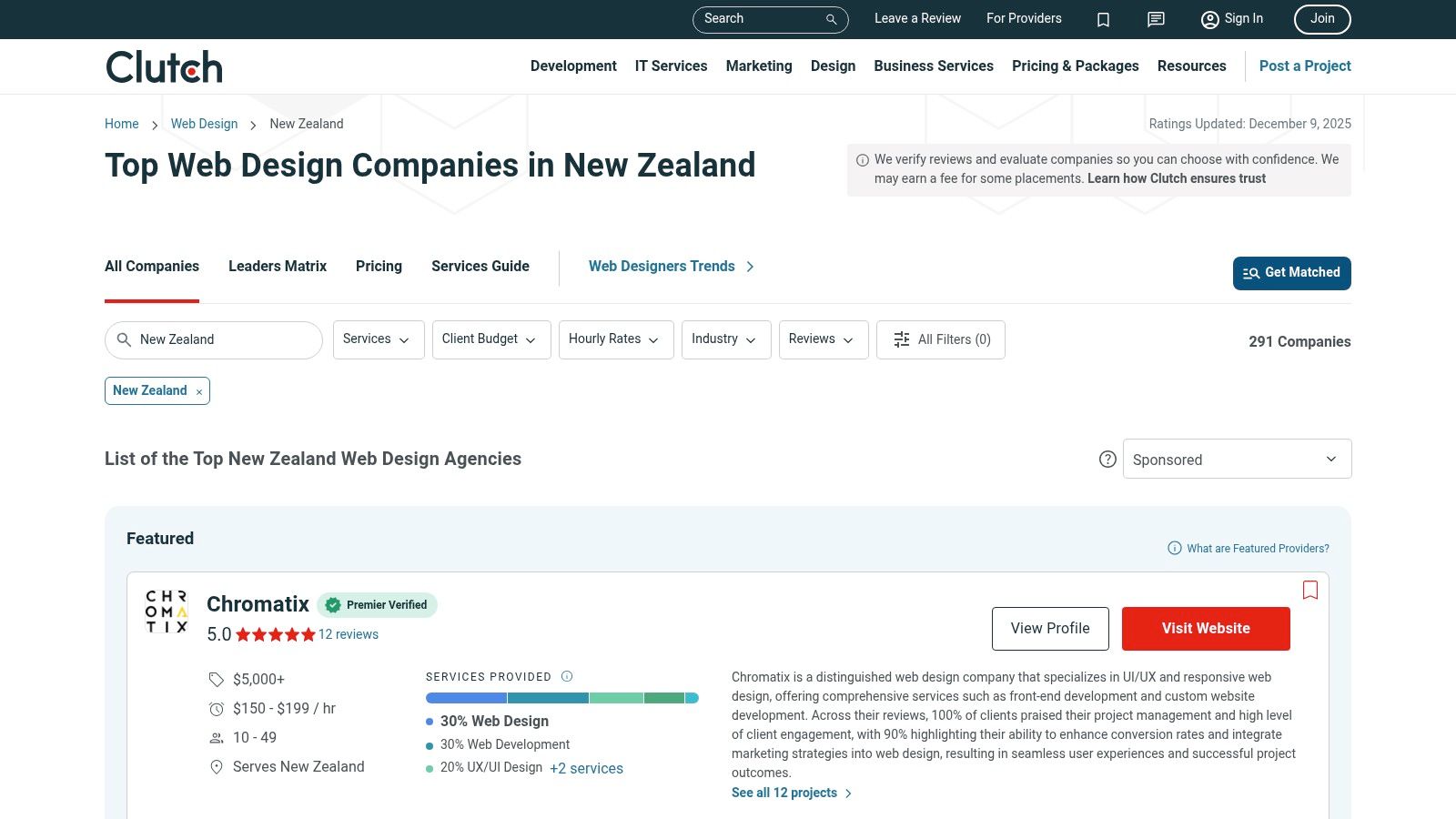
The real power of Clutch is its focus on verified, in-depth client reviews. They often conduct phone interviews with a provider's past clients to get detailed, unbiased feedback on project management, quality, and results. This process creates a layer of trust that you won't find on many other platforms, helping you sort the real contenders from the pretenders.
Of course, it's good to remember that some agencies on Clutch pay for premium placements, which can affect their visibility. So, while it's a fantastic tool, it’s always wise to look beyond the first few results.
Pros:
Cons:
Clutch is a powerful resource for businesses that are serious about finding a vetted, professional web design partner in New Zealand.
Website: https://clutch.co/nz/web-designers
Last but not least, we have Bark. If you're short on time and want to cast a wide net, Bark works a bit like a reverse job board. Instead of you searching for a "web designer near me," you post your project needs, and interested local professionals come to you with quotes. It’s designed to save you the initial legwork of reaching out by turning the tables. This makes it a handy option for getting multiple proposals from Kiwi designers without endless searching.
Here's the thing about how it works: you fill out a detailed form about your project—your goals, budget, and specific requirements. Bark then sends this brief to its network of web designers in your area, whether you're in Auckland or a smaller region. The designers who are interested then pay to send you their quote. This model is efficient, but it's important to remember the dynamic at play.
The main appeal is speed and convenience. You post once and get multiple data points to compare. However, because providers pay to respond, you're only hearing from those willing to invest in the lead, not necessarily every available local designer.
Pros:
Cons:
Bark is a great tool for quickly checking out the market and getting a feel for what different designers might charge. Just be prepared to do your own homework on the quotes you receive.
Website: https://www.bark.com/en/nz/web-design/
| Item | 🔄 Implementation complexity | ⚡ Resource & speed | ⭐📊 Expected outcomes | 💡 Ideal use cases | ⭐ Key advantages |
|---|---|---|---|---|---|
| NZ Apps | 🔄 Moderate — custom end‑to‑end product workflows | ⚡ Medium‑high resources and timeline for bespoke builds | ⭐📊 High — production‑ready web/mobile + NZ SEO and measurable results | 💡 NZ SMBs/startups wanting one local partner from idea to launch | ⭐ Local NZ market expertise; end‑to‑end accountability; cross‑platform apps |
| Google Maps | 🔄 Low — discovery/search only | ⚡ Low resources; near‑instant shortlist creation | ⭐📊 Variable — good for candidate discovery, not project delivery | 💡 Quickly find nearby designers/agencies and read reviews | ⭐ Broad NZ coverage; free; high review volume |
| Yellow (Yellow® NZ) | 🔄 Low — directory lookup and direct contact | ⚡ Low resources; manual outreach required | ⭐📊 Variable — useful for finding smaller local providers | 💡 Locate local studios/freelancers by town or category | ⭐ NZ‑specific directory familiar to local customers |
| Upwork | 🔄 Medium — platform hiring, contracts, time tracking | ⚡ Medium resources; platform fees; structured process | ⭐📊 High — structured hiring with escrow, verified histories | 💡 Hiring remote freelancers with contract/time protections | ⭐ Escrow/milestones, time tracking, dispute support |
| Fiverr | 🔄 Low — buy fixed‑scope gigs | ⚡ Low resources; fast turnaround for small scopes | ⭐📊 Variable — good for small sites/prototypes; quality varies | 💡 Rapid prototypes, landing pages, templated builds | ⭐ Transparent fixed pricing; quick delivery for defined tasks |
| Clutch | 🔄 Low‑Medium — research and shortlisting of agencies | ⚡ Medium resources; agency budgets and longer engagements | ⭐📊 High — vetted agencies, case studies and credible matches | 💡 Selecting established agencies for larger or strategic projects | ⭐ Emphasis on verified reviews and detailed company profiles |
| Bark | 🔄 Low — submit brief and receive matching quotes | ⚡ Low for requester; fast quote aggregation but vetting needed | ⭐📊 Variable — multiple local quotes quickly, quality varies | 💡 Collect several local quotes without doing outreach yourself | ⭐ Quick local quote matching; free to request quotes |
So, you've made it through the list. Phew. We've covered everything from local Kiwi directories like Yellow to global talent marketplaces like Upwork and Clutch. It’s a lot to take in, isn't it? The sheer number of options for finding a "web designer near me" can feel a bit much, especially when you just want a great website without the headache.
But here’s the thing: all that choice is actually a good thing. It means the perfect partner for your project is definitely out there. The trick is to stop thinking about which tool is "best" and start thinking about which one is best for you.
Before you send a single email or post a single job, grab a coffee and ask yourself a few honest questions. Getting clear on these points will instantly narrow down your search and make your decision a whole lot easier.
Your choice of a web designer is only part of the equation. A beautiful site is useless if it’s slow, insecure, or constantly crashing. Your designer will likely have recommendations for hosting, but understanding the basics yourself is a massive advantage. It helps you ask smarter questions about performance, security, and scalability. For a deeper dive, this technical guide on how to choose a web hosting provider is an excellent resource to get you up to speed.
Ultimately, finding the right web designer is a lot like dating. You’re looking for chemistry, shared goals, and good communication. The portfolios and reviews get you in the door, but a genuine conversation is where you’ll discover if it’s a match. Don't be afraid to trust your gut.
Ready to skip the endless searching and talk to a local expert who gets it? As a New Zealand-based team, NZ Apps specialises in creating beautiful, high-performing websites and custom apps for Kiwi businesses. Let's have a no-pressure chat about your project and see if we're the right fit to bring your vision to life.