
Which mobile app development tool should you build with? Ask ten developers and you'll get ten confident answers, and most of them will be wrong for your project.
That's not carelessness. "Best" depends on who's building, what you're shipping, and who has to keep the thing alive in eighteen months. A two-person startup testing a marketplace idea has nothing in common with a bank shipping a payments feature to a million customers.
So this list is grouped by build scenario, not by hype. First the code-first cross-platform frameworks: Flutter, React Native, Expo, Ionic and .NET MAUI. Then the native IDEs, still where the hard problems get solved: Android Studio and Xcode. Then the visual builders, FlutterFlow and Adalo. Unity closes it out, because real-time graphics are their own world.
Jump to whichever group matches your situation. If you haven't settled whether you need a native app at all, read this primer on choosing between native and web apps before you read a single tool entry.
One promise before we start. Every entry ends with who should skip it, because that's the part most roundups leave out, and it's the part that saves you six months.
Flutter is Google's open-source framework for building iOS, Android, web and desktop apps from one Dart codebase. It's free for commercial use, and it draws its own interface rather than borrowing the platform's widgets.
A Flutter project looks much like this in the editor.
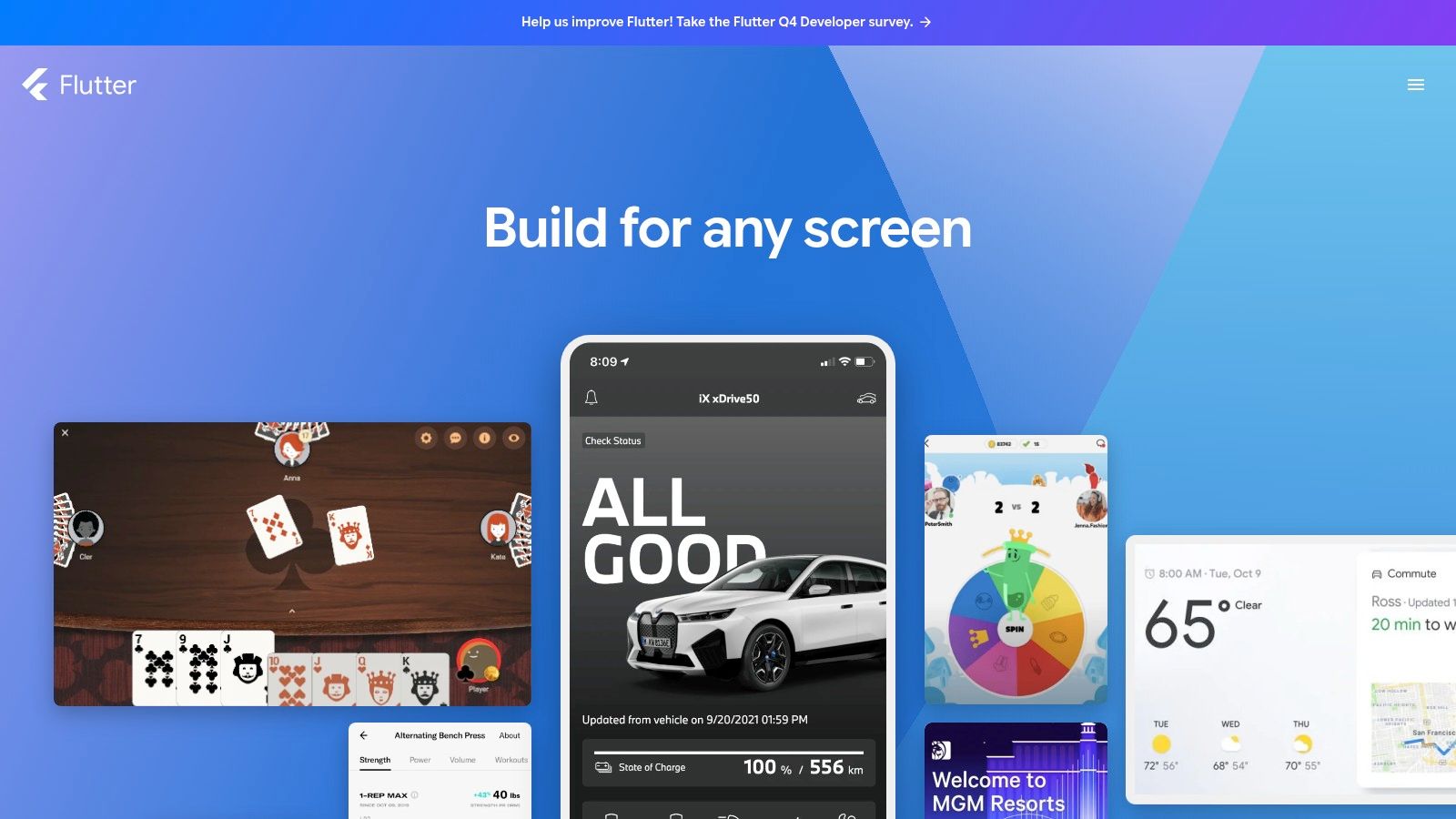
That self-rendering approach is the whole argument. Your design holds together across both stores, animation stays tight, and hot reload keeps interface work quick. The widget library is broad enough that most screens become assembly rather than invention.
Consistency matters more here than people assume. A 2015 national survey put smartphone penetration at 70% of New Zealanders, with 91% of smartphone users on the device every day and business or banking apps used by 69% (report on the survey). Apps people open daily get judged on feel, and Flutter hands you control of that feel.
Two places. Dart is a compact language, but it's still another hire, and the pool in Auckland or Christchurch is thinner than the JavaScript one. Then there's the plugin layer. Anything touching the camera, Bluetooth, background location or a platform-specific payments flow probably comes from a third-party package, so check the last commit date, the open issue count and whether it supports the current Flutter release before you build a feature on top of it.
Skip Flutter if your team is a JavaScript shop on a deadline, or your app is thin screens over an API and you don't need pixel-level control.
For a JavaScript or React team, React Native is the least disruptive way into mobile. You write React, and the framework renders real native components, so the result looks like a platform app rather than a website in a wrapper.
Shipping to both stores is normal in New Zealand rather than ambitious. 42matters counts 51% of New Zealand mobile app publishers releasing on both Google Play and the App Store in 2025 (42matters NZ app market statistics). If you're in that half, a shared codebase earns its keep fast.
The framework's own guidance now points new projects at a React Native framework, meaning Expo, with custom native code added only where it's needed. That sequence keeps setup short. There's a fuller walkthrough in this guide to cross-platform mobile app development.
Where it hurts is native dependencies. Every React Native upgrade drags a chain of libraries with it, and one package nobody has touched in a year will hold up the whole release. Budget a day a quarter for upgrades even when you ship nothing new.
Honest verdict, skip React Native for heavy graphics, real-time video processing, or any app where every frame of scroll performance gets scrutinised. Native code wins those arguments.
Expo is React Native with the tedious parts pre-assembled: file-based routing, a standard library of native modules, and Expo Application Services for cloud builds, store submissions and over-the-air updates.
The value lands in the plumbing. Most production apps end up needing the same unglamorous set of services: authentication, push notifications, analytics, crash reporting. Wiring those into a bare React Native project means picking libraries, linking native code and hoping the versions agree. Expo ships much of that as a config line or a maintained module, so the boring third of your app stops eating your sprint.
EAS Build compiles iOS in the cloud, which means a Windows-only team can reach the App Store without buying a Mac. Signing still needs an Apple developer account, and somebody has to own the certificates. Paid plans and usage charges also creep up once your build minutes grow, so watch that line item.
Over-the-air updates deserve a mention too. Pushing a JS fix without waiting on store review is useful, right up until you ship something that changes native behaviour and the review team asks questions. Treat OTA as a hotfix channel, not a release strategy.
Practical rule: keep a plain React Native workflow available. When a config plugin fights you at 11pm before a release, being able to drop to native code is what gets the build out.
Skip Expo if your app leans on unusual native SDKs, such as a specialist Bluetooth stack or an obscure payment terminal, and nobody on the team wants to maintain config plugins.
What if your web team could ship a mobile app next quarter? That's the pitch Ionic has made for years, and it holds up better than sceptics admit. You write HTML, CSS and JavaScript with Angular, React or Vue, use mobile-styled components, and reach device features through plugins. The core toolkit is MIT licensed.
The trade-off is real, though. Your interface runs in a web view, and users notice in small ways: scroll momentum, gesture response, the moment a long list starts to drag. Early hybrid frameworks earned a rough reputation on exactly this point, and while Ionic's rendering has come a long way, the ceiling is still set by the browser engine underneath.
Two friction points deserve planning time. First, plugins. The bridge between your web code and device hardware runs on community-maintained packages, and a camera or Bluetooth plugin that lags an OS release becomes your problem on release day. Second, iOS. Web code or not, App Store builds still want a Mac and Apple's signing toolchain, so a Windows-only shop needs a cloud build service or a machine borrowed for release week.
Read the native vs hybrid comparison before committing, and be honest about whether your screens are content or interaction. Content survives a web view. Interaction suffers.
Skip Ionic if your app is gesture-heavy, animation-led, or competing on polish against native competitors.
Microsoft's entry is .NET MAUI, a cross-platform UI framework using C# and XAML that targets Android, iOS, macOS and Windows from a single project. Framework and SDK are free and open source.
If your backend already runs on .NET, MAUI is the shortest path to a mobile client. Shared models, shared validation, shared business logic, and desktop support thrown in almost free. Teams with a decade of C# behind them shouldn't throw that away for novelty.
The constraint is people, not code. A 2025 skills survey found 51% of organisations expected technology recruitment to increase over the next 12 months, with development and cloud infrastructure among the strongest demand areas (Tech NZ jobs market report). Hiring a C# mobile specialist in Wellington is a narrower search than hiring a JavaScript developer. That's a commercial risk, and it belongs in your decision.
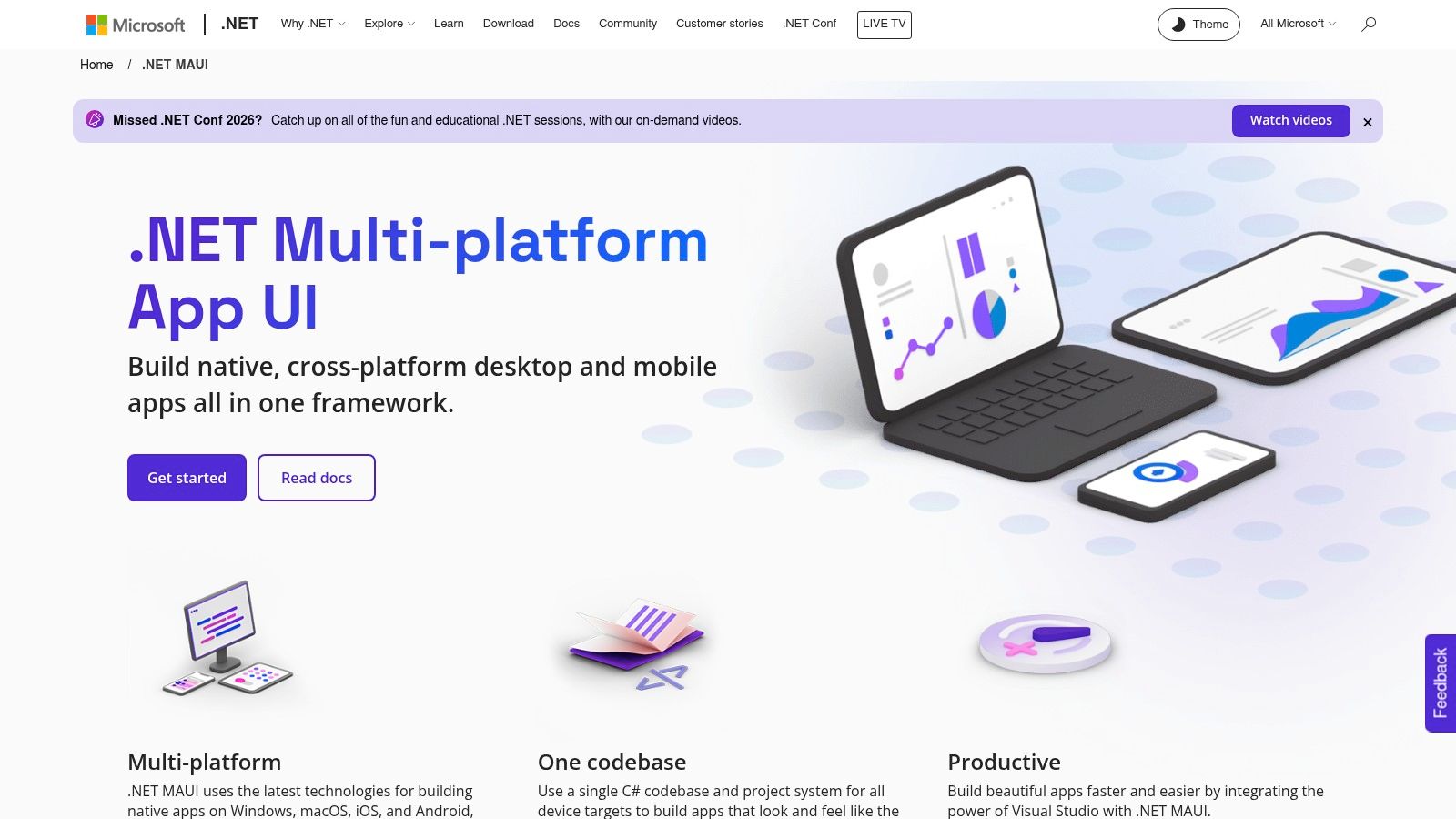
Mac requirement: iOS builds need a networked Mac running Apple's tooling. There's no way around it, and teams forget to budget for it.
Skip MAUI if you have no .NET estate, no C# developers, and no reason to start one.
Android Studio is Google's official IDE for Android, and it's the one tool here worth installing even if you never write a Kotlin app. Code editing, emulators, SDK management, Compose previews, profiling and APK analysis live in a single window, on Windows, macOS, Linux or ChromeOS.
For native Android work it's the default for good reason. The layout inspector shows what the running app is doing, the profiler tells you which frame is slow, and the APK analyser shows what's inflating your download.
A typical project workspace looks like this.
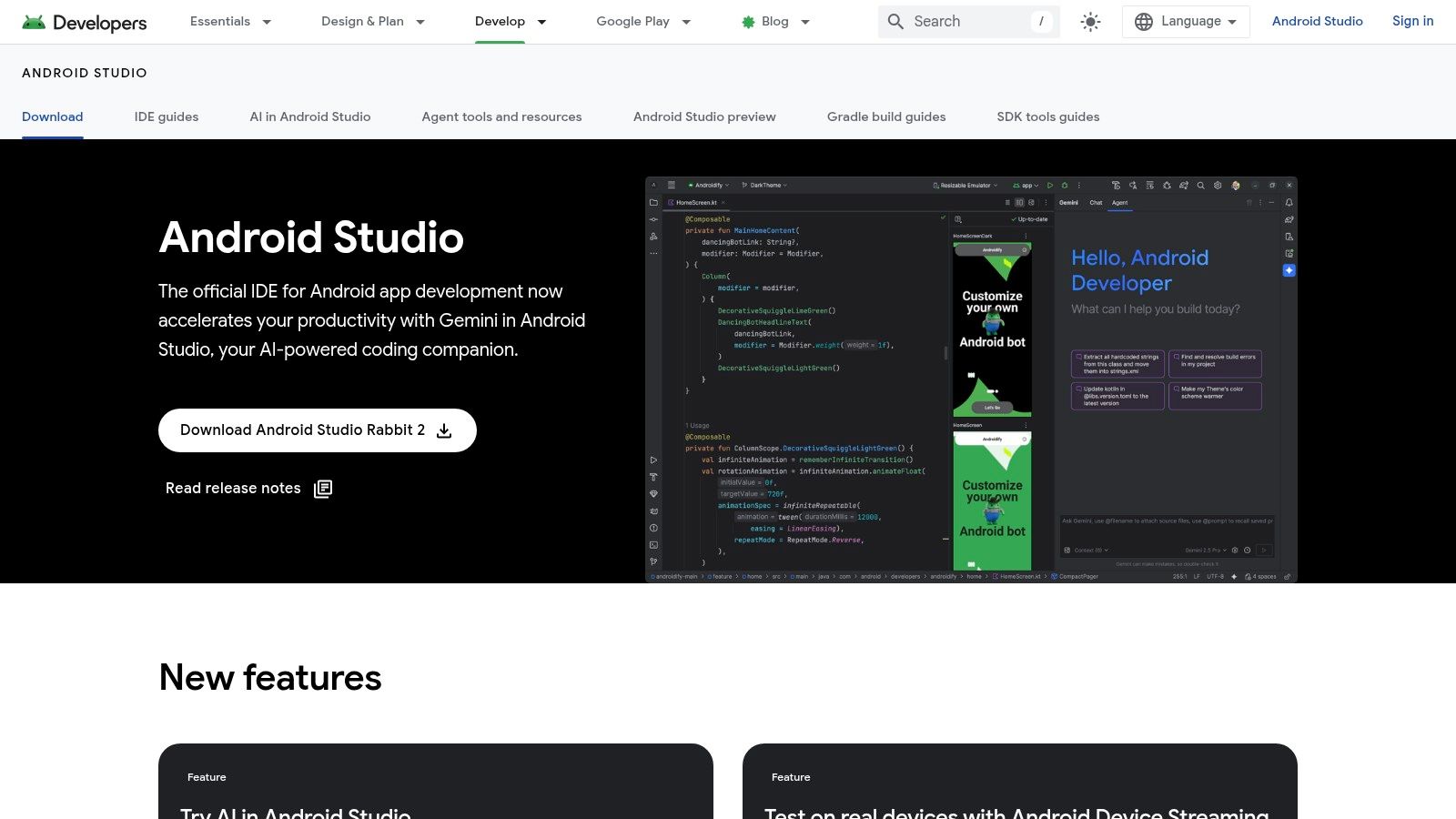
The cost is weight. A full install with two emulators eats disk and RAM, and Kotlin, Gradle and the Android APIs are three learning curves stacked on each other.
Here's a habit worth stealing. Even on Flutter or React Native projects, keep Android Studio installed. When an Android build fails with a Gradle error, opening the android folder and letting it sync usually beats reading the stack trace. If you're starting from a clean machine, this mobile app development environment guide covers the install order.
Skip Android Studio if you're iOS-only, or you're a founder who wants to see a prototype rather than manage an SDK.
No Mac, no Xcode. That single rule shapes more New Zealand build decisions than any framework comparison, and it's worth saying plainly before anything else.
Xcode is Apple's IDE for building, testing and submitting apps across iOS, iPadOS, macOS, watchOS and tvOS. It's free from the Mac App Store, Swift and SwiftUI are pleasant to work in, and Instruments finds the memory leaks and dropped frames that cross-platform profilers gloss over. When a Flutter app stutters only on iPhone, it holds the answer.
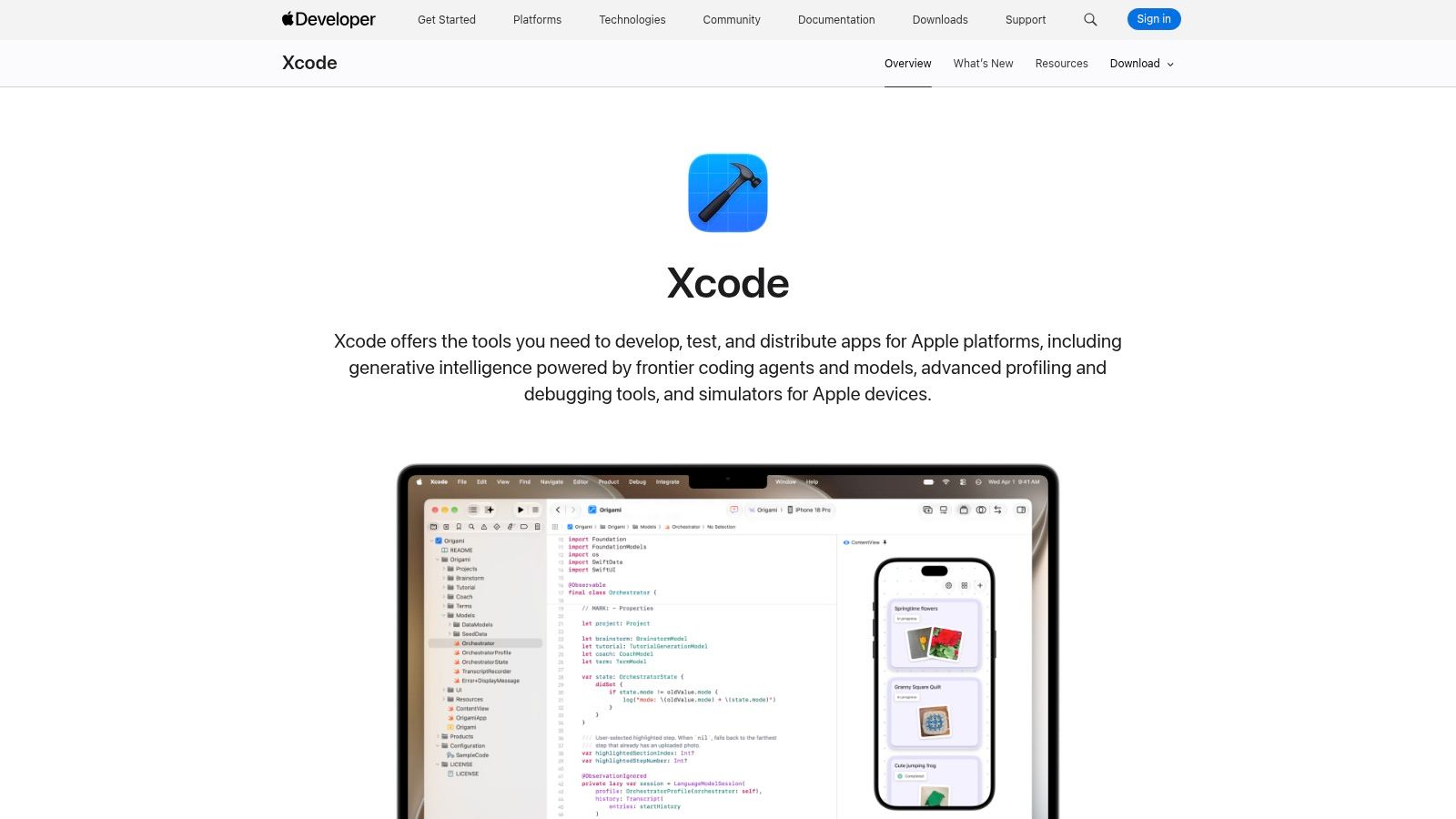
Simulators are fast, previews are useful, and signing is still the worst part of the job. Provisioning profiles and certificates break at the worst possible moment, usually the day before a client demo. Keep one person accountable for them.
Skip Xcode if your product is Android-first with no iOS roadmap. Cross-platform teams can't skip it entirely, because App Store submission runs through Apple's tooling whether you like it or not.
FlutterFlow builds on Flutter, but you drag screens together instead of typing Dart. Templates, API connections and database integrations get you to a working build fast, and paid plans include source-code export.
That export route is what separates it from older no-code tools. You're renting speed rather than signing a lifetime lease. It's worth mapping the wider low code vs no code AI options before deciding which kind of lock-in you can tolerate.
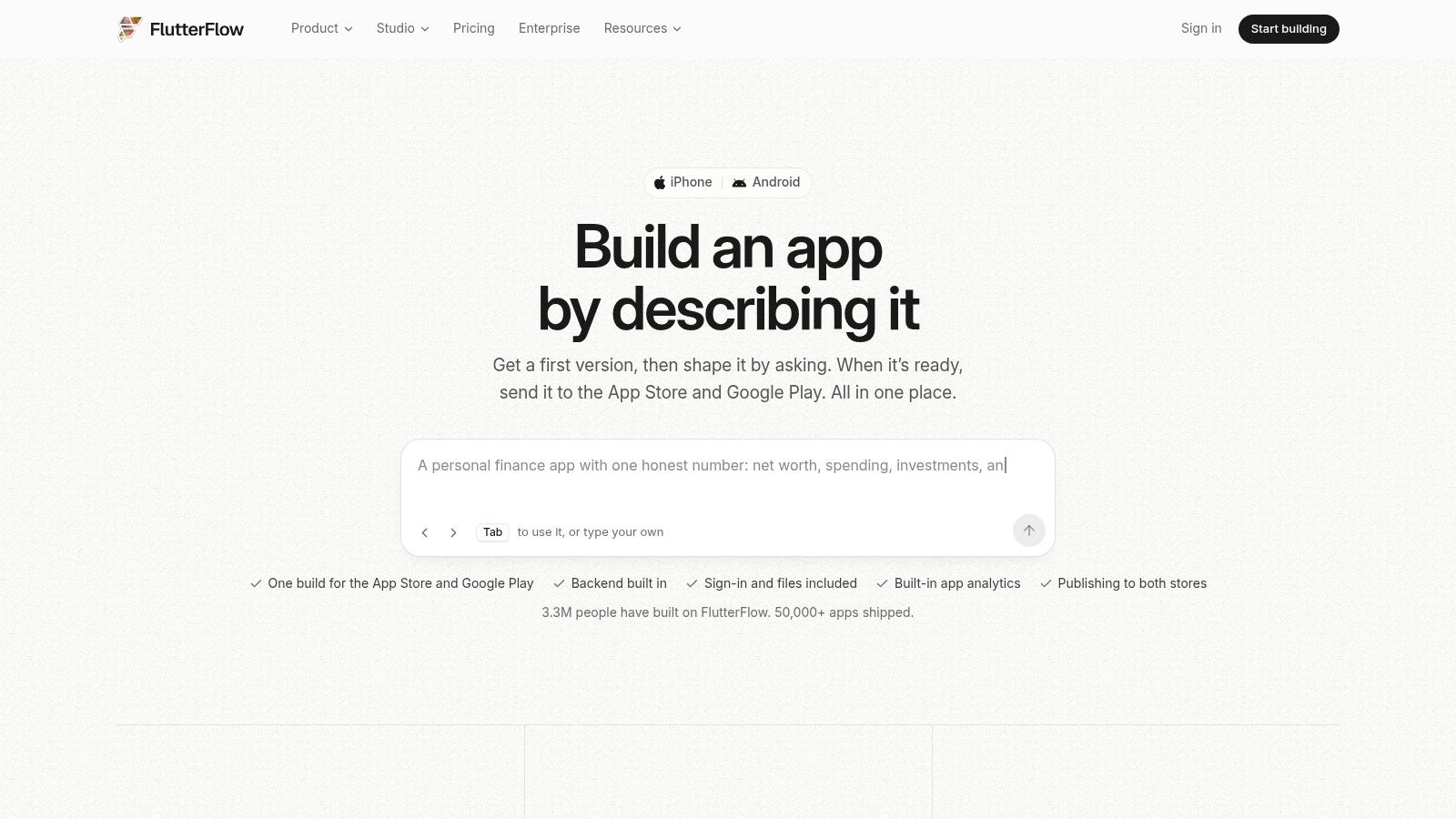
Security needs a mention, because speed is exactly what makes low-code risky. The NCSC's 2025 report found 53% of SMEs experienced a cyber threat between January and June 2025, up from 36% in 2024 (NCSC Cyber Threat Report 2025). A builder that wires up a third-party SDK in two clicks will also let you ship an unpatched one. Keep a written list of every plugin you've added and who keeps it current.
Skip FlutterFlow if your logic is unusual, your data model is complex, or you'll need Dart skills within six months anyway. Test the export early, not at handover.
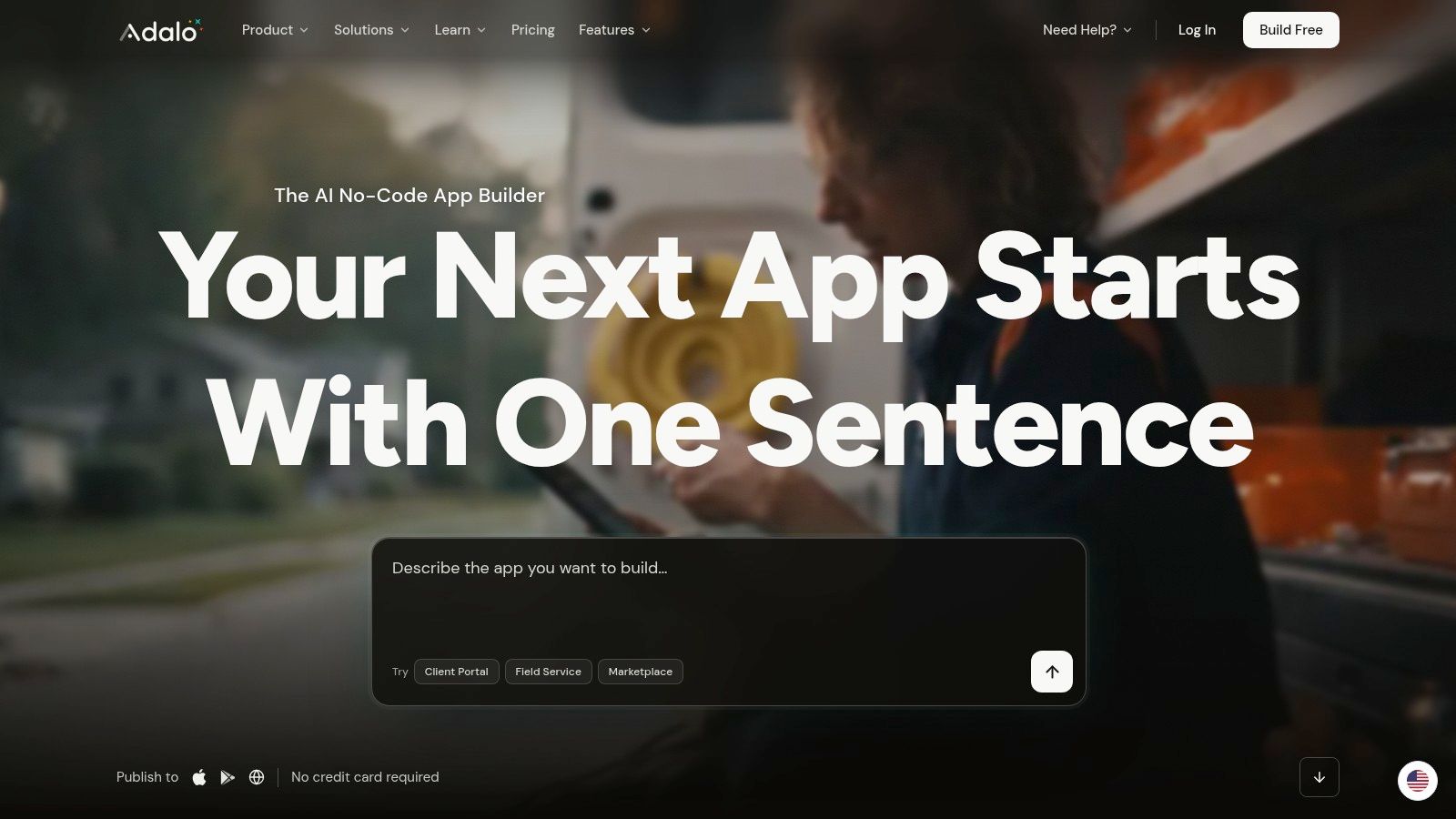
Adalo handles the "we need something on the store by Friday" problem. It's a visual builder for database-driven apps: design screens, define collections, connect them, publish. There's a free tier for building, publishing needs a paid plan, and pricing is flat rather than usage-based.
It's honest about what it is. Simple CRUD apps, internal tools and early validation fit neatly. Anything with unusual navigation, offline logic or hardware integration doesn't, and no amount of dragging will fix that.
There's a decent argument for shipping an app even when a web page would do. The Commerce Commission's mobile market study found 58% of surveyed consumers checked their mobile usage through an app, against 18% who used their provider's website and 16% who relied on a bill (Commerce Commission Mobile Market Study). If your alternative is a login portal, your customers are already somewhere else.
A data-driven app in the Adalo editor looks like this.
Skip Adalo if you expect to need custom logic, complex permissions or a migration within a year. Rebuild costs usually exceed what you saved.
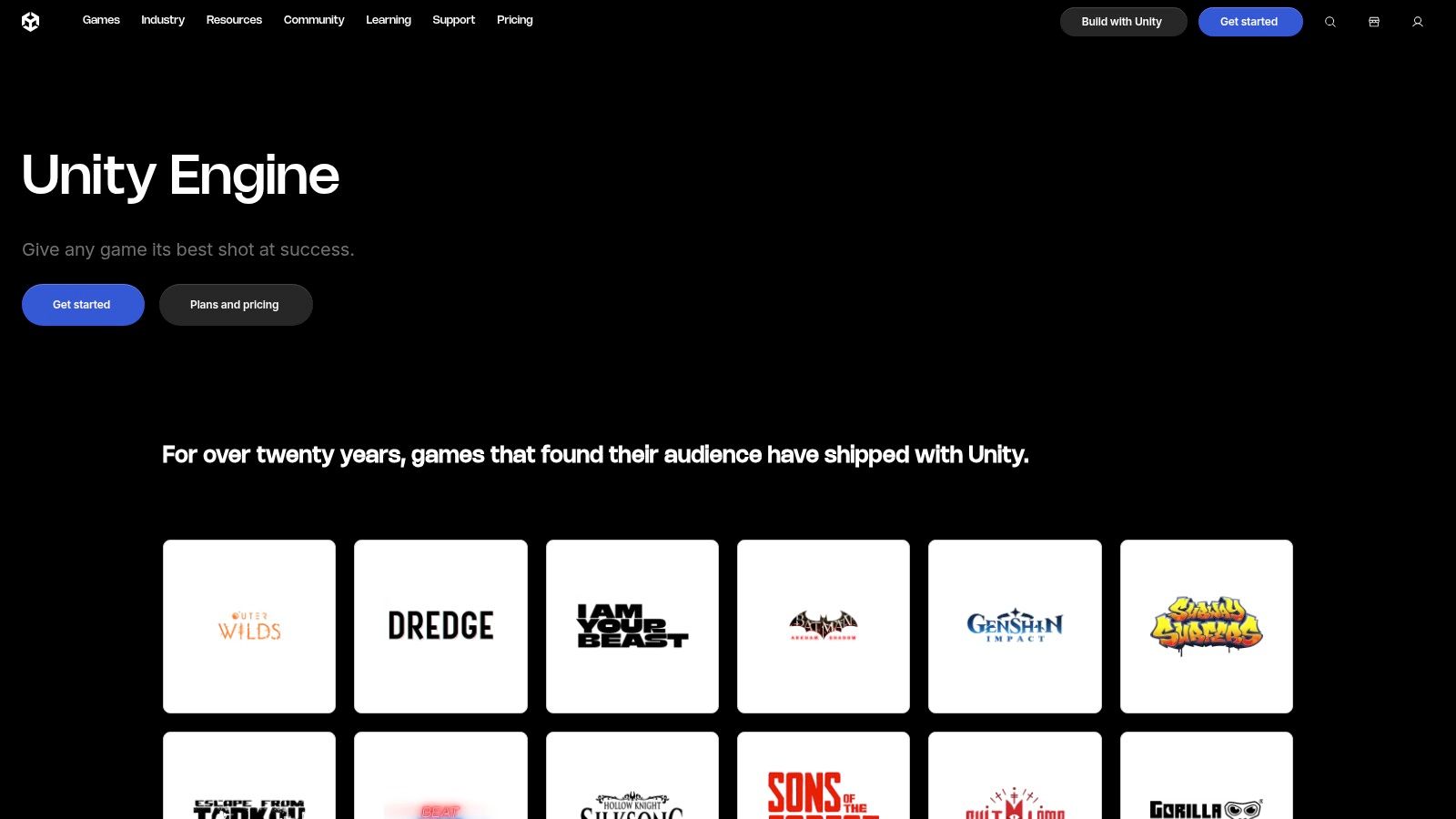
Unity isn't a business-app tool, and it doesn't pretend to be. It's a game engine for 2D and 3D content, and if your product is a game, a training simulation or an AR experience where real-time 3D is the point, nothing else here comes close for mobile delivery.
Eligible individuals and small organisations can use the free Personal plan, and the same project targets iOS, Android, desktop and console. The asset store and the sheer volume of tutorials shorten the graphics learning curve considerably.
I'd push back hard on the team that wants Unity for a booking app with a nice 3D logo. You'd pay for a rendering pipeline you never use, force ordinary form screens through a game loop, and inherit a build size that makes your download look like a game. The rebuild costs more than the original estimate, every time.
Skip Unity if your app is mostly lists, forms and API calls. Reach for it when the graphics are the product, not decoration.
| Tool | Type | Platforms | Cost to start | Best for |
|---|---|---|---|---|
| Flutter | Open-source app framework | iOS, Android, web, desktop | Free | Polished, consistent cross-platform apps |
| React Native | Open-source app framework | iOS, Android | Free | React teams building cross-platform mobile apps |
| Expo | React Native framework and toolset | iOS, Android | Free core; paid cloud services optional | Simplifying React Native setup and app workflows |
| Ionic | Open-source UI toolkit | iOS, Android, web | Free core; advanced services may cost extra | Web teams building mobile apps with familiar technologies |
| .NET MAUI | Open-source app framework | Android, iOS, macOS, Windows | Free | .NET teams sharing code across mobile and desktop |
| Android Studio | Integrated development environment | Android; available on Windows, macOS, Linux, ChromeOS | Free | Native Android development and testing |
| Xcode | Integrated development environment | Apple platforms | Free; requires a Mac | Native iOS development, testing, and distribution |
| FlutterFlow | Visual app builder | Mobile, web, desktop | Free tier; paid plans available | Rapid visual app building with Flutter code export |
| Adalo | No-code app builder | Native mobile, web | Free tier; paid plan required to publish | Prototyping straightforward database-driven apps |
| Unity | Game engine | iOS, Android, desktop, web, and other platforms | Free Personal plan for eligible creators | Mobile games and graphics-intensive experiences |
There's no winner, and anyone who names one is selling something. Match the tool to three things: what your team already knows, what the budget can absorb over three years, and how custom the app needs to be.
A short decision path, in the order you should consider it:
Weighing this against buying something off the shelf? The local software and IT services market reached NZ$14.49 billion in sales in 2023, up 28% on 2021, with the sector's share of nominal GDP rising from 3.4% to 3.7% (Stats NZ ICT supply survey). You're building inside a mature market, not a side project economy, and that shapes what you can hire and what customers expect.
Whatever you pick, plan your device testing before launch rather than after. This walkthrough on how to plan cross device testing covers the matrix properly.
Founders in New Zealand and Australia weighing build costs against off-the-shelf options can find practical local context and cost guides on NZ Apps, including an app development cost guide that's a sensible first read. If the build turns out bigger than expected, the NZ Apps directory is a good place to find local developers and tech companies across both countries.
Choosing the right stack is only half the job, and NZ Apps exists to help with the other half. The directory lists app companies, SaaS tools and AI startups across New Zealand and Australia, so you can compare local developers before you commit to a framework or a build partner. Head to NZ Apps to browse the directory and the practical guides for founders.
Add your NZ or Australian app or tech company to the NZ Apps directory and get discovered by founders and operators across the region.
Get ListedReach tech decision-makers across New Zealand and Australia. Sponsored and dofollow editorial links, permanent featured listings, and sponsored articles on a DA30+ .co.nz domain.
See Options